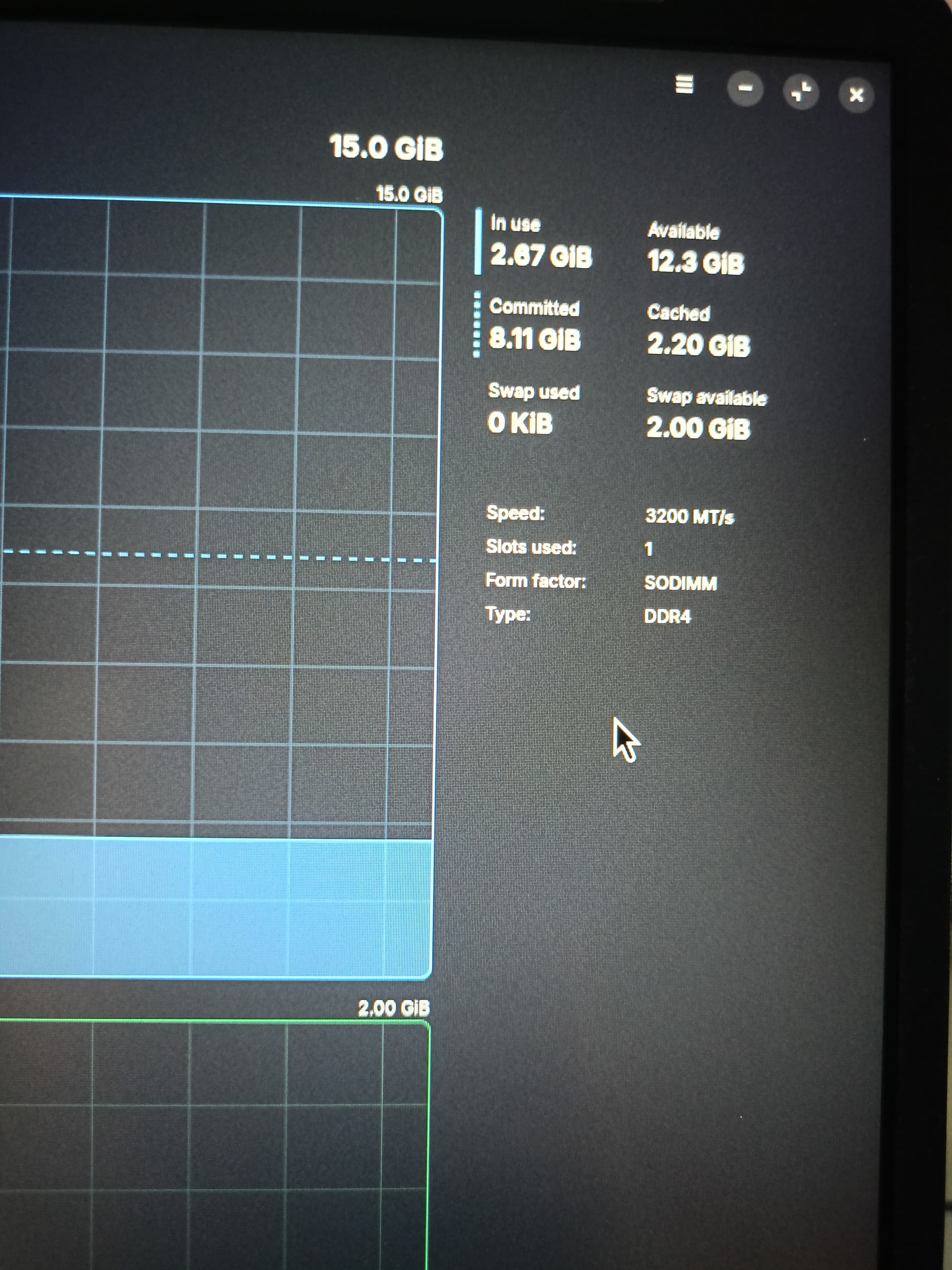
Can someone Explain why suddenly my zorin os commits to much ram?

Hello linux users,

My specs:
Acer aspire 3 backlit
Amd Ryzen 5 7430u
16gb ram
512gb rom
Zorin os 18.1 core

My question is when I open 10 brave tabs
(All tab has wps.com opened)
Commited ram goes up to 20gb

Also for comparison when I open vscode (with welcome screen nothing else) it commited ram goes up to 12gb
While idle Ram is 3.1gb (which is pretty normal ig)

So its normal like commited ram goes up to 20gb ram? Or i should worry about
I know its not physically Ram usage

But still asking

Never experienced this btw
Not this much commited ram
Recently

Also in idle, commited ram is around 6gb (which i think it is normal..)

Anyways I will appreciate your time if you explain or suggest anything

Thanks.
What do You mean with ''its not physically Ram usage''? Is it using Swap?

WPS is Office when I'm not wrong. 10 Tabs ... Depending what happens in these Tab's maybe not too far off Reality.

3 Gig's could be normal depending on what runs. 6 is a bit much, maybe with certain Background Services. But it is a bit much in my Opinion.

You could open the System Monitor and check the Process Tab for the RAM Usage. that would be a first Step. So, You might be able to detect the Sources.

I mean Commited RAM

That should be RAM that is ''saved'' for Processes. It isn't directly in Use but when it is needed, it is available. A bit like a Reservation if You want so.

3 Likes