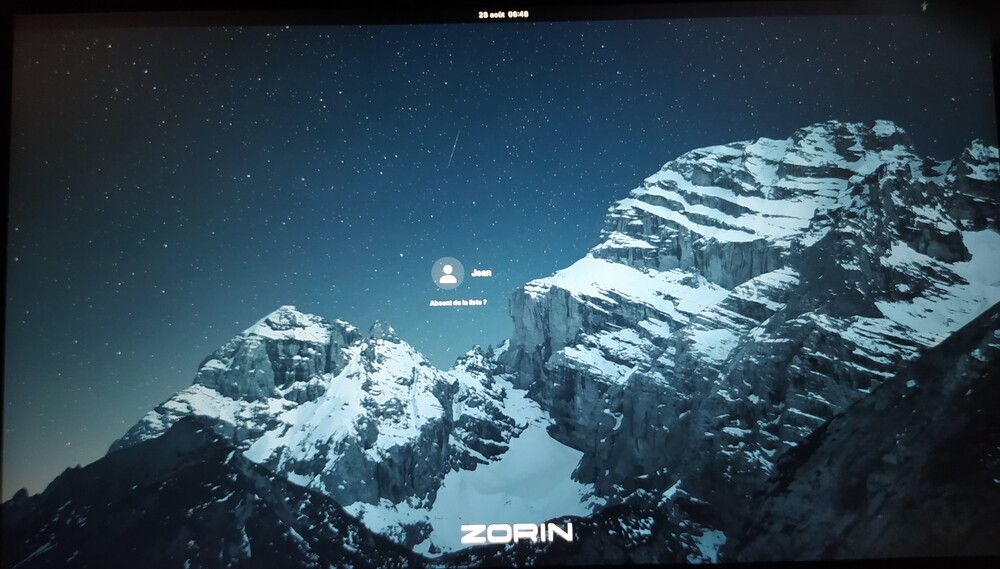
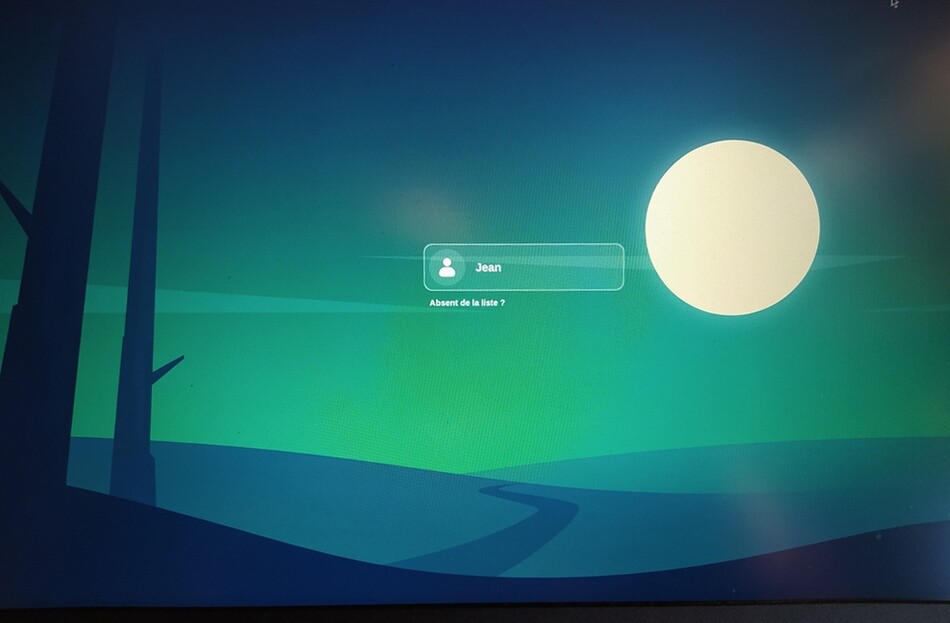
Before I decided to tackle this problem myself, we recommended the 'LightDM' solution on our French-language amateur forum, zorinos.fr.
Despite my best efforts, I made some mistakes in the above code. 
As I can no longer edit my tutorial, here are the two corrected codes:
3. Create a “gnome-shell/gnome-shell-theme.gresource.xml” file
echo "<?xml version="1.0" encoding="UTF-8"?>
<gresources>
  <gresource prefix=\"/org/gnome/shell/theme\">
    <file>assets/activities-dark.svg</file>
    <file>assets/activities.svg</file>
    <file>assets/calendar-event-dark.svg</file>
    <file>assets/calendar-event-today-dark.svg</file>
    <file>assets/calendar-event-today.svg</file>
    <file>assets/calendar-event.svg</file>
    <file>assets/checkbox-dark.svg</file>
    <file>assets/checkbox-focused-dark.svg</file>
    <file>assets/checkbox-focused.svg</file>
    <file>assets/checkbox-off-dark.svg</file>
    <file>assets/checkbox-off-focused-dark.svg</file>
    <file>assets/checkbox-off-focused.svg</file>
    <file>assets/checkbox-off.svg</file>
    <file>assets/checkbox.svg</file>
    <file>assets/gnome-shell-start.svg</file>
    <file>assets/login-background.png</file>
    <file>assets/texture-dark.svg</file>
    <file>assets/texture.svg</file>
    <file>assets/toggle-off-dark.svg</file>
    <file>assets/toggle-off.svg</file>
    <file>assets/toggle-on-dark.svg</file>
    <file>assets/toggle-on.svg</file>
    <file>assets/workspace-placeholder-dark.svg</file>
    <file>assets/workspace-placeholder.svg</file>
    <file>gnome-shell.css</file>
    <file>pad-osd.css</file>
    <file>process-working.svg</file>
  </gresource>
</gresources>" | sudo tee /usr/share/themes/ZorinBlue-Dark/gnome-shell/gnome-shell-theme.gresource.xml> /dev/null
4. Recompile “gnome-shell-theme-gresource” file
sudo cp /usr/share/themes/ZorinBlue-Dark/gnome-shell/gnome-shell-theme.gresource{,.bak}
cd /usr/share/themes/ZorinBlue-Dark/gnome-shell
sudo glib-compile-resources /usr/share/themes/ZorinBlue-Dark/gnome-shell/gnome-shell-theme.gresource.xml
____________
Note: I don't know where 'Login Manager Settings' stores its settings, but I have noticed that my method is no longer working consistently after it has been used.
Even after setting the background type back to “None”, the operation becomes erratic:
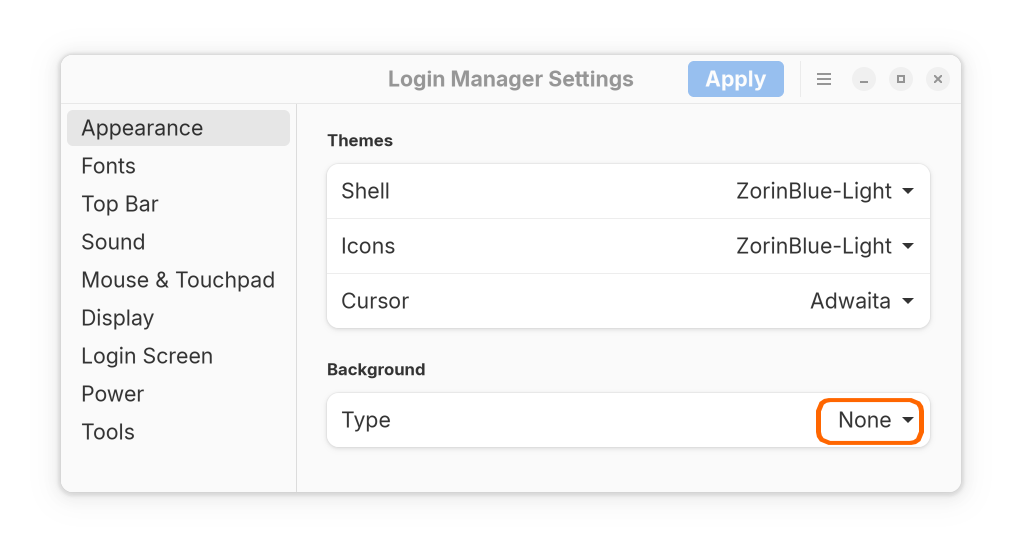
So, to sum up, my one piece of advice is to forget my code  and only use Login Manager Settings v.2 to change the background of Zorin 17 Core login screen in GDM mode.
It's safer... and, I aggree with you @Forpli, simpler. 
All the best!