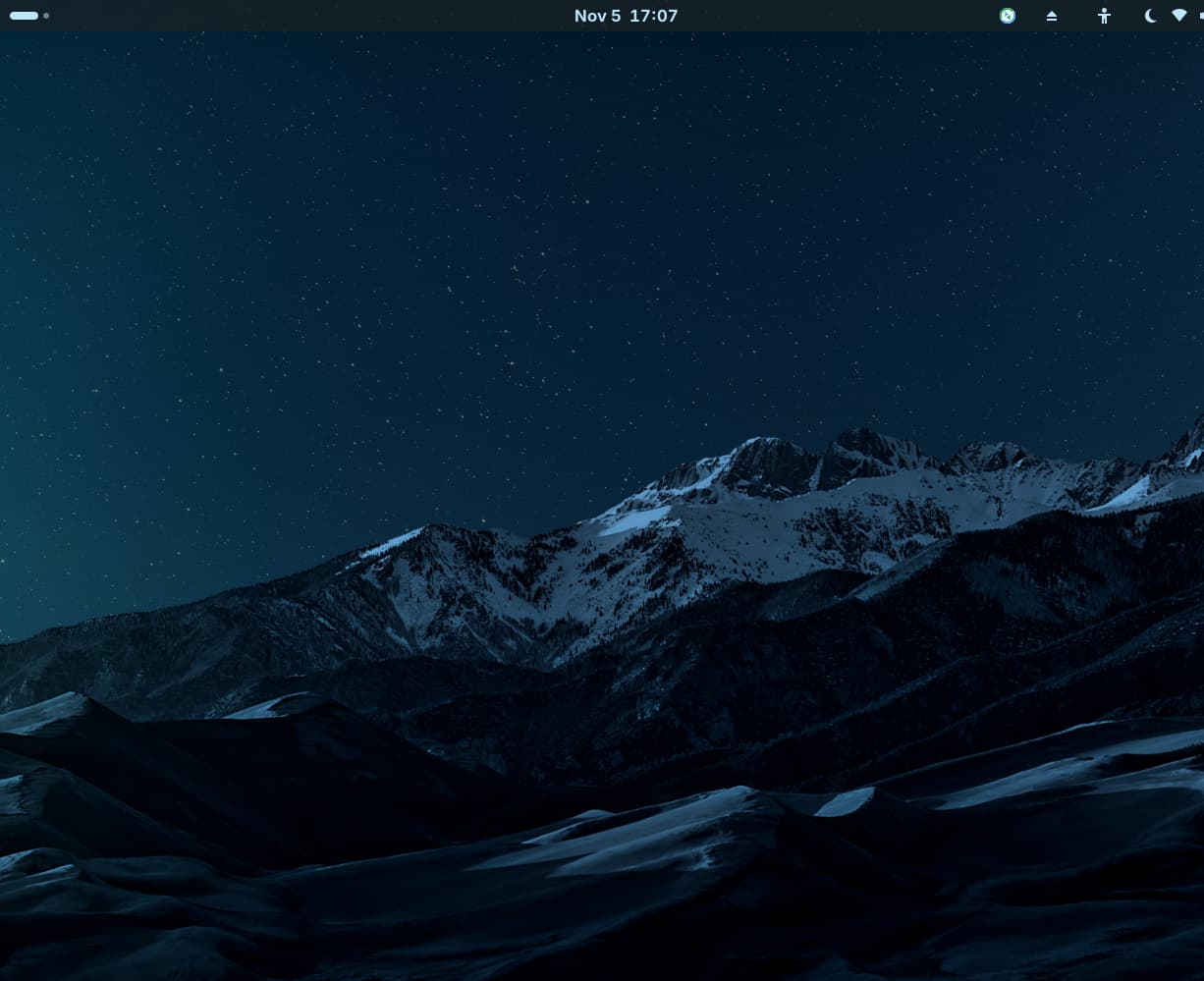
We have had a lot of electrical black outs here on the island. After that I noticed that my desktop disappeared. I did figure out that by clicking the small figure at the very top left corner of the page I could at least get access to my browsers and a few other things. But, how can I get my desktop back?
Hi Dave3 I just had the same issue!!! and started a new topic before seeing your post. I am located in Germany and had definetly no black out. But now I am not even able to login anymore! I know it doesn´t help you but maybe this problem is a little bit bigger...
Maybe it´s related to this topic?
Zorin OS 18.1: GNOME Shell crashes repeatedly and I can’t log in (Wayland and X11) after the 2 Nov updates
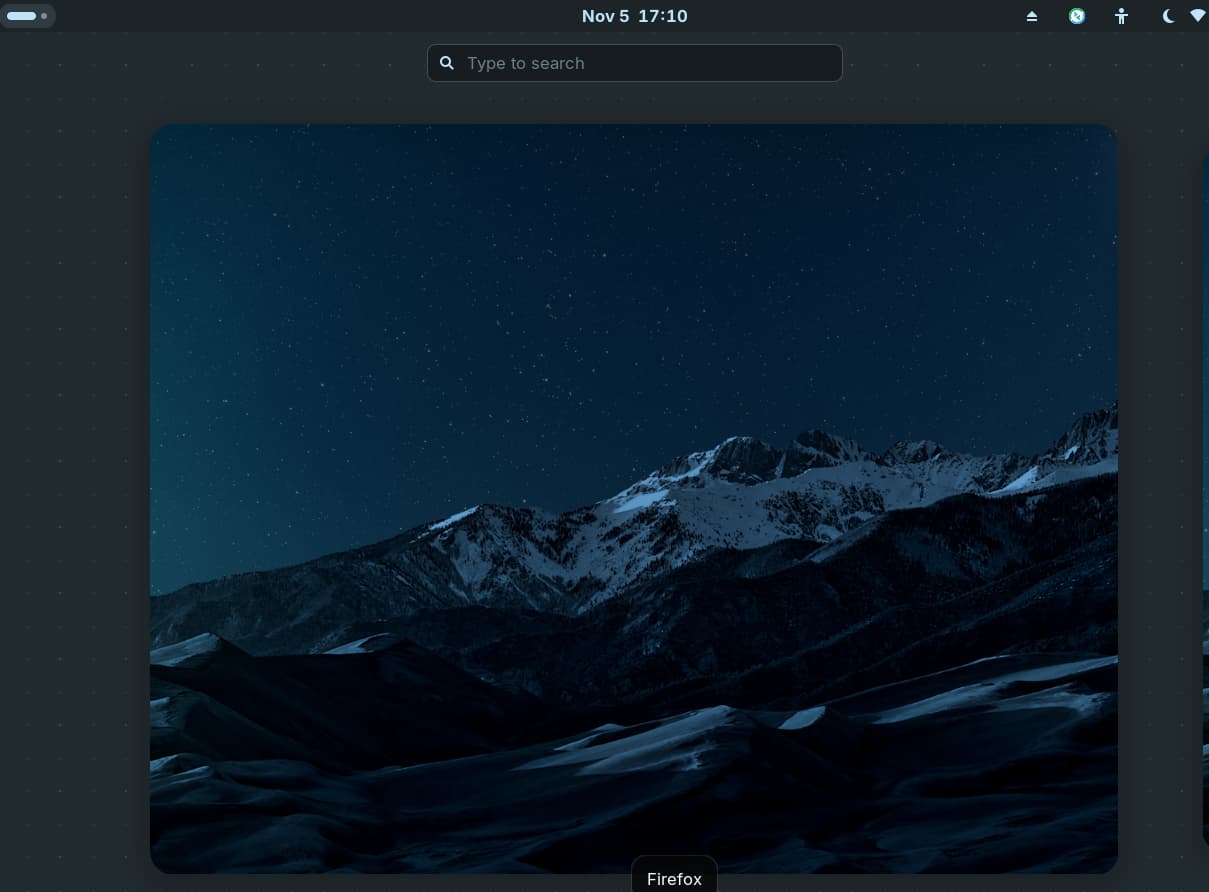
Looks like it is fall back to the default Gnome Desktop Layout. When You press fast 2 Times the Windows Key, You can get to the App Grid where You have all installed apps.
Open the Terminal and type sudo apt reinstall zorin-os-desktop and then reboot and check if it works again.
Also: Go in Gnome Software and install htere the Extension Manager:

When that hapen again, open it and check on the ''Installed'' Tab if the Zorin Extensions are enabled or not.
How can I open the terminal? I have no interface for that? I am no IT guy so my understanding of default Gnome Desktop Layout is very limited.
You can use the keyboard shortcut ctrl+alt+t, which will launch terminal.
Yes, I am not at all sure the black outs had anything at all to do with it. At least I an login I just cannot get to the terminal.
I am no IT guy and a newbie to Zorin 18.1 Core so please bear with me, where do I place the shortcut?
You just tap the three keys together: Ctrl key, alt key and the letter "t" key, press them all at the same time.
Ok my friend that worked just fine and it appears all downloaded correctly so now I guess I restart and see what happens. Thank you so much.
1 Like
That worked and I can access evertthing I need but I do not understand why the desktop will not stay there. But it is only a minor thing and I can work around it. Thanks so much.
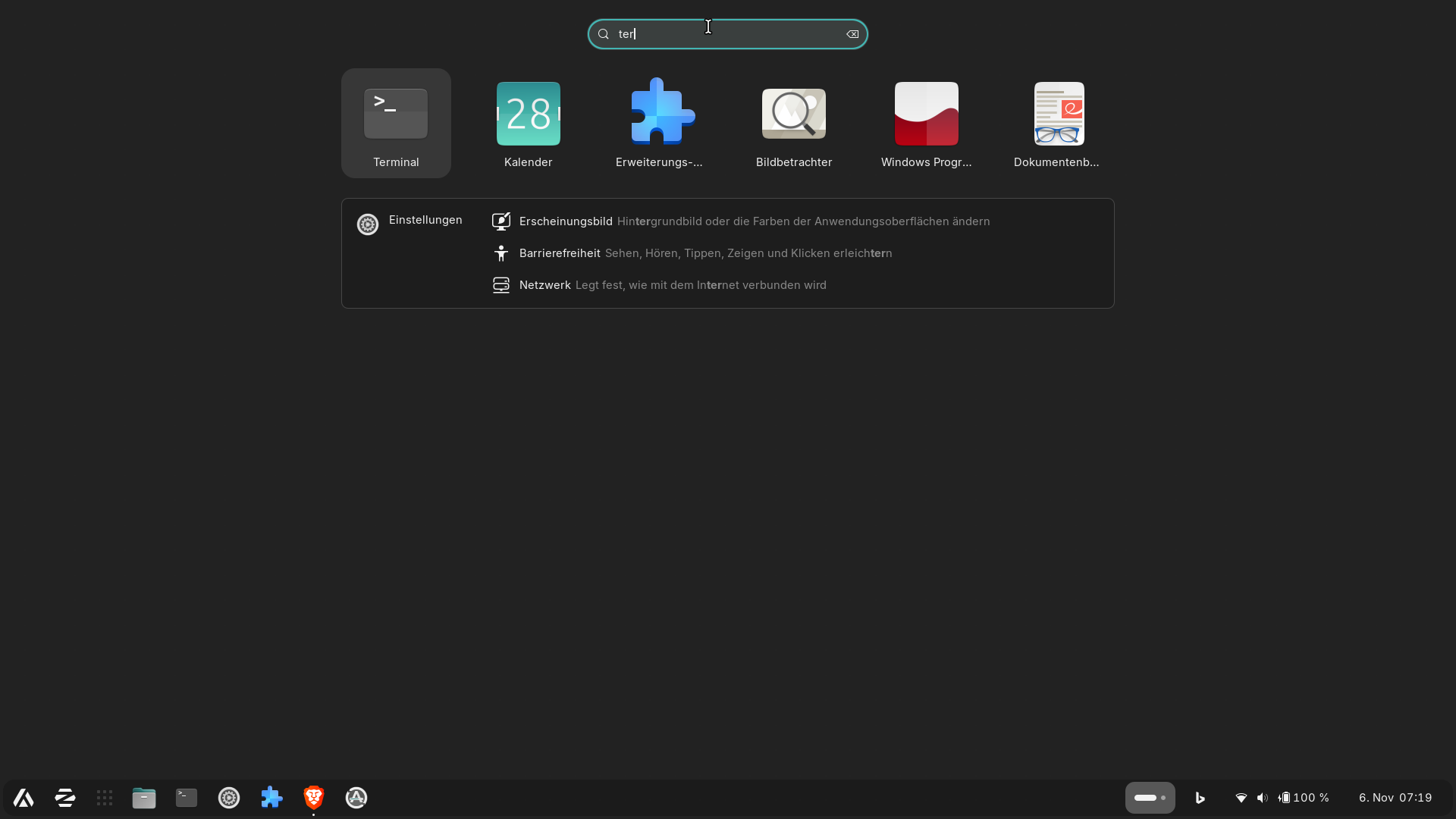
You can also find the terminal when you type terminalinto the search field of the applications overview:

Then you find the terminal in the list of the search results in the first row with the apps.
You could test if it helps to install the extension manager
sudo apt install gnome-shell-extension-manager
and then open the extension manager and go to tab "installed" and turn the first slider at the top of the window off for "use extensions". Then turn the slider on again. After that, check if the extensions Zorin taskbar or Zorin desktop icons are enabled if you miss the taskbar or desktop icons.
As I wrote:
If the terminal was added to the taskbar, it is not visible by default in the list of the app grid, if you have not other gnome extensions installed where you can enable that the app grid also shows the favorite apps. But with the search you find it.
If you like to have the pinned apps in the app grid, too, you can install e.g. this gnome extension
1 Like
We've analysed this issue and have found a potential source and fix for it, which I've described in detail here: