No, it doesn't.
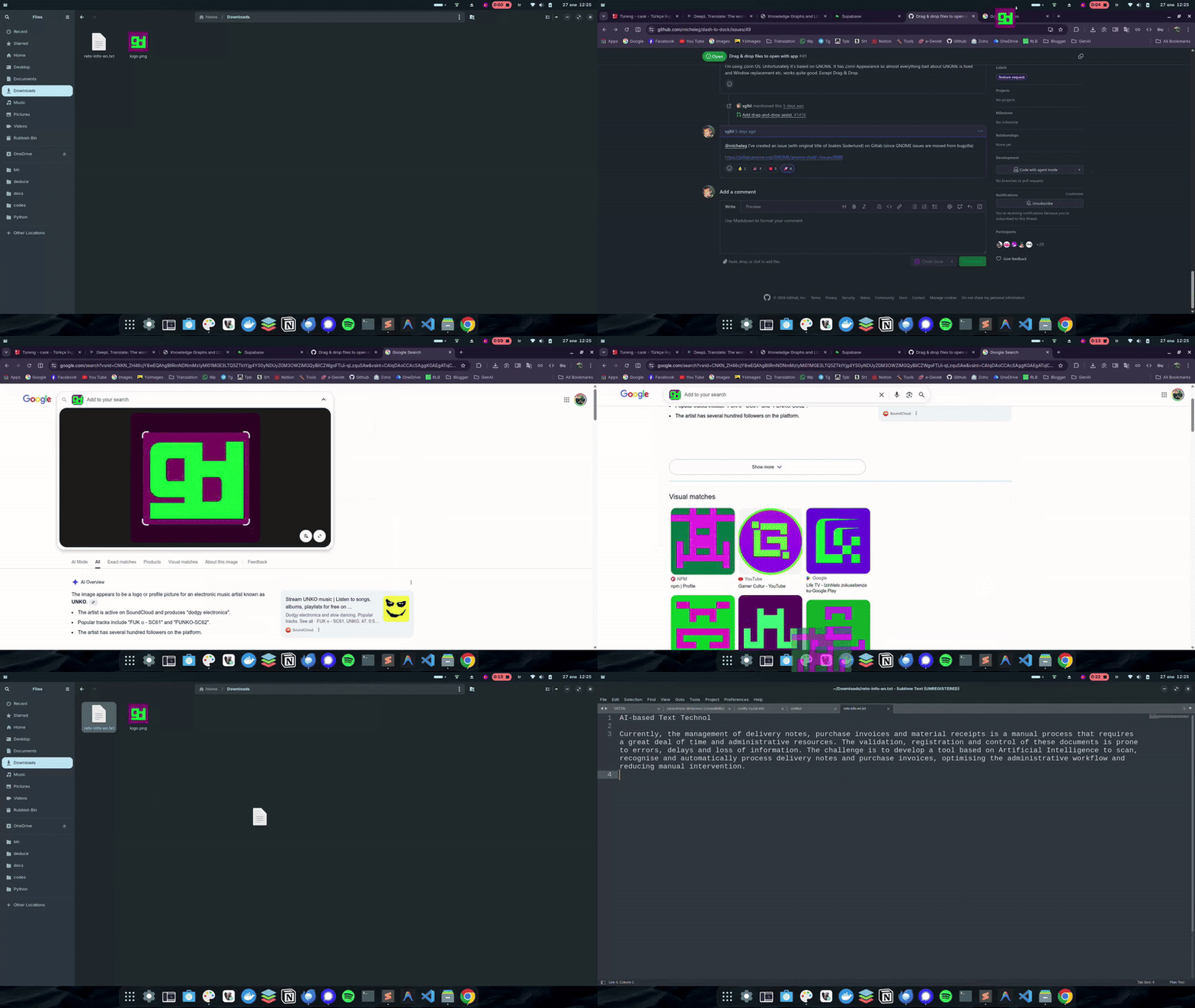
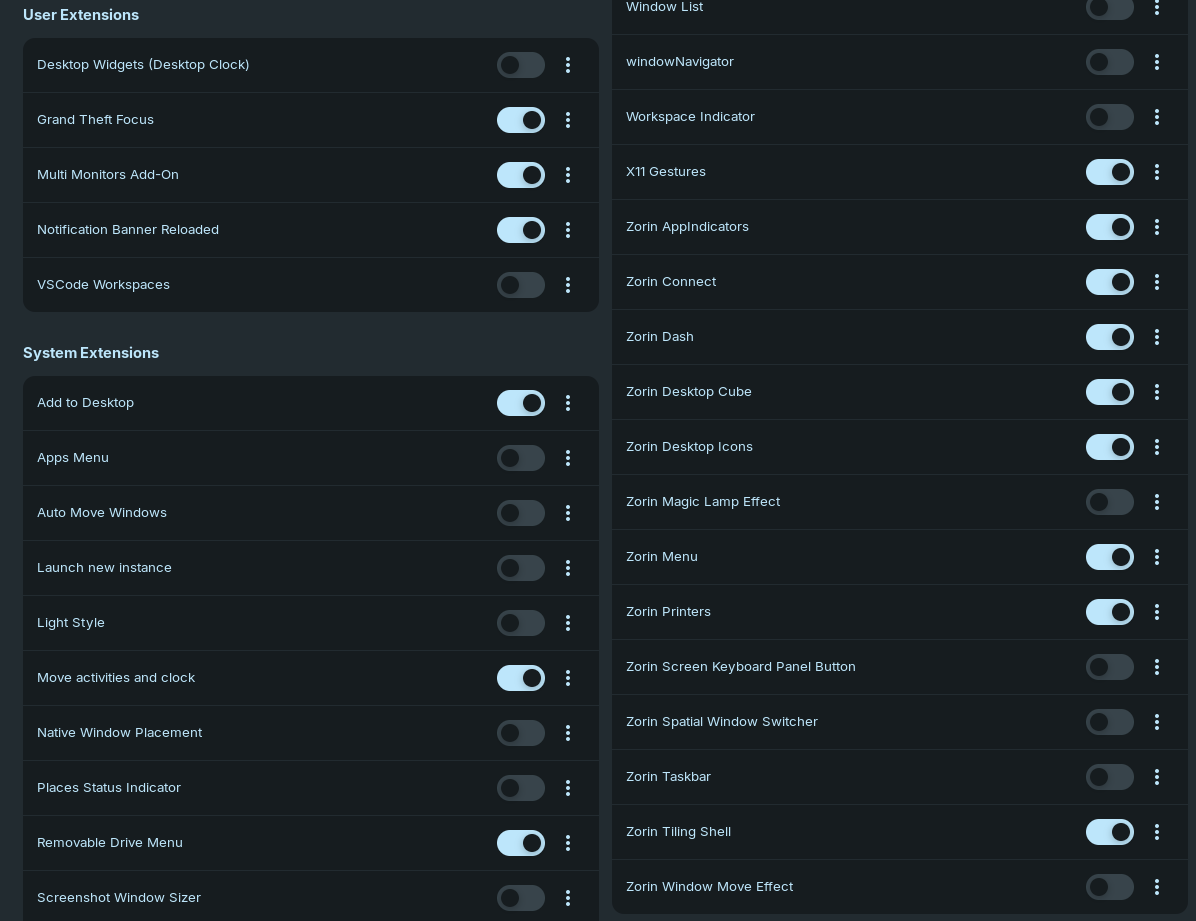
But I fixed the drag & drop issue on x11 by changing the Zorin Dash (originally Dash-to-Dock) extension file. If you open the desktop (or other folder) on File Manager or if you open any other application it works. It uses the mouse location on dock to focus the app. It only works if the app is already opened (similar to Windows 11 taskbar functionality)
How to do:
For Zorin Dash:
cd /usr/share/gnome-shell/extensions/zorin-dash@zorinos.com
sudo cp dash.js dash.js.BAK
sudo gnome-text-editor dash.js
For Dash to Dock extension users:
cd /home/$USER/.local/share/gnome-shell/extensions/dash-to-dock\@micxgx.gmail.com/
cp dash.js dash.js.BAK
gnome-text-editor dash.js
Replace with this:
Then log out and login.
Example: