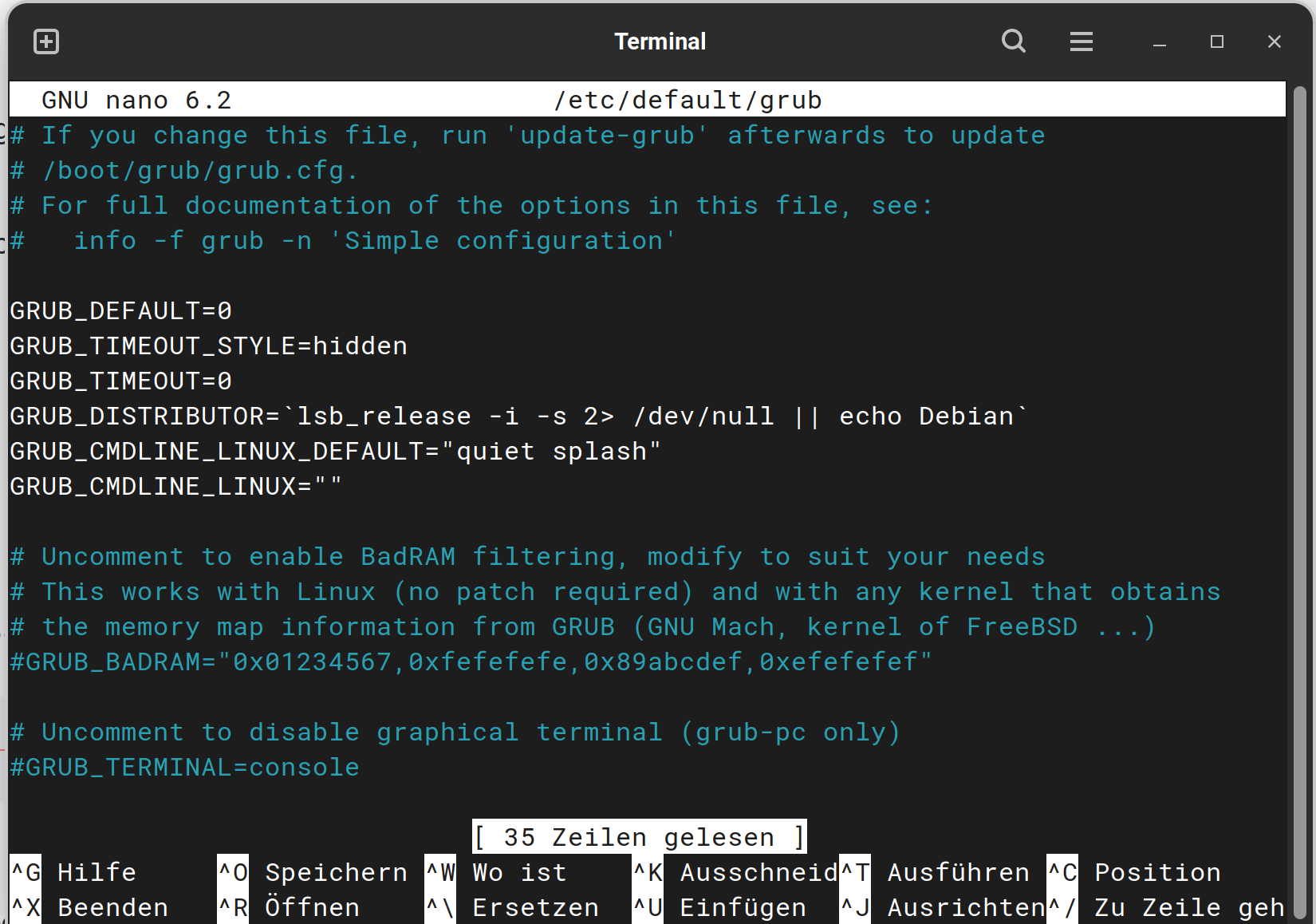
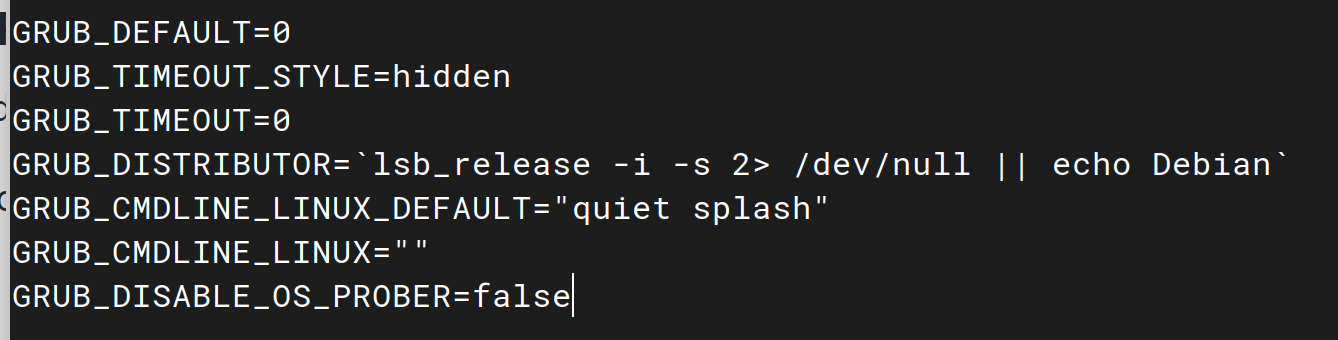
Then press ctrl+o to save the Change, Enter to confirm and ctrl+x to exit. Back in the normal Terminal type sudo update-grub to make affect the Change. Don't forget it! Without that it will not work.
Hi there 'Ponce-de-Leon', I followed the grub editing steps. It all completed.
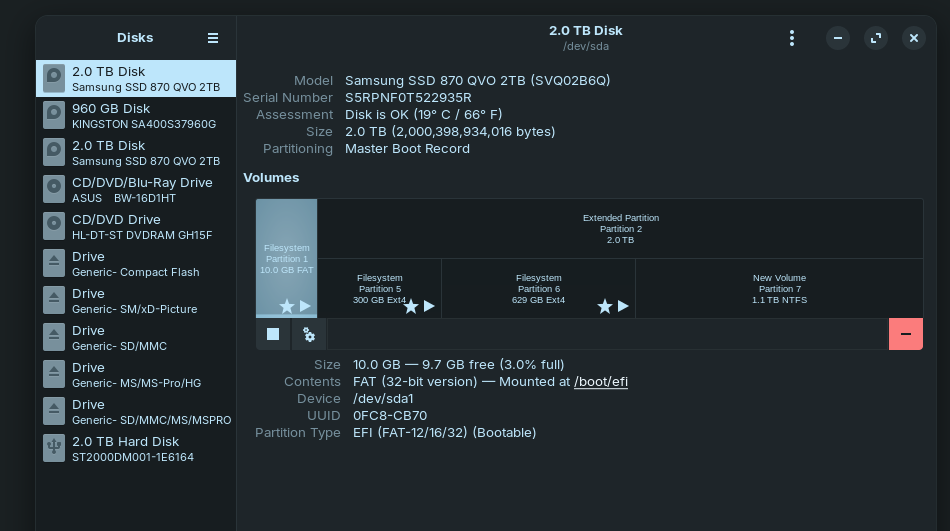
However, I still have two "UBUNTU" options in the bios boot selection as well as the windows option, and when I choose either Ubuntu option it then goes to the grub menu which has windows boot loader as option #3, and one for Zorin, and one for Zorin (advanced options).
The default is the top line #1 "Zorin".
BUT the original issue "Failed to open \EFI\ubuntu\ - Not Found" has gone - yeeharr
However I was trying to get rid of the grub menu choices completely, and have ONLY the bios boot selection by pressing the 'ESC' key during bootup.
So how do I achieve this?
and if possible remove the second Ubuntu option in the bios options. [it is an old PC with old bios 2011-ish].
cheers for any help again. CD
I do not recommend doing this, however. This is your access point to the Recovery menu and disabling that access could leave you in dire straights if you need the recovery menu in future.
Once the values are adjusted, tap ctl+o to overwrite.
Tap enter key to save current configuration.
Tap ctl+x to eXit the editor. Now, you must run
Hi there, the comment about the recovery menu was something I had even thought about or even was aware of. That puts things in a diff light. And since I am a newbie, it's quite possible I will need the option sooner or later.
I will leave it as is. but reduce the wait time.
Thanks to all of the help you clever people.
cheers CD
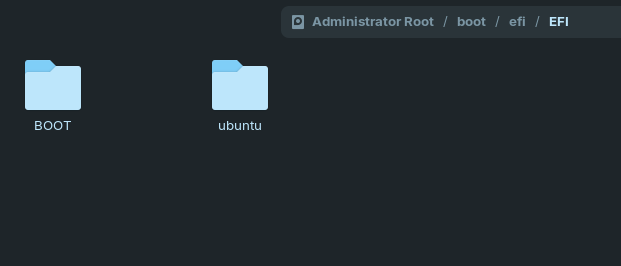
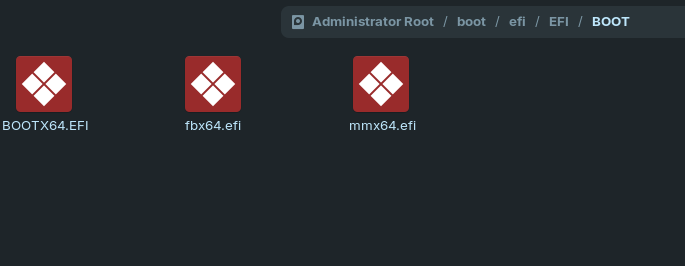
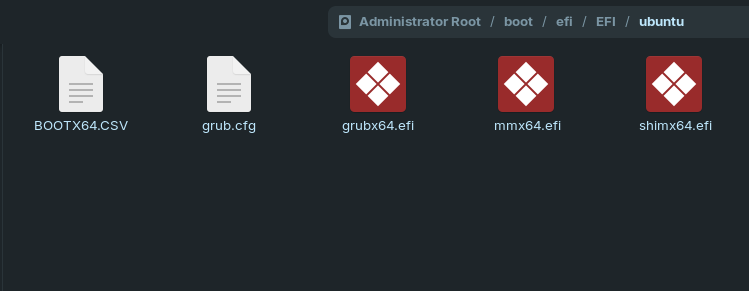
Could You open in Zorin Nautilus (the File Manager) and go to /boot/efi/EFI/ and make a Screenshot of the Stuff in it? You have to type in 2 Times Your Password. That is normal.
Hi there, here's the responce before your latest suggestions.
---------------------
$ sudo grep timeout /boot/grub/grub.cfg | head -20
[sudo] password for zcdadmin:
  set timeout=30
  if [ x$feature_timeout_style = xy ] ; then
    set timeout_style=hidden
    set timeout=0
  # Fallback hidden-timeout code in case the timeout_style feature is
    set timeout=0
set timeout_style=menu
if [ "${timeout}" = 0 ]; then
  set timeout=10
------------------------
Hi there
The 3 secs is now fixed in the grub and the timer counts down from 3 as expected. Yeeharr!
I know it looks like I didn't refresh the grub after the changes but I'm sure that I did. Anyway thank you for sticking with me.
I tried rebooting using the second bios "Ubuntu" option (in case that would reset the grub) but that path worked with a 3 sec countdown as well. So I am set.
If I can remove the second "ubuntu" option in the bios, everything will be perfect for a while. Or is that not under the control of the OS?
To Quote text from a post. Use mouse to highlight text to be quoted. You will then see a toolbar above the highlighted text which will include "Quote".
Hit that.
The Quote will then appear in the Reply box.
If you want to move the quoted text to a different post, highlight it in Reply box, (between and including [quote...] and [/quote] ) to put in clipboard, then copy the text to where you want to paste it.
Not so easy to explain in words, but hope that helps.
Note: I see there is also a "Copy Quote" item in the toolbar, but I have never tried that myself.