Hello everyone,
I am new to linux and Zorin as well.
I wanted to play with Sims 4, my game is owned on the EA app, I downloaded it from Lutris, the game launches with my extensions as well, but after a few minutes it freezes totally then crashes down.
Is there any fixes, I could do for it to make it work as usual?
Thank you for the responses!
Welcome to the Forum!
- Do You get any Error Messages when it crashes?
- Are Secure Boot and Fast Boot in BIOS disabled?
- If Windows is installed: Is Fast Start-Up in Windows disabled?
- Is Lutris installed as Flatpak or .deb?
- Does Your System run in Wayland or X11? You can check that with the Terminal Command
echo $XDG_SESSION_TYPE - What Graphics Card do You have? If Nvidia: What Driver Version do You use?
I do not get error messages and windows not installed, only Zorin. My system runs in Wayland, and I have Nvidia. Other things I am not really aware with, I used MacOS only before, and I got a second laptop as personal because my macbook is for university. I asked someone to put on an easy operation system for this laptop, thi is a Dell Latitude 5420 if that helps anything. I installed Litrus and sims via Litrus by the help of chat gpt since I am not really aware with technical programmes (I am studying fashion and art so I only know about programmes I have to use on my classes and some basic programmes on macbook like facetime or these general everyday thing. Who helped me install Zorin said it is great for everyday documentum writings, it is free not like windows and is able to play some lighter singelplayer games) That is everything I have and know about the system so far
Try to switch to Xorg. Logout and at login click on your username, then a cog wheal appears at the bottom right corner. There you can switch between Xorg and Wayland (only one is named).
Open the app Software&Updates, go to the tab Additional drivers and look which driver is shown there in use for your nvidia card.
1 Like
Do You remember the Instructions that You got? Or we can check that with 3 Terminal Commands. Using the Terminal might sound a bit intimidating but it is nothing complicated here.
To check if it is a .deb Package type apt list lutris in Terminal. You should see an Ouitput like this:

When there at the End is [installed] then this Package is installed and it is a .deb Package.
The next Options are Flatpak and Snap. For this, You type first
flatpak list
to get a List of all installed Flatpak Packages. When the Names doesn't fit in the Terminal Screen. Expand the Terminal and use the Command again. For Snap type
snap list
Why I ask for this: Snap and Flatpak Packages run containerized. That means they have limited Permissions to the System. That is intended. But that can lead to Issues depending on what they should do.
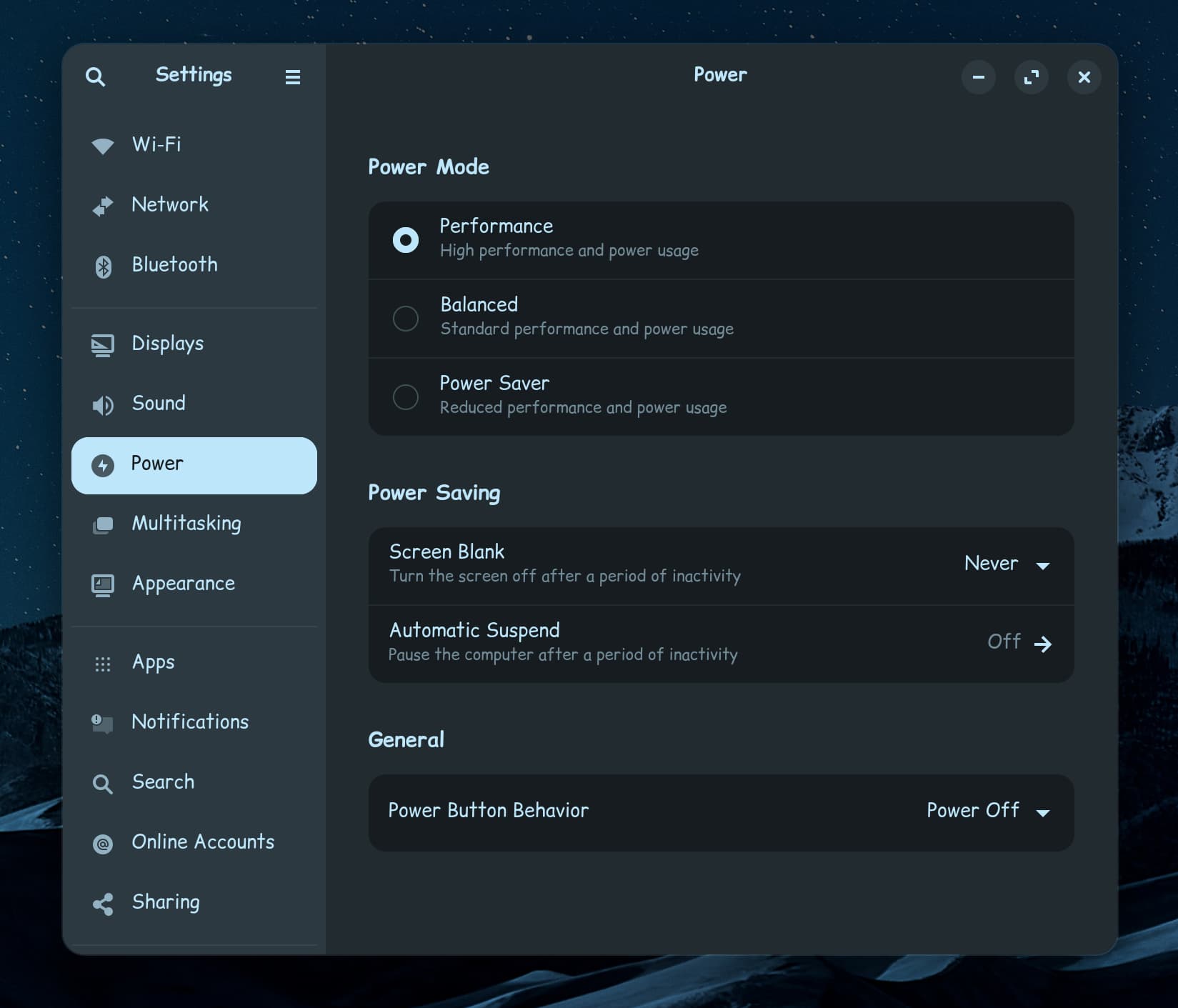
 Settings
 Power.