Where can I go to find out how to associate a specific icon with .mscz files? I have spent too much time searching and trying stuff and can't seem to figure it out.
Seems like it should be pretty straight forward but this turned into a nightmare.
Nope, I can get them to open using the musescore app, but the icon for the .mscz files is a "zip" file and I wanted to associate a musescore icon with those files and I can't figure out how to do it
Hmm now thats a good question..Ill have to leave this to the older members like @Ponce-De-Leon or @Aravisian or maybe @Nourpon these guys are wizards that just pinged them so help should arrive soon
If they are zipped, they will follow that mimetype.
Do they have a custom mimetype extension?
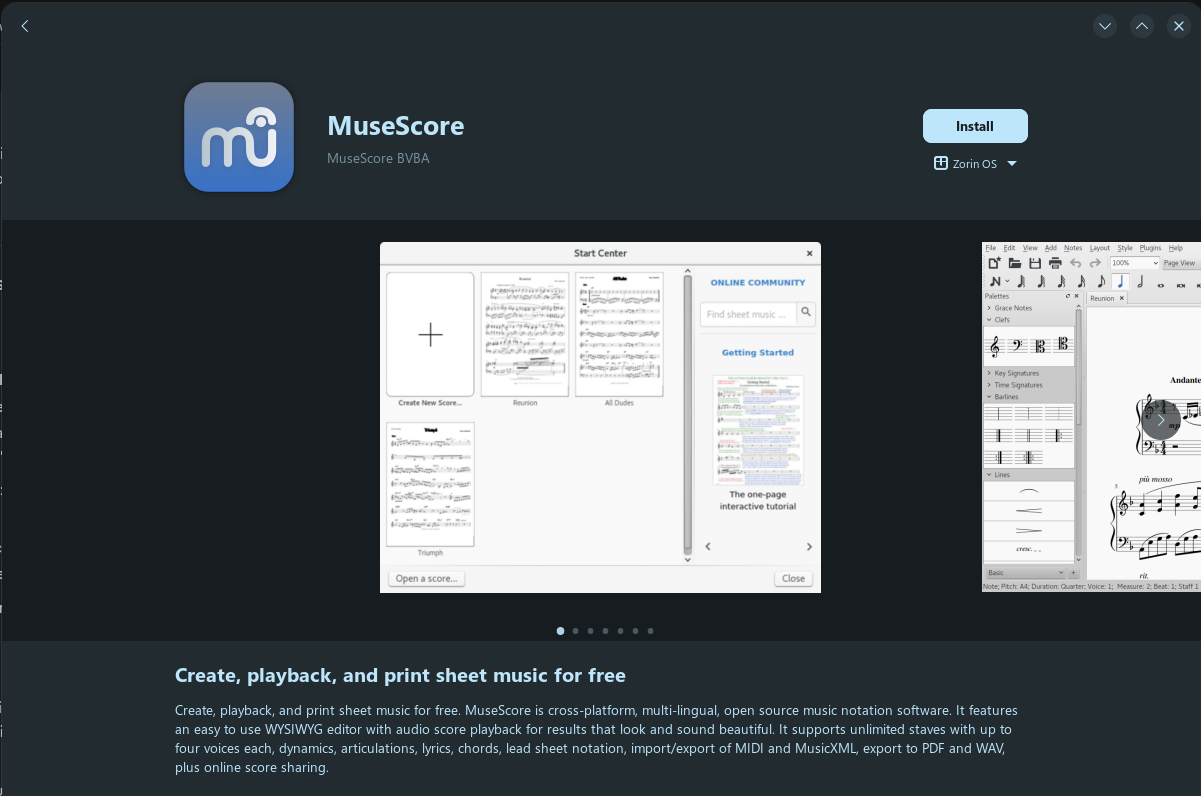
in the mean time here is where i found the icon you will need download the .svg one
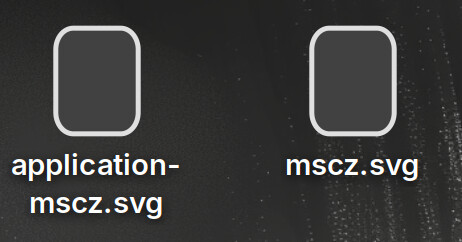
So, You want an Icon for it. That would be a mimetype Icon Type. These, You can find in every Icon Theme. You could add it by Yourself, to Your used Icon Theme. Find an Icon that You want use for it and give it the Name application-mscz.svg and mscz.svg and then put it in the mimetypes Folder of Your used Icon Theme. Then reboot.
Ok, I can't really answer either of those questions. I do believe that they are some kind of zipped file specific to musescore. I don't really understand what a "mimetype" is. This is part of why I was unable to really get anywhere in all my searching as, most "answers" I found assumed I understood what I was dealing with at the outset with mimetypes and xmls and stuff.
I don't really understand what a "custom mimetype extension" is or even how to check. I do know that I created an xml that did nothing.
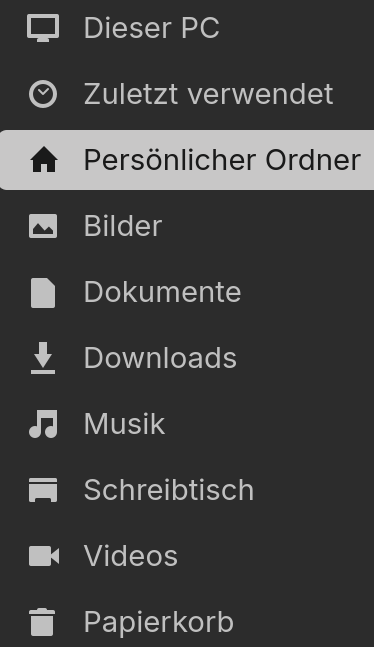
Okay, mimetypes are the Icons for File Types. So, when You see the Icon for a simple .txt File for Example. These kind of Icons are called mimetypes. In the Icon Theme is a Folder like this:
You can find this as 2 Versions:
Symbolic Icons are the small colorless one what You can see for Example in the File Manager at the left Side left beside the Bookmark Names:
Yes. You can take the same Icon for it but make 2 Versions. One with the one Name and one with the other.
That relates what I wrote here above. When You are in the Icon Theme Folder, it depends a bot how they are set up. But there You find a mimetypes Folder. There are all the Icons of that Type.
If you show which files you are wanting to customize, we probably can help identify them.
couple of questions here:
"...give it the name 'application-mscz.svg' and 'mscz.svg'" - so, do I make two icons with these two names exactly like that?
and
what folder is the "Folder of Your used Icon Theme"?
Hi,
thanks for you help but, I need a break. I can't deal with this anymore. I am not sure which folder to put it in as I don't know what theme it is to be sure and moving and naming files in the terminal is a headache and I .....just need a break. I do thank you very much for trying to help though.
Whew
I got it. The icon shows up now. Thank you very much. That was so frustrating. But, your solution, when I finally, mostly, understood it, made it pretty straight forward.
Now I have to try to figure out all the other things I tried while I was banging around in the dark, following bad llm advise, and undo it.....