Yes, I would encourage it.
Alright.
Do you still use windows? and what type is it?
No, I have not used Windows OS in years. To the point I have forgotten my way around it, even.
It is a luxury I have been enjoying and dread when work takes this luxury away.
1 Like
nice.
also am I able to remove one of these like lets say If I wanted to remove windows, I can do that right?
and will there be an issue too?
You can easily remove one by deleting the partition that houses it, then you can expand your other OS to occupy that free space using the disk partition manager.
Ohhh ok, so you can remove linux or windows if you wanted to? I see, thanks!
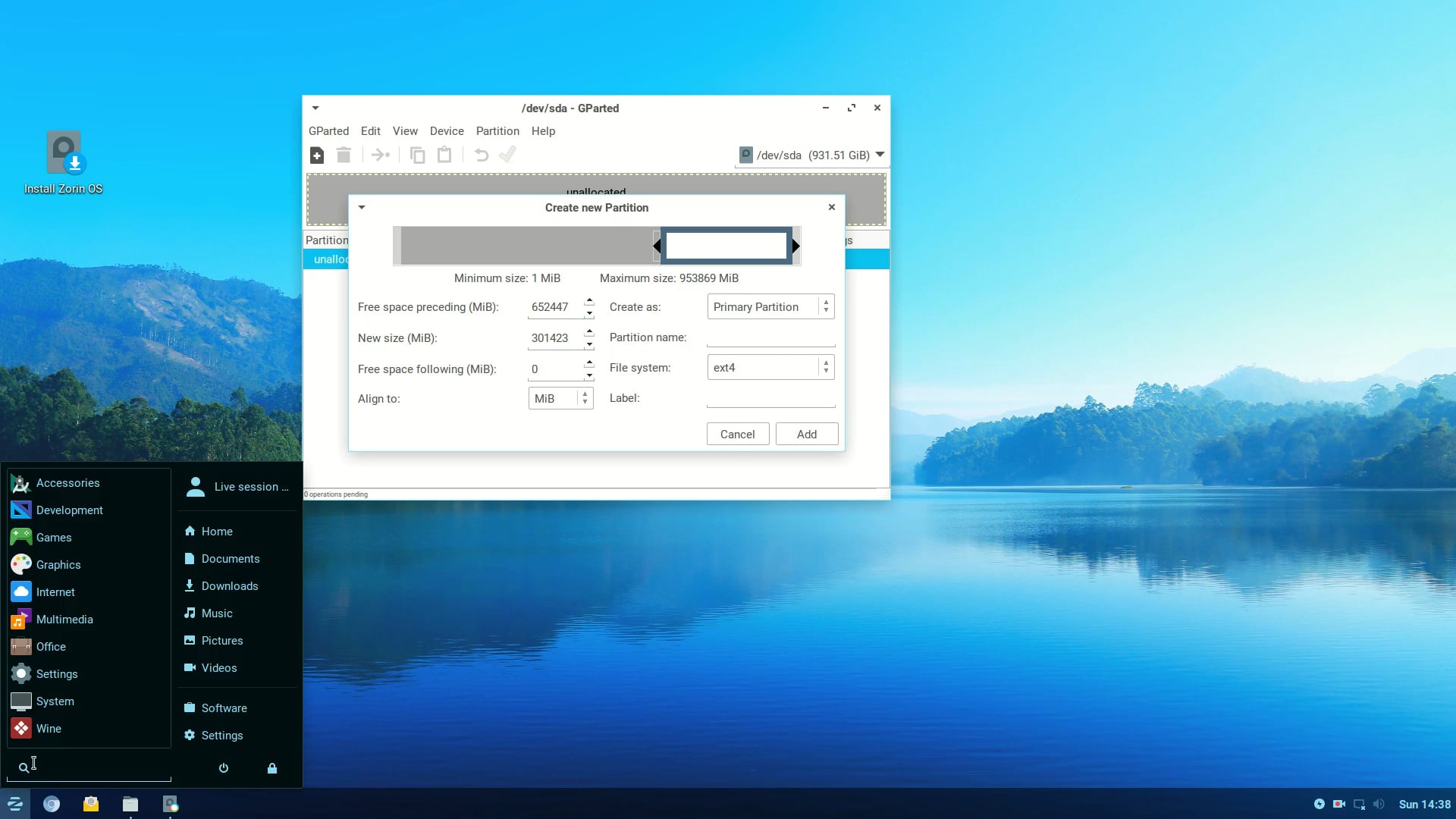
Just to add, if you are writing to Windows, DON'T write from Linux to the partition that holds Windows. If possible, shrink your C:\ drive and create a Data Partition (D:) for your data as writing to the partition that holds Windows can lead to file corruption.
What do you mean? What's writing?
I didn't understood this at all.
@worthless - I have recently installed Zorin on a computer that already had a Windows 10 installed. I followed these instructions specifically and can recommend them: Dual Boot Zorin OS and Windows A Step-by-Step Guide :: IT'S FOSS
But it is very important to read all the instructions first once to check what will you need to do at which step.
To answer your question "is it simple and easy to setup a Dual-Boot installation" - I would say NO it is not simple nor easy. It requires using software that has the potential to destroy the partitions on your hard drive if you don't know what you are doing. So, make sure you understand all the instructions before you start. It would be better to ask someone around you that knows and can guide you through the dual boot install.
Like others have said, it is also easier to install ZorinOS (or any other Linux distribution I believe) after having installed Windows. Installing Windows after Linux seems to be more complicated (I never tried it).
In any case, everything is explained in the link I pasted at the top but make sure you understand it all before starting.
1 Like
Also, regarding having an antivirus on Windows 10: because Windows 10 has stopped receiving security updates, it would probably be better to not connect it to the internet at all in case a new security flaw is discovered with it because Microsoft might not fix the flaw. I'm not sure that an antivirus can help with that (but maybe more knowledgeable people can pitch in), however, it seems that the integrated antivirus of Windows (Defender) will receive updates until 2028.. you can read more here: How long can you safely use Windows 10 after October 14, 2025? Before it's risky - Pureinfotech
Regarding accessing Linux from Windows and the reverse: when you create your disk partitions from Windows, you could create a 'shared' partition, if it is in NTFS format both Windows and Linux will be able to read & write to it. This can be used for example for documents, photos, videos etc.
Good luck!
1 Like
Buddy. do you not know that Windows defender is anti-virus like what do you mean by it?
Okay what about ethernet?
Writing is what happens to a file when you save it. You 'write to disk'. It has been found that if you save a file created in GNU/Linux to a Windows partition that holds the OS, usually marked as C:\ then because the way Windows works the file can get corrupted. So you have two choices, you can create a new partition in Windows by shrinking C:\ or create one on the drive holding Zorin as per my video.
You don't know what they're saying on article is true.
I don't get it what you're saying again, sorry about it lol.
OK. You open LibreOffice Writer, you create a Document. You save it as a .docx file. You decide that you want to have access to this file in Windows because you need to use Excel in Windows because LibreOffice Calc does not have certain commands that only Excel has, and you want to embed the spreadsheet in the document. You save your Word document directly to the Windows partition and not a data partition. You reboot into Windows, open your LibreOffice Writer file in Word 365 only to find it is garbled. That is why you need a separate partition from the one holding Windows.