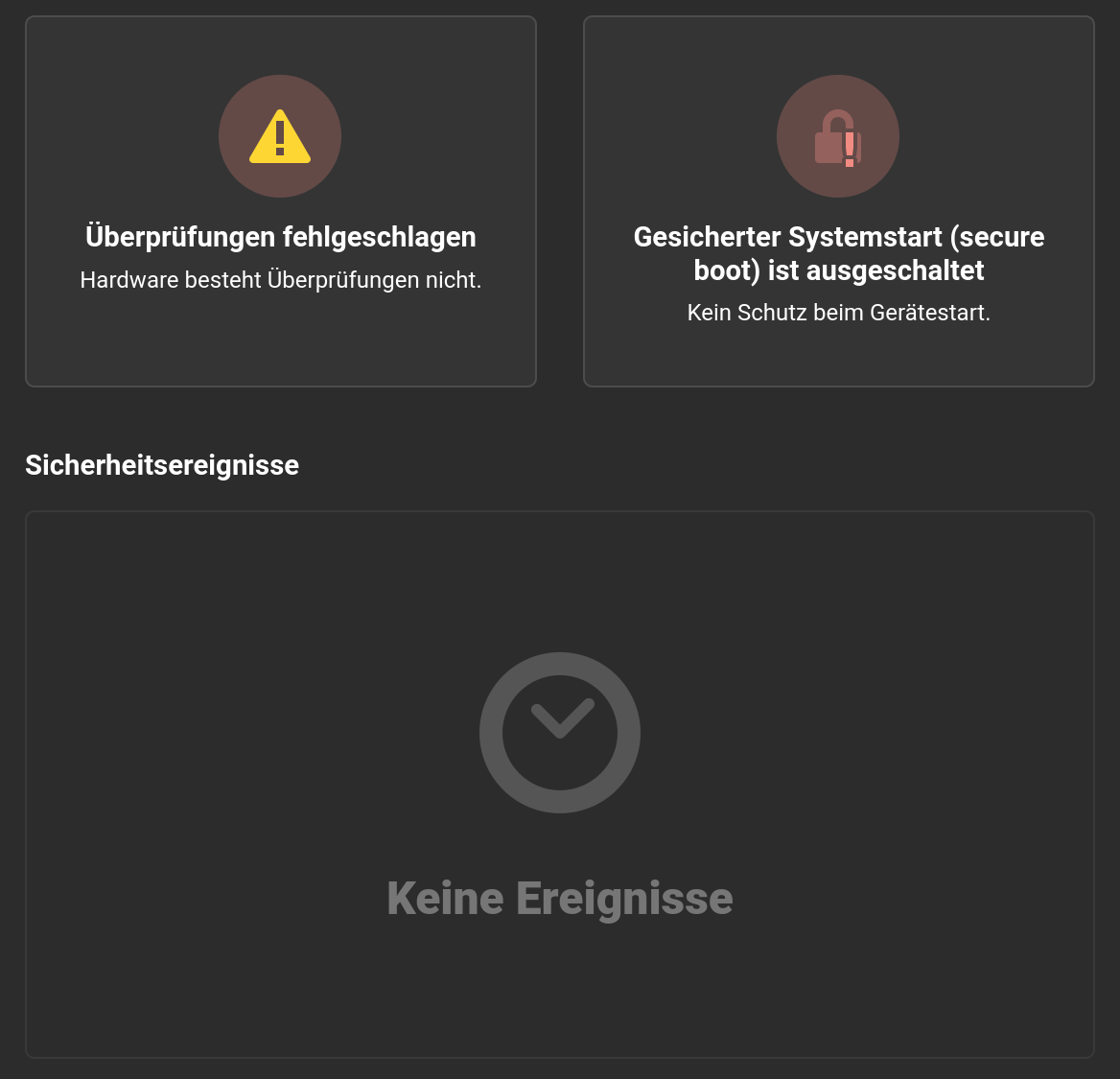
l am new to Zorin. I was checking out the Device Security tab. I saw a message Hardware does not pass checks. Is this a serious problem?
Device Security Report
Report details
Date generated: 2026-10-06 15:10:51
fwupd version: 2.0.20
System details
Hardware model: Dell Inc. Latitude 7490
Processor: Intel(R) Core(TM) i5-8350U CPU @ 1.70GHz
OS: Zorin OS 18.1
Security level: HSI:1! (v2.0.20)
HSI-1 Tests
BIOS Firmware Updates: Pass (Enabled)
TPM v2.0: Pass (Found)
UEFI Bootservice Variables: Pass (Locked)
Firmware BIOS Region: Pass (Locked)
Intel Management Engine Version: Pass (Valid)
Firmware Write Protection Lock: Pass (Enabled)
Platform Debugging: Pass (Not Enabled)
Intel Management Engine Manufacturing Mode: Pass (Locked)
UEFI Secure Boot: ! Fail (Not Enabled)
Firmware Write Protection: Pass (Not Enabled)
TPM Platform Configuration: Pass (Valid)
Intel Management Engine Override: Pass (Locked)
UEFI Platform Key: Pass (Valid)
HSI-2 Tests
Platform Debugging: Pass (Locked)
Intel BootGuard ACM Protected: Pass (Valid)
IOMMU Protection: Pass (Enabled)
Intel GDS Mitigation: ! Fail (Not Enabled)
Intel BootGuard Fuse: Pass (Valid)
BIOS Rollback Protection: ! Fail (Not Enabled)
Intel BootGuard Verified Boot: Pass (Valid)
TPM Reconstruction: Pass (Valid)
Intel BootGuard: Pass (Enabled)
HSI-3 Tests
Intel BootGuard Error Policy: Pass (Valid)
Pre-boot DMA Protection: ! Fail (Not Enabled)
Suspend To RAM: ! Fail (Enabled)
Control-flow Enforcement Technology: ! Fail (Not Supported)
Suspend To Idle: ! Fail (Not Enabled)
HSI-4 Tests
Encrypted RAM: ! Fail (Not Supported)
Supervisor Mode Access Prevention: Pass (Enabled)
Runtime Tests
Linux Swap: ! Fail (Not Encrypted)
Firmware Updater Verification: Pass (Not Tainted)
UEFI db: Pass (Valid)
Linux Kernel Lockdown: ! Fail (Not Enabled)
Linux Kernel Verification: Pass (Not Tainted)
Host security events
2026-07-23 15:33:07 UEFI db Pass (Not Valid → Valid)
2025-11-24 12:57:36 Intel GDS Mitigation ! Fail (Enabled → Not Enabled)