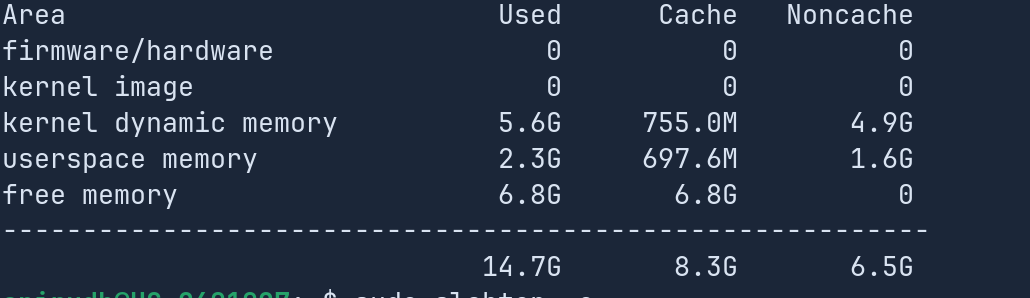
This is also really strange !

1 Like
If you have installed third party gnome extensions I would disable them and then test it again.
Do you use custom themes or the Zorin ones?
1 Like
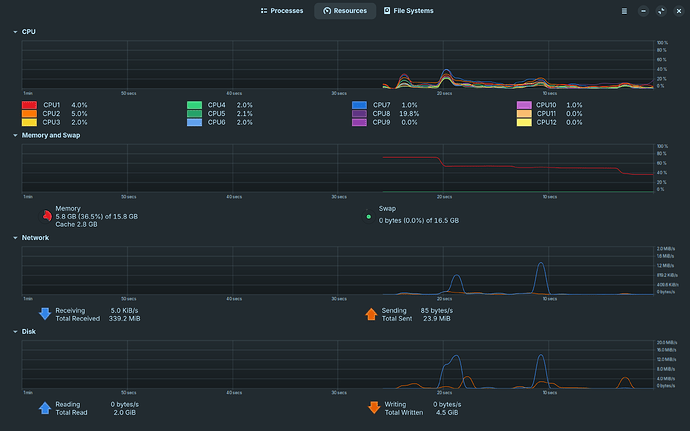
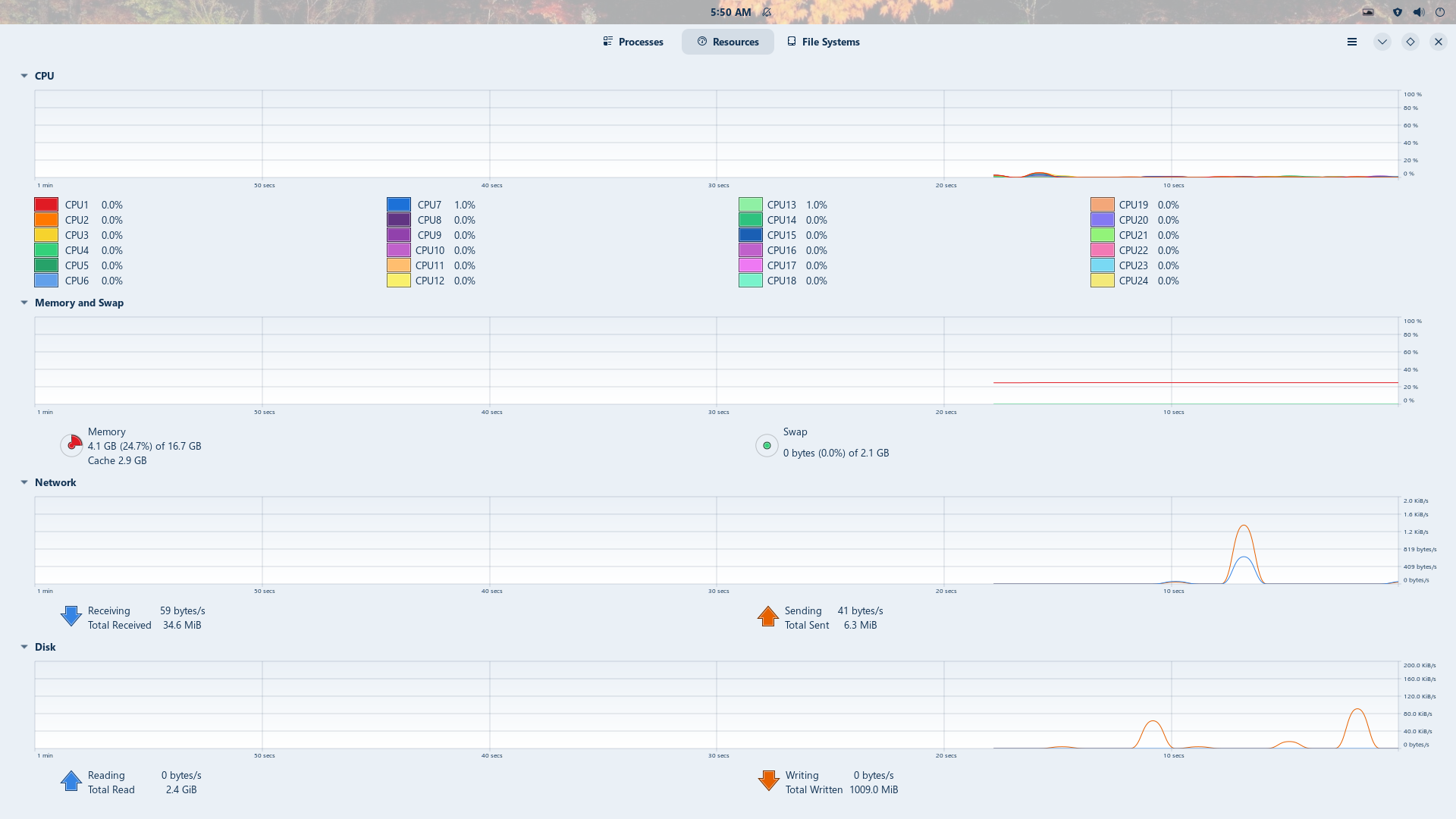
oh alright ill remember to do it if it happens again
brave came pre installed with zorin os
oh yes i do have a gnome software update i didnt do yet, could that really cause such a ram issue? im updating it now
im not sure about snapd, how exactly do u check it?
OH DAMN, i didnt notice that disk read speed, what could that mean??
oh yes i did install a couple gnome extensions like burn my windows extension, regarding themes, not really, just the zorin ones
wdym? the swap usage in the pic you replied to, is 0

Looks close to 80% Dropping to 40%
first check what snap app you have
snap list
Check in the Terminal apt list snapd if there is marked at the End as [installed]
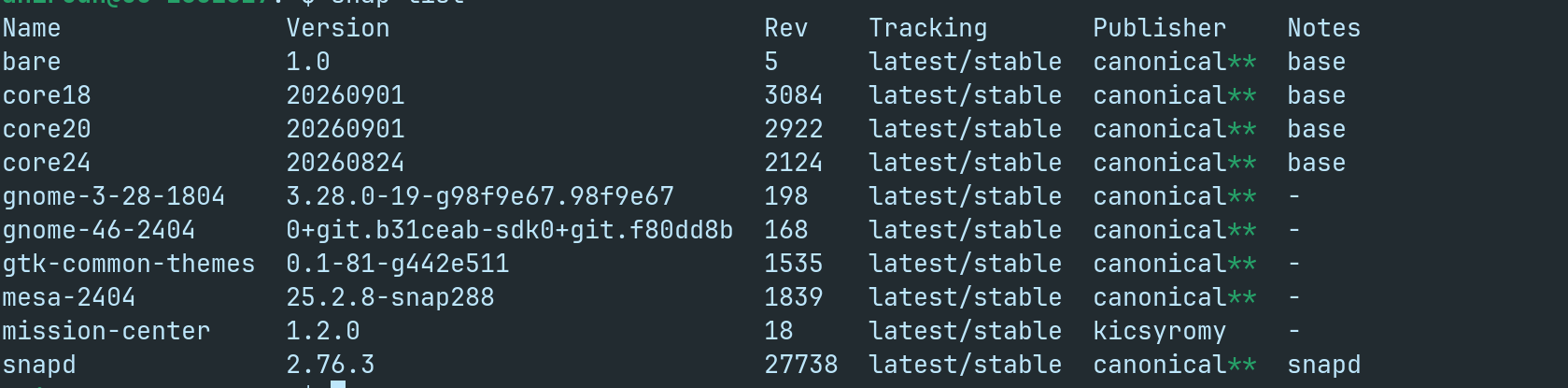
yep i do have snapd
yep yep, i closed my apps, and then it fell to 40%, this was an example of today, not the original issue, and still swap is 0 only?
try to uninstall mission-center snap version and install flatpak version or the appimage here
https://gitlab.com/mission-center-devs/mission-center/-/jobs/15536631699/artifacts/raw/MissionCenter-1.2.0-x86_64.AppImage
mission centre can be causing a problem? well i dont really need it so ill just uninstall and leave it at that
I don't say it could but if you don't need it the better is to uninstall it and install it as flatpak or Appimage