Hello everyone.
I use Zorin OS 18.1 and GNOME 48
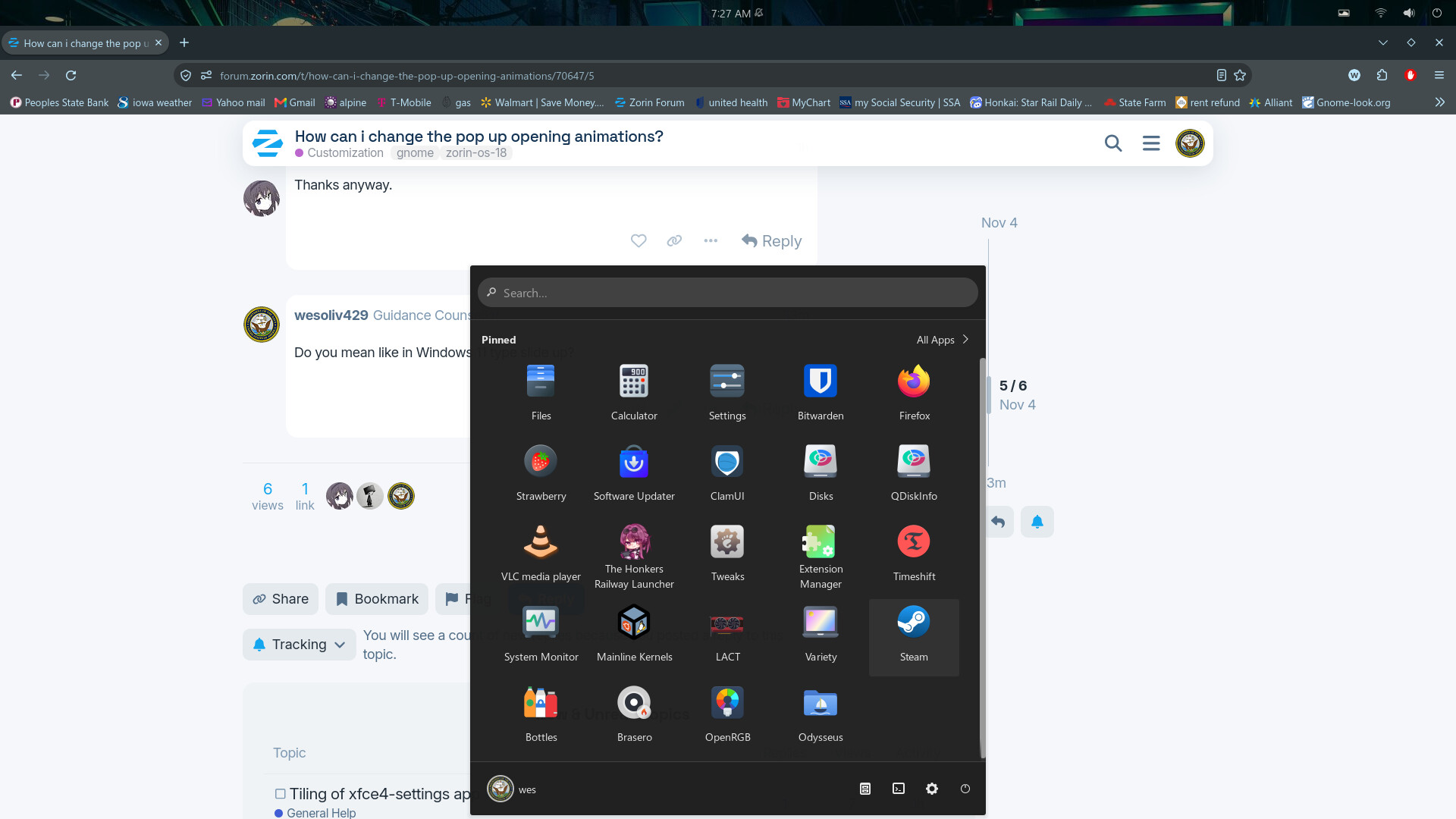
Zorin Menu, notification menu, etc. open by fading in. I want to change this to slide up.
Is there any extension for this? Thanks.
This only worked for window opening and closing animations, not pop-ups. I created another profile for pop-ups but didnt work.
I can't tell, as I'm not using Gnome anymore. It may be something deep within the system. But hopeful it may only require a change in a config file, but as I know Gnome that is not the case.
Thanks anyway.
Do you mean like in Windows 11 type slide up?
not really animated tho you hit the windows key and it will popup on screen
I did look into an older animations tweak, but unfortunately the highest Gnome shell it supports is 42,Zorin has Gnome 46
I guess You mean Gnome 46. Maybe this one could offer what You want:
I found another one, too but that doesn't support Gnome 46.
I like that one @Ponce-De-Leon
I hadn't heard of that Ripple extension either. It seems to be brand new. I'll try it later, it looks nice.
Edit: The extension works with the Zorin menu and other popups. Nice feature for those who like effects and animations! If you want to test the different effects, click on "save" after you have selected an effect.
At tab "library" in the extension settings you can see a preview of all effects.
Yes, it is new. It is only Version 0.2. Quote from the Extension Site:
Ripple is in early development. If you encounter bugs or issues, please report them on GitHub.
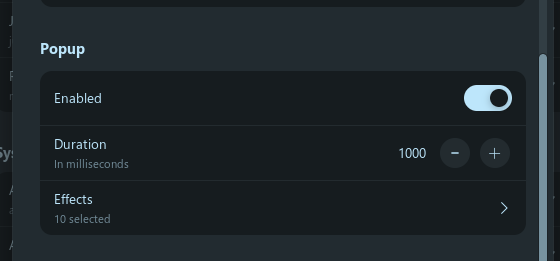
I went in and set them all on then changed speed to 1000...Its Awsome!!!!!
well not all just this section
Yes, this was exactly what i wanted thank you bro. And yes i mean Gnome 46, sorry!
also works on gnome 46