I am new to linux, trying hard to escape from Windows, but I need to continue to use one piece of legacy software Serif PagePlus x9. I have followed everything I could find through google, everything failed, so I need help.
1 Like
Hi and welcome.
I am afraid Serif never did make anything that would work with wine.
It took me some time to bite the bullet and leave WebPlus 8 behind for my webhost's Website Builder.
I can only offer you two alternatives, the first is to install Windows as a Virtual Machine (it is what I did during lockdown, initially with Windows 7 then with Windows 8.1 to comply with work requirements once 7’s end-of-life prevented me from saving work to the shared server). For this your machine must have a minimum of 8 Gb RAM with 4 Gb RAM allocated to the VM.
I have a desktop with 16 Gb RAM and an 8 Cores so I allocated 2 Cores (think Duo CPU) and 4 Gb (4096) of RAM.
The alterbative is to use GNU/Linux DTP Program, Scribus, but it is not as WYSIWIG or rather plug-in as Serif.
Thanks for the feedback, I have tried several VM options none facilitate the installation. One approach using Bottles got close, but I could find a way of pasting the Registry entries. I have hundreds of .ppp files so no alternative is paletable.
1 Like
Take a look at my viseo. I use virt-manager nothing else. This was when I was in lock down. I put the now EOL version of Devuan HDD back in my hotswap bay to assist another member:
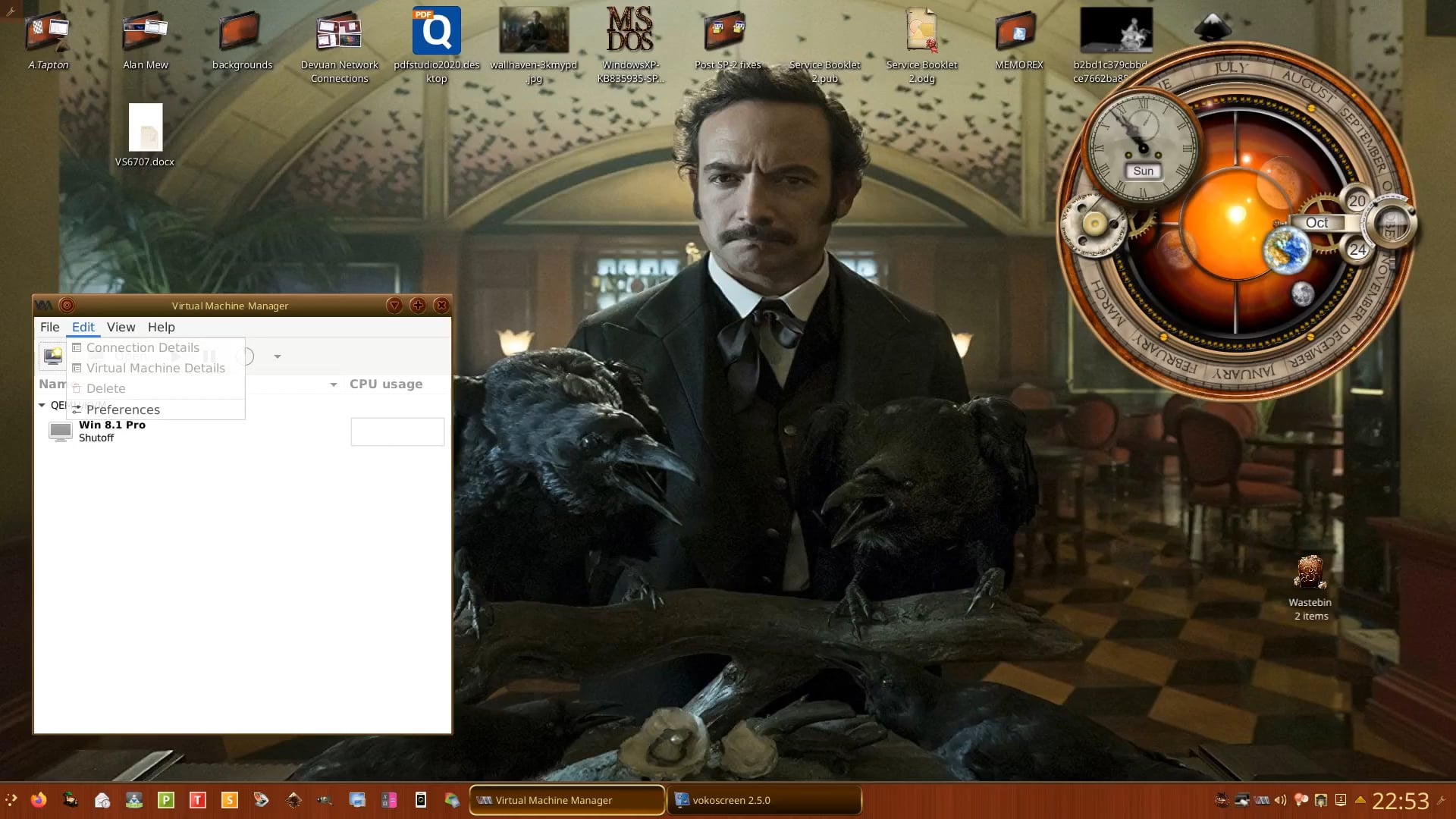
virt-manager (Virtual Machine Manager) gives the feeling of a bare metal install. When I had two monitors I could move the mouse seemlessly from my virtual desktop on the right to the host screen on the left, you could not do that in Virtual Box.
You will see in the video that shows on the Details page of Win 7. I moved the Virtual Box .vhd from FerenOS into Devuan and imported it into virt-manager which converted it into a .qcow file, no issues. I had purchased a discounted Windows 8.1 through work (Education licence) and was surprised how well it updated 7 Pro to 8.1 Pro without a Hitch.
Sounds very interesting, but I have no ideas what you are talking about, because I am completely new to Linux and so not familiar with the words, expressions etc. it's like having to learn a different language. Given the fact that linux has been around for decades, I find it difficult to understand why it is still geek oriented.
It's not as geek-oriented as it used to be.
I have found this:
and someone posted how to install Serif's Affinity apps into Linux now that the Australian Company Canva owns it:
virt-manager is an alternative to VMWare which had always been a Windows application. The player was free but the main VMWare was expensive. VMWare is now totally free of charge and runs on Linux if that is something more familiar to you.
I have made a separate video on how to install virt-manager on Zorin. It is lengthy as I had to create a VM of Zorin first but you can skip that to get to how to install Windows 7 here:

Lots of avenues to explore folks, thanks for that. I have Affinity but since it doesn't open .ppp files and there is no converter program it does help, additionally I simply don't like it. 'If it ain't broke - don't fix it'.
1 Like
As carl surry's video showed the only way is to export to .pdf, same for Scribus.
Out of curiosity (this may not work), install Okular. See if you can view .ppp files in that, although it is really for viewing pdfs.
Something else to try. Make a copy of one of your .ppp files to a different location. Rename the file extension to .pdf and see if Okular can open that.
Unfortunately, the problem I have is that these are still active docs and all the native linux packages I have tested don't accurately display the pdf and are not real DTP, so trying to edit is a nightmare.
1 Like
I have had no issue opening the pdf file of the Unofficial Manual for Zorin 18 Core in Scribus. I am responding on my phone will do a quick video shortly.
2 Likes
I have previous installed and used Scribus to view pdf files, the issues began when I tried to edit them. Fine if they are simple text, not so fine for a brochure for instance. There were layout errors, certain blocks of text were segmented and misc. issues because of hidden control characters. I'll give virt-manager a go and see what happens.
2 Likes
I have to agree. I can view my unofficial manual for 18.1 pdf but editing appears to be a bit of a headache. You can group text and ungroup, but as you say it does not work well on files worked on in different applications.
I did manage to find a copy of X9 online and provided you include your optical device if it is a CD version, you should have no issues. I did try to install my X3 copy but I have mislaid my serial number. X3 was helpful for m'lady who had to design a tri-fold leaflet for her O.T. course at the time.
1 Like
I have a PagePlus x9 iso and the original Serif download file, plus it is still installed on this PC (Zorin in on a spare PC), so I have copied the total installed folder, because one suggestion was to simply copy this into Bottles (which I have done), then add the required Registry entries, but so far I have not managed to achieve the latter, Zorin/Bottles seems to find a way of blocking this.
2 Likes
Could OnlyOffice PDF editing be an option for you?
Just a few days ago I updated OnlyOffice .deb to the newest V.10.
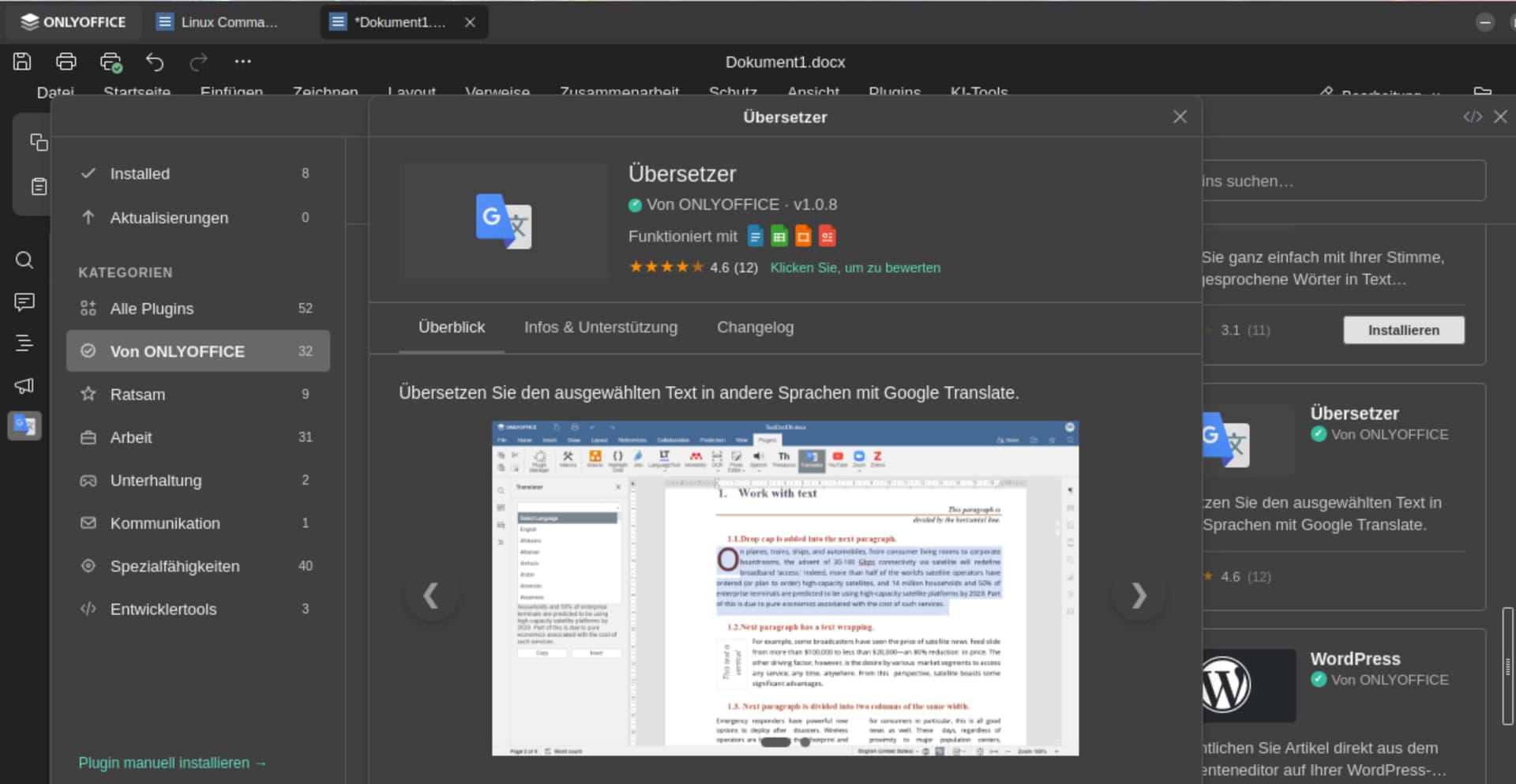
And then I saw that the PDF Handling has now more features, for example direct translation within documents also for PDF. Even when I am editing a PDF brochure it seems to work.

2 Likes
Thanks for the suggestion, I have been using Only Office for the past 12 months, it's fine for text, as long as the formatting is retained when opening a pdf, but doesn't have the features and general ability for some of the DTP work I have to undertake.
2 Likes
Have you tried importing the registry entries through a .reg file instead of pasting them manually? That might be a workaround if Bottles supports it. With hundreds of .ppp files, I agree that switching to an alternative isn’t really practical. Hopefully, there’s a way to get the existing setup working without having to migrate everything.
1 Like
Does it use an A.I. Translator?
1 Like
No, it uses Google Translator over a plugin GitHub project:
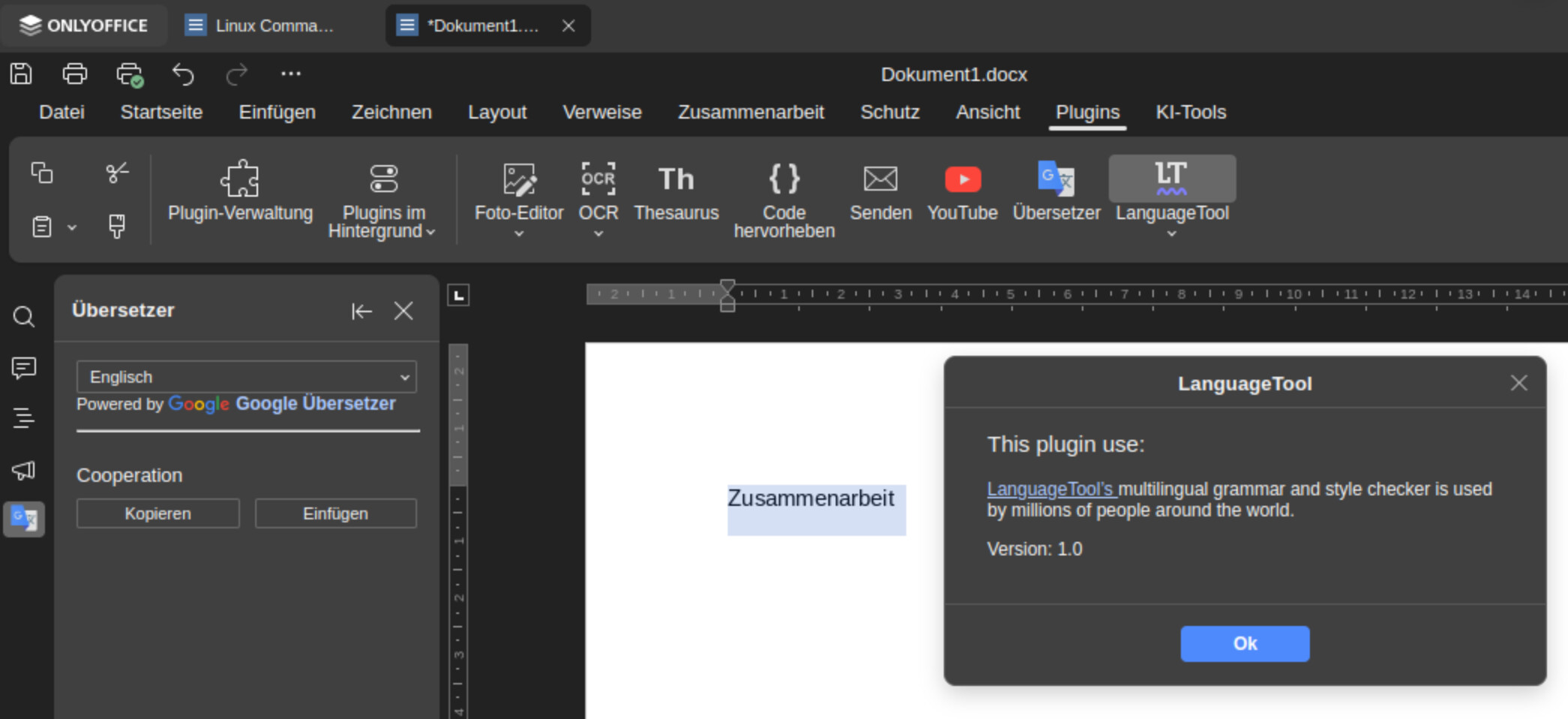
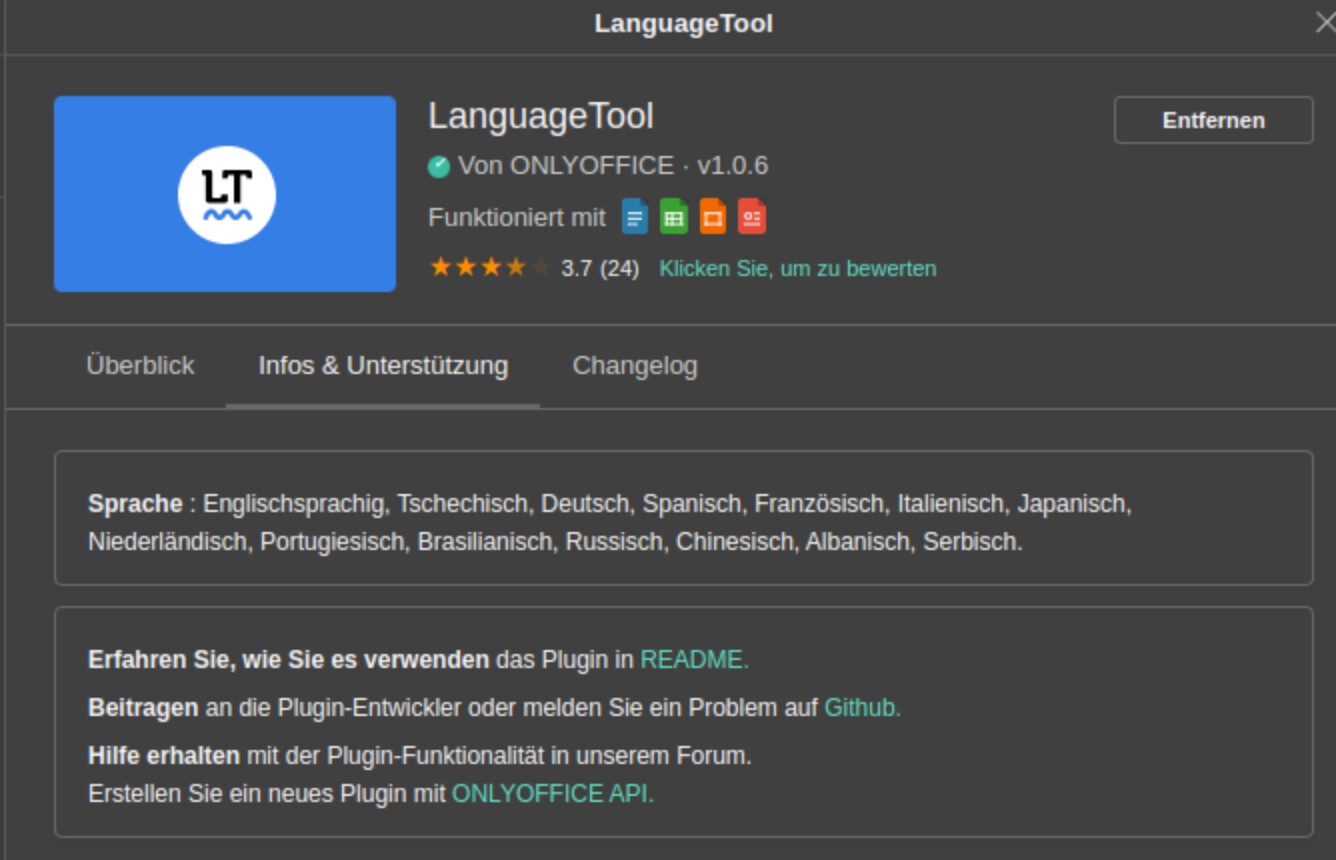
And the Language Tool is a grammar, style and spelling tool for several languages, this plugin is also a GitHub project:
Additional there is an OCR plugin GitHub project that works reliable and incredibly fast and seamlessly with the translator without leaving the actual document.
AI is in OnlyOffice only an option, you don't have to use it.
2 Likes
I was thinking of Language conversion for the Unofficial Manual for Zorin 18.1 Core once I have completed it. Nice!
2 Likes