I can sympathize. I use encryption and so forth more heavily than most people and I'm not comfortable without. In this case, it really is true. You don't want programs to use RAM they don't need, but not using RAM when they COULD use it well is just wasteful. If the RAM is never used, you might as well just take it out of your computer.
I have too xD i sometime i need stop myself then don't usign terminal non stop because-i maybe using clear terminal without Gnome xD(but this option will be bad on my plan on future-than saw than linux is...good operating system for everybody if them want :3)
Couple things to note here...
(1) You are running Zorin Core, which uses Gnome, Gnome is a resource hog, see?

Its Gnome = Completely Normal
(2) Like it was said above, the more RAM you have, the more your system will use. I also have 32GB of RAM.
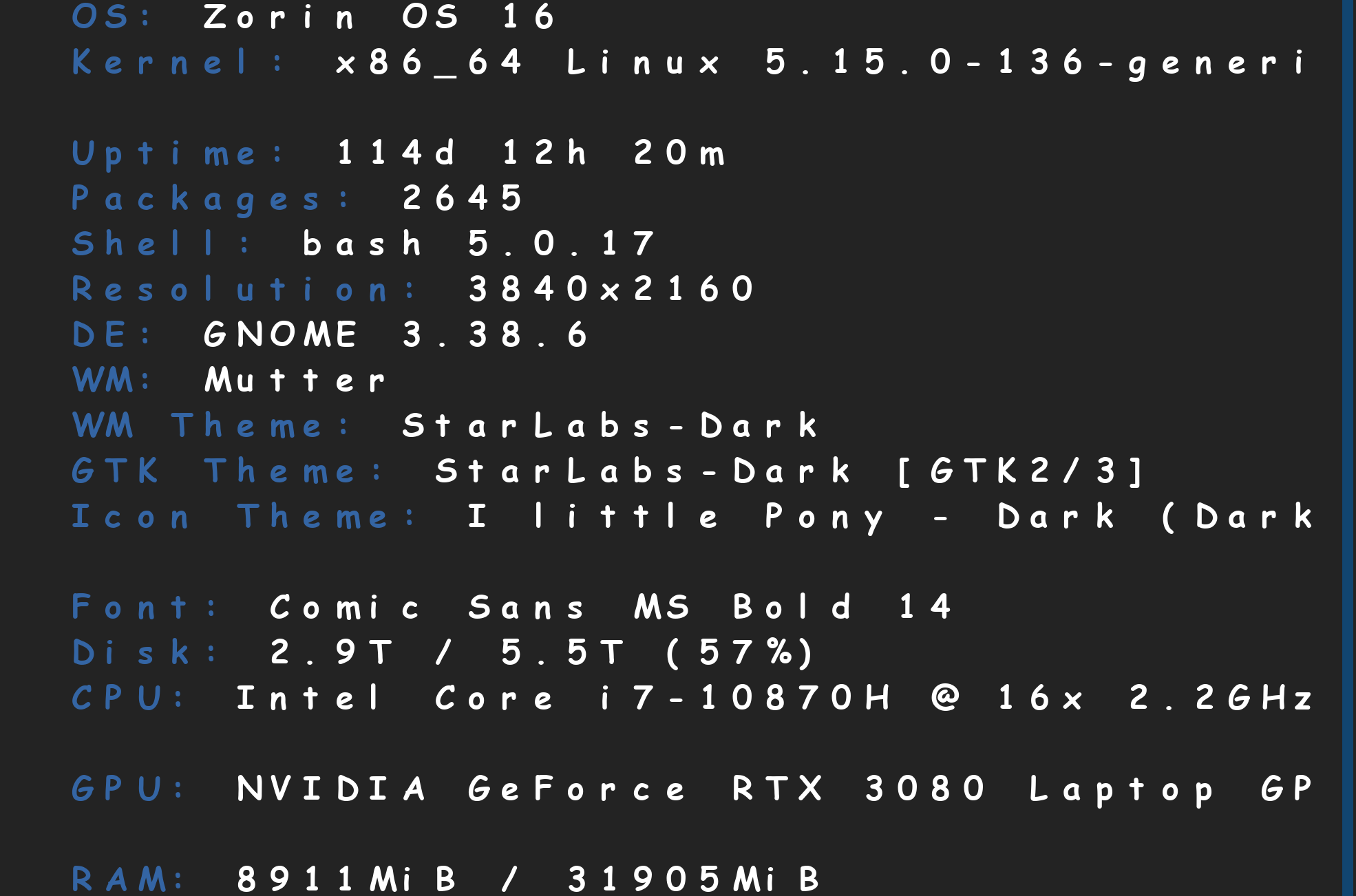
(3) When you have a performance machine like mine, Gnome means very little to gaming performance. As you even said yourself, it will manage your RAM & CPU usage for your games. Just hmm, don't forget to use Proton lol.

(4) I like to use Mission Center, to track real world computer usage...
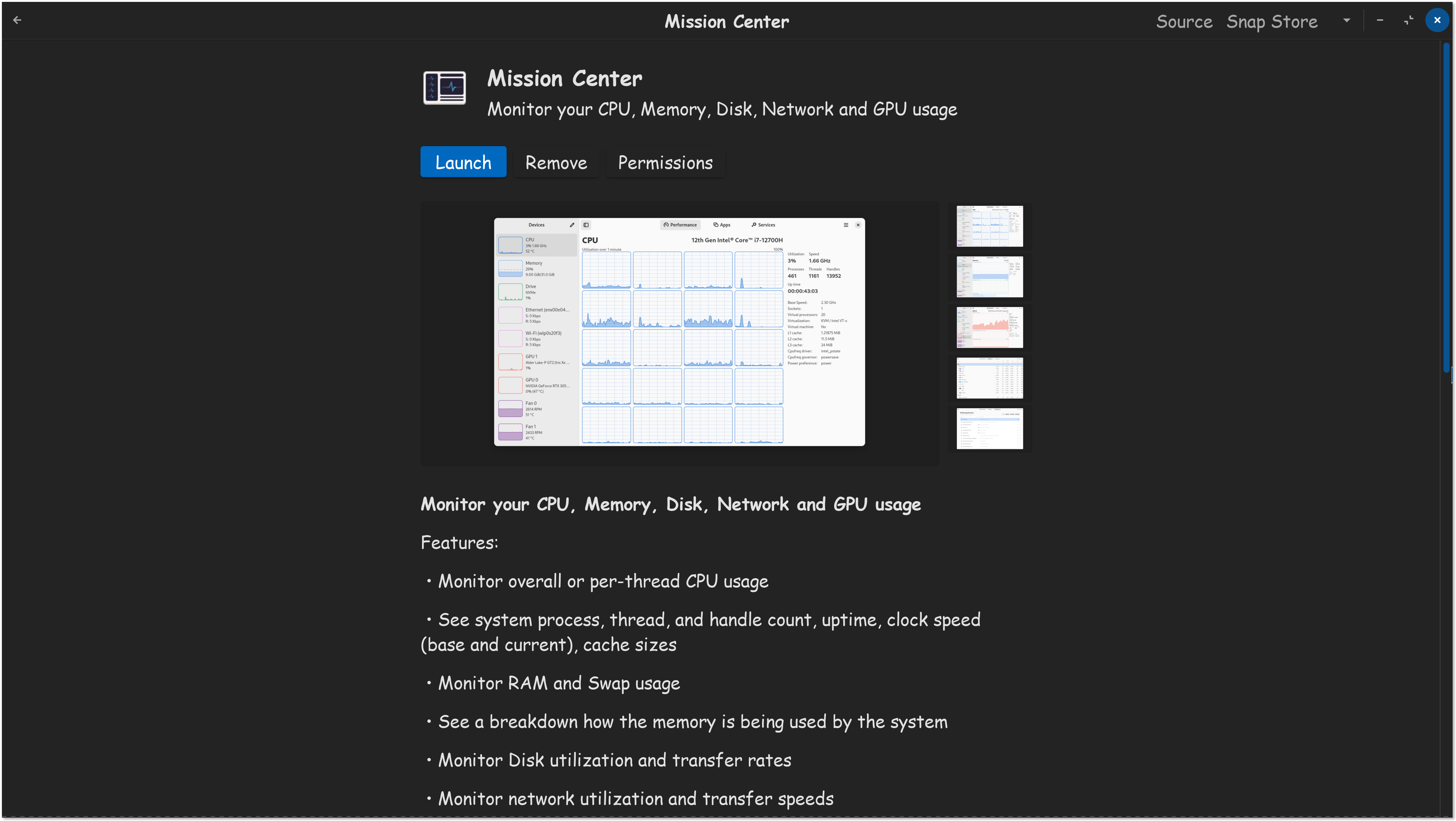
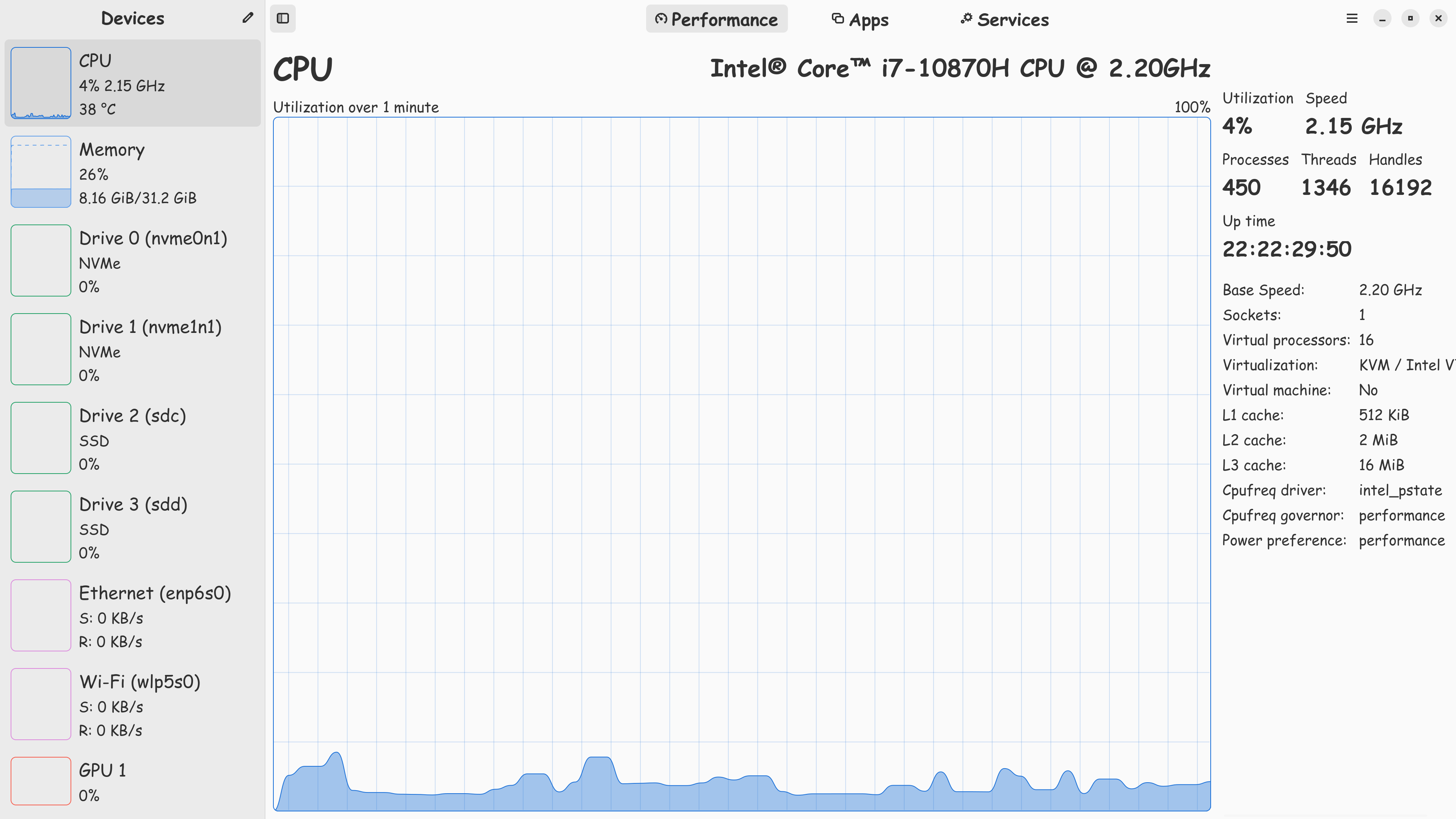
I usually recommend Zorin OS Lite to folks who do not have performance machines, most of those folks don't really game anyways. Since your system has good hardware in it, I see no reason why you can't continue with Gnome.

I use-EVERYWHERE-using lutris too(I main use Proton hotfix but for Galaxy Life-Proton 10.1 because native version is uncomatebile and do not use)
Thank you 
I try used but on my computer first: was instable and second: Zorin lite don't have night dispaly which i need turn on 24/7 because i have sensivite eyesight and i like night display x)
Thakn you for anwser
1 Like
I would like to ask for peace of mind-how can I check the hidden background processes?
Is this command enough?
If you would like to try Zorin lite again at some point:
For the nightlight, you can install xsct or redshift and set it with a launcher or script to autostart at boot. But yes, it is not so comfortable as in Gnome.
That shows You Start-Up Processes and how much time they need to start.
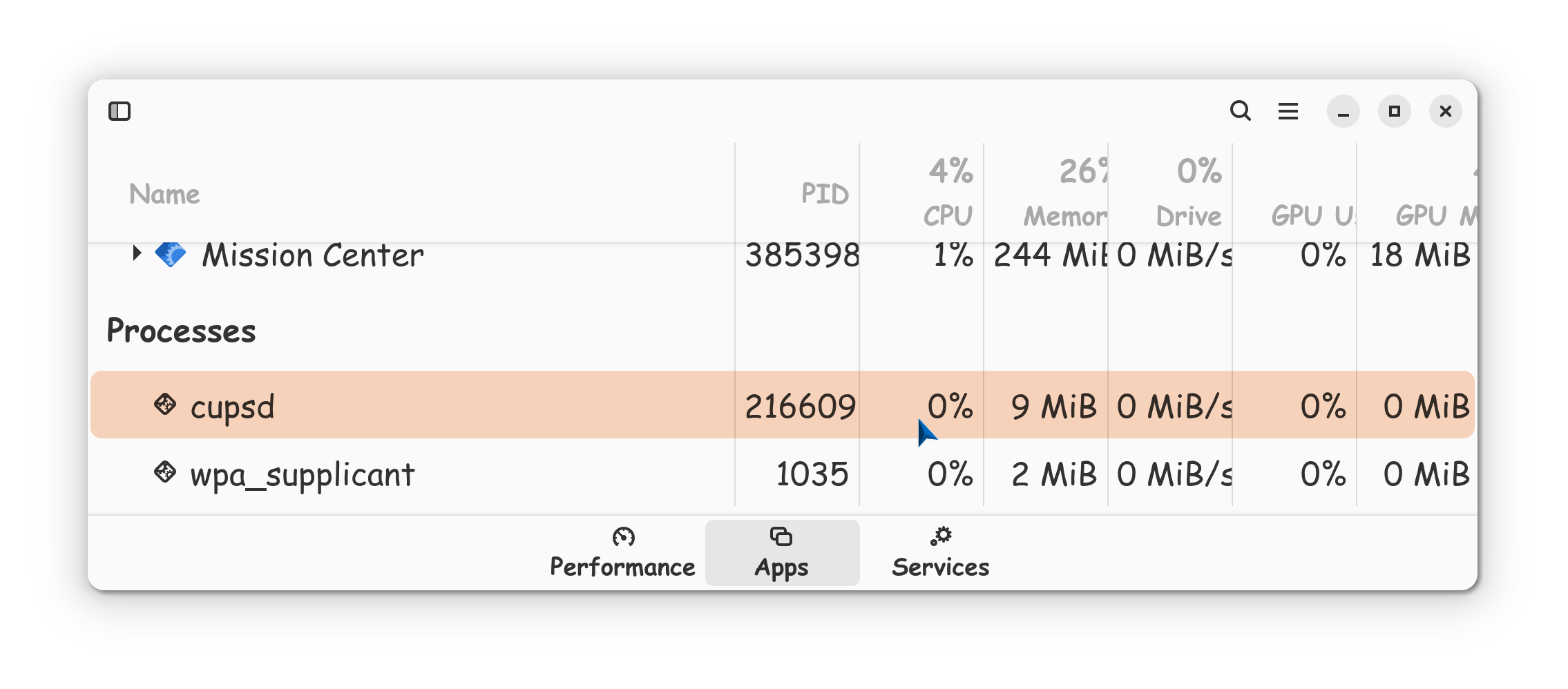
@StarTreker showed You Mission Center. When You go there to the ''Apps'' Tab, you can see all running Apps and Processes. You could use the preinstalled System Monitor, too. I personally prefer Mission Center because of th Layout and the Overview of the Graphics. But what You use and suits You is up to You.
1 Like

Actually, Flatpak will use more RAM than .deb installs.
I have an RTX 3060 Nvidia card.
I am currently using the 575 driver, however, in earlier drivers, I noticed two things caused by the Nvidia driver:
- increased CPU use
- increased RAM use
Nvidia was trying to "make itself look good" by dumping computing onto the RAM, freeing up vRAM and onto the CPU, freeing up the GPU.
The 550 driver was notorious for this, as was 565. Whereas the earlier 545 was solid. In fact, the 555 driver caused a lot of CPU overheating. (It caused my head to overheat, too. In anger.)
From 570 onward, I have not experienced this... Just other annoying Nvidia bugs.
see so many problems with stuff but the concept should really be to adapt to the OS not vice versa. wouldn't even use nvidia with linux simply because of all the problems people seem to have.
should really check the equipment and see how compatible it is with the os wanting to use.
This is the same on Windows OS.
The issue I described is from the Nvidia Proprietary drivers, not from GnuLinux.
btw, I'm curious if non-ubuntu based distros like Fedora would have from flatpak packages compared to dnf. Like is it the similar to this too?
It would be the same experience as Flatpak is standardized and compartmentalized.
There will always be some variance, system to system. In general Flatpak installs will use a bit more RAM - but not always.
1 Like
just meant in general not just nvidia. made sure the pc used was tuned for both windows and linux. if there were too many hassles with an os, wouldn't bother, and find something that works.
...it is a learning curve, but once you jump into the big pool, have to adapt
If thats what you are looking for, Star Labs has what you need, just choose Zorin OS in the dropdown box.
Thanks
Already picked a PC.
1 Like
I understood
I change drives on 575 and...look good 0.0-I'm suprised - i have the impression than screen is more...clear?... thank you
I understood - thank you I will install this
1 Like
I instelled this and OMG - THIS IS BEAUTIFUL! I need this
And for serious - this soft is really beautiful and helpful - everything is clear and transparent
Thank You so much
1 Like
I'm very happy then 575 working because on past - when I am on windows - I updated nvidia drives to latest and this is so comfortable when i know then latest drives working and are on my system :3
thank you again @Aravisian
1 Like