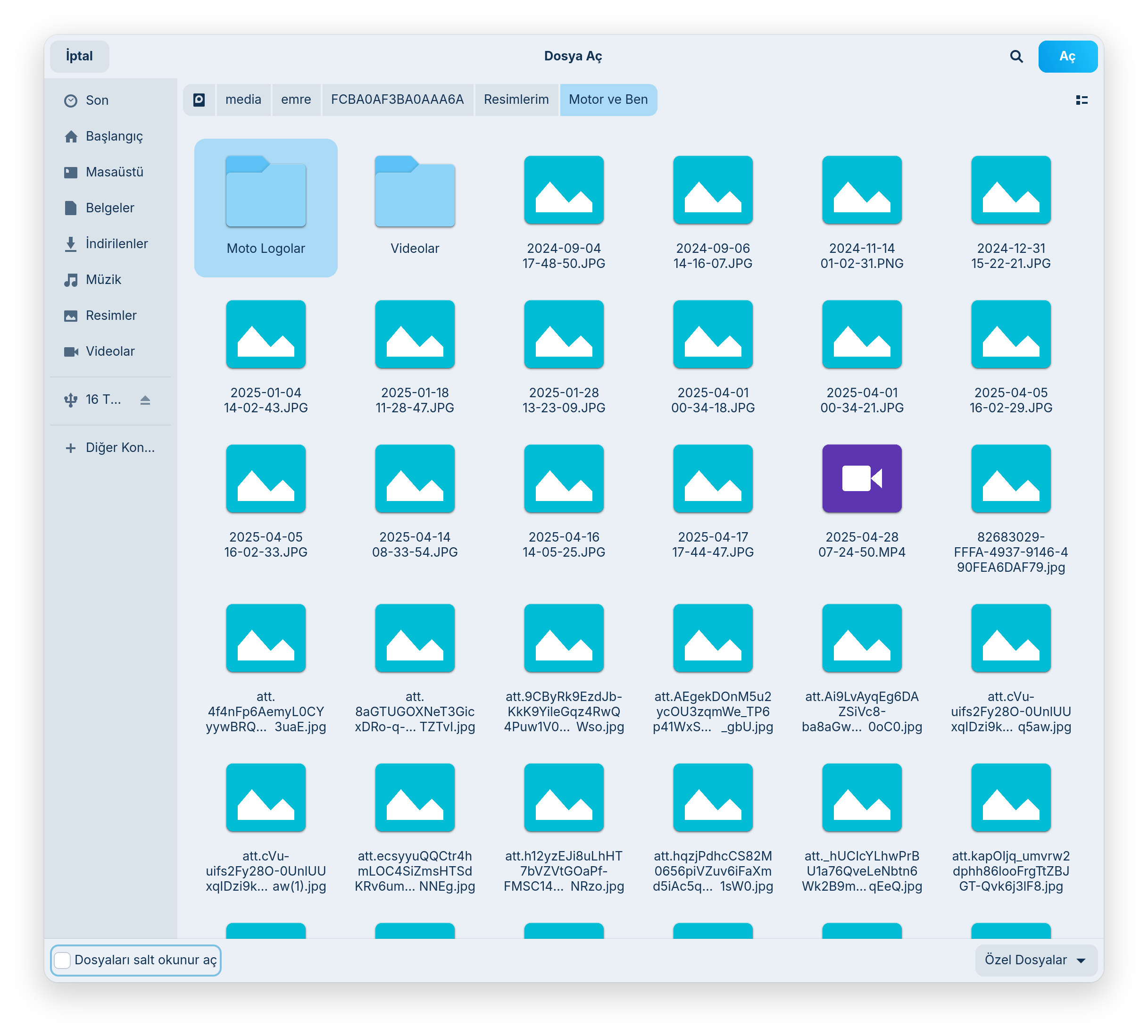
Since I can't see the image previews, I don't know which one to share. Is this an issue caused by the app? If so, is there another app available?
Thank you so much
Since I can't see the image previews, I don't know which one to share. Is this an issue caused by the app? If so, is there another app available?
Thank you so much
Go in file manager settings and check for the thumbnails option
Are you on Zorin 17.3 ?
Oh I understand, this is not the file manager on you screenshot, this is a file picker, so I'm not sure you will have this kind of option for this part
It's often not possible with the file chooser to see all thumbnails. In the higher gnome versions that will be probably better, but not in gnome 46.
It can help to open the file manager first in this folder, and then open the file chooser again. Unfortunately, that's a hassle.
Would be interested to know if A.I. has got this suggested modification correct (I do know what is said about KDE is valid):
"In GNOME 46 , the native GTK file picker supports thumbnails, but its effectiveness depends on the underlying XDG Desktop Portal implementation.
GNOME's Native File Picker
The native GTK4 file chooser, introduced in GTK 4.10 and GNOME 44, finally includes thumbnail support. However, in many distributions, this feature may not function correctly for all file types or applications unless specific portal backends are configured.
KDE Plasma File Picker (Recommended for Reliability)
For the most robust thumbnail viewing experience, users often configure the KDE Plasma file picker (via xdg-desktop-portal-kde ) as the backend for GTK applications.
Why it is better: The KDE file picker has supported thumbnails for years and handles previews for various formats more reliably than the GTK default.
How to use: Install xdg-desktop-portal-kde and ensure it is running. This allows GTK applications (like Firefox or LibreOffice) to use the KDE file chooser dialog instead of the native GTK one, providing immediate image and video previews.
Workarounds for Native GTK
If you must use the native GTK picker:
Install Thumbnailers: Ensure packages like ffmpegthumbnailer are installed to support non-standard formats (e.g., AVIF, WebP, SVG).
Clear Cache: Deleting the thumbnail cache (~/.cache/thumbnails/ ) and restarting can sometimes resolve preview issues.
Nautilus as Portal Backend: Some users create custom portal backends to use Nautilus (GNOME Files) as the file chooser, which provides full icon views with thumbnails, though this requires manual configuration of D-Bus services.
AI-generated answer. Please verify critical facts."
Alternatively install kde-standard as an alternative to Zorin DE.
Or the hardway:

@Nourpon - 18.1 Pro
@Forpli How can I update the GNOME version? 
@swarfendor437 I would also like to thank you for your reply and the explanation. Is Zorin OS working on this? In other words, will this change be included in version 18.2?
You can'st update Gnome version so you will not have any change till Zorin 19 if it include Gnome
To see it in the File Picker it can help to open the actual Folder with the Pictures in Nautilus first.
The issue with the missing thumbnails in the file picker is very frustrating. Hopefully this will be fixed as soon as possible, but looking back on the forum, this issue seems to persist for many years ...