Thanks Aravisian! The apt remove worked like a charm -- now can reboot and don't need to go into the grub loader. I'm also going to install timeshift as Sbstn said to prevent similar problems in the future.
2 Likes
Yeah. Congrats. It works like a charm.
Now there was another update which made my computer unusable and brings me to busybox on boot. My patience is wearing thin, and I'm considering switching to a different distro. I'm tired of having to restore from a backup every time.
It's the Kernel 6.17.0-20 which is unusable too for my Intel N100 Mini Computer.
Is there a way to manually get and install a specific version of the kernel that isn't showing in Mainline? I've been having issues since last week and came across this thread.
I downloaded and installed mainline. I can see 6.17.0-20 and 6.17.0-19 as installed and both have the same issues for me.
I can see 6.17.0-14 mentioned above but I'm not sure how I'd install this as I don't see it in mainline.
I do also strangely see 6.14.0-37 as installed but I can't see that in the GRUB menu even after running a sudo update-grub
I am fairly new to Zorin myself so all of this is new to me. I also didn't have Timeshift installed as I didn't know about it before.


so when you fresh startup and hit esc or tab or delete in the advanced it isnt listed?
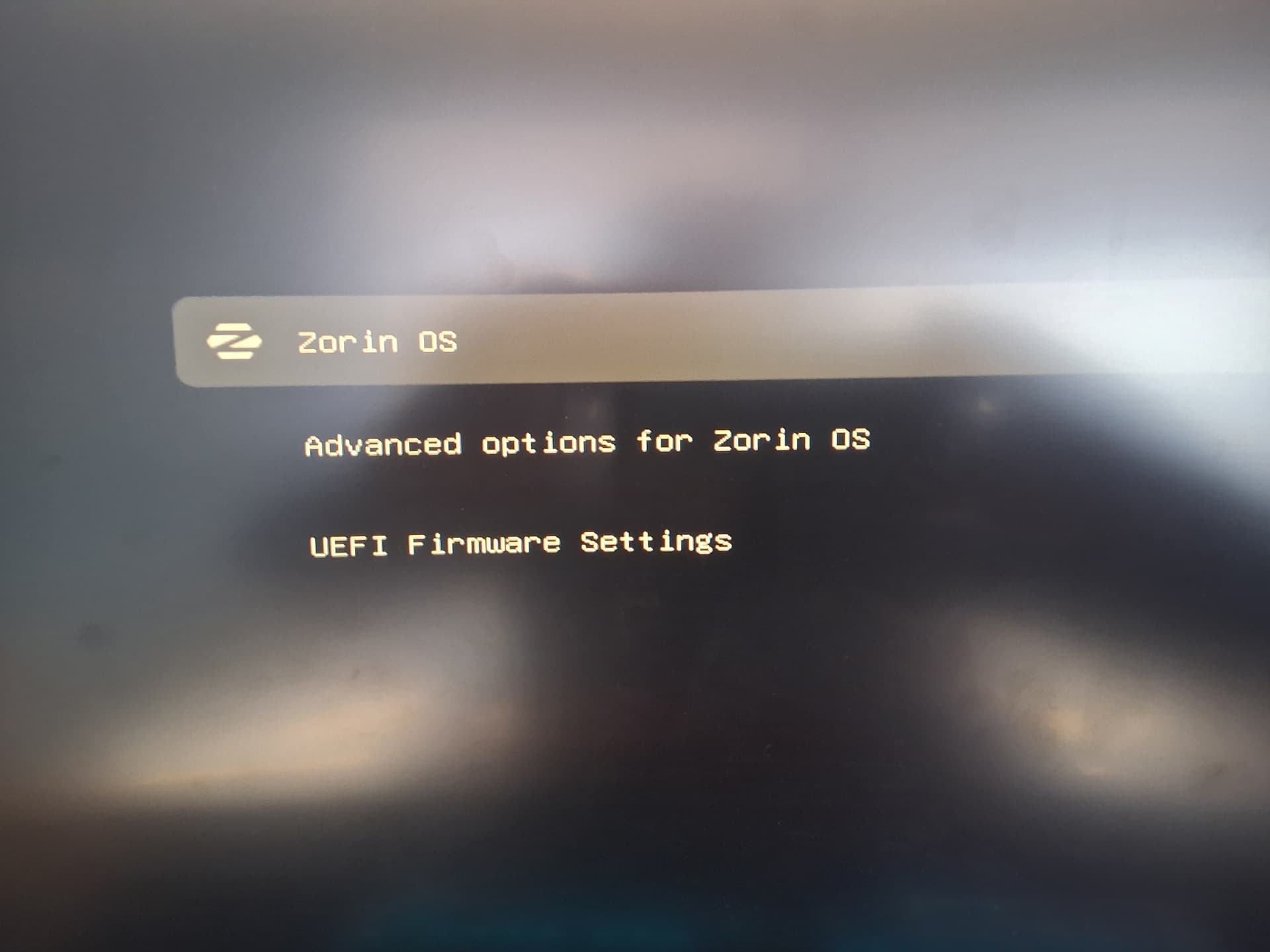
choose advanced options and see if 6.14 is listed there if so hit to reg one not the recovery one and it should boot into 6.14
Nope I only have the 2 options for 6.17.
I did install another version from mainline and got some shim error when trying to launch it from that menu (I'm away from the PC now and can't remember the exact one)
By that, I mean I can see the new version in the list but get an error when trying to boot with it
ok of the 2 which has the lowest final number...try that one i think most have had troubles with 6.17-20
be careful when jumping kernels going to far to fast can cause problems...litte steps...lol
If you have Secure Boot enabled in your BIOS EFI settings, you cannot install an unsigned kernel.
Fair enough, I dual boot with Win11 and don't want to mess with that by disabling secure boot either.
My issues aren't too bad so I'll wait for another update
You can sign for kernel's, as well.
Using a signed kernel on Linux supplied by the distro will use SHIM. You as the end user can enroll MOK to do the same and sign for the kernel.
It is not painful, but more involved than I remember all the steps to while taking a break and responding on the forum - but searching for a guide on the net should get you set up for that if you want.
1 Like
I make it clesr that you should install Timeshift in the Unofficial Manual for Zorin 18 Core. Get it from here, still a w.i.p.:
Just to add to what @Aravisian has posted about MOK, that is why I always use Ventoy for installs. I recently (last October) had to install LMDE 7 on an Acer Notebook that previously had Windows 10 on it. Had to use Ventoy's MOK utility to enrol LMDE 7 into UEFI to get it to installl.
1 Like
I wonder if this may have helped some of our recent threads about Grub not being permitted as Trusted by the EFI on several posters computers...
1 Like
FYI, the upgrade to 6.17.0-19 broke both my BrosTrend USB WiFi (so no Internet) and my GeForce GTX1050 graphics card, so I had to roll back to 6.17.0-14. But the latest 6.17.0-20 works fine on my system.
1 Like
Ok so everything I said above can be ignored, my issues were nothing to do with the kernel, I thought they were because it happened the day after I did an update but I forgot I also reinstalled Citrix Workspace on the desktop and added all the extra components with it.
One of those was causing an issue with the Zorin extensions where none of them could be re-enabled.
Reinstall without those extras has sorted my issues.
3 Likes
Just FYI if you edit your grub file (sudo nano /etc/default/grub)
and make the first two lines
GRUB_DEFAULT=saved
GRUB_SAVEDEFAULT=true
It will keep going back to the choices you last entered and not try to go to the newest kernel next time you boot