I used the link and went to the installation support site, but it doesn't ask for the support code. It asks for the purchaser's e-mail address. When I provided it, it said an e-mail was sent to that address. But that's not my address, so the e-mail is being sent to the builder, which means I still can't use the support code. So what should I do now?
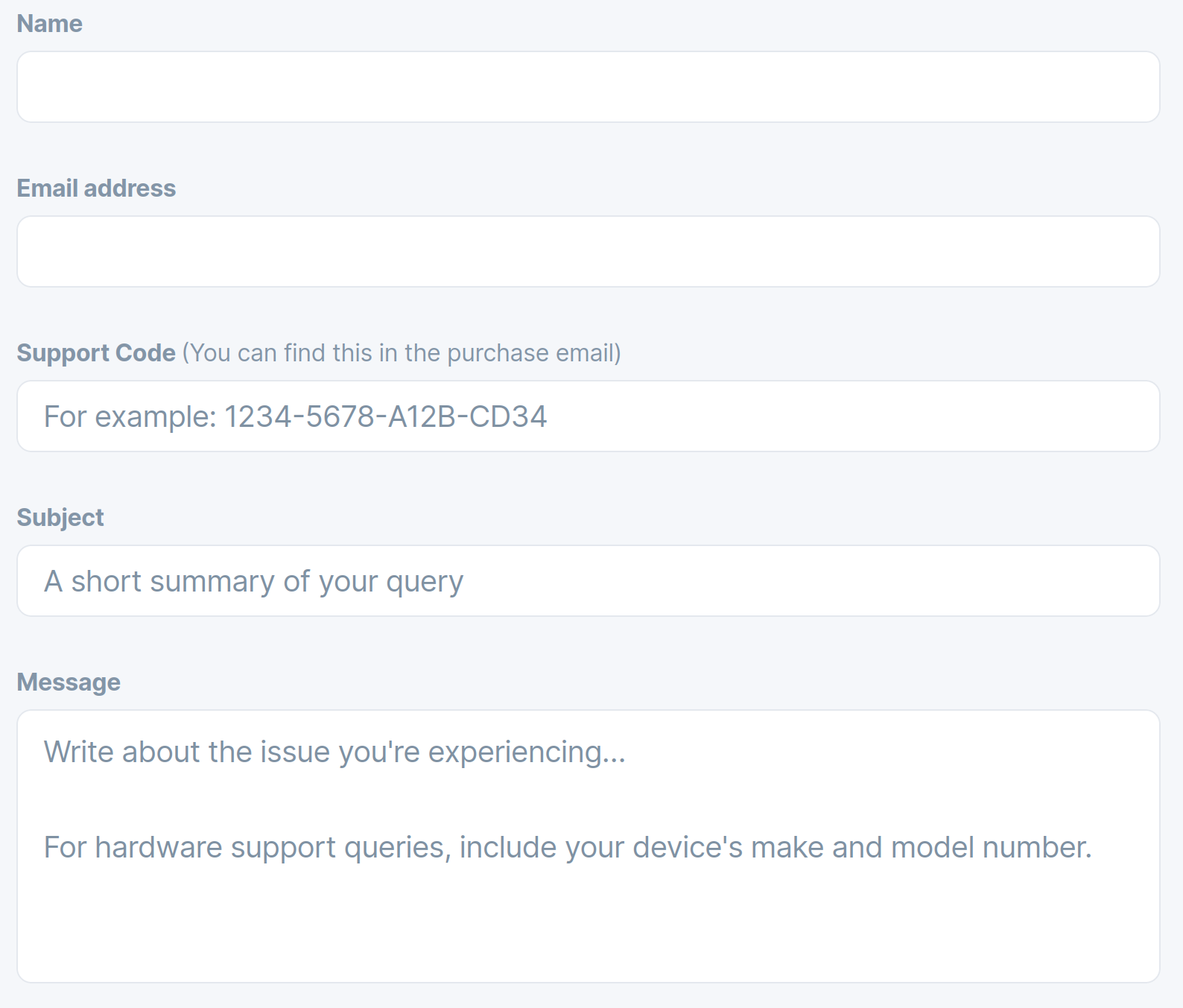
Thanks for posting that form. I couldn't fill it out until I downloaded it. Now I have the completed form on my desktop, but I don't know how to submit it. Fortunately I just received an e-mail from the support team, so I'll attach the form to my reply. Hopefully that will resolve the problem and allow me to finally fix my broken computer.
2 Likes
It is only a Picture. A Picture from the Site that @swarfendor437 has linked above:
1 Like
Oh, I see. I went to that site and did not find that form. As I said, my only option was to provide the e-mail address used during the purchase. Fortunately the builder got the new e-mail, realized what it was and forwarded it to me, so I used that e-mail to open the link and download the installation files. I just flashed them onto a USB drive, and I'm ready to start the repair/reinstall process. So I'm past that roadblock now, but I'm still glad I was able to inform the team and transfer license ownership, so thanks again for providing that form. Before I start the reinstallation, I'd be very interested in your opinion of my planned strategy... First, use Try Zorin to get to my crashed install and copy certain data, like Brave passwords and stored files, just in case. Second, do a partial reinstall to see if the boot problem gets fixed without deleting personal data. If that fails, then do a full reinstall and use the data copied from step one to salvage what I can from the old install. Does that make sense, or is there a better way to go about this?
Good to hear you are making progress.
If you encounter specific issues going forward, then I suggest you create a separate new post for each, unless the issues appear related. That way issues and solutions are easier to address by other users here on the forum.
It makes sense - that is what I would do, too.
1 Like
That sounds like a good Plan for me.
1 Like
I don't believe this... I saved the data from the old OS no problem, then I tried a partial reinstallation and it failed, so I erased the drive and did a fresh installation. And nothing changed. It still crashes at the start menu. How is that even possible?
1 Like
ok I think with nvidia cards the fresh install is like this choose install zorin then on one of the screens uncheck the download updates and dont install the video drivers then proceed as before chooseing to use entier disk let it instll then hope at reboot it comes back up dont install any updates at all lets see if we can just get it back working then we go from there...hope this works for ya
That fix has the same result as when I tried nomodeset added to Quick Splash. It works, but the graphics card is not engaged, so poor quality images. when i try to get the Nvidia card to work, the crash problem returns. I've been over this ground so many times I feel I'm stuck in a time loop. SIDE NOTE: Google's AI just made a suggestion... Go back to an older version of the OS, before the conflict with Nvidia drivers began. The sounds crazy enough to work. Should I give it a try?
You could try it. What Nvidia Card do You have and what Driver is in Usage?
Well Zorin 17.3 is very stable.
Thanks for the link and the recommendation. That list is for Core, Light and Education versions only, and I'm trying to download Zorin OS Pro 17, but I'll specifically look for 17.3. I don't want to go with Core unless I have to, because I already paid for a Pro license.
1 Like
You could install the Core Version and then use the Upgrader with Your Licence and upgrade to Pro.
1 Like
yes what @Ponce-De-Leon said you install core then use the zorin upgrader type in the email and support code for 17 pro it will check it if everything matches it will then start to upgrade to pro...of course thats if your support code is for OS 17 the code for 18 will not work with 17 and vice versa each new version requires a new purchase of the pro version so if you get 17 pro then 18 comes out you will need to buy the pro 18 licence this will be the same when OS 19 is released if you want pro you have to buy it again this helps support the making and upkeep of the zorin community. Now if you have an 18 pro support code when 19 comes out you can get a discount on 19 by entering your email and code in 19 it does vary what discount is based on length of time 18 pro was activated