To write an ISO to a flash drive, you’ll need your phone, the app mentioned below (I used it to write Zorin 18 Core myself), and a flash drive connected via an adapter—or you can use a dual-connector drive with both Type-C and USB ends. Just download the image, write it to the drive, and you're ready to install.
However, for the future, I’d recommend setting up a Ventoy flash drive instead. You simply download the ISO image and copy it onto the drive—that’s it. The drive won't lose data, and you won't need to restore it later!
You can even copy multiple images onto it at once, limited only by the drive's storage capacity.
I have had no extra luck with the wired keyboard.
I have tried esc., F1-F12, shift, tab, and delete. No usable menus have opened. My computer does sometimes refuse to display or delay display and then flash something for less than a second when display comes on.
Here is what I've got:
This will play out and then display for around 10 seconds before the computer boots up normal when I spam Esc. I have gotten it to continue to display indefinitely hitting random buttons, i dont know which one does it. I can also type up until all the text loads but it just adds itself to the next line of automatic text.
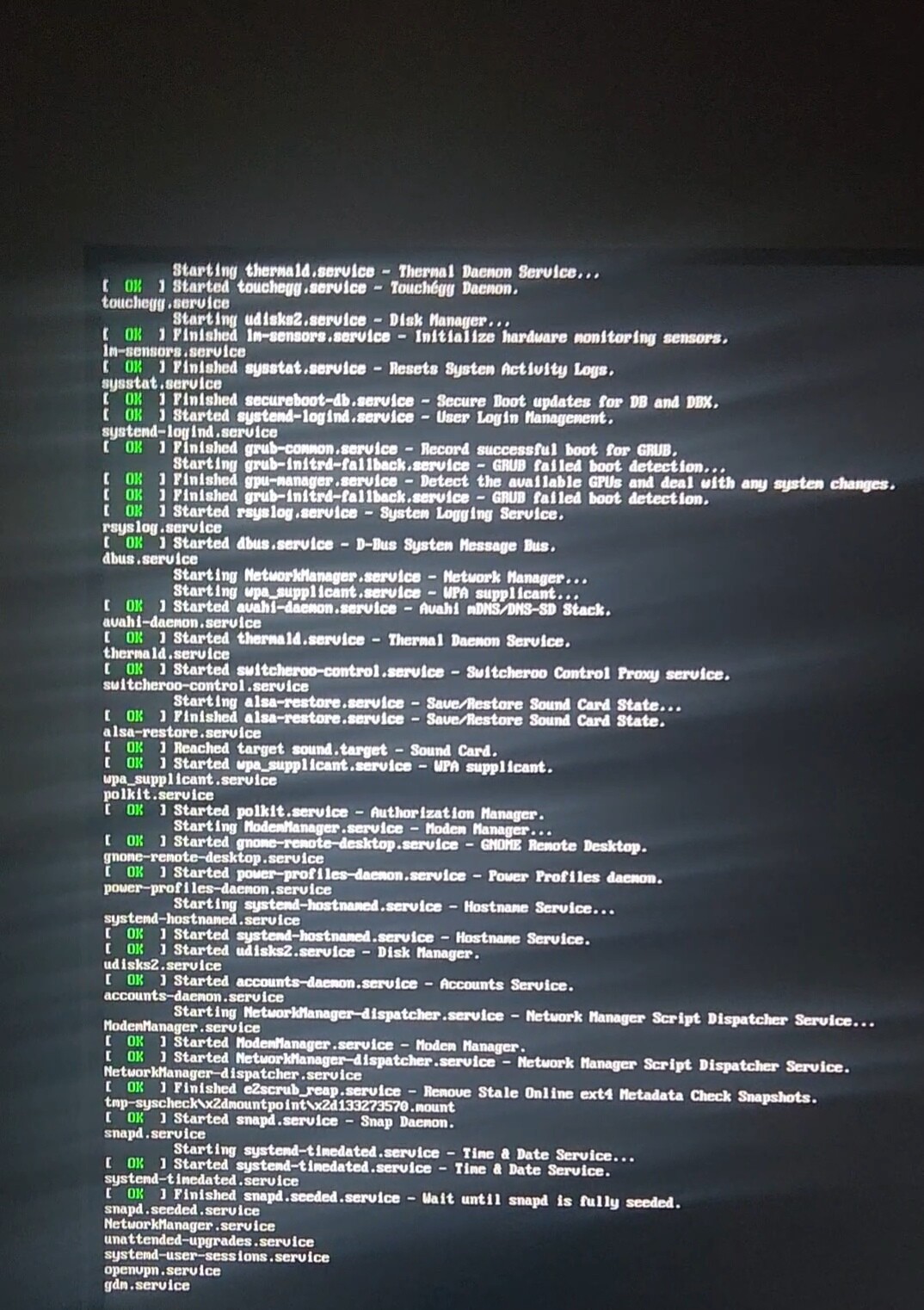
This displays when I spam F9 for less than half a second after delayed display before normal boot
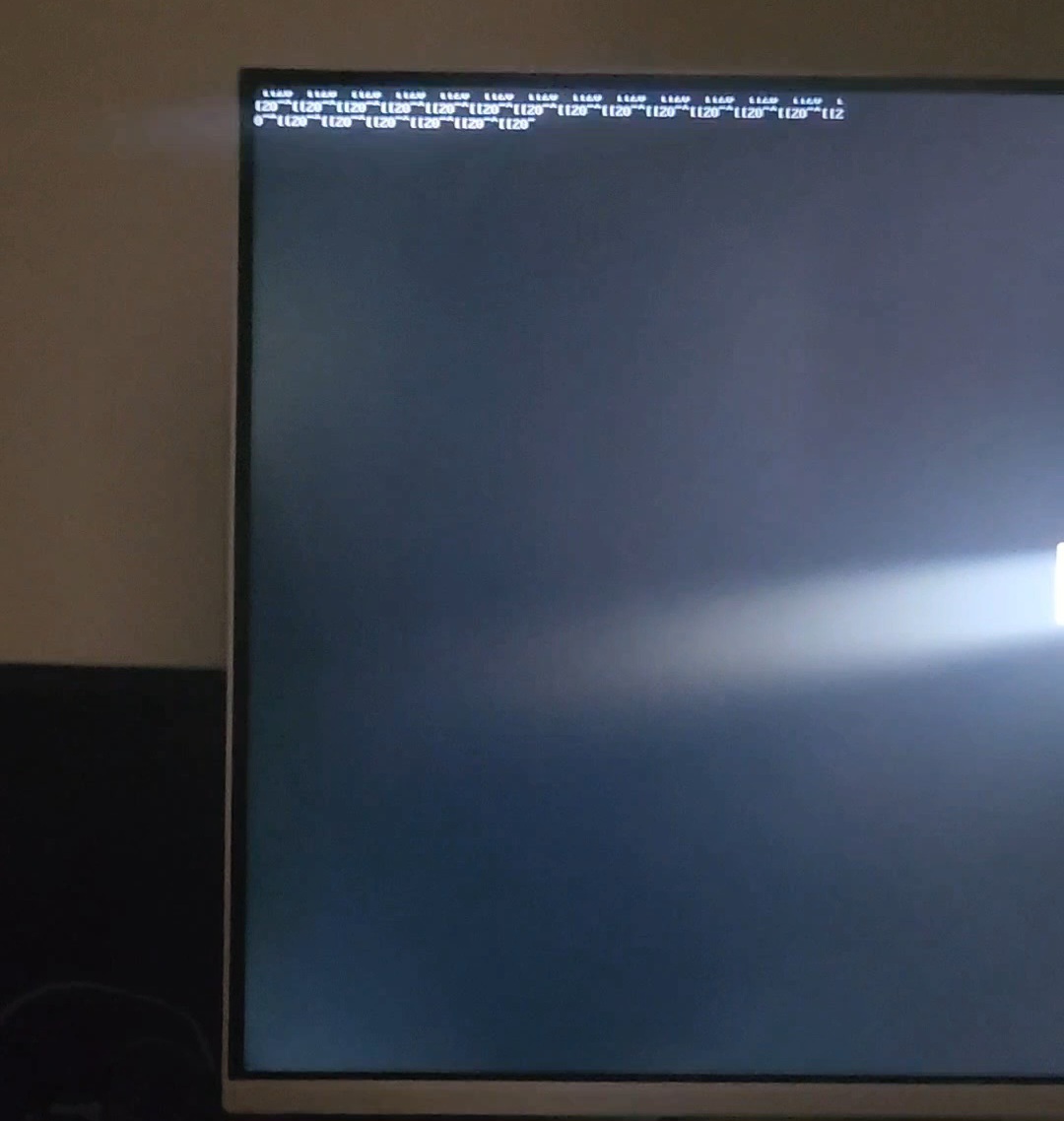
This text displays when I spam delete for less than half a second before normal boot
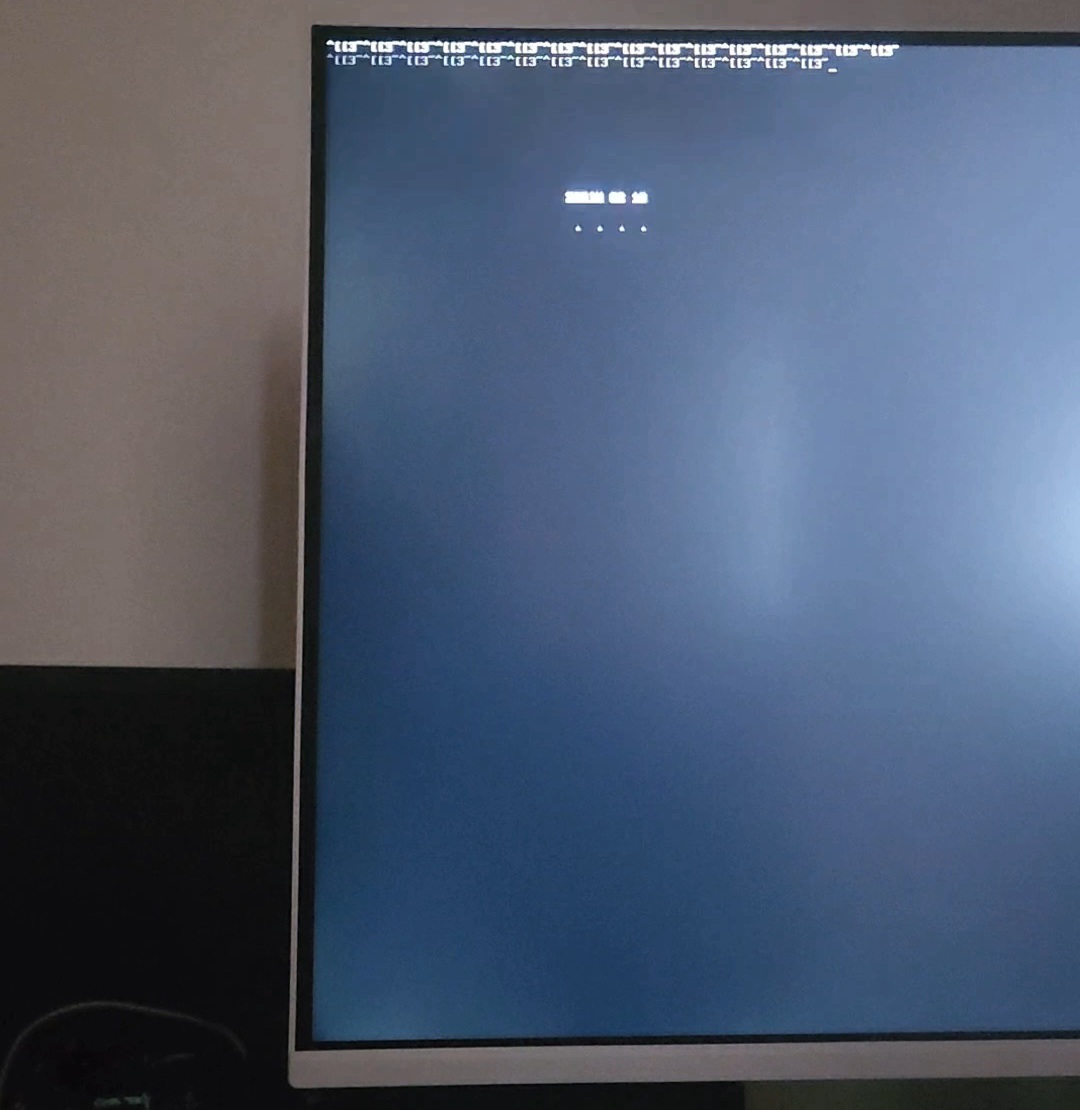
I have inconsistently had things display for a short time with other buttons and with some I have to restart the computer to get it to display. However, I cannot remember which do what as I usually get nothing from everything except Esc and Delete.
Just searched on how to enter BIOS for your specific model. You need to press F10 repeatedly as soon as you see the Hp logo.
I have spammed F10 dozens of times atp I think. I haven't ever seen the hp logo display, but I've done spaming as soon as I start it, as soon as the display turns on, and as soon as the zorin logo displays.
OK. So if the Zorin install has been used with EFI, then during boot, press Escape key to view GRUB menu (you may need to do rapid pressing), if not EFI and MBR install press Left Shift to get GRUB menu.
Then follow the guide from here:
https://linuxconfig.org/how-to-reset-root-password-on-ubuntu-26-04
I have done both of these many times also. I haven't gotten anything from shift. The results from esc are shown above. I will try again later, though. Thank you