I am new to this fourm and don't know if I am in the correct area. I am fairly new to linux and have decided to use Zorin OS for the first time. I am trying to find a PDF editor that works in the manner of Ice Cream PDF editor. I have Libre Office but it does not do well for editing. If I was to remove a word or two it would not rearrange the paragraph or page. Any help wil be appreciated.
Thanks
The older versions of Master-PDF-Editor were free and not added watermarks as with later free/demo versions.
I tested the Appimage of Master-PDF-Editor 4.3.89 from ryuuzaki42's github site, and I was able to edit pdfs easily with it.
Don't update the appimage if you are asked after start.
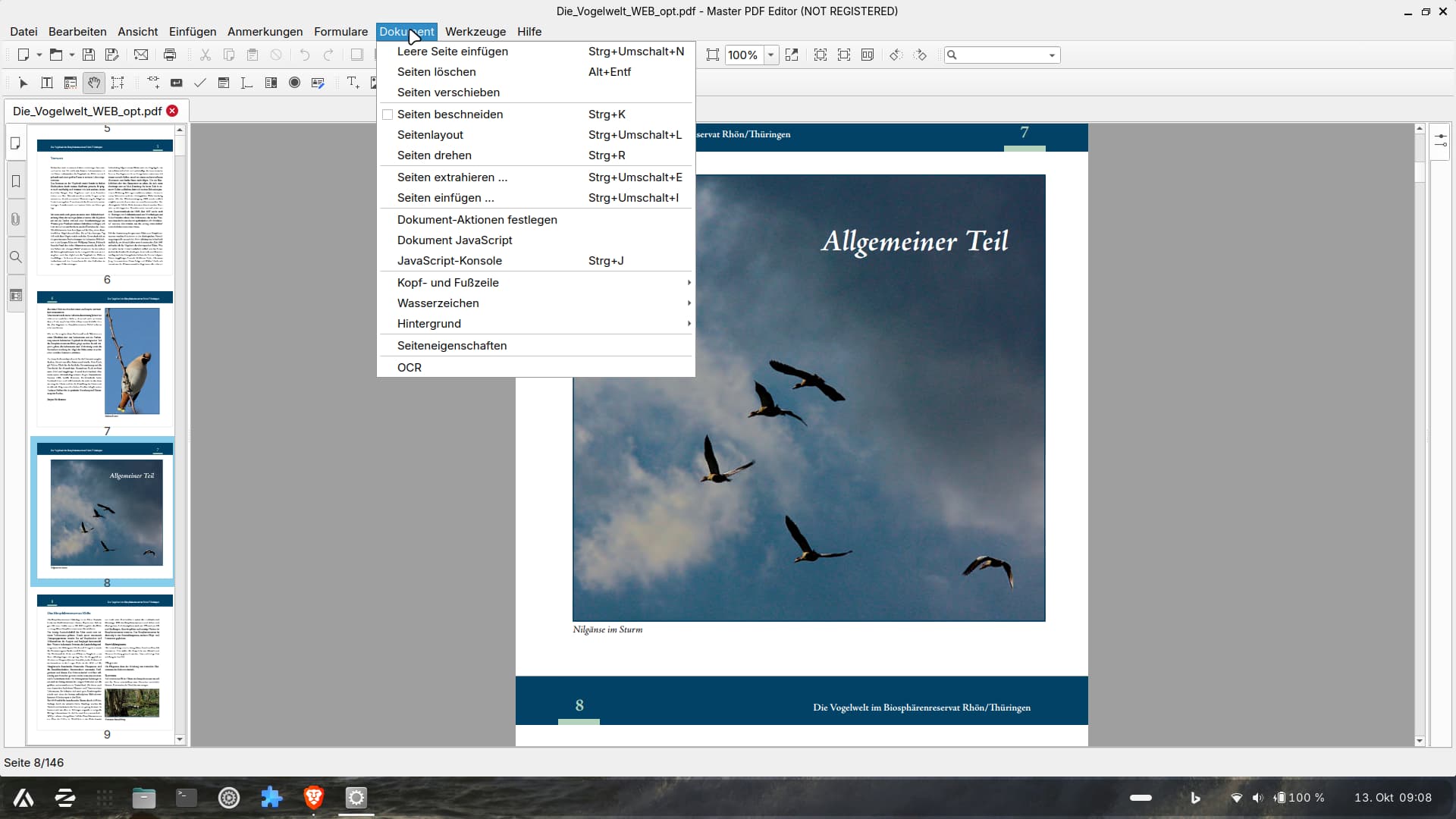
Very interesting tool. You can even remove or edit text from the original PDF.
2 Likes
Hi and welcome.
I use pdfStudio Pro 2024 but it is not free. I was having issues with converting one of my Unofficial Manuals back to .docx for TextMaker 2024 and was told to increase memory used for this to the Max. Still did not work. So was told to move to their latest product, xodo and yes you've guessed it they've moved it to rental like Adobe Acrobat.
I do have the early version of Master PDF Editor but not sure if I would be in breach of Copyright if I were to share it.
SumatraPDF is available as a Flatpak and can be used for minimal editing and text Extraction.
There is a Turkish pdf Editor available, just wish it was available in English.
Lastly, whilst not an Editor as such, Okular has various tools for annotating pdfs including post-it note entries that get saved as a pin. To keep annotations you have to save as a pdf.archive file and use Okular to view.
I found Okular to be a boon while I was working from Home until I retired, modifying documents for students with low vision, using Okular to extract Text, Tables and Images. The great thing about TextMaker saving files as .docx to be compatible with MS Word for the folks at work, was the fact when extracting a Table, it would change the font to 'basic roman' but all that was needed was to select all the cells then press Ctrl+ space and the fonts would change to that used by the document, plus unlike Word, TextMaker allows you to delete tables not just 'cut' as in Word.
Other pdf tools you should consider are:
pdfArranger
L.I.O.S. (Linux Intelligent OCR Solution), you also need to install speech-dispatcher for it to work.
Command-line tools:
ocrmypdf - if a pdf contains images of text this will make it readable by L.I.O.S. but sometimes may need to use the --force command.
pdftk (pdf toolkit) - This is a pdf repair utility. Boy was I glad of this. During lockdown, modifying an AS Physics paper for a low-vision student I suffered a corrupt pdf due to hard drive failure, it got the text back and LibreOffice Draw got my images back which saved me from having to re-modify the images again in Inkscape.
I go into more detail about pdf stuff in the Unofficial Manual for Zorin 18 Core:
To install the Apps I have mentioned I recommend you use Synaptic Package Manager.
1 Like
You can also try using bottles with the ice creame exe and see if it will run there. worth trying if its a windows thing may work or may not wont know till ya try
1 Like
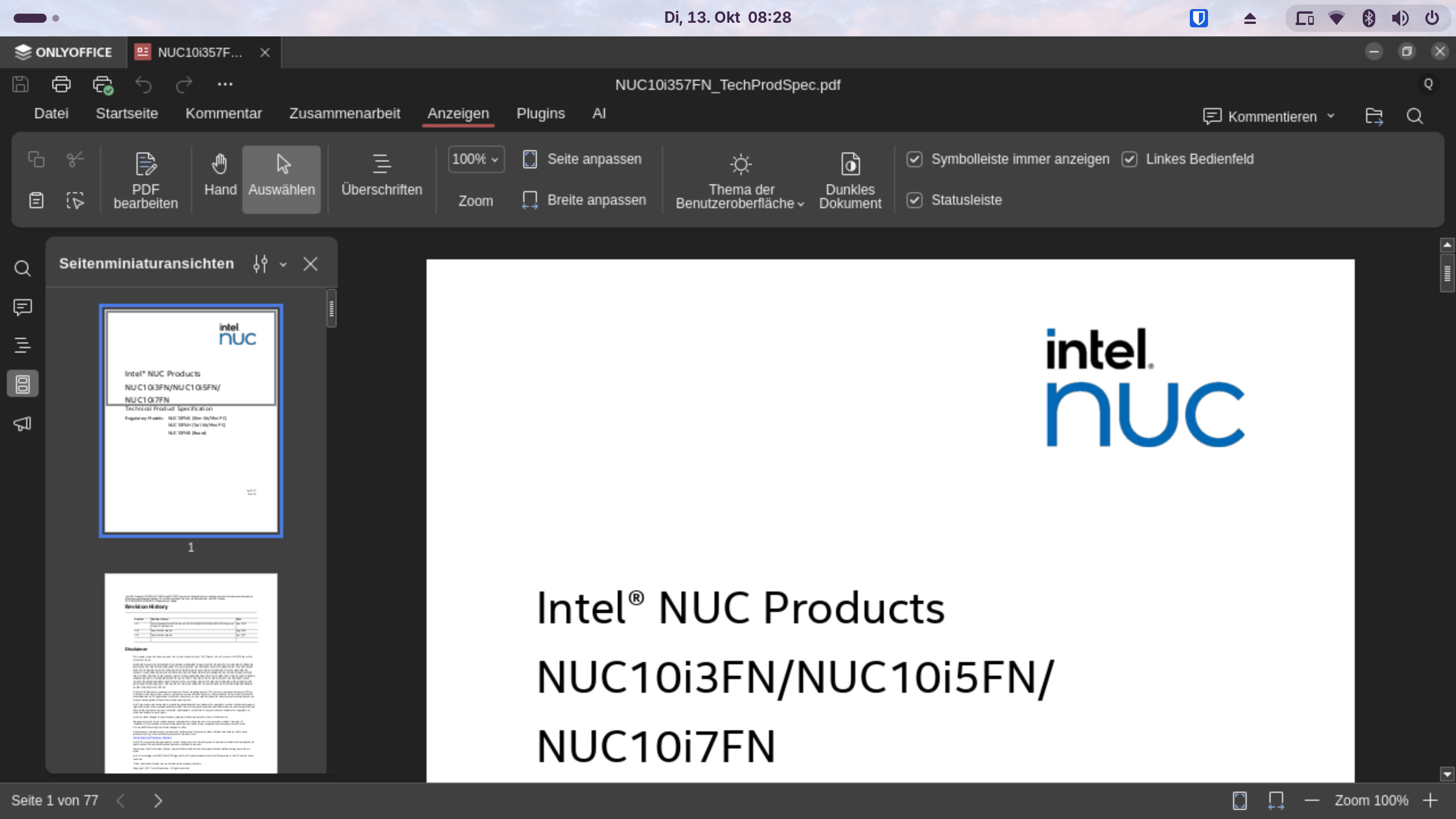
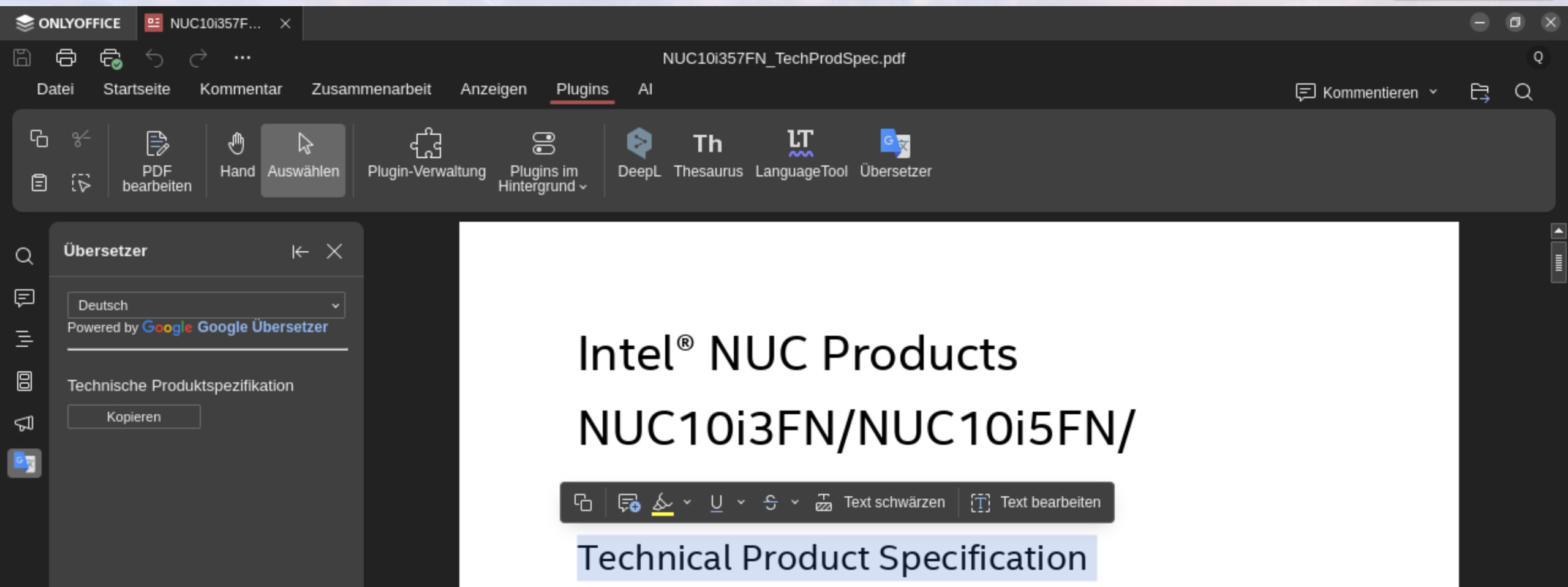
Or, also: www.onlyoffice.com/desktop
1 Like
I am just experimenting with Scribus DTP which has allowed me to import the pdf for the Unofficial Manual for Zorin 18.1 w.i.p. so going to see if I get a smoother experience with that than with TextMaker 2024 in respect of creating the full manual. It could be something I have been doing wrong or perhaps some errors in TextMaker. It is sometines difficult to decide whether to select "move with text" or "fix on page" when it comes to diagrams.
I recently installed JOPDF on my laptop and desktop - both running Linux. JOPDF is available for Windows, Mac & Linux. I've not used Ice Cream PDF Editor so don't know how it compares. Here's a review on Softpedia of the Windows version.
3 Likes
I will put this to the test later. It will be interesting to see if it can convert pdf to .docx/.odt.
If you mainly need to edit text, annotate, sign or merge, you could try tools.nyxiontech.com. I built it; it's free and AGPL, and everything runs in your browser, so files never leave your PC. It won't reflow paragraphs like a word processor, though. For heavy rewrites, PDF→Word → edit → back is still the most reliable route, and the site does both conversions.
I read this recension and the first comment there...the functions of the app sound nice, but is it safe to use??? It's a software from China, has non free (open) code, you have to download a plugin to get all functions, no legal notice with an adress on the website...
2 Likes
Oops! Hadn't spotted that - well done. What is a bit gobsmacking is that this free software was able to do what pdfStudio Pro 2024 could not do for me in converting the first unofficial manual for 18 into a .docx file when I had lost the original. I had to rely on Adobe to do it and then it got the font wrong.
Thanks for the heads up. I will do some more digging!
1 Like
Changed my mind on JOPDF - it does not show up in the menu - when I right-clicked to edit the search result in the menu the screen flashed and renewed the desktop - it is gone - I also made sure to delete the Timeshift image that held it too.
This is what I was searching for JOPDF, the code, and as it's not open source it's not for me !
2 Likes
