Hello, just installed OS 18 last night on a lenovo ideapad s145.
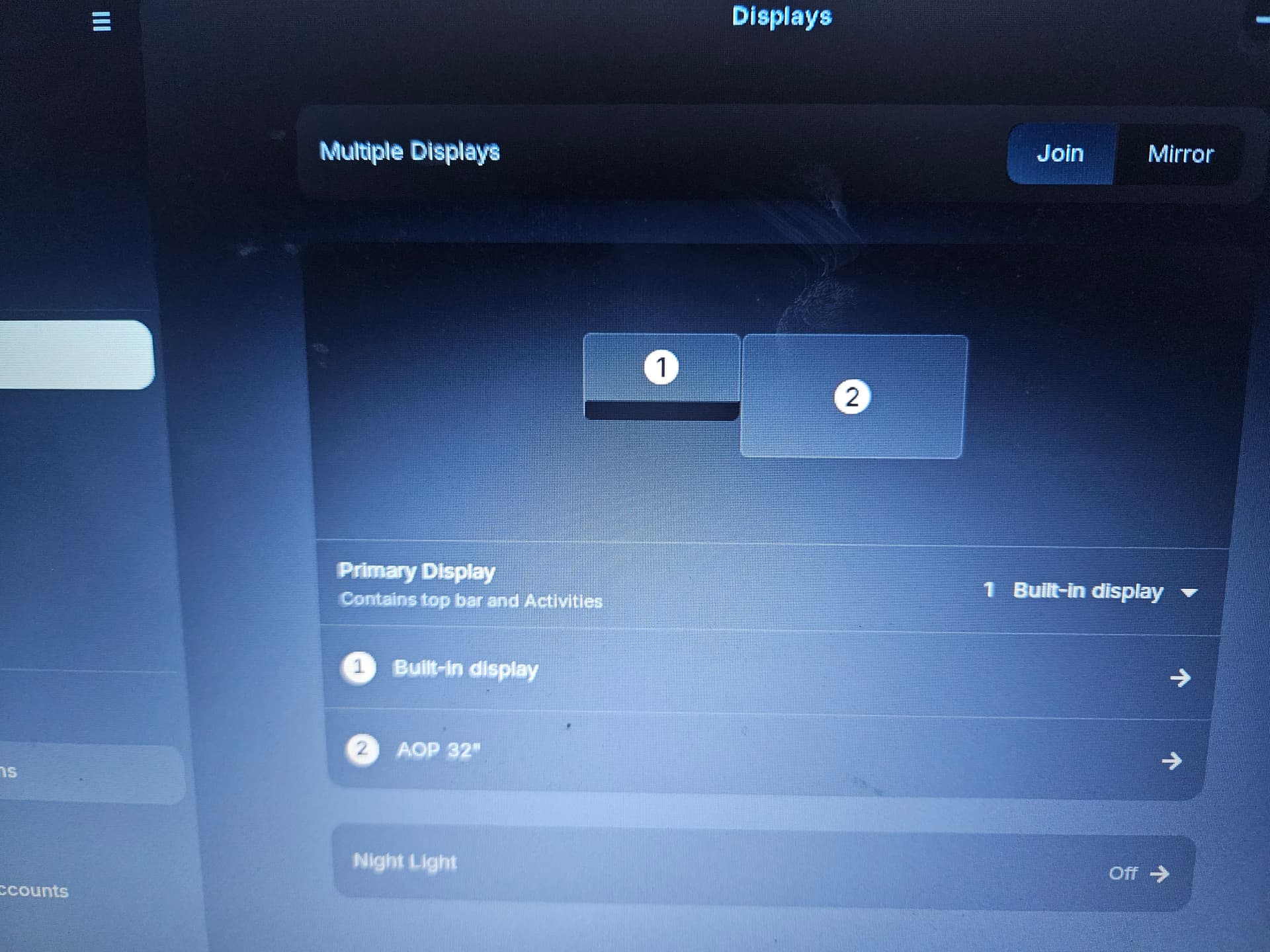
I have 1 HDMI port i use to extend my display to a desk monitor. The display settings in zorin show two monitors but the desktop monitor just stays black. I installed the os 18 updates and that didnt seem to help. Its just the integrsted intel GC and the HDMI port. This set up worked fine in MS10. Do i need a special driver for this setup? Thanks
Welcome to the Forum!
Are Secure Boot and Fast Boot in BIOS disabled? Did You tried a different HDMI Cable or a different Port on the Monitor if available? Does Your System run in Wayland or X11? You can check that with the Command echo $XDG_SESSION_TYPE
Ill try other cable/ port. My bios didnt show a "fast boot" just secure boot. Is that command for powershell in windows or terminal in linux?
The Command is for Linux. You have a Dual-Boot System? If yes: Check that Fast Start-Up in Windows is disabled.
Wayland and swapping cables didnt work. It detects the monitor just doesnt send anything to it. I think i have both fast and secure boot off. I ran the powercfg /h off command in windows power shell
Okay, then I would suggest to try it with witching to Xorg to check if that helps. To do that, go to the Login Screen. Click there on Your Profile so that the Password Field appears. then, You should see a Gear Icon in the bottom right Corner. Click on it and choose the Option ''Zorin Desktop on Xorg'' and then log in.
I switched to xorg. Nothing. Ill try unplugging the monitor. I dont think i have Nvidia drivers or cards on my laptop. Could be wrong.
Just t reiterate hardware i think i have:
Lenovo ideapad s145
Hdmi port and cable
Zore 18 core
Aopen 32" monitor
I will also try xrandr again and see if res or refresh rate do anything.
Yes, xrandr works only in Xorg, not in Wayland.
What Ports does You external Monitor have? Only HDMI or others like DisplayPort, too?
2 hdmi and 1 display
Laptop only has hdmi and usb a though.
Ah, okay. So this isn't an Option. I would have another Idea but I will not risk that You don't have a Picture on both Displays ...
Figured it out.
1 ran update and upgrade commands in terminal
2 mirored primary and steped down to match res and output then walked back up to optimal.
Primary is 1280x720 secondary is 1980x1020.
When i walked it down it got all the way up to 240fps but only runs at 58.92 for 1980x1020
1 Like