The top menu bar is bleeding over onto the other monitor next to it.
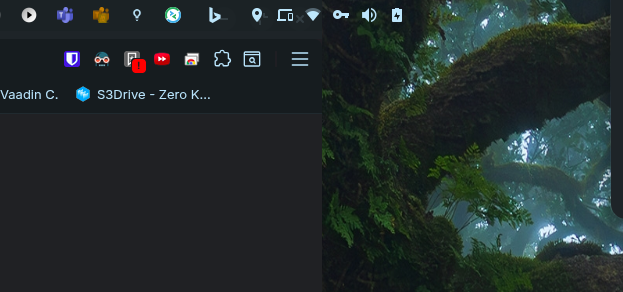
Did you check your resolution?
Are you on Wayland or Xorg? You could try to switch to Xorg to see if it is better then (cogwheel at loginscreen).
Do you have installed other third party gnome extensions? If yes, you could try to disable them all for testing and re-enable them one after another.
Do You use any Third-Party Gnome Extensions? How are the Settings for the Taskbar set up in the Position Tab?
I'm using the "Vitals" extension. It's pushing the icons to the right.

Now I moved it to the left, and it's ok for now.

Thanks for the help!
1 Like
I marked Your Post as solution.