Welcome to Linux 
I am assuming you want a transparent theme something like
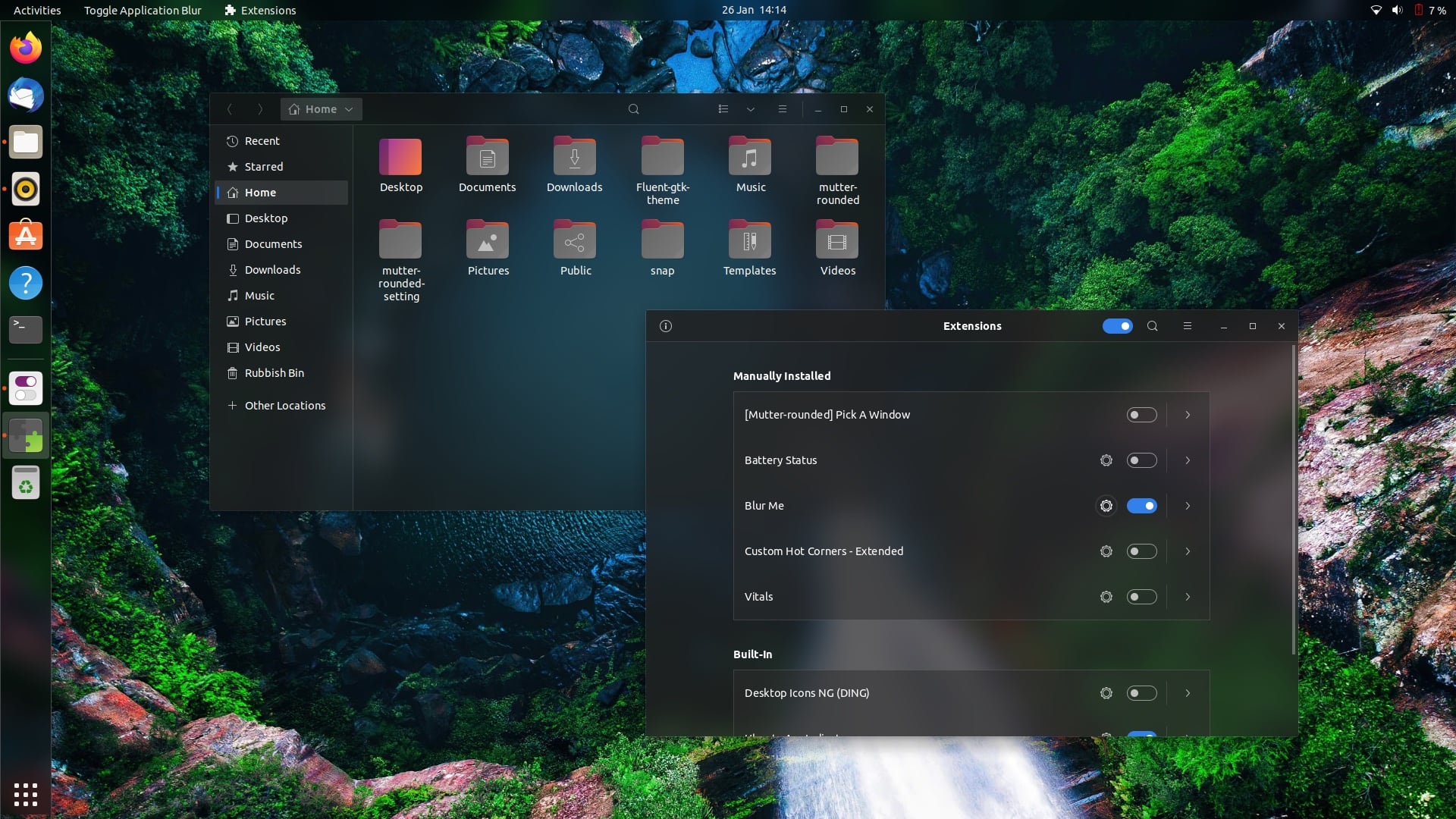
Unfortunately there is no easy way to implement this.We can however jump through some hoops and implement it part by part.
First we can easily setup transparency for the taskbar from Zorin appearance-->interface-->taskbar settings-->opacity
Similarly for terminal open terminal and then click on three bars on top right-->preferences-->-->unnamed -->colors-->use transparent background.
As you are in gnome(core version) there is no easy way to get a transparent menu. The best I can think of would be to use gnome style layout from Zorin Appearance---> layout (select the third one ) which has a transparent background.
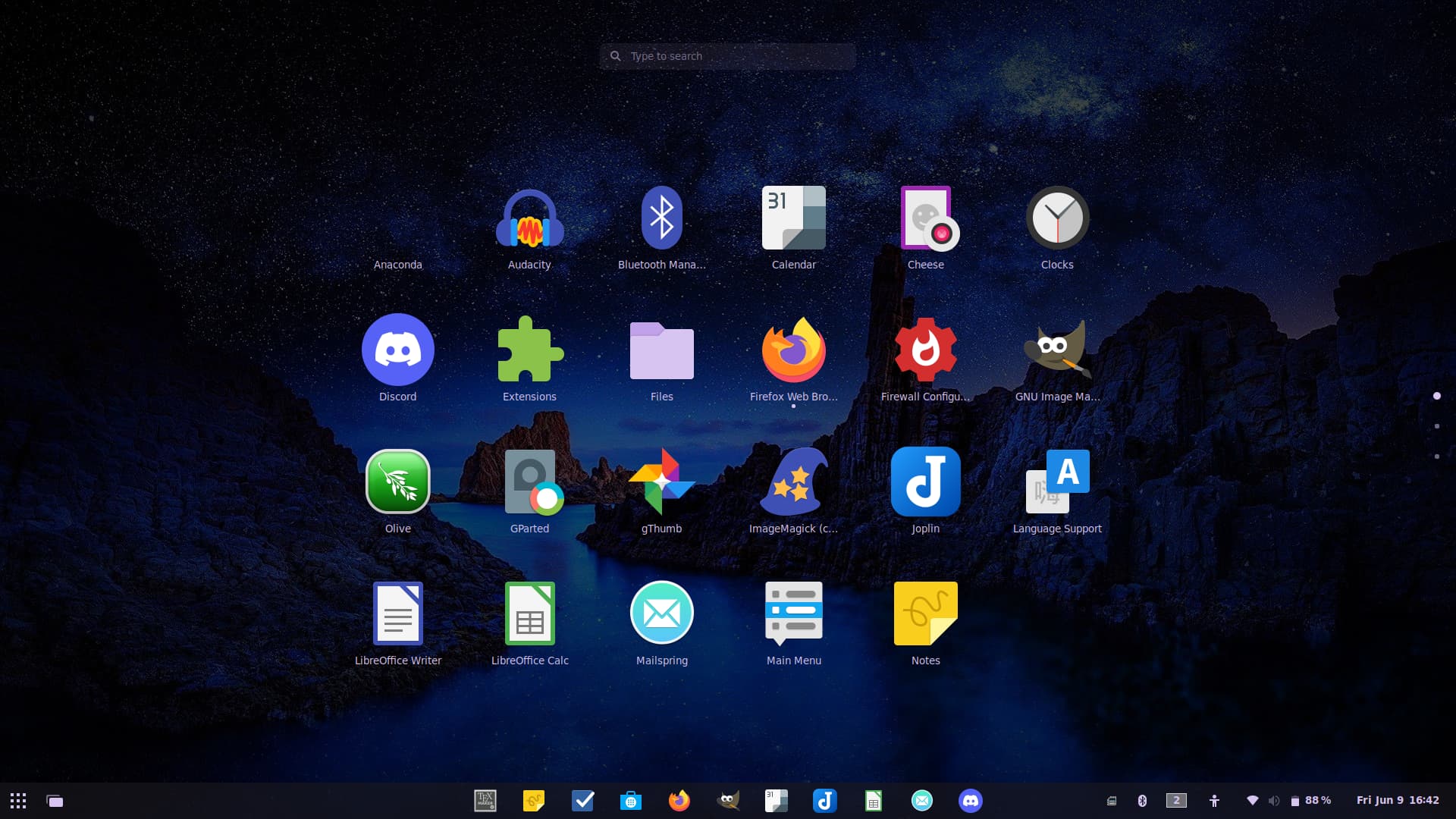
Or you can install Zorin OS light DE and install and configure the highly customizable whisker menu.You should find some threads in the forum detailing how
Now what you want is to add blur to the transparent windows(without which they are impossible to read from most of the time) now the 'recommended' way would be to use mutter rounded,but as you are new to linux plus the fact that it doesn't always work ,makes me think a alternative method would be better
For that you can install 'blur my shell' and 'blur me' extension from gnome extensions how?
Results:(I had to use both to get everything to blur
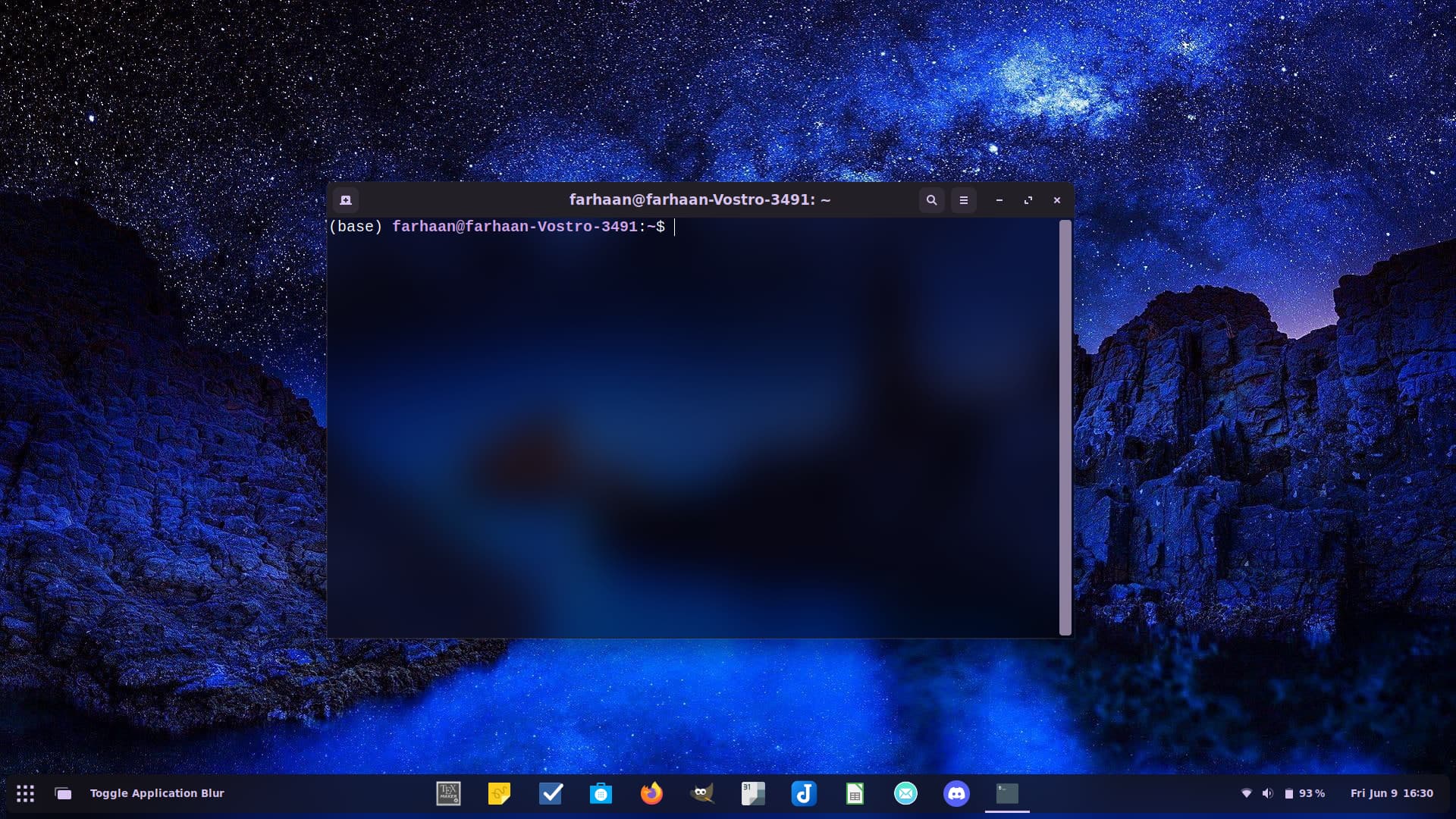
)
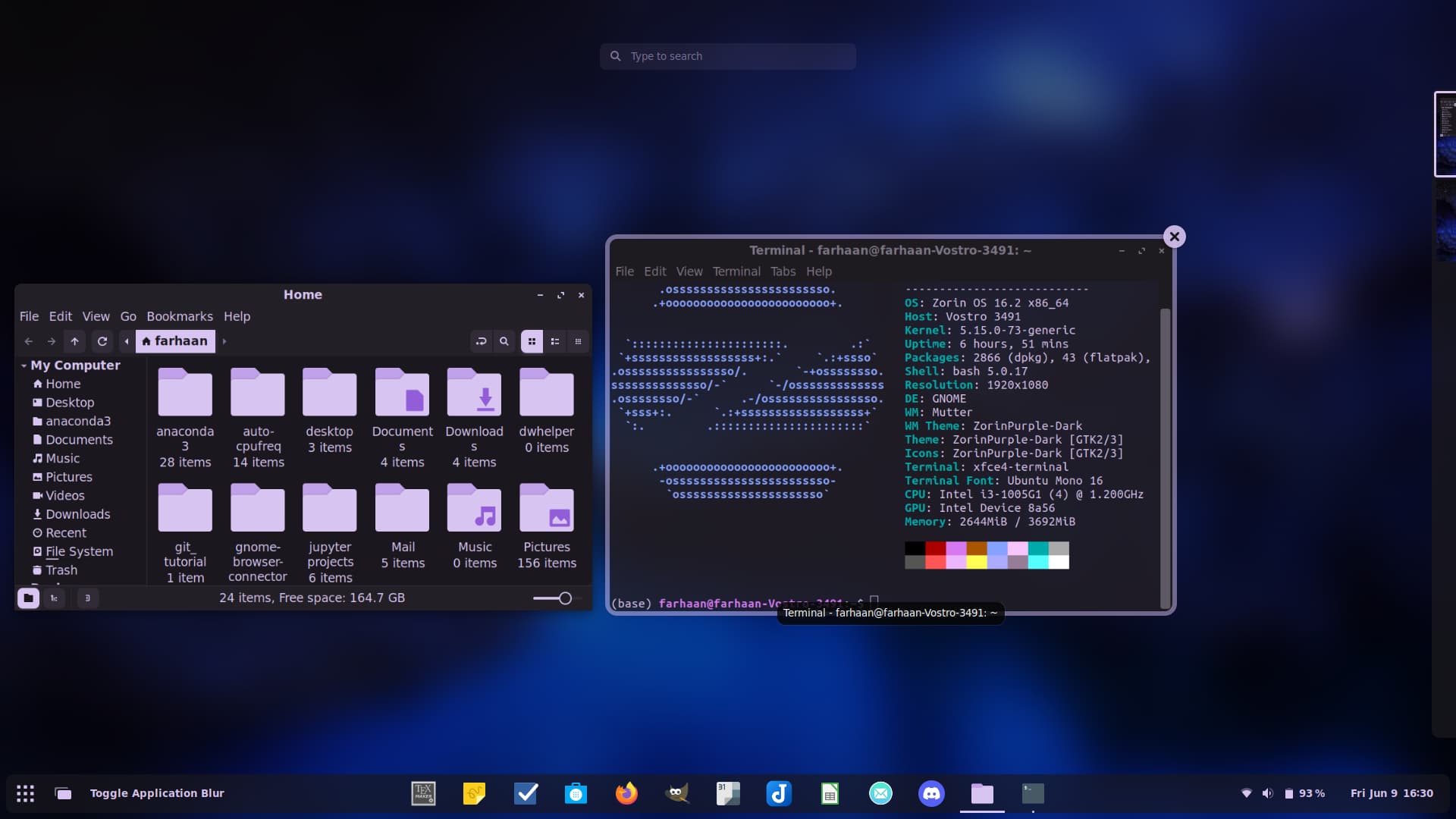
The blur extensions are resource intensive and might cause lagging if you don't have a powerful setup
To get file manager and other apps to follow the same theme you can install a transparent theme (I did not test this)
The guide I followed suggests this
If the blur is too laggy you can use the transparent theme alone.
Alternatively I Think You can install KDE DE which i think has better support for transparent/blur themes,keyword being,'I think' as I have no experience with KDE and I am not confident in guiding you