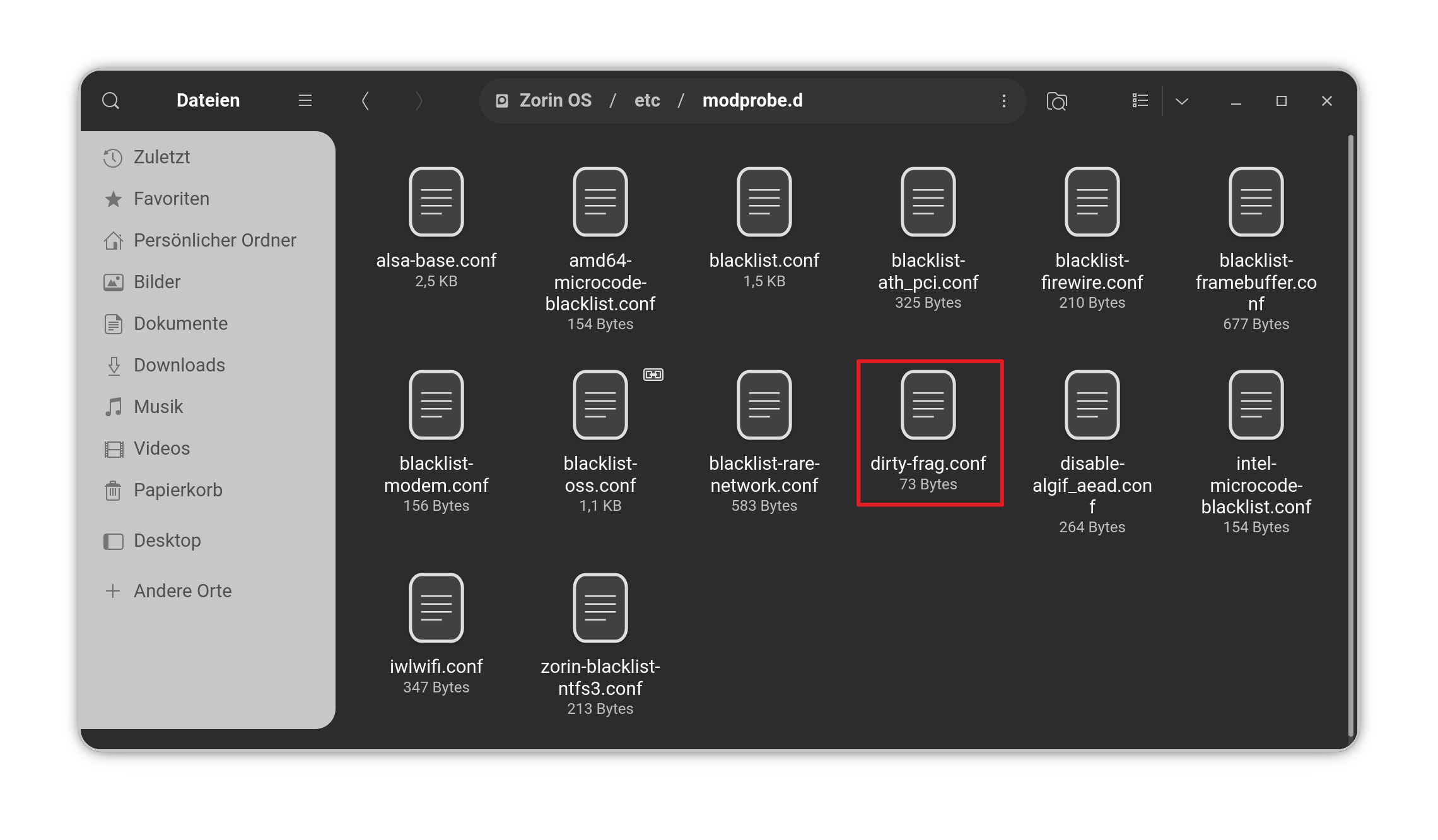
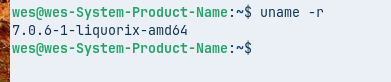
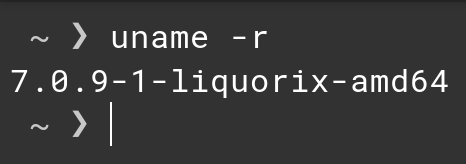
Some might already know but there is a new risky Kernel Security Issue called Dirty Frag. Unfortunately the Infos about it were published too early before somekind of Patch is available.
There is a Workaround for now that disables Kernel Modules. In the Ubuntu Blog, You find the Steps to make that:
Hola Ponce de Leon ? pasa algo si no lo hacemos ? digamos que no solemos usar el terminal digo la mayoria de la gente no sabria hacerlo y no crees que deberias hablar con un represnetante cuando la gente hace Updates del sistema que ya integre dicha solucion ? lo digo para saberlo . y aquel que lea dicho articulo sepa tambien ..
Estoy ejecutando las mitigaciones por precaución, hasta que estén disponibles las actualizaciones del kernel.
Al aplicar las mitigaciones Dirty Frag y Copy Fail que se muestran a continuación, efectivamente estás "bloqueando las ventanas" mientras esperas a que la comunidad Linux termine de "reemplazar los bloqueos" (la actualización del kernel).
Proceso de mitigación de Dirty Frag:
En una terminal, ejecuta: echo -e "install esp4 /bin/false\ninstall esp6 /bin/false\ninstall rxrpc /bin/false" | sudo tee /etc/modprobe.d/dirtyfrag.conf
Luego ejecuta: sudo rmmod esp4 esp6 rxrpc
Proceso de mitigación de Copy Fail:
En una terminal, primero ejecuta: echo "install algif_aead /bin/false" | Ejecuta sudo tee /etc/modprobe.d/copyfail.conf
Luego ejecuta: sudo rmmod algif_aead
(Si aparece un mensaje de error, es normal).
Comprueba diariamente si hay actualizaciones de software.
Cuando veas una actualización de kernel o de imagen de Linux, instálala y reinicia el sistema.
Después, puedes eliminar sin problemas los archivos de mitigación para restaurar la funcionalidad completa.
Para eliminarlos, ejecuta los dos comandos siguientes en la terminal:
You don't have to do that if You not want. You can wait for an Update. As I already wrote:
This Way is at the End that what You already got with the CopyFail Issue. Ubuntu didn't patched the Kernel. An Update created a File what disabled the affected Module.
When Ubuntu does that this Time, too, the Update would include a File like this with the disabled Modules. And if they offer a real Kernel Patch, You can simply remove the File again with the Command sudo rm /etc/modprobe.d/dirty-frag.conf
The Thing here is: Ubuntu doesn't use a current Kernel here. There use the 6.17 Kernel which is EOL but Ubuntu itself offers Bug Fixes, Security Updates and Backports. So, they go a bit different Way than using a current Kernel or LTS Kernel from kernel.org which gets Updates through them.
So, if here comes a real Patch is something we have to await. But again: Yes, You can wait until an Update from Ubuntu comes.
Just a friendly reminder that you will not be automatically hacked. This is a critical bug, but to be affected you would need to either download a malicious software by mistake (or your browser could have a vulnerability that allowed to execute commands locally).
then I even better detect another user with the command: grep 'x:0:' /etc/passwd
If there is 1 user, then I'm fine, but I'll make hell for the others!
checking network connections: sudo ss -tupn
you simply gain access through a tunnel that he created himself - and you break his computer so that he can't do anything with it at all except throw it in the trash.
install the program:
sudo apt update && sudo apt install debsums -y
package integrity check:
sudo debsums -s
wait a while..
will then show all changes in the system.
yes, most users don't even have these modules active, you can delete the file with instructions, update the bootloader and check. then no one says that with the exclusion of these new problems will come.
The kernel is no longer involved in checking for dangerous packages.
The esp4 and esp6 modules will no longer be responsible for encrypting traffic in the IPsec protocol.