Zorin 18 uses csd by default. It is setup in a file which exports GTK_CSD=1. So disable that file by adding .bak to the filename or comment the line in the file by adding a # at the beginning of the line (you need root rights) at /etc/profile.d/zorin-os-lite-csd.sh and disable "dialogs use header" at settings > appearance > settings.
Then logout and login again.
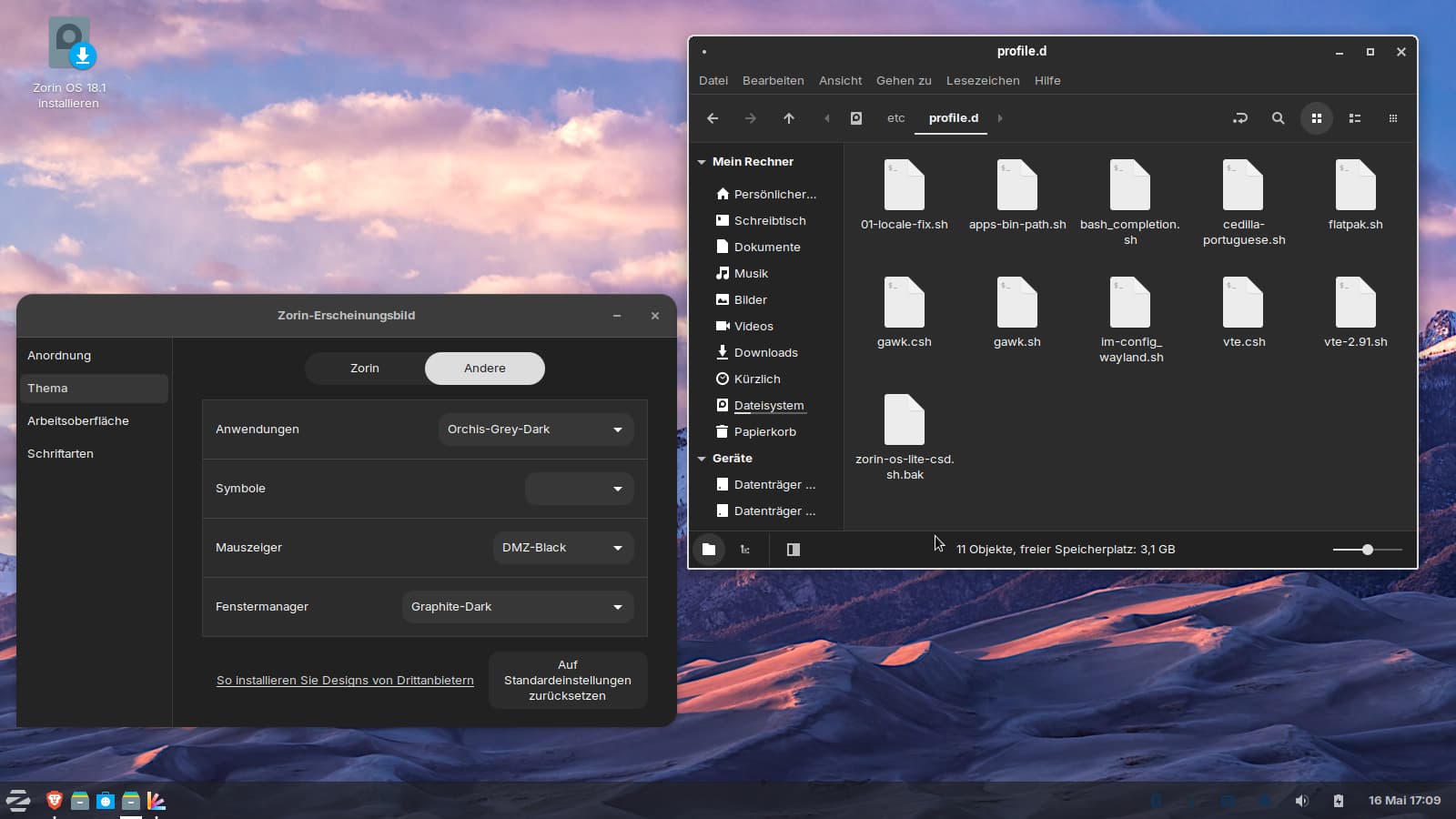
You see, nemo has the graphite theme now as xfwm theme.
An addition:
With the Orchis theme, the icons of the apps in the taskbar look pretty squished. It helps to select layout 2 in Zorin Appearance > Layouts (however, this will reset the taskbar and all apps that were pinned to the docklike taskbar, and you’ll need to add them again) and then, in the taskbar settings at the items tab, select the window buttons, click the gear icon, and then under the appearance category, disable "show button labels".
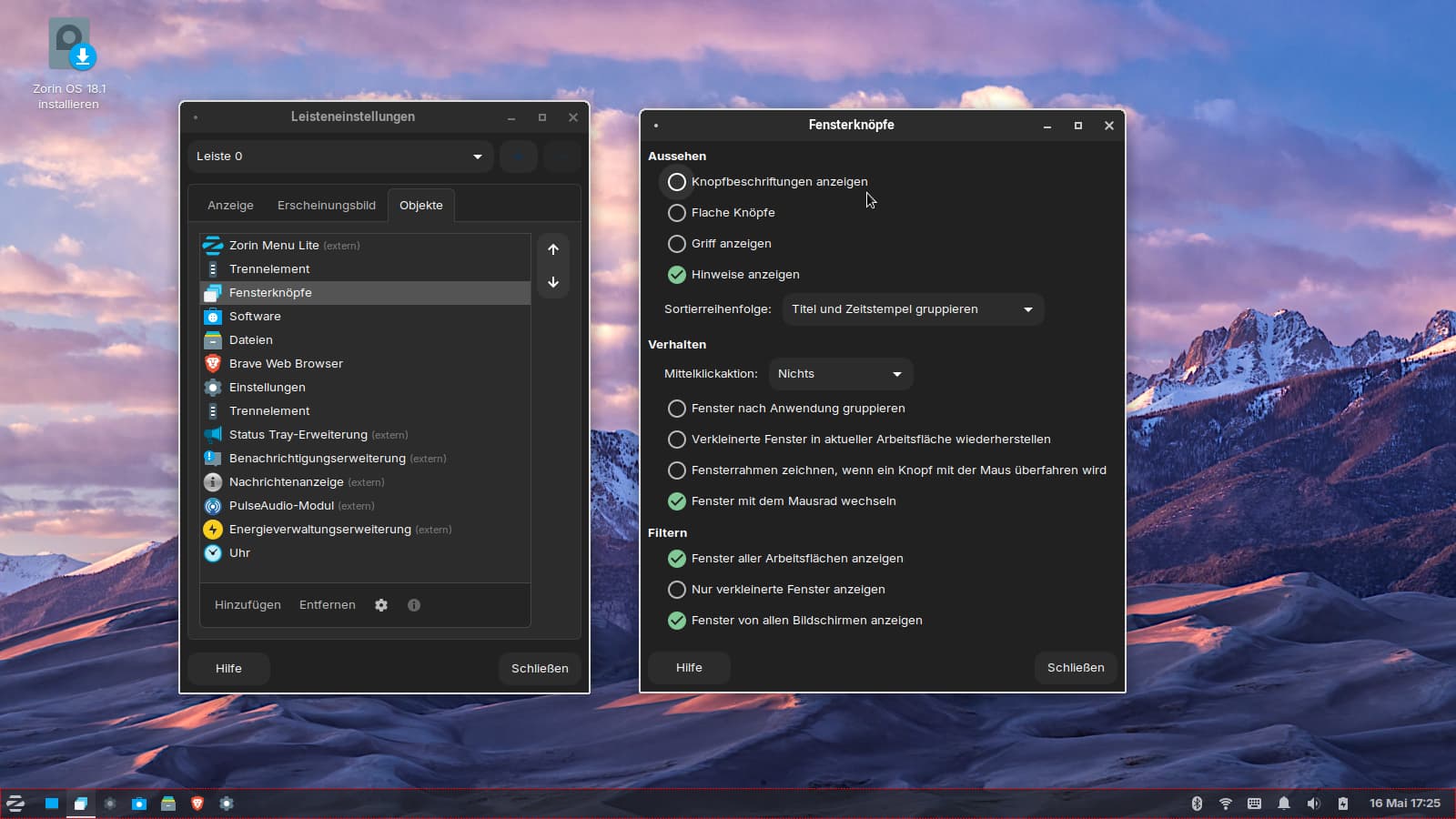
Or, alternatively, in the taskbar settings of layout 1 in Zorin appearance, go to tab items and remove the docklike taskbar. This will remove also all pinned apps which have been added to the docklike taskbar. Then add them again to the taskbar. Now they are not in the docklike taskbar and are not squished:
