I have a Thinkpad Universal Docking station that connects to two external monitors. Both monitors work just fine when connected to my two Windows 11 machines, but when I connect my Asus Vivobook X512DAP- F512DA with Zorin OS 17 Pro on it, only one of the monitors works.
Zorin OS detected a system update for the docking station, which I have installed, but it did not resolve the issue.
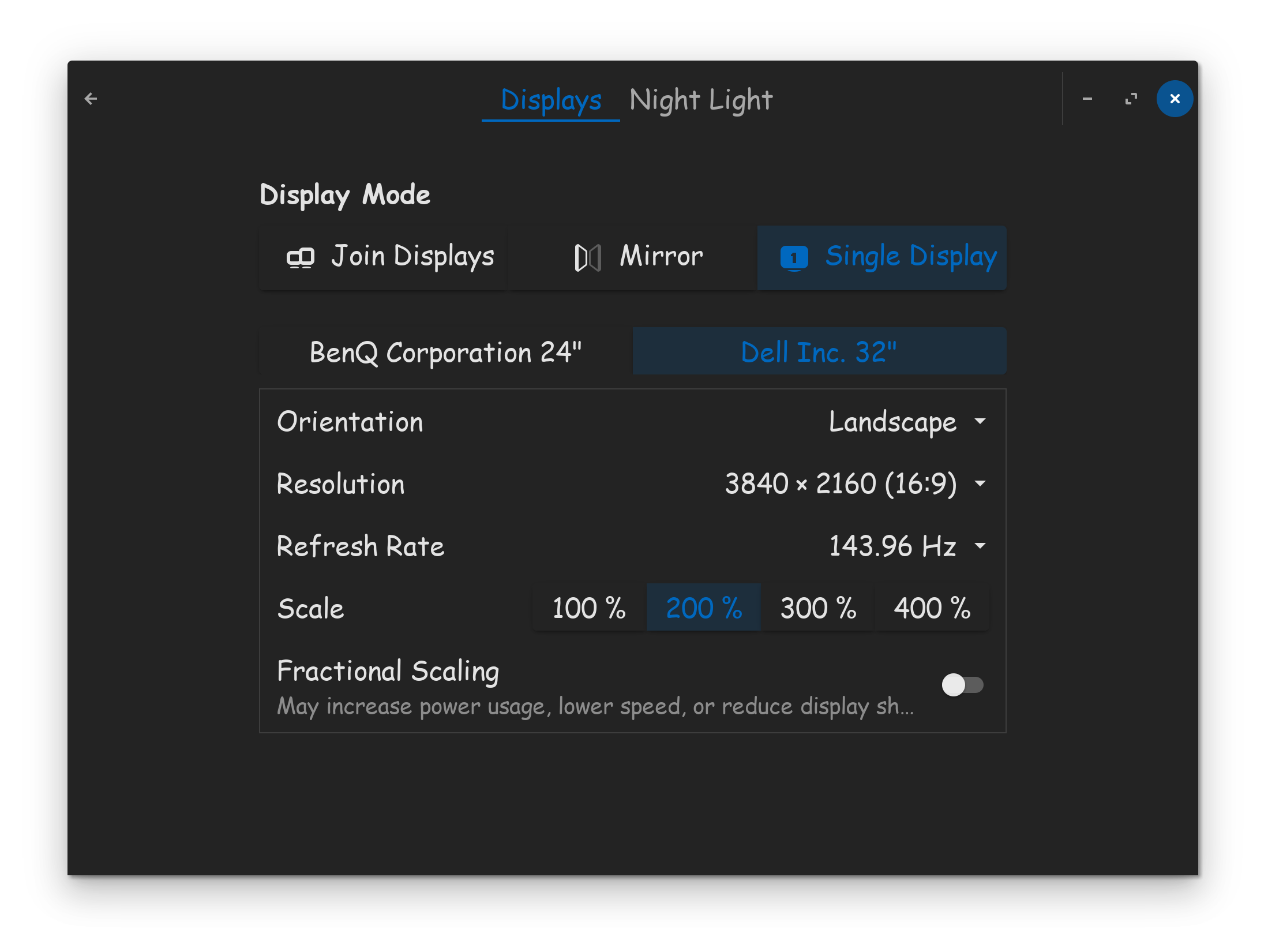
If you have 2 monitors, and Zorin is sensing them both, but you can only use one display, it could be because you are running in single display mode.
Set your display mode to "Join Displays" or "Mirror" mode, depending on what you need. Additionally, make sure the refresh rate is set properly for both displays.
Try unplugging the monitor HDMI data cable, and re-plugging it in, see if Zorin auto negotiates it. Unplugging monitor power cable and re-plugging might help too.
When I last had a problem like this, it was due to a bad cable. Since however you said it worked on Windows, I'm less likely to blame the cable in your case.
I looked up your computer's specs, found online...
General Specifications
Processor: AMD Ryzen™ 5 3500U (4-core/8-thread, up to 3.7 GHz Boost)
Graphics: AMD Radeon™ Vega 8 Graphics
Display: 15.6-inch FHD (1920 x 1080), LED Backlit, 60Hz, Anti-glare, with an 88% screen-to-body ratio
Memory: Typically 4GB or 8GB DDR4 RAM (onboard, with an additional SO-DIMM slot for expansion)
Storage: Options like a 512GB or 1TB NVMe SSD, sometimes paired with a SATA HDD
Operating System: Windows 10 Home (64-bit)
Key Features
Keyboard: Backlit Chiclet Keyboard with an ergonomic design
Security: Fingerprint sensor with Windows Hello support
I have tried unplugging the HDMI cables from the dock and monitor and plugging them back in. I even switched the HDMI cable from the monitor that is working and the problem persists.
The monitor that's not working is an ASUS TUF Gaming VG249Q 23.8” Monitor. I also cannot find any Linux-specific drivers for this monitor. The one that is working is a Samsung 34" curved monitor.
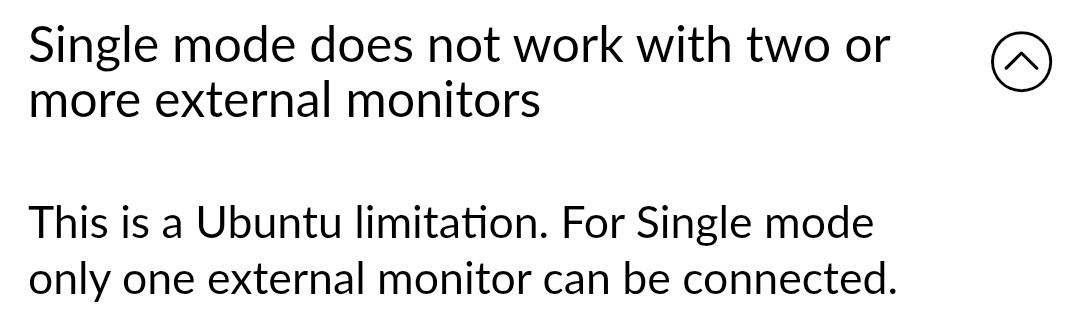
Possibly you can only use mirror mode in display settings? Are the monitors detected then? I'm not sure if those informations on lenovos site are right: