Hello,
I would like to install Zorin 18 next to Windows 11.
I have 2 Nvme 1TB (Crucial nvme0n1 / Samsung nvme1n1).
Secure Boot and Fast Boot are disabled.
I would like to install Zorin 18 on the same Nvme(Crucial nvme0n1) like W11, but I can't select the Crucial Nvme because she is not in the list.
Under Ubuntu 24.04.3 both Nvme are avaible.
Any ideas?

1 Like
Welcome to the Forum!
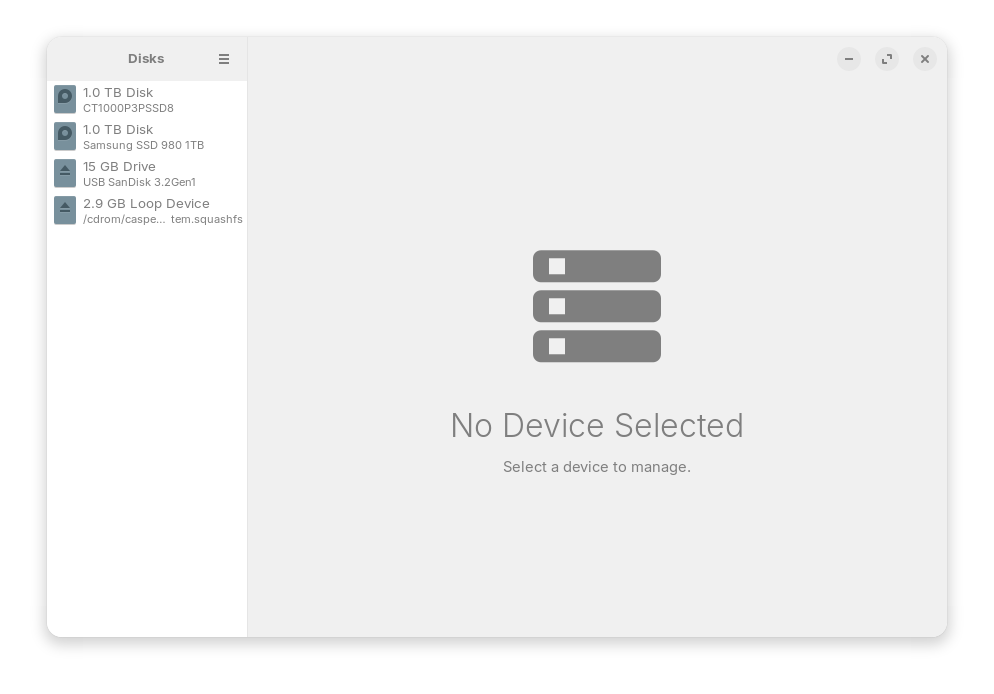
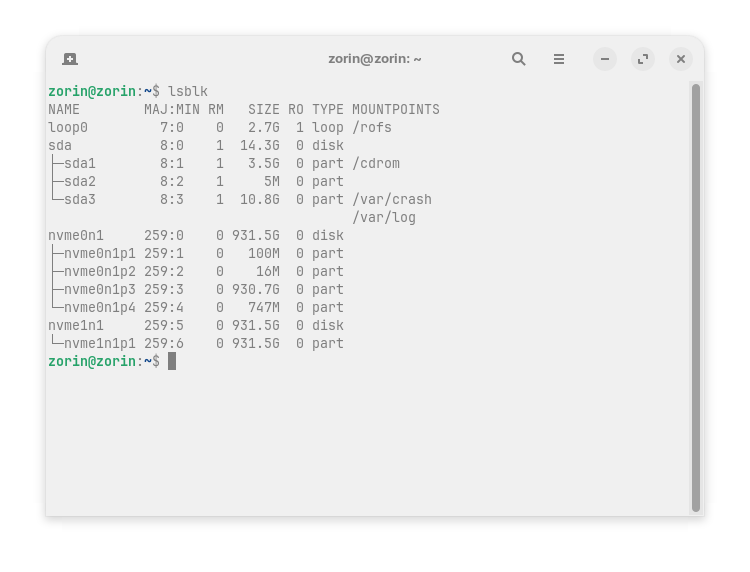
Both Drives are listed in Disks and lsblk. In this Picture:
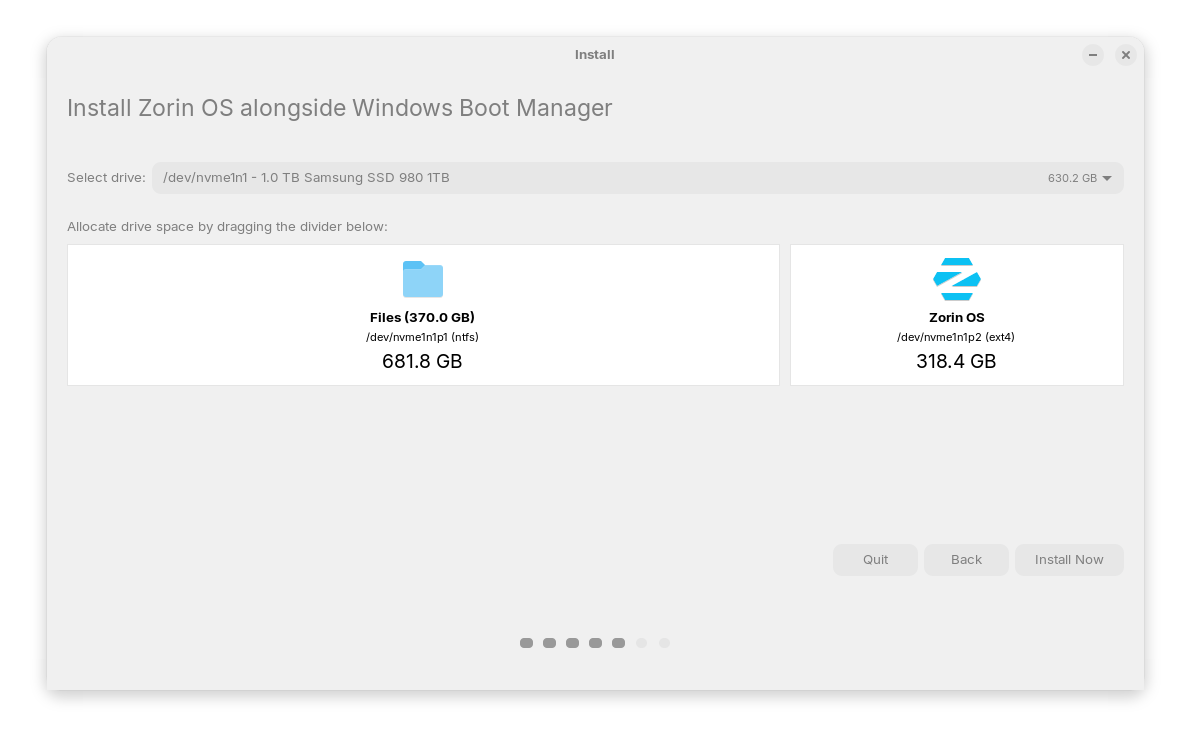
When You click on the Dropdown Menu, don't You get to choose Your Drive?
So, Secure Boot and Fast Boot in BIOs are disabled. Good. Is Fast Start-Up in Windows disabled? Is Your BIOS in UEFI or Legacy Mode? What Tool did You use to create the bootable USB Stick?
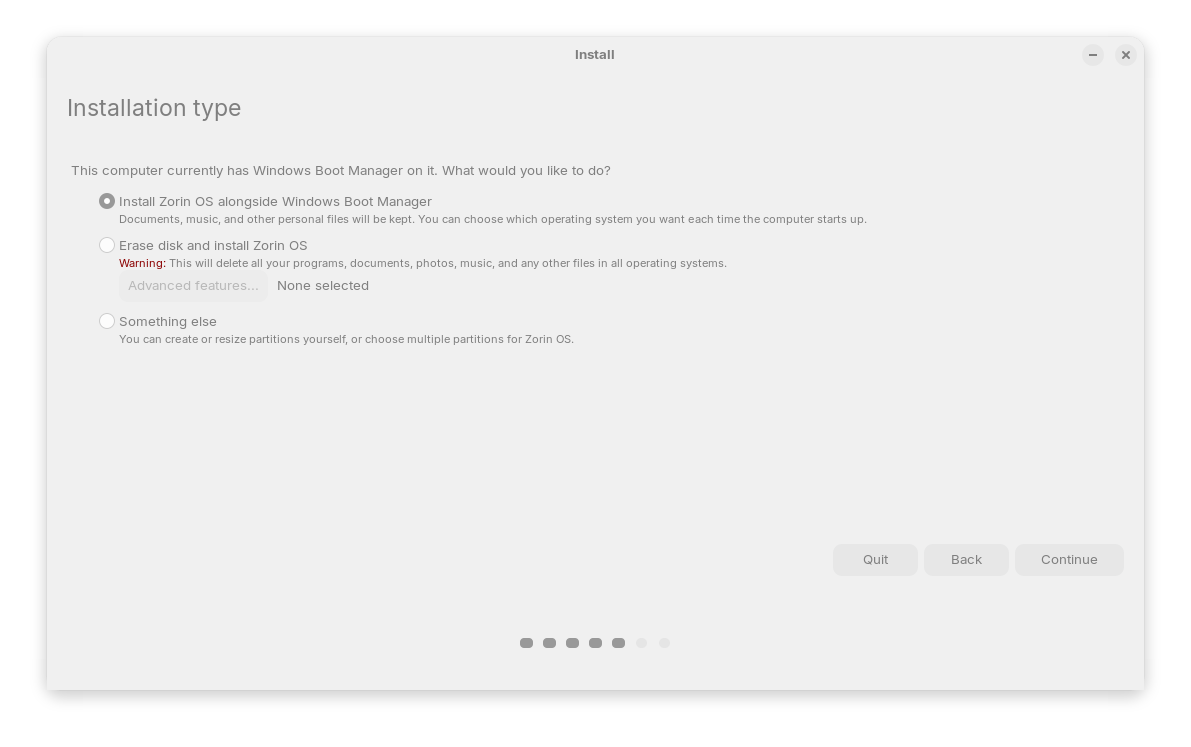
When You choose here:
the ''Something else'' Option, is Your Drive available? And could You post a Screenshot of it there please?
Only the Samsung drive is listed in the Dropdown Menu.
Fast Start-up is also disabled.
Bios is in UEFI Mode
Stick was created with balanaEtcher latest version
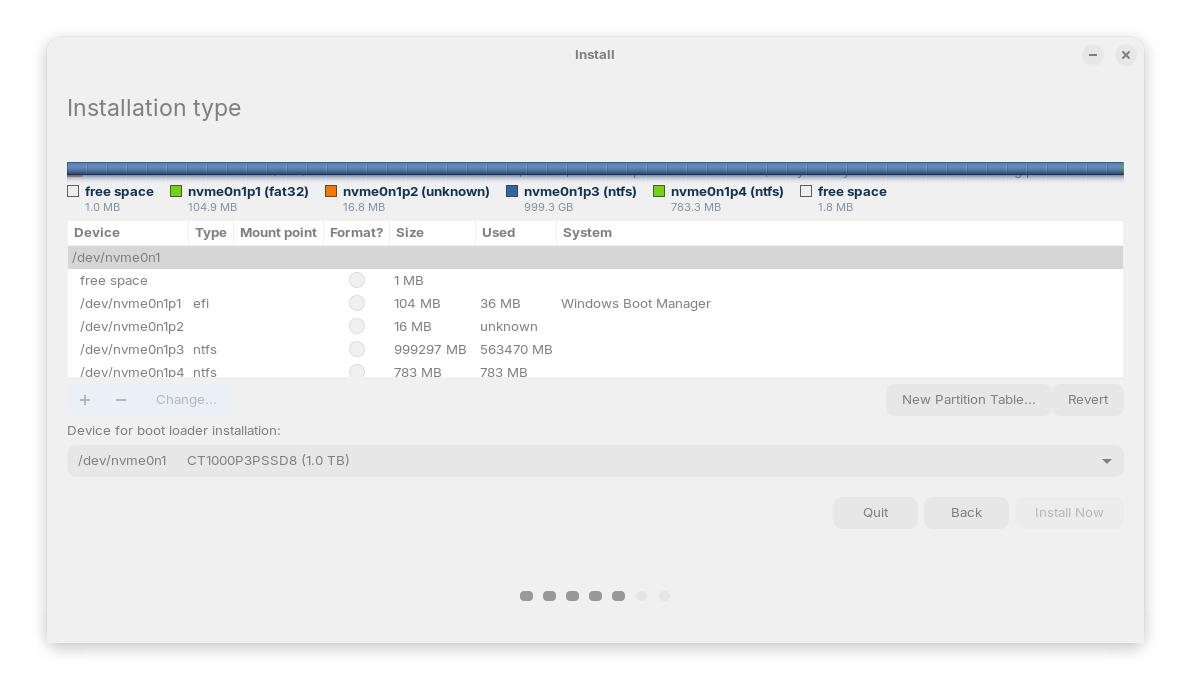
Maybe You could try it with Rufus. When creating take the GPT Option on ''Partition Sheme'' for Your UEFI BIOS.
So, here is Your Drive listed. You could now create manually the needed Partitions if You want.
First go into Windows and create on the Drive You want use frees Disc Space in the Disc Management. Then start the Zorin Installer again and choose the ''Something else'' Option. Now, You have to make 2 Things:
- Take the free Space what You have created and give it the Mount Point
/and format it toext4 - Under ''Device for boot loader installation'' choose the Option ''Windows Boot Manager''
1 Like
Hey,
this suggestion works fine for me.
Thank you very much!
1 Like
This topic was automatically closed 90 days after the last reply. New replies are no longer allowed.