CAn you please tell me what to enter in ? See screen attached.
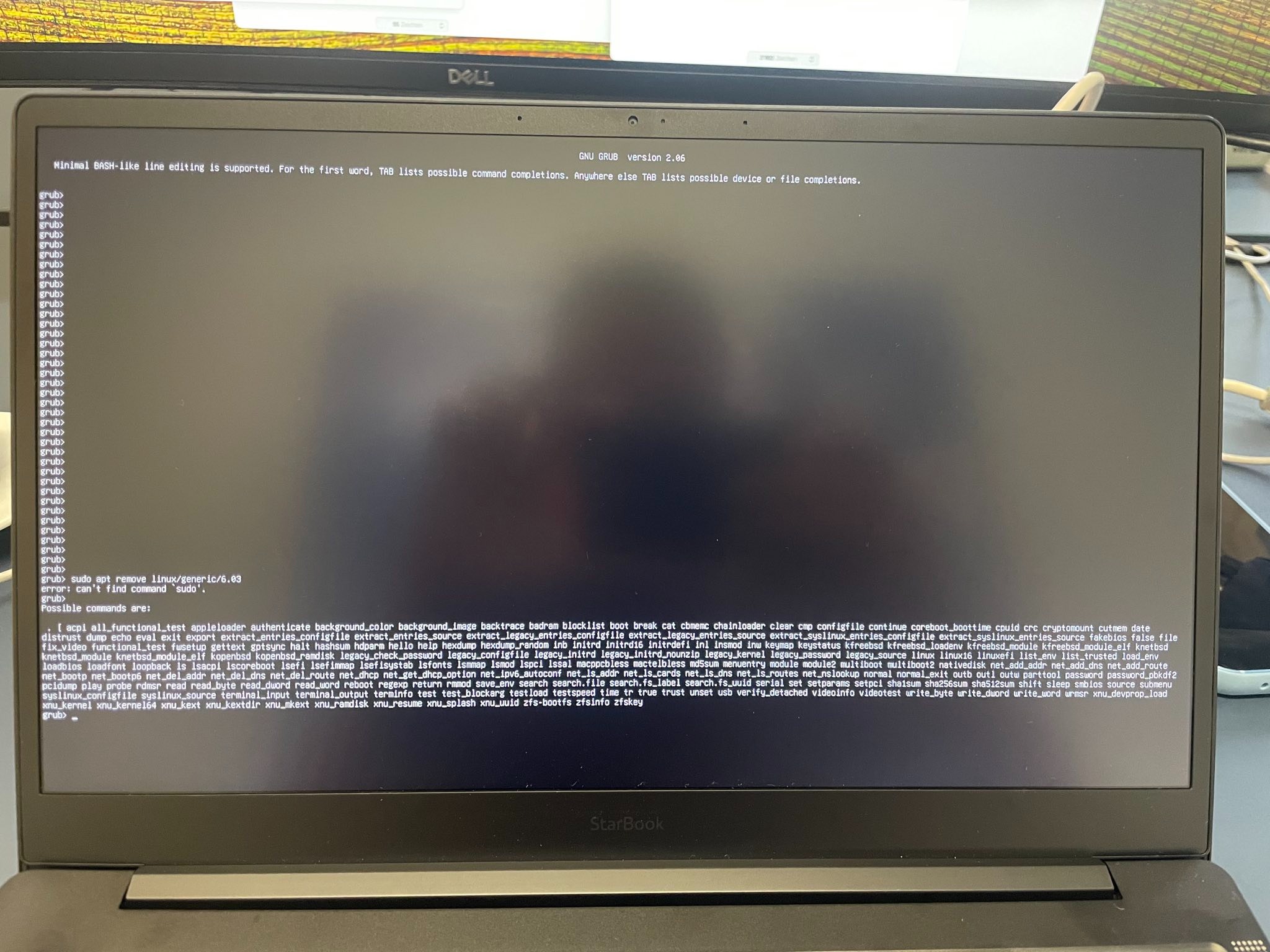
Just start tapping it the moment you power on the notebook computer. It is supposed to be entered at the time your motherboard begins the splash screen.
Just tapping with vigor as you boot usually works.
I held ESC during booting and I landed in this grub screen. Now, I need to enter some commands.
You changed your screenshot...
What your screenshot shows is a Grub Interface.
Minimal bash-like...
GRUB>
You can type exit at that prompt.
Then relay what it says.
But I think that is pointless for now. Instead, please continue try accessing the Zorin Grub menu.
It is reached by tapping esc or tab. It looks like this:
Thanks! The computer works again. So, any ideas how to tackle the 2nd screen issue?
1 Like
Well. it is now 3am my time. I stayed up and waited considering that I put you into a tricky spot and wanted to ensure you got out of it.
But for now - I am going to collapse into a deep sleep.
1 Like
I think at this point it may be worth reaching out to the official support?
1 Like
Please do so! Sorry for keeping you up, I am new to Linux and a bit lost.
Thanks, I'll let you know in case I find out something.
While you are waiting. If you have another HDMI cable try substituting that. Also some HDMI cables are directional, so try swapping the ends around. Just to eliminate the cable/s from the equation.
1 Like
It doesn't work with any HDMI cable unfortunately.
Is this post your direct output of running
sudo lshw -C video
This topic was automatically closed 90 days after the last reply. New replies are no longer allowed.