Accurate and well said.
I, too, am notorious for tangents... and ruining everything... 
Accurate and well said.
I, too, am notorious for tangents... and ruining everything...
True true and thanks 
You may first inspect the prompt variable PS1 in both bash and fish.
Run the following in both the shells and then compare the output:
echo $PS1
Fish shell might be using a different configuration for PS1. Once notice the changes you can locate the fish shell's config file and make the changes accordingly.
Oh, boy 
So, according to the man page for hostname you can just edit the file /etc/hostname and that should work even after rebooting:
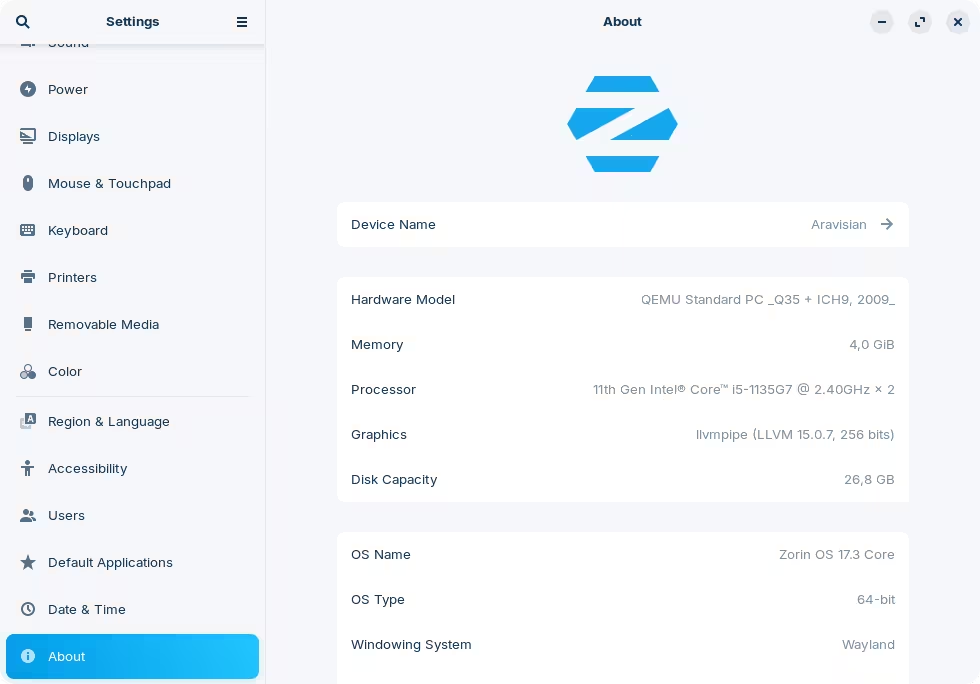
Oh, wait a minute. That's the hardware model that shows up for you @AhavaLeaf. Maybe you can just update the prompt line, instead?
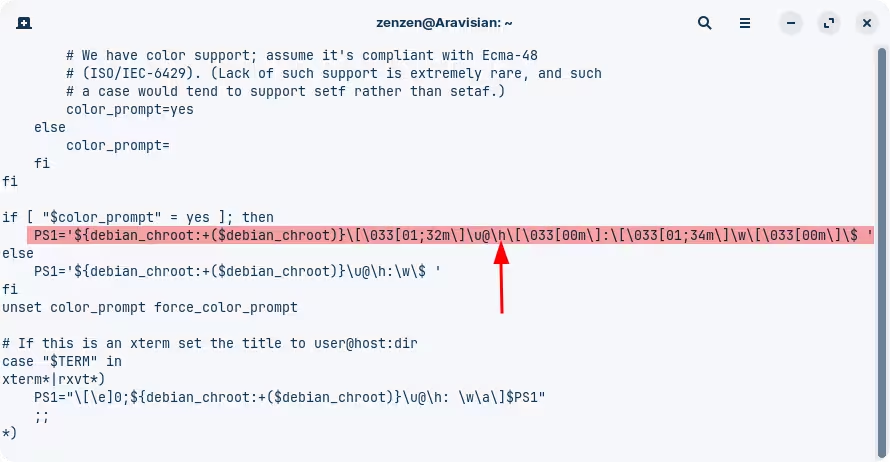
In ~/.bashrc (or equivalent for the fish) you should have something like:
This \h represents the hostname. Maybe you have something specific to fish that represents the model of the computer?
@zenzen hacked @Aravisian and forced him to use Gnome and Wayland ... very diabolic, hahaha!
It's all fun and games until Aravisian files suit for slander. <_<
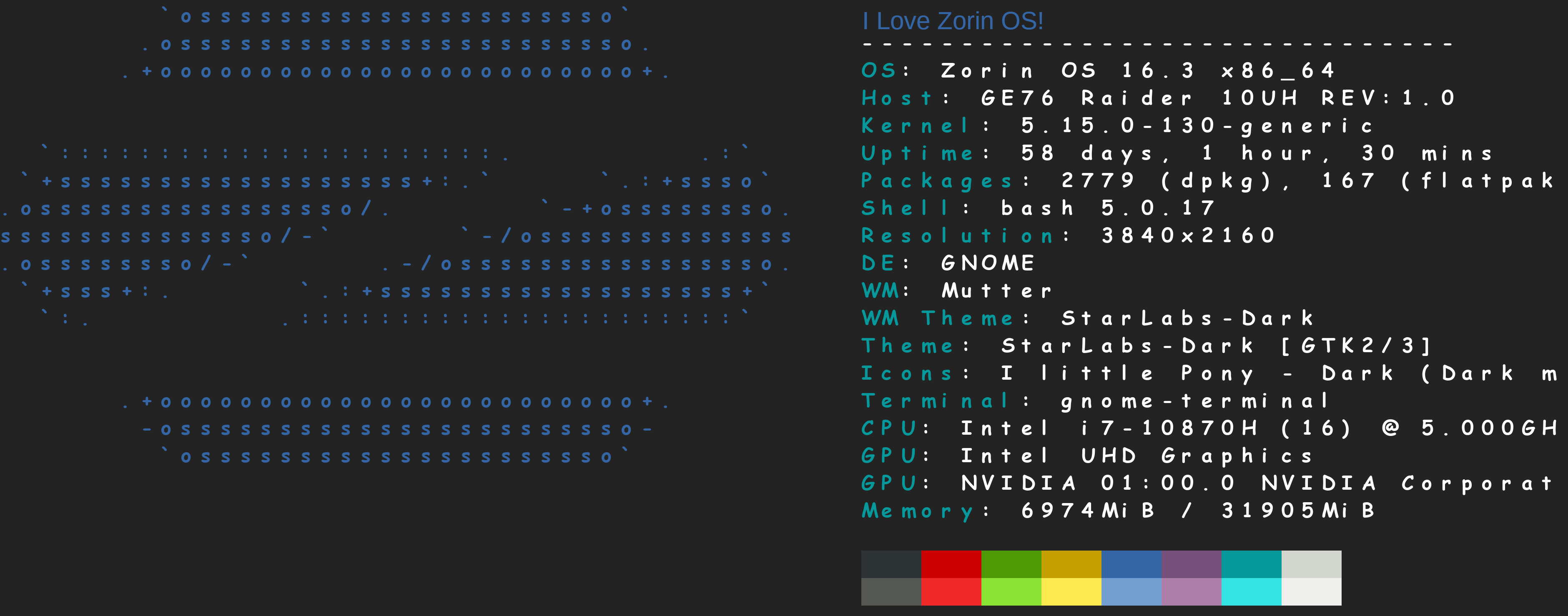
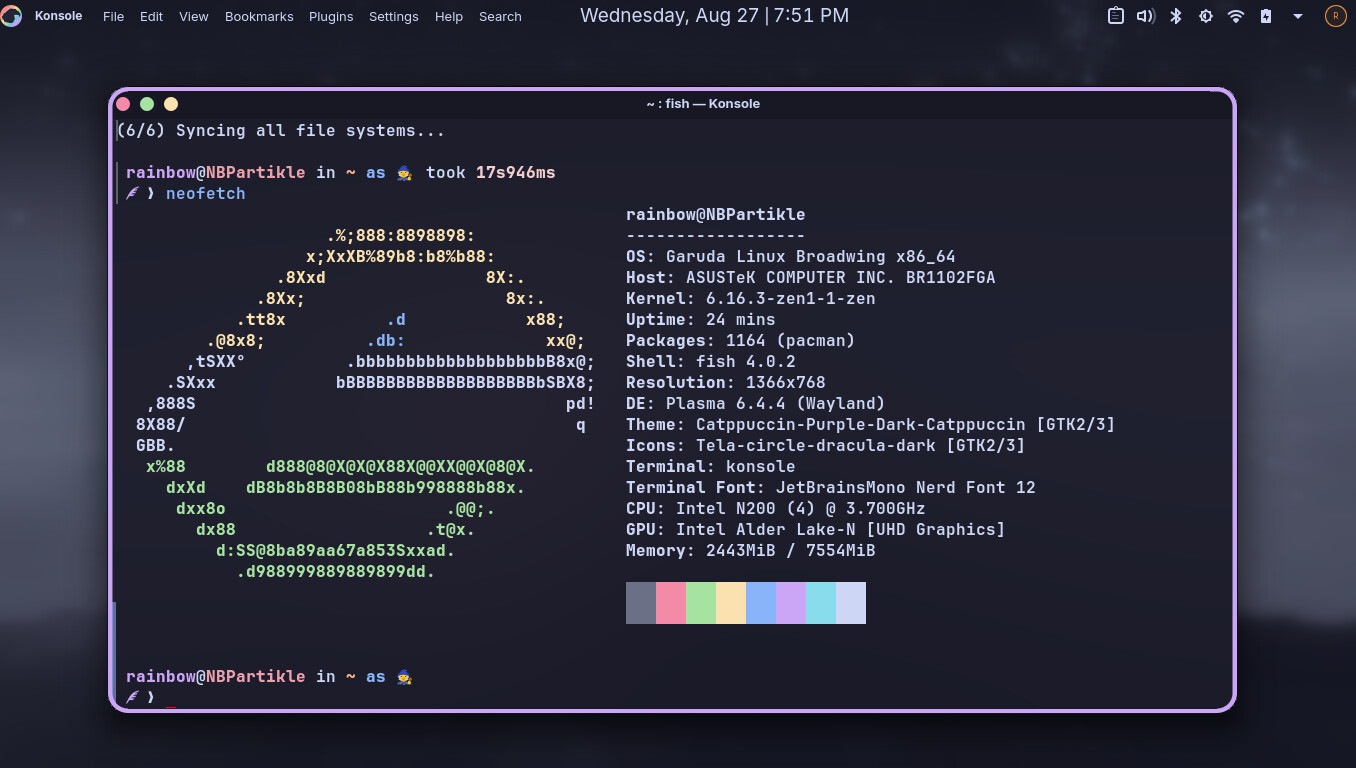
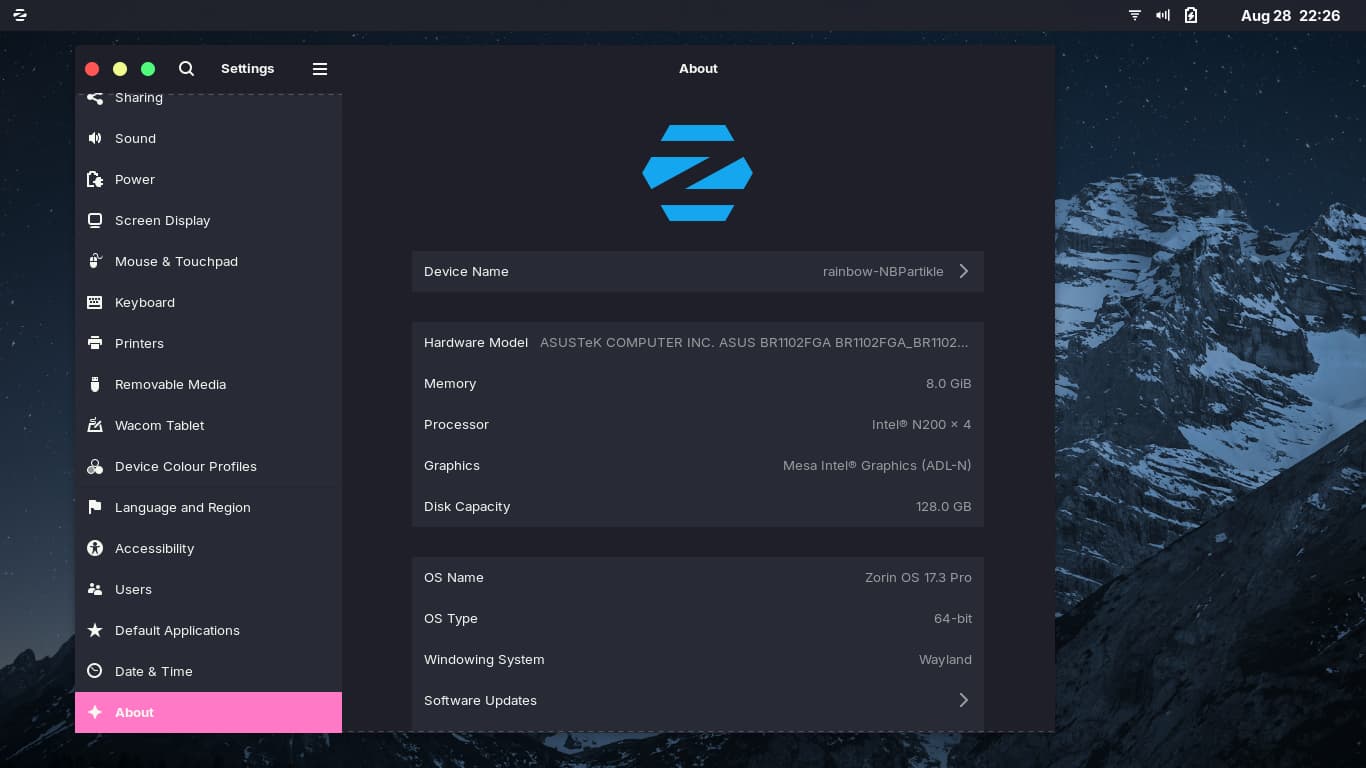
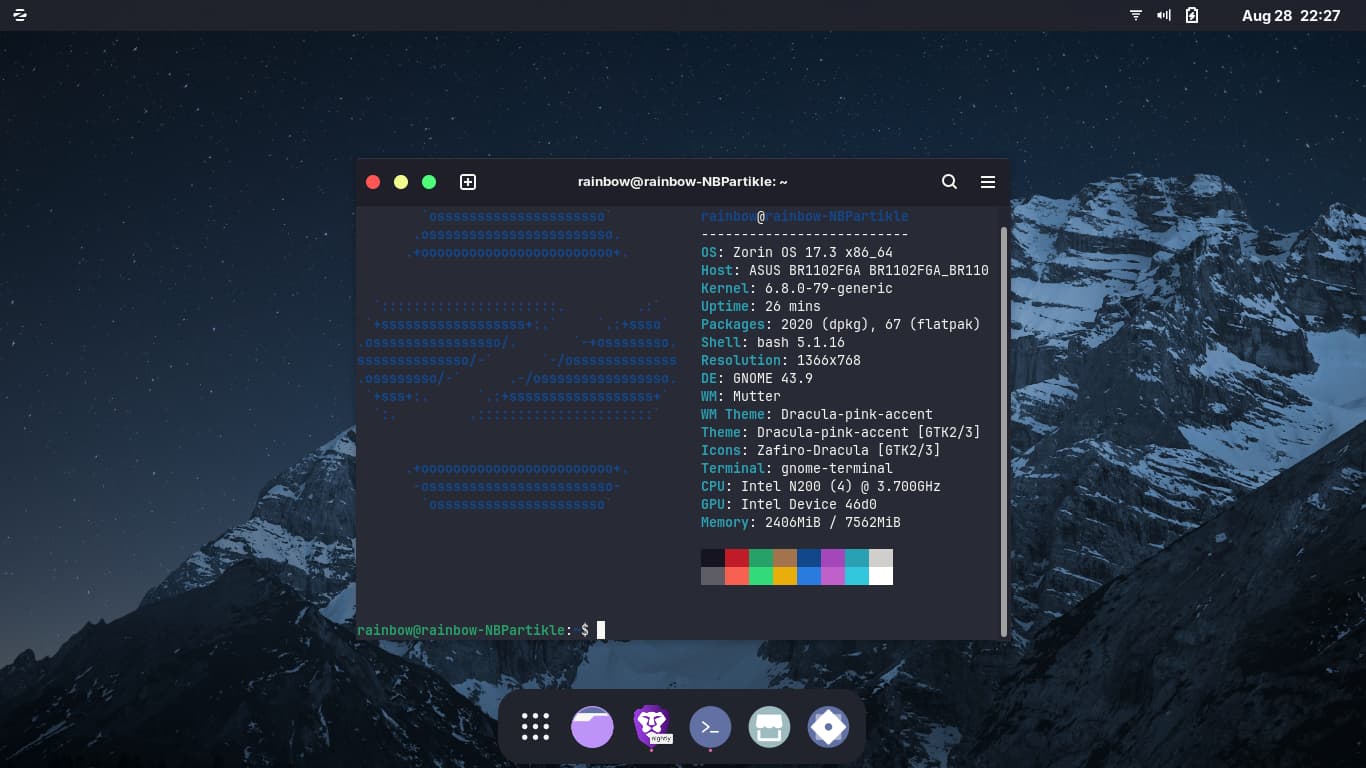
I believe this hostname issue to be a ZorinOS issue cuz I had installed Garuda and it was set perfectly
It seems Arch based distros automatically fix the hostname issue but Ubuntu based distros do not as proven in ZorinOS and Ubuntu but proven correctly in Garuda which is Arch based. Oh well it no matters it not interrupting my using it.
I believe that Ubuntu (and therefor derivatives) ask the user to set a hostname during install. This c an later be referenced by any software that relays the hostname.
However, software that references the hostname in /etc/hostname will relay that, then also tack on the additional hostname supplied by the user.
In Arch Linux, the user does not create a hostname. It is merely and only the one in /etc/hostname, therefor, the user specified one is not tacked on, unless the user takes extra measures to create one (in which case, it can be tacked on just as seen in Ubuntu or Zorin OS).
A tacked on hostname will be separated with an underscore - and we do see that in yours.
Sure i can set a hostname which shows up as my prompt in terminal but nevertheless my laptop maintains the hostname from the hardware wrongfully. so infact i unable to change it. I’m sorry if i have posted too much about this.
You can post as much as you want or need about an issue - and if you feel the issue is unimportant, you are not obligated to pursue it.
I was offering a suggestion to explain why a hostname might get repeated, not offering a solution.
The solution would be to remove any user assigned hostname or to altar the assigned hostname in /etc/hostname
Thanks @Aravisian
This topic was automatically closed 90 days after the last reply. New replies are no longer allowed.