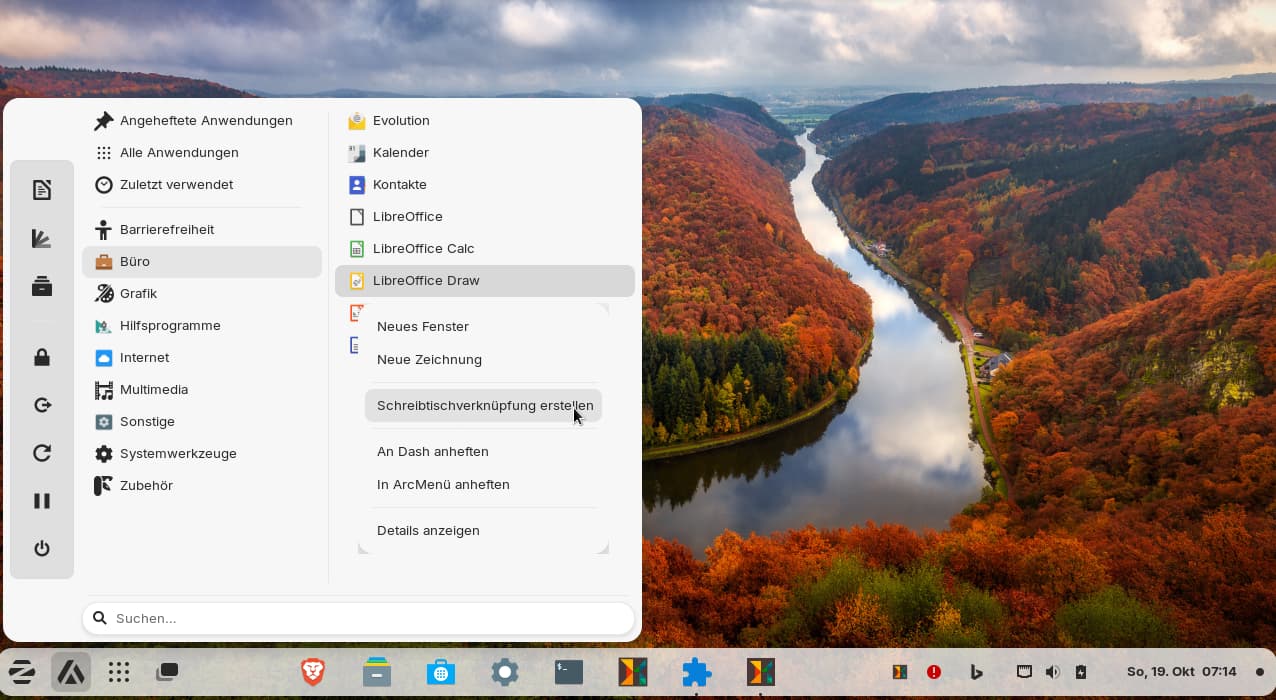
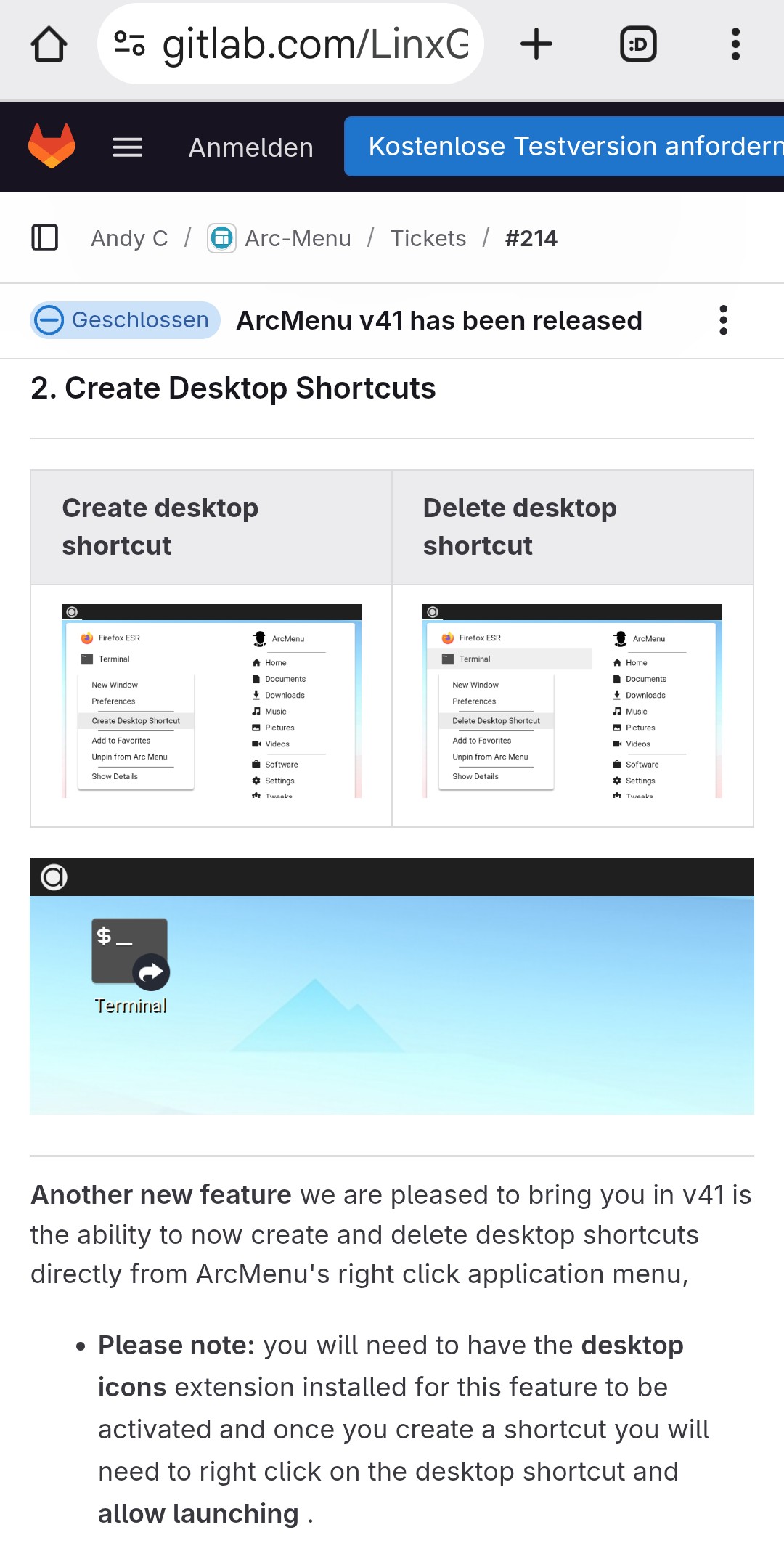
I found a solution. After reading that the function for creating a shortcut to the desktop has already been added in Arc Menu version 41 (and I use v.48), but that it requires the installation and enabling of the gnome extension desktop icons, I tried to see what would happen if I used the "Desktop Icons NG (DING)" extension instead of the "Zorins Desktop Icons" extension. And lo and behold: it works! Now I have the option to add apps to the desktop via the right-click menu also in Arc-Menu.
After adding the desktop shortcut, right-click on the icon on the desktop and select "allow launching."
2 Likes