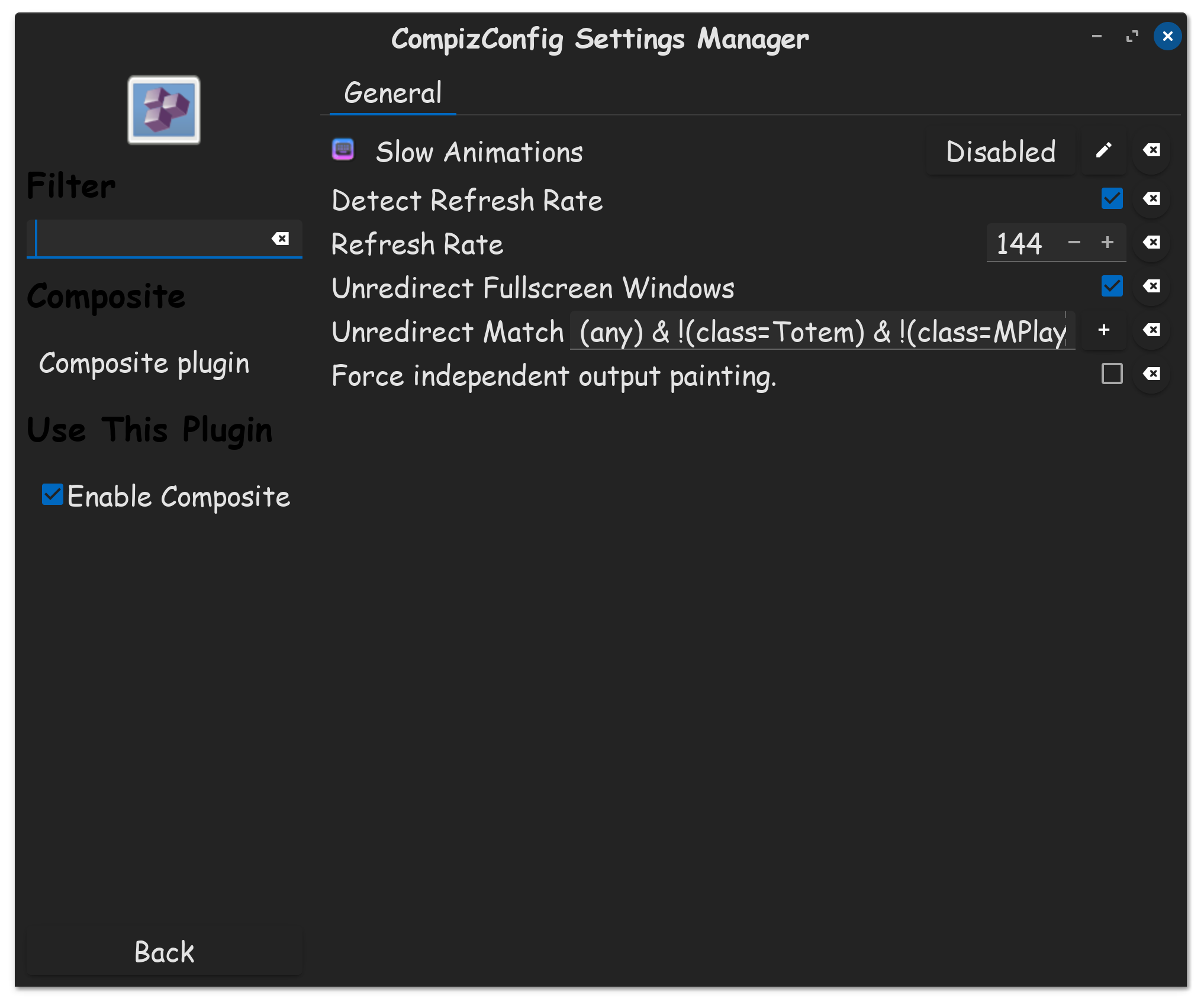
My main display is a 3440x1440 screen. In Windows i've set a custom resolution to for 10 bit 144hz, but in zorin i can only choose between 99.98 and 164.90 hz. Is there some way to add the 144hz option?
I've tried a few things with xrandr but that either doesn't work or doesn't stick.
When you want to use xrandr you should switch to Xorg at login (with cogwheel) and choose "Zorin Desktop on Xorg" there. Xrandr doesn't work with Wayland.
However, your Gnome extension for moving the taskbar will no longer work, as it requires Wayland.