I am using Zorin Education with the GNOME interface. I wanted to try the KDE desktop environment, so I downloaded it, and things were going well — until I decided to return to my GNOME paradise. That’s when I was shocked by the sheer number of changes and conflicts that had occurred!
The cursor shape and color changed, the appearance of the interfaces changed, and many other things became a complete mess.
After all these disasters, I had to remove the KDE environment.
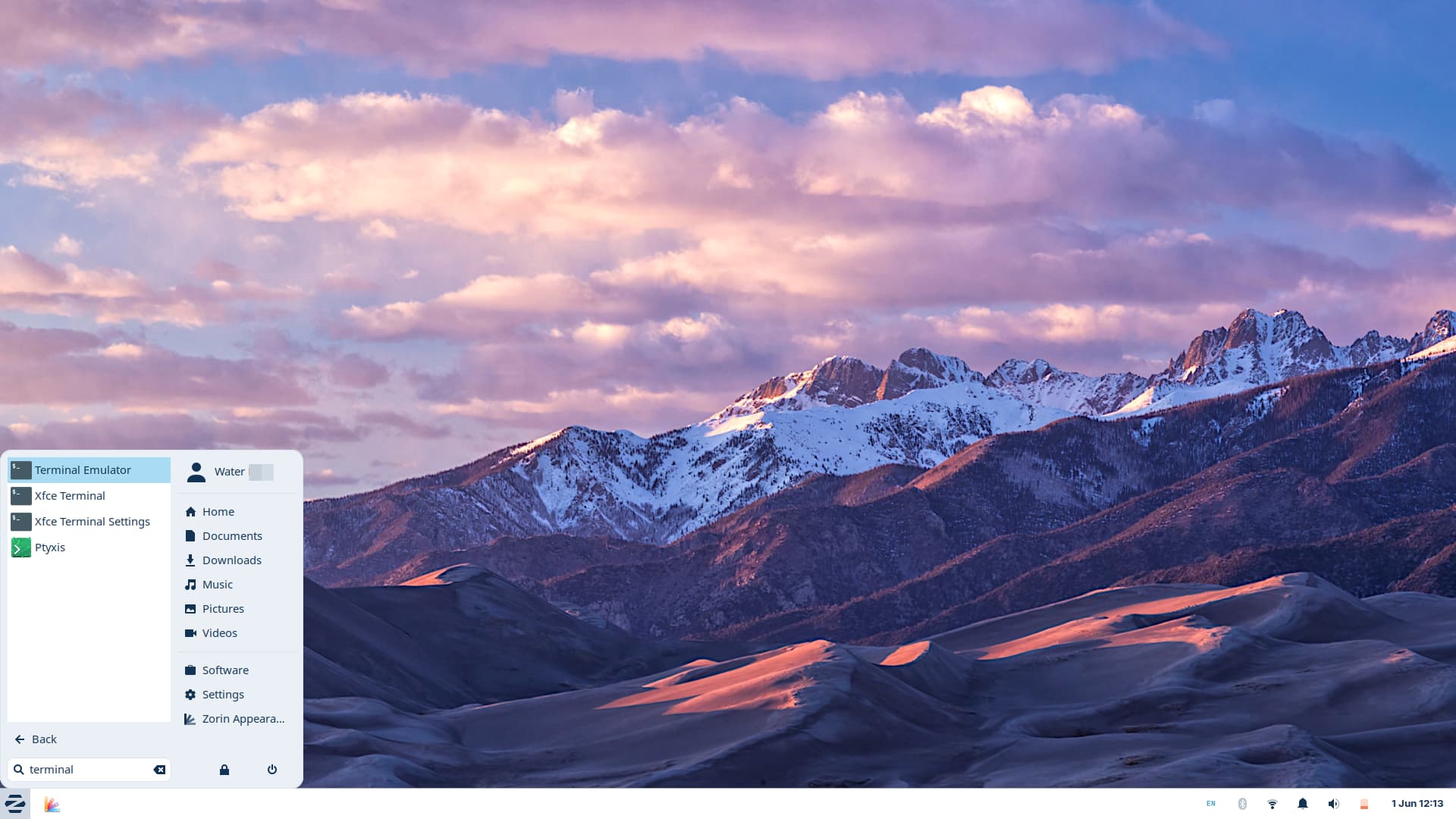
When I later decided to try the XFCE interface, I installed it using the command sudo apt install zorin-os-lite-desktop. Similar issues occurred as with KDE — not quite as catastrophic as before, but still bad.
Can I not install and try multiple desktop environments on the same system?
Do I have to choose one interface and live with it for the rest of my life?
How can I try different environments without causing conflicts?
You can add multiple Desktops Environments, yes. But because they are different Environments, this can lead to Issues - especially when You have different Bases like with Gnome (GTK) and Plasma (QT). And the DE's bring Librarie's and Dependencies and all their own System Programs with it. That is a Lot what comes together then.
Could You explain in Details how You have added the Desktop Environments? I mean for Lite, You dont need to. You already have that.
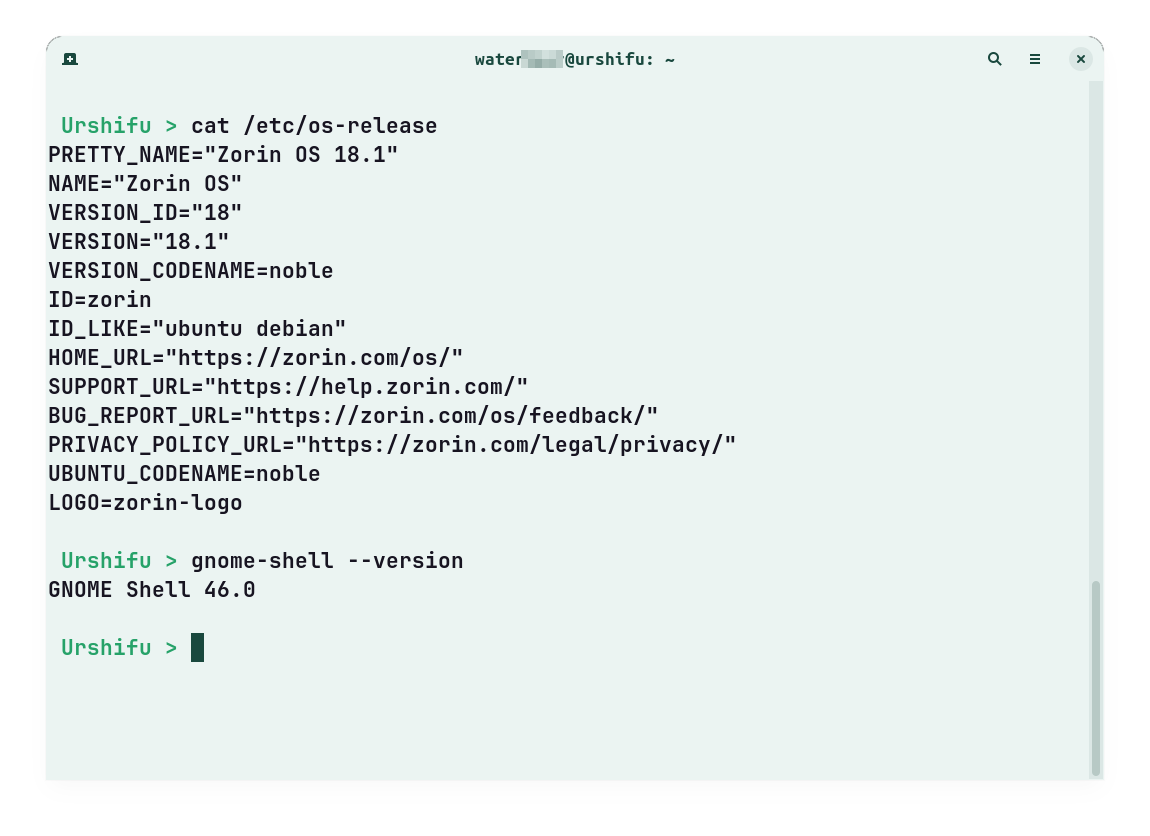
I had installed Zorin Lite with Zorin (Gnome) desktop on Zorin 17.3 and now I tested it for you on Zorin 18.1 and installed Zorin-Lite desktop on Zorin Core.
There were no bigger problems.
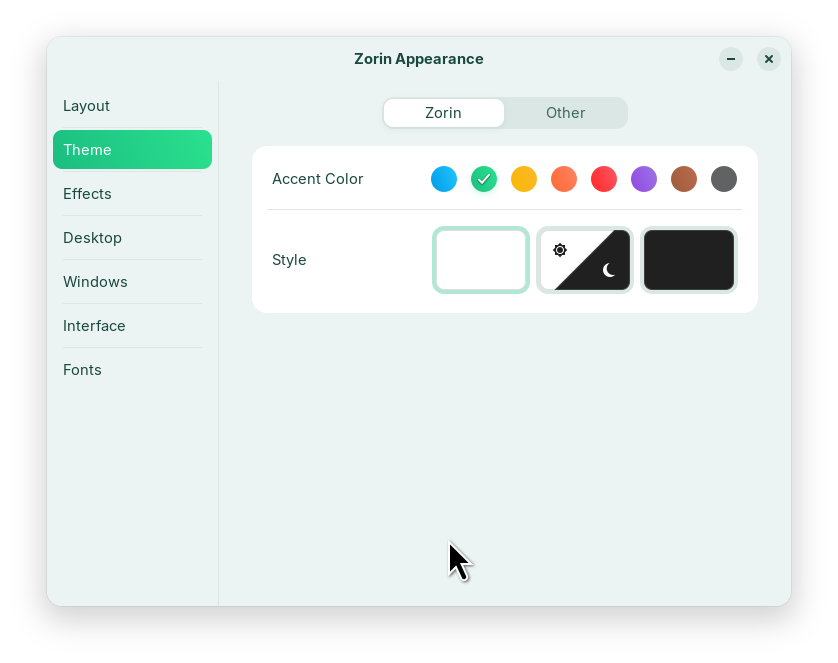
One thing that stood out was that after installing Zorin Lite, there were no apps in the taskbar. You’ll need to add them yourself. If you’ve made any changes to themes, background ... you’ll need to reapply them in the Zorin appearance or settings app, as well as most of the settings in the Settings app.
Edit: After a day with both desktops I noticed a problem that menulibre sometimes didn't launch. I had to remove the .config files of the menus to get it to work again, but it happened again. So I removed the zorin-os-lite desktop from my system.
Hello littlekun, have you tested the Mending Wall? I was very surprised when I installed it today as flatpak, enabled the functions and then installed the zorin-os-lite-desktop, that Zorin lite desktop didn't look as usual. It had not the Zorin layout appearance but gnome top bar and the same icons as with a xfce4-installation.
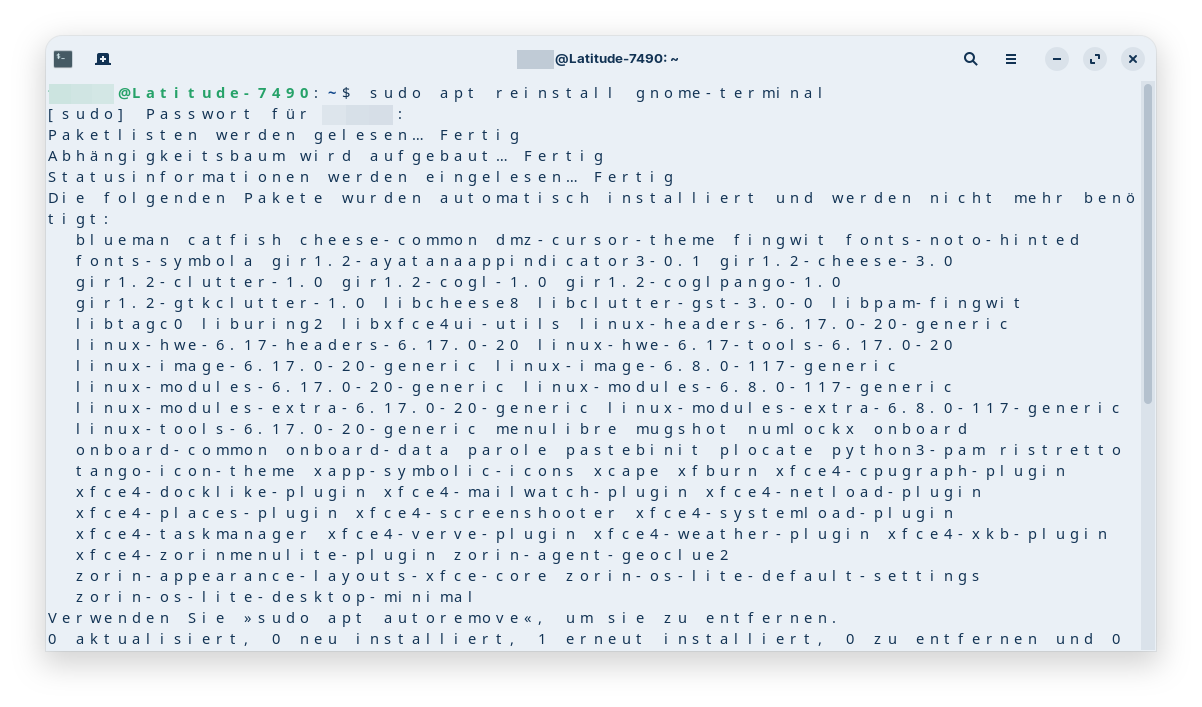
For the problem with the duplicated menu categories it didn't help. And now the font of my gnome-terminal in the gnome session has changed and is streched (although I have already removed the zorin os lite desktop and mending wall). I don´t know how to repair it.
The gnome extension-manager e.g. was still shown in xfce which makes no sense. Only gnome-terminal, nautilus and maybe other ones were not shown.
The app's description sounded promising, but I'm disappointed.
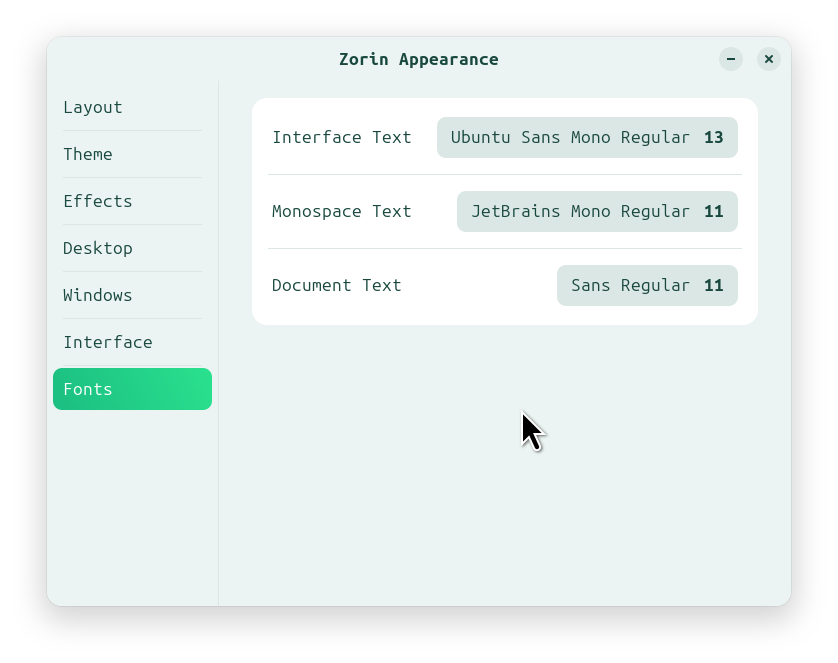
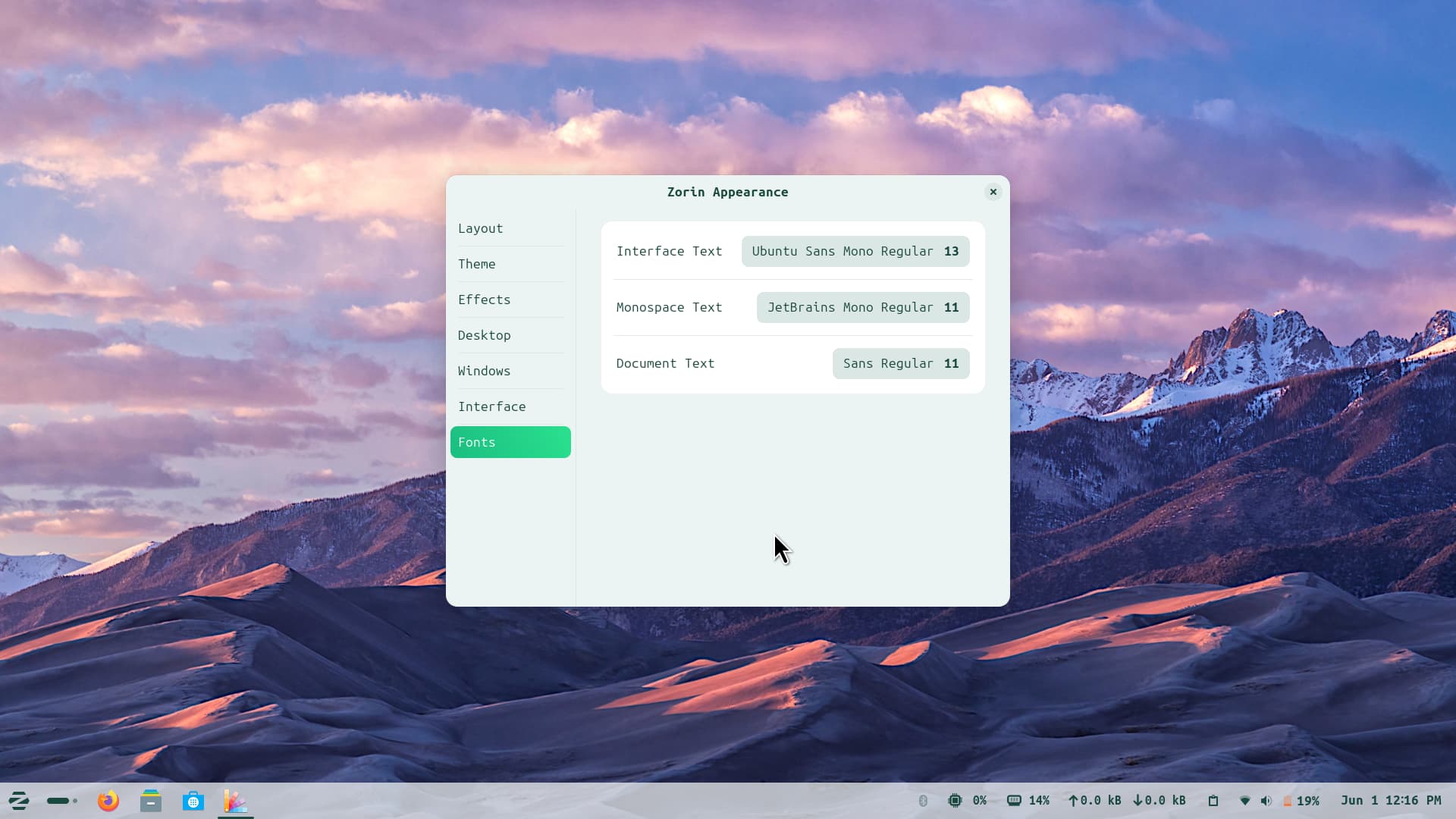
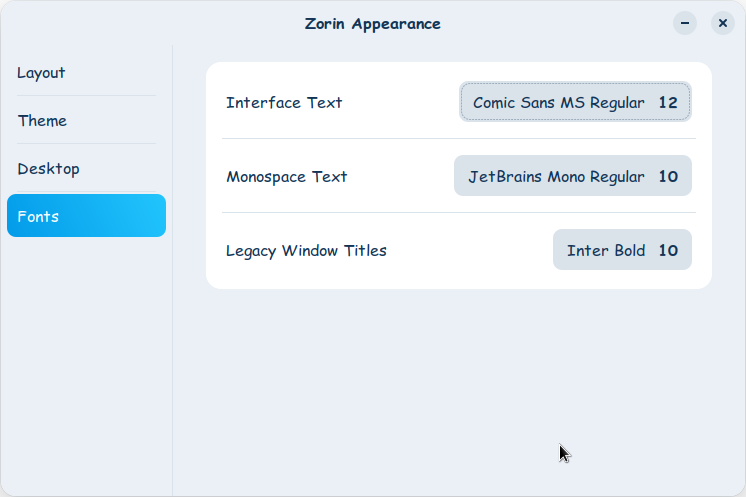
I've now figured out what happened: The program completely messed up the fonts in Zorin Appearance (I don't know when this happened, maybe when enabled the Mending Wall functions or it happened when I uninstalled the desktop environment or the program) and set the fonts for monospace text and text in documents to "none." I've now reset the font settings to their original values, and the terminal looks normal again.
When you install another desktop environment, it will bring its differences along with it.
It sounds a lot like you were shocked not by conflicts but by changes.
You can use DistroSea to try out different environments (and distros) safely without installing anything:
If you install a Desktop Environment; that is the action of installing the Entire Base U.I. of another operating system. It is fine to install and use - but not wise to repeatedly install for testing them out... especially if using SSD which has a lifetime limit on write cycles.
I'm assuming that because of Mending Wall is for DE specific and not Distro specific customization. In Zorin-os-lite-desktop zorin adds it's own customization to xfce4 DE. So, as the app doesn't know the distro specific customisation, on initial switch it defaults to stock DE. About the font and menu entries I don't know why you get such experience.
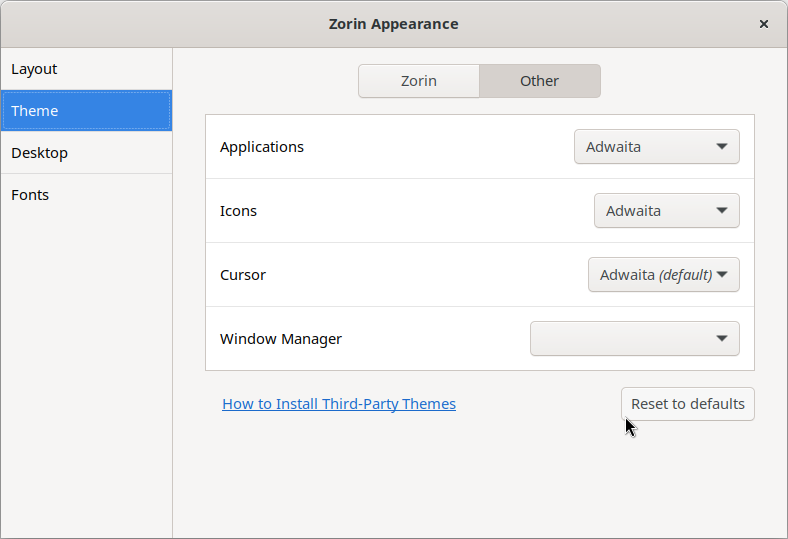
I tried it on my end, on initial switch to Zorin lite desktop it has default xfce4 themes (Adwaita) but the appearance layout in my case was like as it used to in Zorin Lite. I made the changes back to Zorin ones in Lite and switched back in and out this time it retained my customization made across the Core and Lite. And no duplicate menu entries on my side, it did it's job as intended.
Hmm... then I don't know what I did wrong either. I went out of my way to uninstall the Zorin Lite desktop a few days ago - which I had installed to test the installation for Mahdi - then installed and activated Mending Wall, and finally installed the Zorin Lite desktop.
But since it didn’t work very well and I had problems with the menus, I uninstalled both again, but I’m still trying to fix the mess. For example, some apps weren’t showing up in my start menu anymore. I’ve now deleted a lot of xfce4 files from ~/.local/share/applications, and I think it’s working again. But it feels like a mess. Perhaps I should have stopped the flatpak Meding Wall running before the removal. Many files still exist. It was my first flatpak so I'm not experienced with that. (but for Mending Wall is also available a repository to get a .deb package).
If you have not manually added anything in your ~/.local/share/applications then remove the desktop files that are related to gnome, followed by a re-login.
You can try Warehouse to remove any residual left by the package or try:
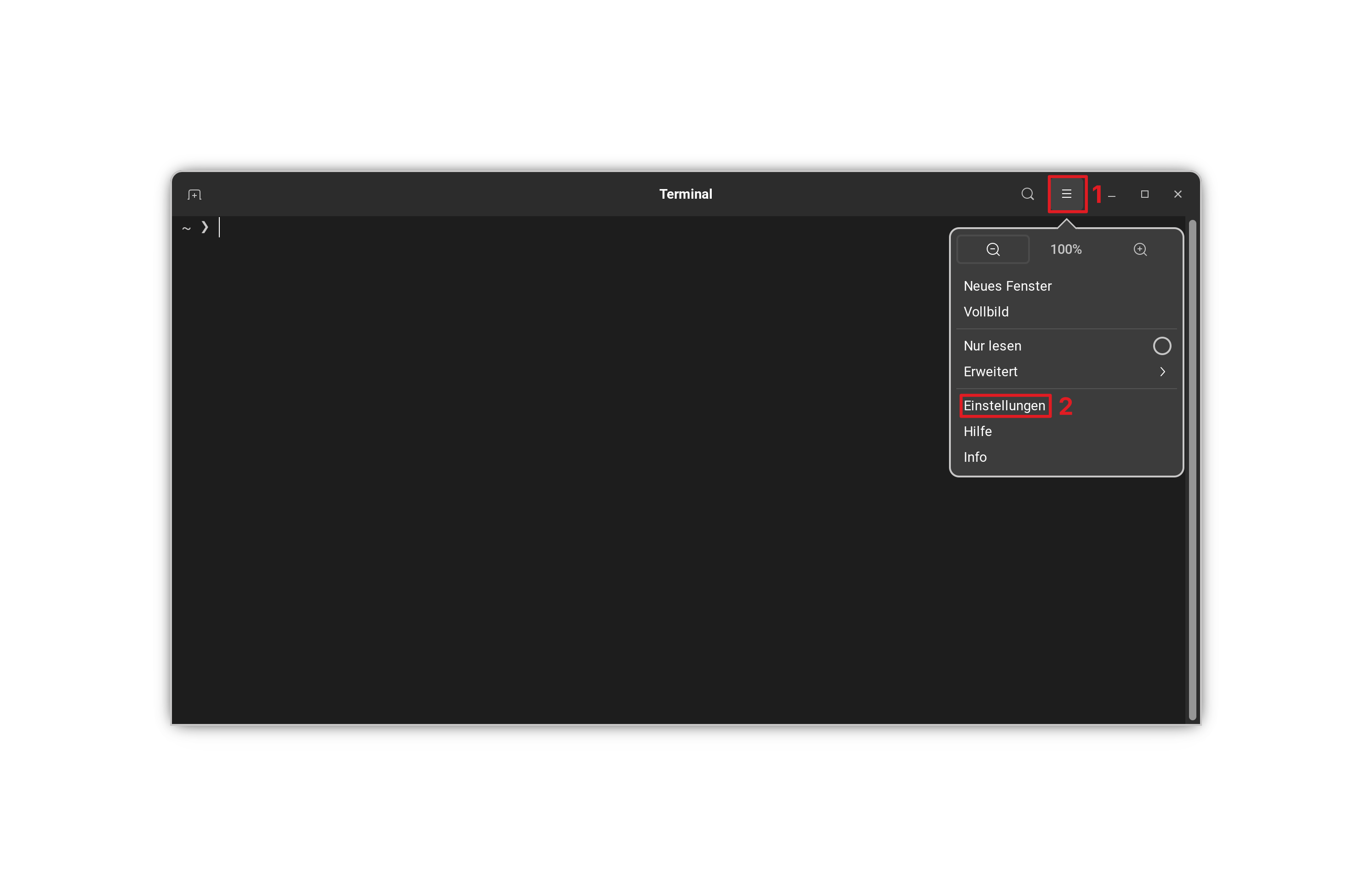
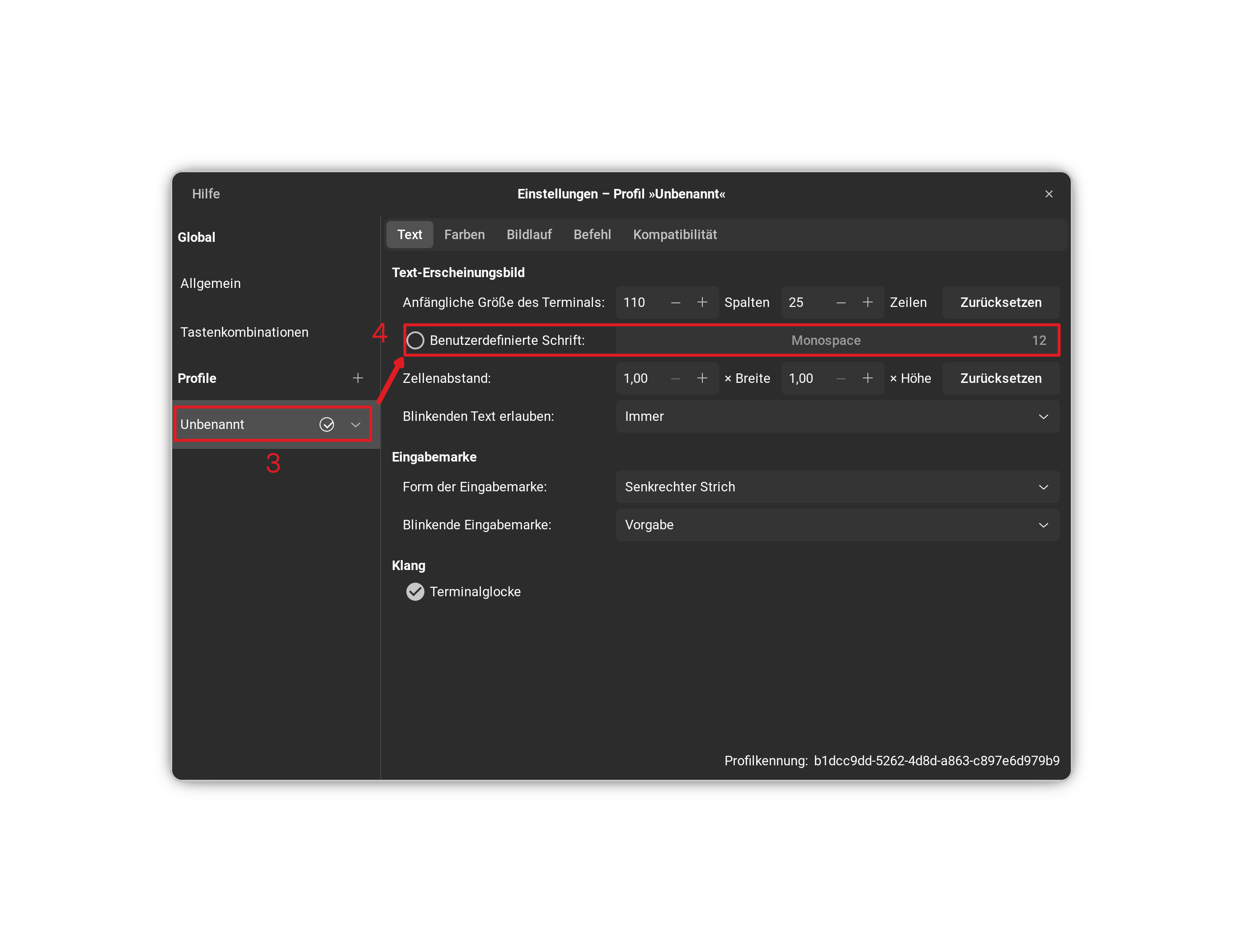
You can change the Terminal Font in the Terminal Settings. Click on the 3 Lines left beneath the min/max/close Buttons. Then on Settings and there go to Your Profile.
That is a good solution. I had first tried that today when I searched for solutions for the terminal and set a custom font there, and it had worked so that the font was no longer stretched.
But I saw that the default setting is not set there to a custom font and I wondered what has changed the look of the terminal. Then I saw that in Zorin appearance the fonts have been changed (not by me!). Perhaps they also affected the font in the terminal.