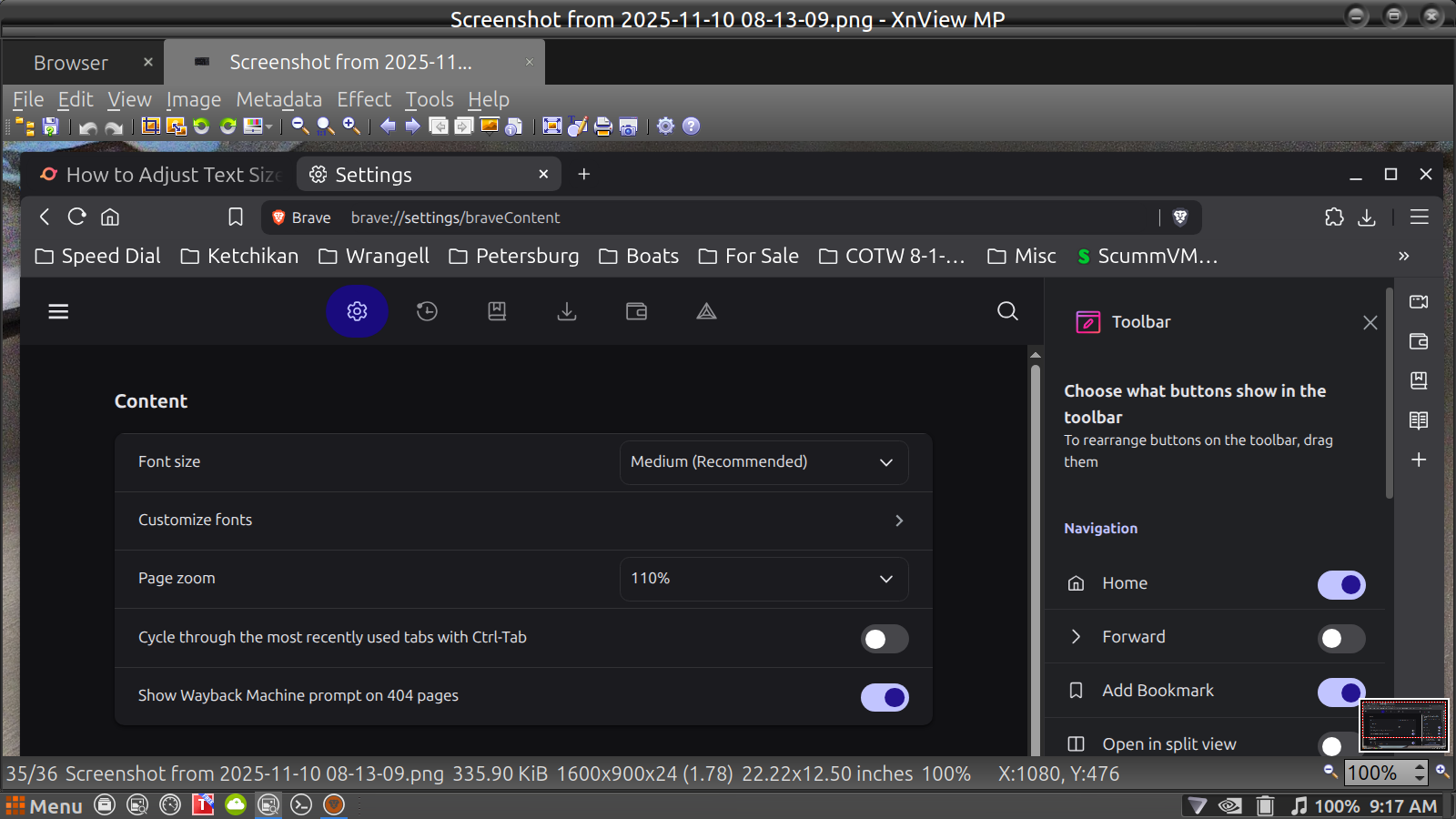
Not sure what happened but my Brave Tool Bar font size has increased drastically and not sure why .... tried to adjust both the Appearance and Content settings but nothing seems to work .... also reset both but nothing helps ....
Went on line and followed the Brave instructions and other sites ..... just about all of them say the same thing and it works for everything but the task bar it remains the same .... even the Youtube videos are no help ....
I have adjusted the 2 slide bars in the last photo back and forth but they will not change the Brave Task Bar Font .....
I only found informations that sometimes this happened after an update and the font of toolbar got bigger or smaler. There is no option in brave yet to specify the font of the toolbar. So you can only hope that the next update solves your problem. If it is very annoying you could maybe try to go back to an older version.