When in fullscreen mode, I Alt-Tab, if there is no other window open, the only place I can go is back to the program I am in, there seems to be no option to go to the desktop. and open another app. Am I missing something?
This is not about changing desktops, it is about going from app to desktop, where I seem to be missing something.
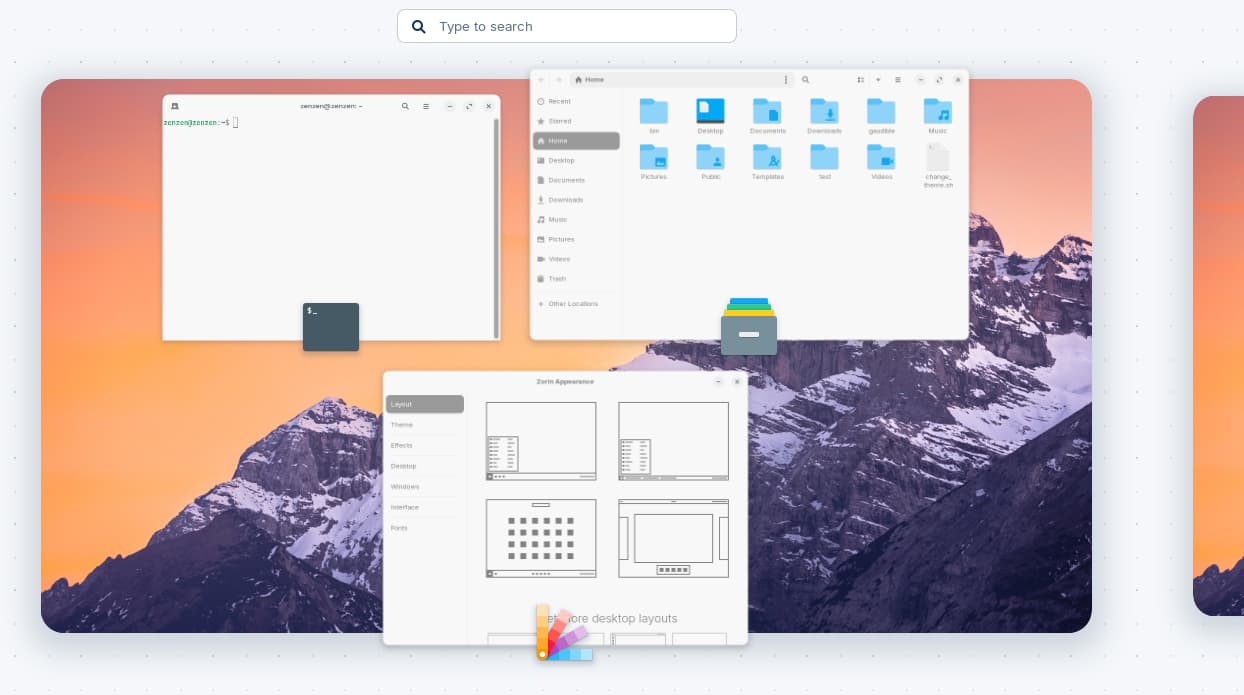
That's the applications overlay (I think the actual name is "activities overview"), which works very similarly. You can change the behavior of the Super key to open the Zorin menu, instead, although this will work only for certain layouts that have the taskbar enabled. You can do this through Zorin Appearance → Interface → Left Super Key.
If you are curious, there are also other keyboard shortcut variants that you can use to cycle through your opened windows:
Alt+Esc: Change focus between all windows in the current workspace. This can be helpful to better visualize the window you need to focus since it will bring it up front, and you can see the window size and contents.
Alt+`: Change focus between different windows of the same program. This can be helpful if you have two separate instances of the same program. For example, two windows of the file manager on separate locations. It works across workspaces, too.
This is very easy to use if you're using an English keyboard/layout, but might be tricky with other languages.
As an Addition: There would be the Option to use ArcMenu instead of the Zorin StartMenu. Then it would work permanently to open the StartMenu instead of the Overview.