Like some of You might know: ClamTK is no longer maintained. Of Course that doesn't mean, that You can't use it anymore but that also mean, that there will no longer come Bug Fixes and Improvements. and Security fixes not, too.
But I saw now an Alternative: ClamUI. It is made with GTK4 and LibAdwaita. It is like ClamTK a graphical Interface for ClamAV. It is offered as Flatpak, .deb and AppImage. the Developer recommends the flatpak. This doesn't only come with the UI itself. It includes also ClamAV. so, it isn't neccessary to install ClamAV seperately. You have all in one if You want so.
But You can use the .deb Version of Course if You prefer that. But tzhen, You have to install clamAV seperately (which is available in the Repo'S; so, no bigger Problem). Beneath that, you have to install a couple of Dependencies with it (See Installation Instructions). Benetah these, the actual .deb Package installs Dependencies, too.
Now it is only Version 0.1.3. So, it isn't even a 1.0 Version, but it offers even noe a couple of Settings like individual Scan Profiles that You can save. I had to type in the Password a lot for changing the Settings which was a bit annoying - and it didn't even keep the Changes saved. But as I wrote: It is only Version 0.1.3. So, it can grow.
I didn't tested the Flatpak Version yet. But I will to see how it behaves.
I like to see that there is now a usable Alternative to ClamTK.
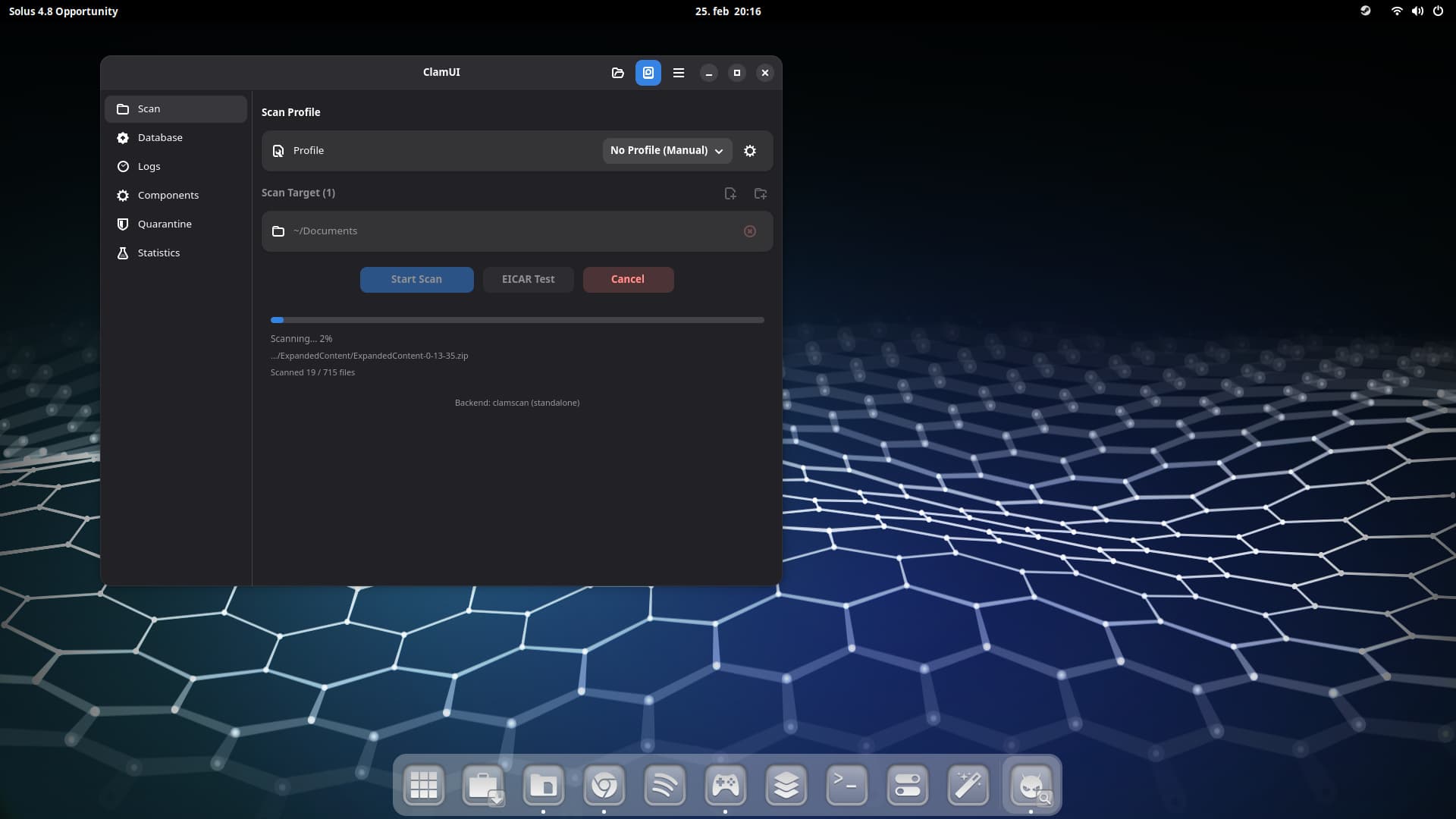
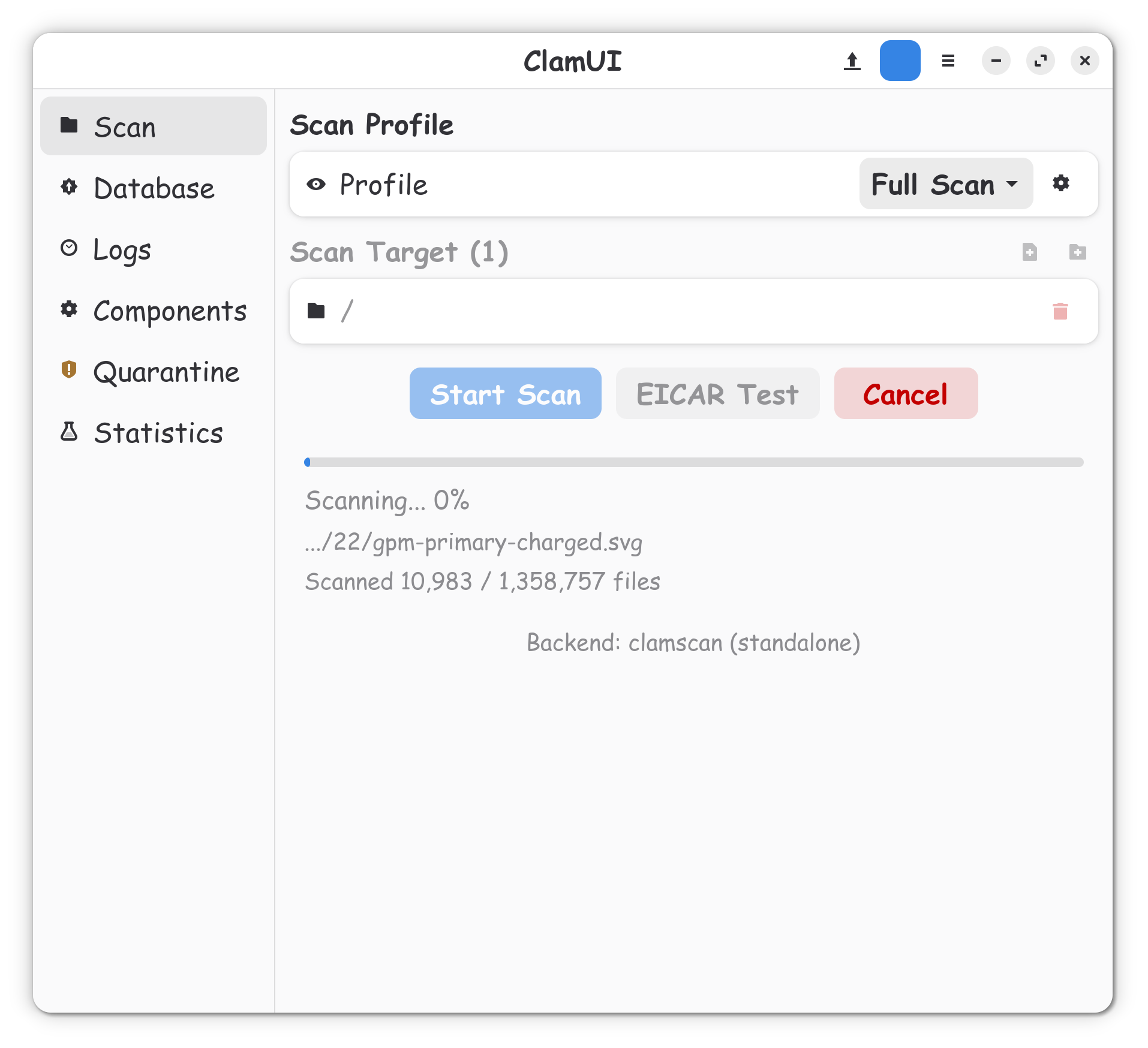
There is an Percentage shown, how many Files and the actual File what is scanned. I don't have that on the .deb Version - and I really miss that because so I can see the Activity and the Progress.
I tryed it just has a line that bounces back and forth. i prefer seeing the files its scanning with the terminal.. ill hold out for abit wait till that ui gets more advanced
@Ponce-De-Leon many thanks for this. Have advised a client to change from ClamTK to ClamUI. I have a VM of LMDE7 that I installed on their notebook. I installed the flatpak and when scanning it does not do a progression but the back and forth along the line. Is the progress only with the .deb package?
I didn't had that with the Flatpak or .deb Version unfortunately. I will try it again with Your Steps posted. Maybe I didn't installed the Dependencies properly.
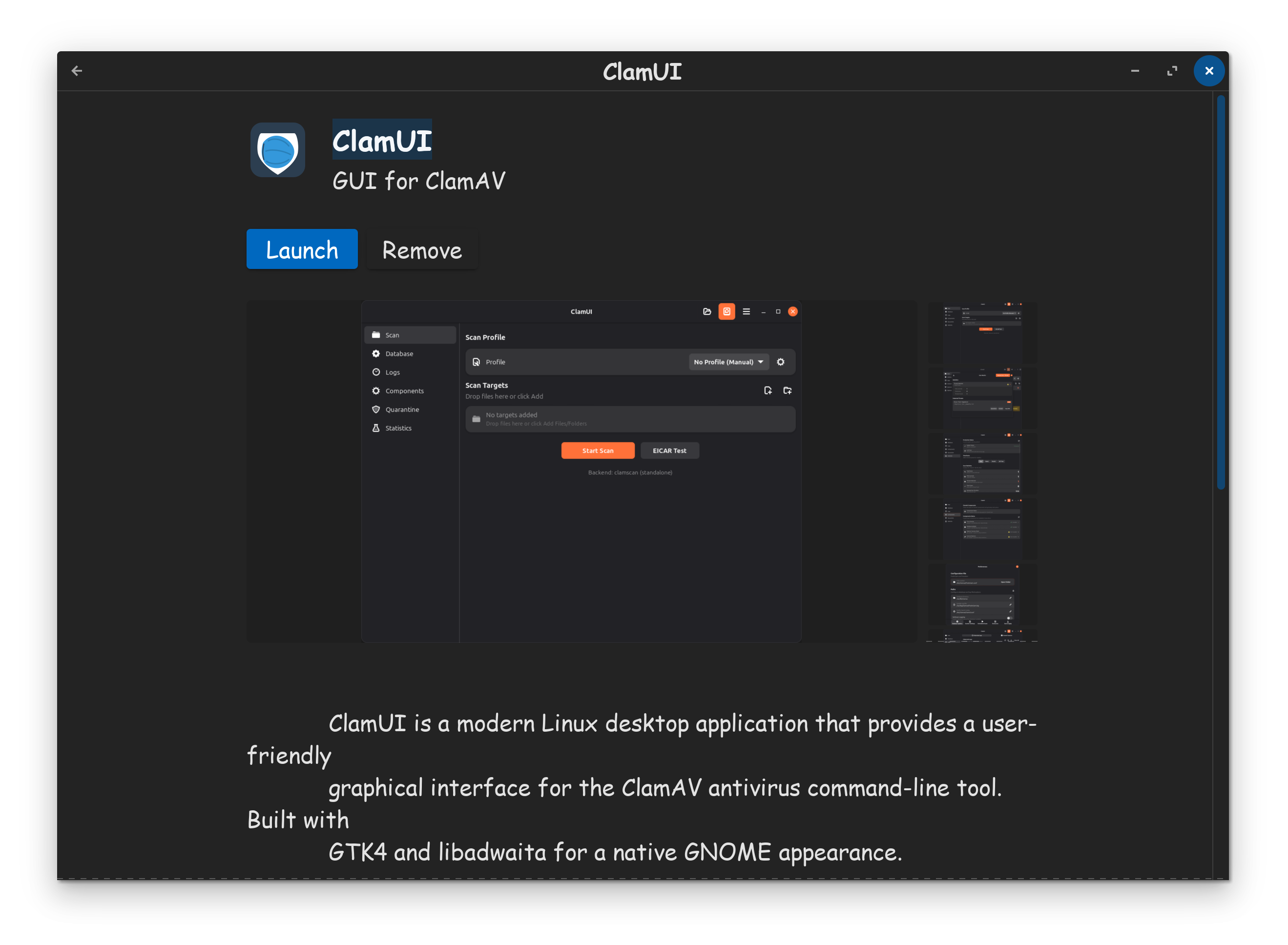
Thanks for letting us know about the new Clam, since the original is no longer maintained, and hasn't been for years now. I actually found it in the software store, but of course typical white background, not lovely dark mode like in your screenshot. I'm running a full scan right now.
I have just looked on Software store (using Z17.3 Core) and even using search, it came up with nothing. Well not nothing...just ClamTk.
Are you still on Z16 Treker?
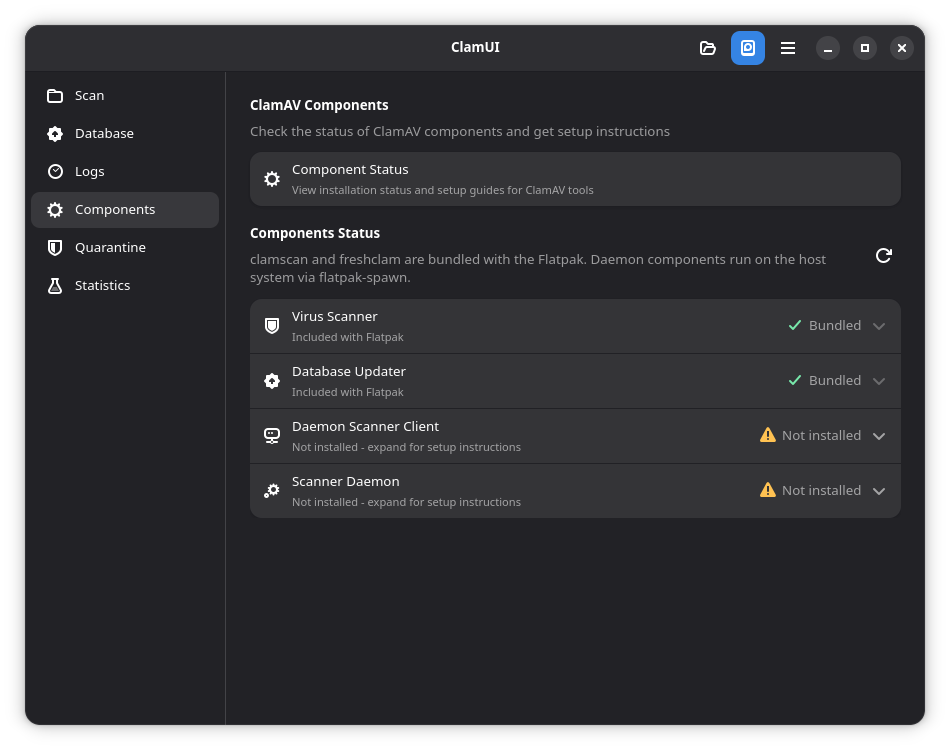
Okay, I got now the Scan Progress with the .deb File. I have an Idea why: For ClamAV is an additional Package available: clamav-daemon
This is another kind of Scan Mode it seems. And when this is installed, too ClamUI uses this by default because in the Settings it is set to ''Auto (prefered daemon)''. So, when this isn't changed to ''clamscan (standalone)'', it uses the Daemon for scanning - and that seems to be not support a details Progress - at least not for me.
@Storm Hi, hope you don't mind, I used your screenshots for the ClamUI section of the Unofficial Manual for Zorin 18 Core r.3 - have acknowledged your screenshots in the manual.