I would not think so, no.
Using better compression to consolidate should not affect performance.
This is because the same modules being included would be the deciding factor.
So, a regression depends on a change within the driver that is included or that driver being not included. Not to the name on the label.
Thanks Ponce-De-Leon,
Currently I am using 6.17.0-35 as of now, all good, and I completely removed the faulty (for me) kernels 6.17.0-40 and 7.0.0-28 following the instructions linked by Forpli here.
I am hesitating to try and reinstall the new kernel since the problems might have been fixed.. or just wait and see. I think I'll give the new kernel a go since now I know how to roll back if need be!
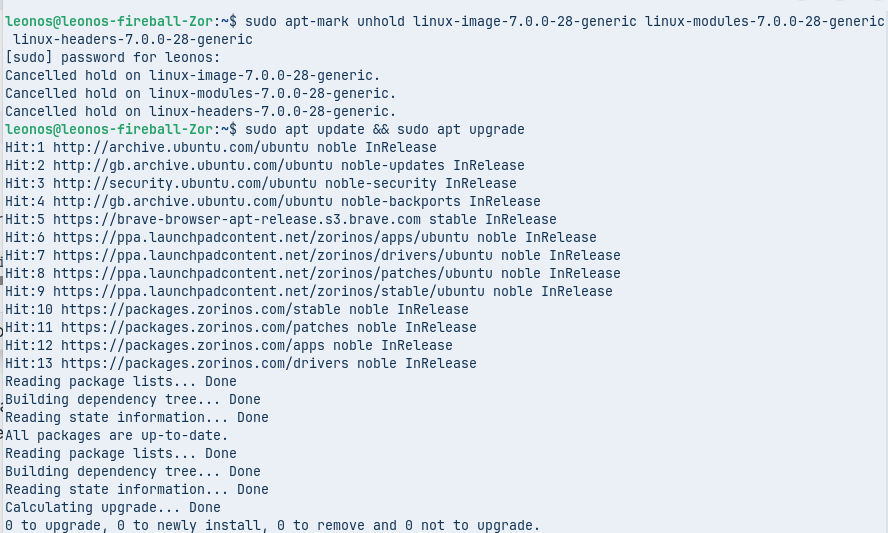
Update after running the first instruction (sudo apt update):
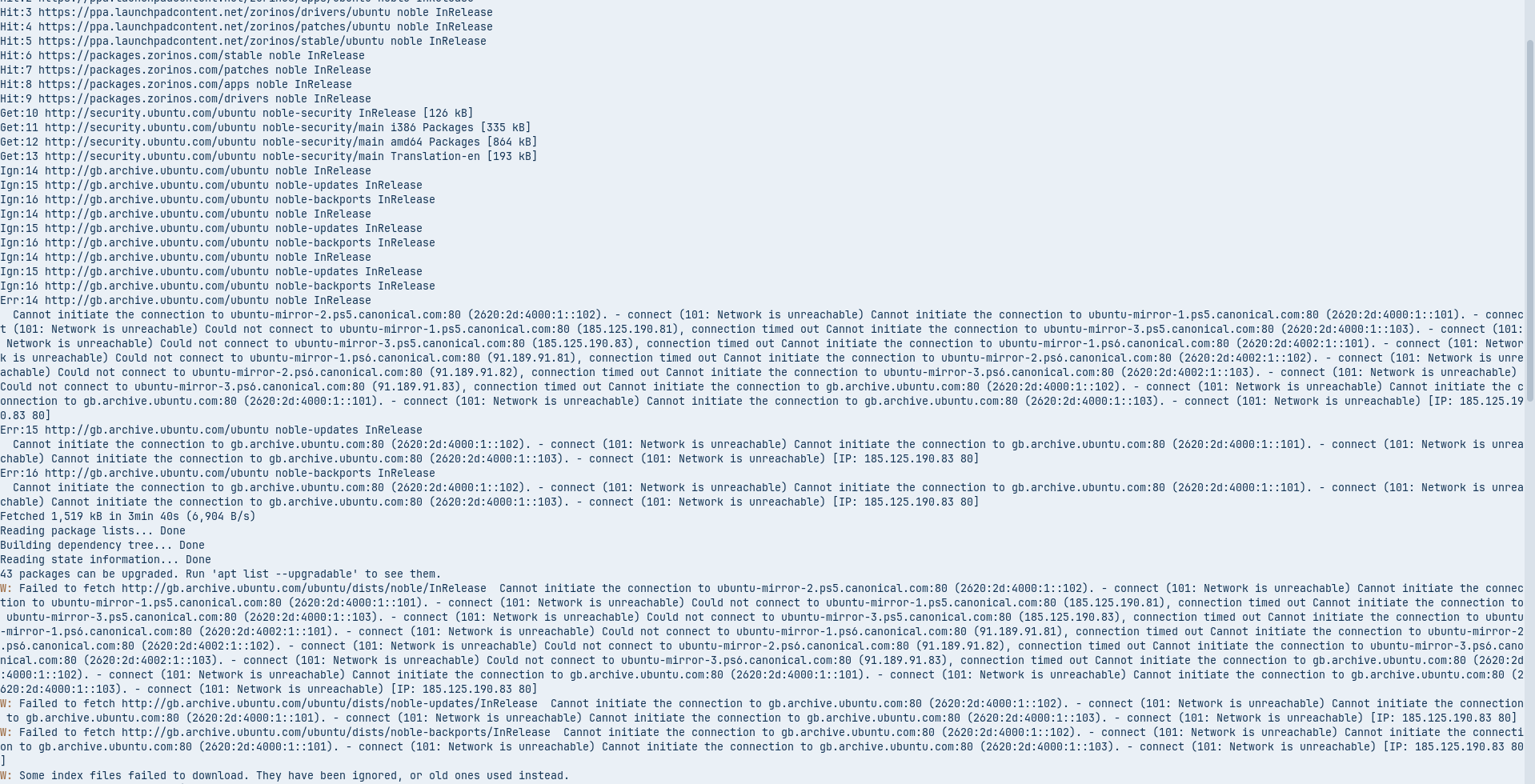
some things went OK, but there seemed to be some problems with connecting to ubuntu mirrors? I imagine that's not too much of a problem
The second instruction went fine I think. Then I restarted. I'm back in the only kernel I still have installed for now (6.17.0-35) and it mostly looks OK except that I can't get my 2nd screen to display anything, even though it shows up in the Displays settings menu. But when I switch it on there, it doesn't actually do anything at all.
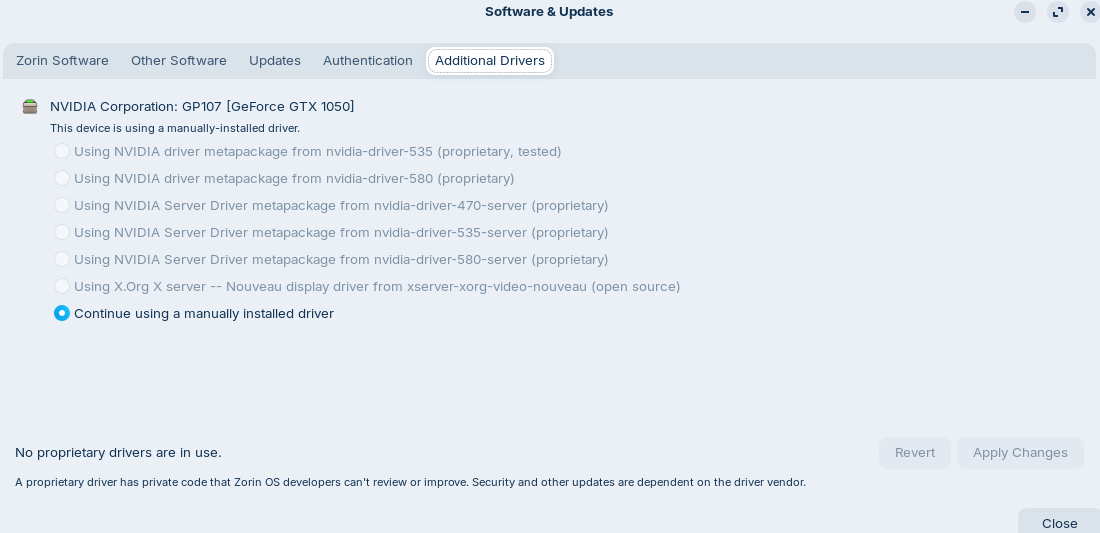
Also, I used to be on Nvidia driver 535, but currently in my software updater I am on "Continue using a manually-installed driver" and I cannot go back to 535 (impossible to select).
Shall I:
try to install new kernel 7.0.0? If so: how do I revert the instructions that I used from this post?
try to fix my NVIDIA driver problem, and if so, how? I think it should be OK if I can manage to select nvidia driver 535 but how to do that?
After the update boot, and at Advanced options for Zorin select kernel 7.0.
If everything is fine with the new kernel, you can set
GRUB_DEFAULT=0
in the /etc/grub/file
and run
sudo update-grub
Otherwise boot next time again into Advanced options for Zorin and select an older kernel.
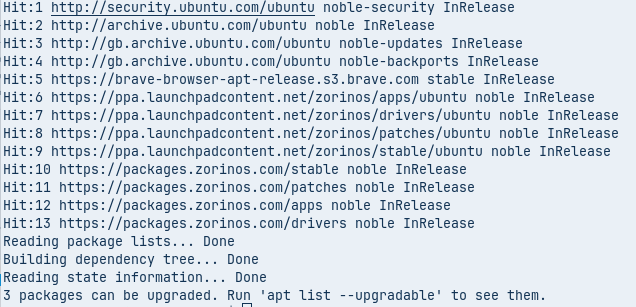
for info, I saw this and I noticed that my "Zorin software server" was set to UK, so i set it back to 'main server' and will now try the instructions again...
... wow, that worked much better (compared to the screenshot I posted after sudo apt upgrade two posts ago):
Post-restart update: the login screen wasn't showing, so I had to do the 'tty' console (Ctrl-Alt2) to login but then I wasn't sure how to go back to the graphical interface, so I did reboot and logged back in the normal way from there after disconnecting my other display. It looks like having both displays plugged at the same time is now a problem. So I really need to be able to use the NVIDIA driver that I had before, but still not sure how to do that.
@Forpli Thanks! For now, I think I should fix the graphics card driver problems, and then I'll try to do what you say.
Okay, thanks Aravisian, that fixed it my graphics problems! Just after executing the instructions I got an error message "Oh no! Something has gone wrong. A problem has occured an the system can't recover. Please log out and try again."
and then it logged me out and I logged in again and now everything (screens) is working as usual! Thanks!
I'll now try Forpli's instructions to install the 7.0 Kernel.. Will keep you updated.
Thanks Forpli for these instructions, I did that and it didn't give me the option of the new kernel during Grub menu. I still only have 6.17.0-35. Are we missing something?
I am now writing this from the new kernel and with no detectable problem!!
So, I guess the update from the Zorin Devs fixed it (for me at least) and I "just" had to reinstall my NVIDIA driver (not sure why it was gone) and reinstall the new kernel and that fixed it.
I had the same issue: Kernel Panic - not syncing: VFS: Unable to mount root fs on unknown-block(0,0)
For me, the root cause was that the initramfs got deleted during an update. Here's how to solve that:
when starting the system, boot into GRUB menu by repeatedly pressing ESC. Select Advanced Options
select a kernel which isn't the latest. For me 6.17.0-40-generic and 7.0.0-28-generic were installed, so I picked 6.17.0-40-generic (recovery mode). That one booted fine.
from the Recovery menu select 'root' and press Enter for maintenance
to check which kernels are installed, use 'linux-version list'. Take note of the highest version number listed.
to update (or recreate in my case) the initramfs you need to issue 'update-initramfs -u -k 7.0.0-28-generic' (replace the version according to your installed kernel)