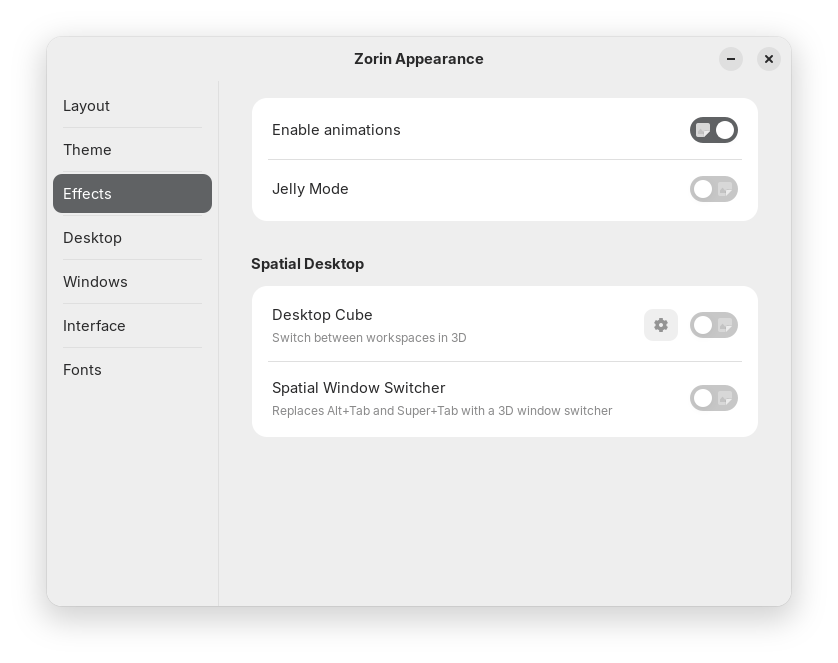
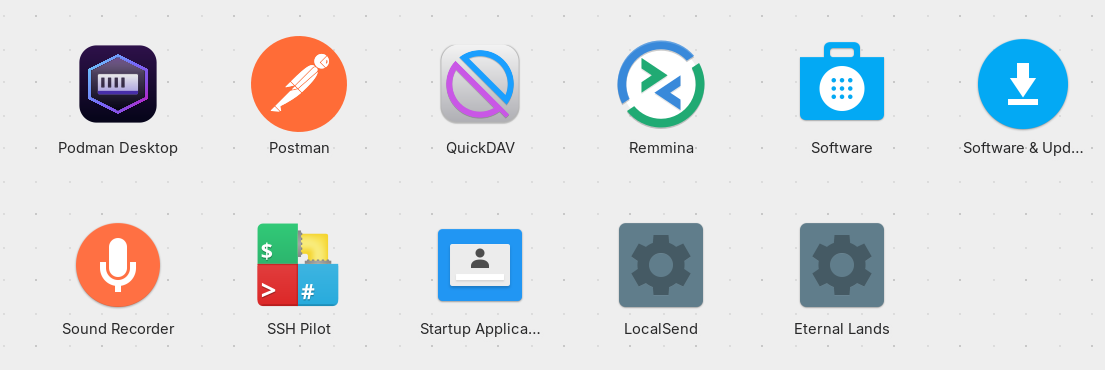
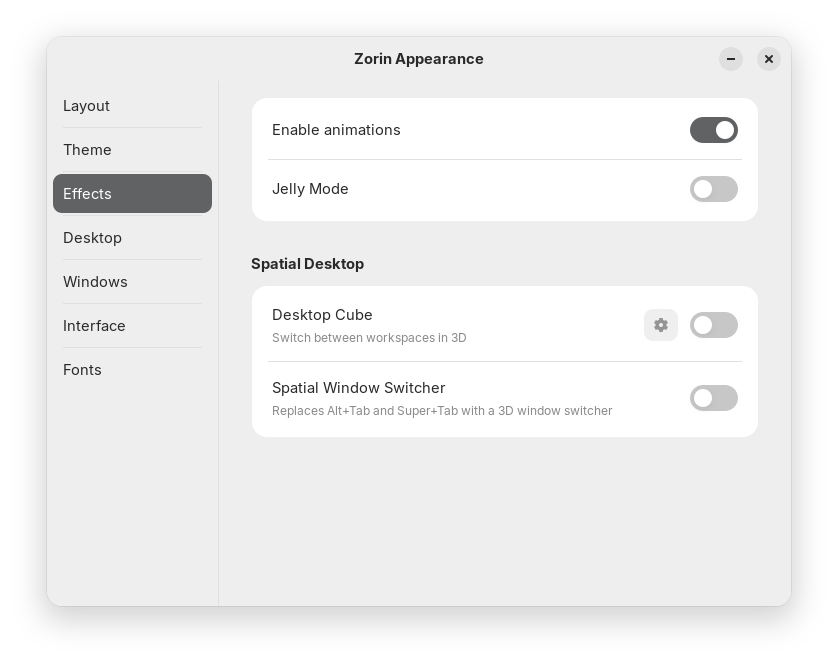
I'm having an issue with Zorin OS 18.1 Core in which I need some help. It seems that some of my application icons are missing (defaulting to a cog icon) in the task bar and All Apps/App menu. This is also happening for what I would call "system icons" too i.e. those inside a toggle switch.
And You use the default Zorin Icons, yes? And You didn't changed aynthing on them? Did You tried other Icons before? Did You tried other Themes before?
Also, I find Your Toggle Picture a bit weird because in these Toggles are no Icons normally. Did You tried to use a different Icon Set, switch to it and then back?
I have not added any new themes (but I did try switching from Light/Dark and use different Accent Colors), no new icons, just using vanilla Zorin OS Core.
@Forpli I did try this but unfortunately it did not work for me, it was not updating any icons.
I did do the following and this has made everything work again after logging out and back in however, I don't know why it worked.
Well I think your solution hinted at the cause ... Flatpak.
I avoid flatpaks whatever the system I am using unless there is no alternative.
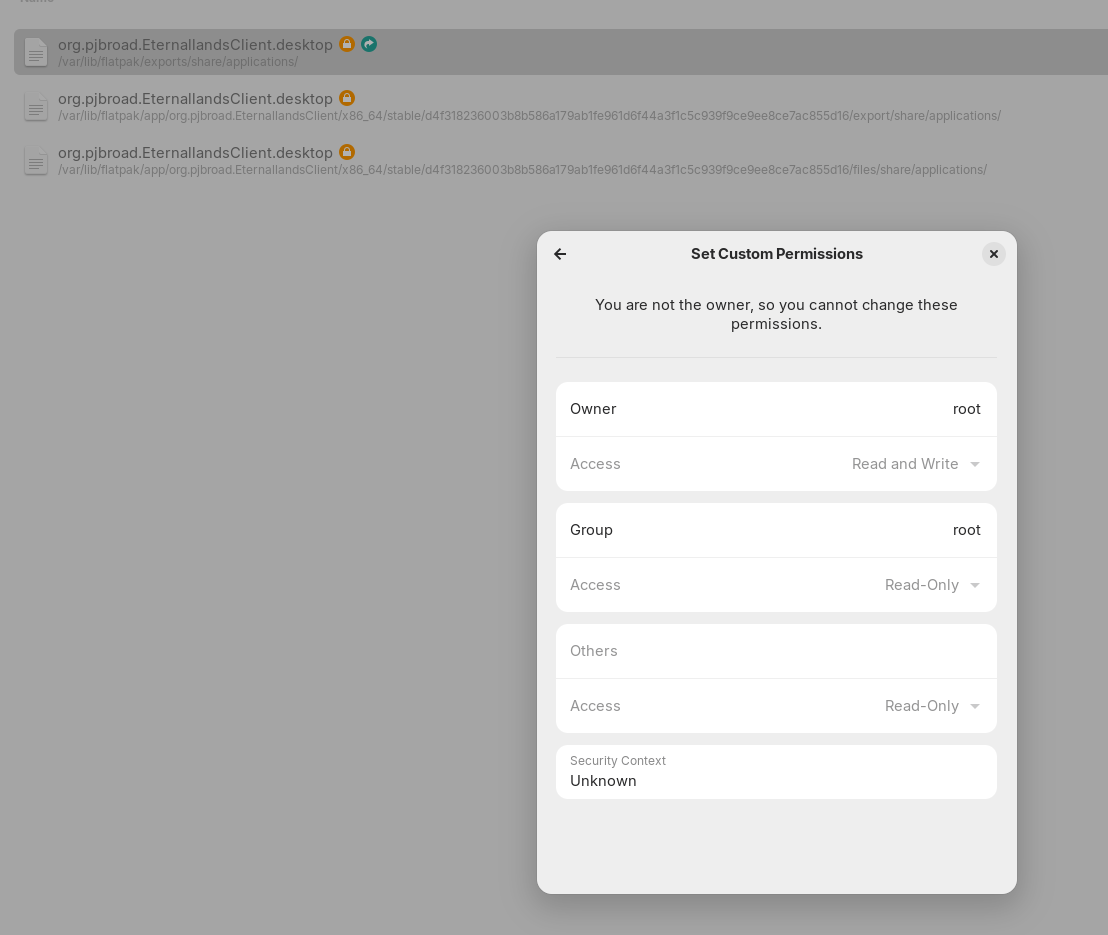
In respect of cogs showing for Apps, sometimes this occurs if it is a shortcut to an application and needs permission to run as an executable. Right-click the respective cogs, select 'Properties' then select 'Permissions' tab and see what is showing.
@swarfendor437, this could be true. Are flatpacks 'bad' for Zorin? I installed these apps via the 'Software' app and for example Emby is marked as Flathub.
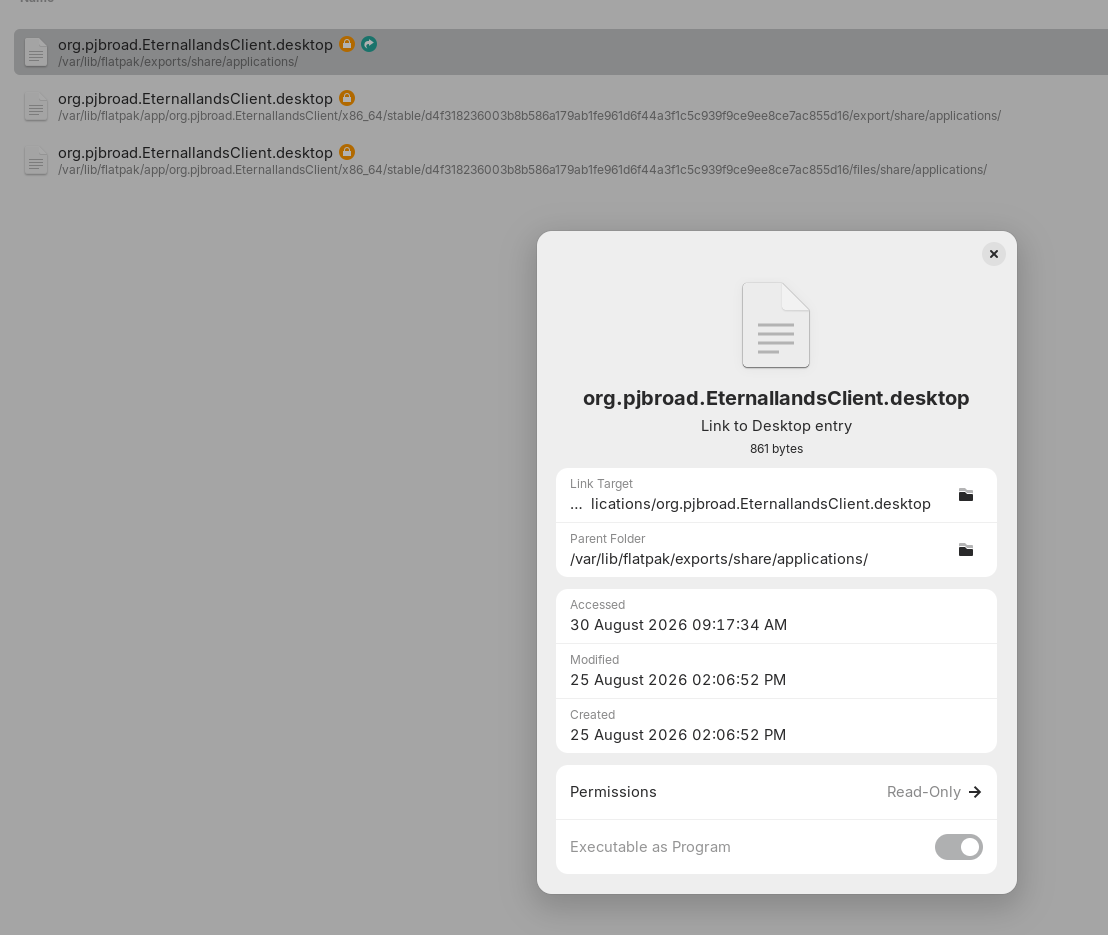
Regarding the cogs for app icons, i will keep this in mind. I do know the LocalSend app I was investigating was indeed a shortcut. Eternal Lands is one that didn't work and this is the shortcut (not sure what they normally should be):
Thanks. Okay, then look normal. I don't understand the Missing Icon Logo before, but it is fine now.
No, there are not bad. Flatpaks run containerized. So, they only have limited Permissions and Access to the System. This is intented. But that can lead to Issues depending on what will be done with them. And then it can be neccessary to make Adjustments.
To avoid that, You can use .deb/APT Packages but not in every Case that is available. So, Flatpaks can be an Addition for Availability.