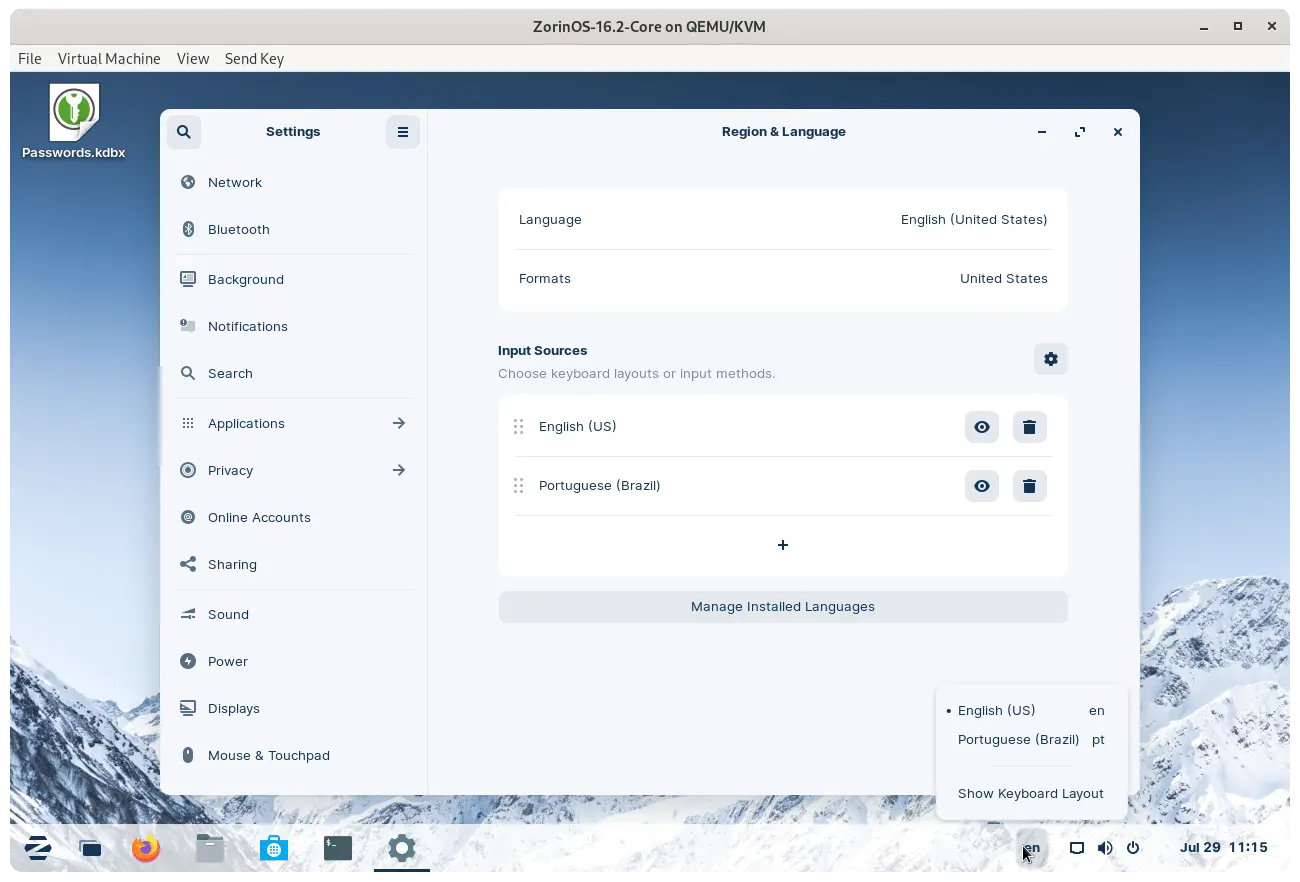
In Settings -> Region & Languages, under Input Sources click on the + icon and choose English (US). If you click on the eye icon next to the language you can see the keyboard layout so you can choose exactly which one makes the most sense to use for you.
Note that if you have multiple languages enabled, a small indicator will appear on the system tray. You can use that to switch between languages as needed, or with the Super + Space keyboard shortcut.