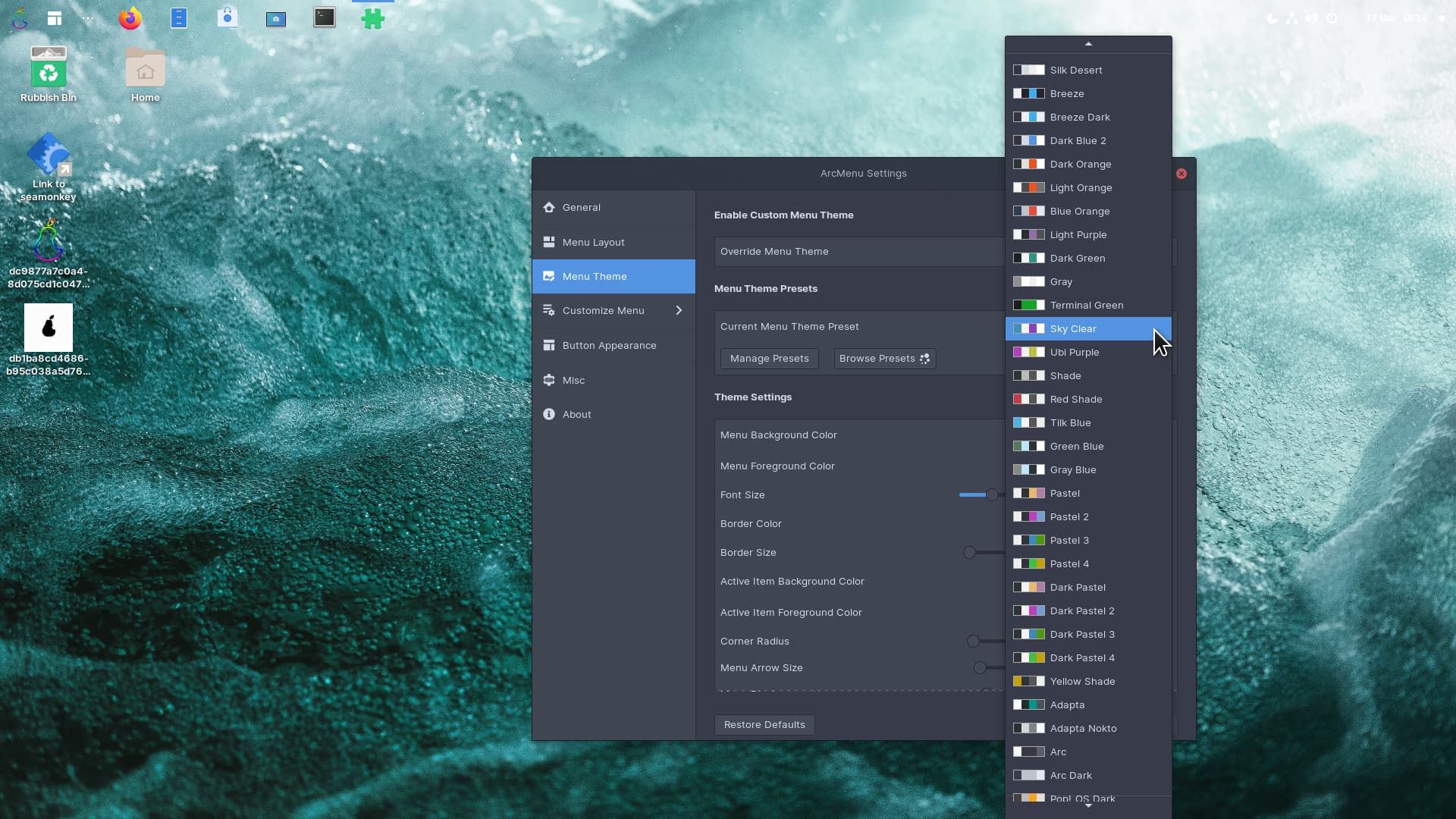
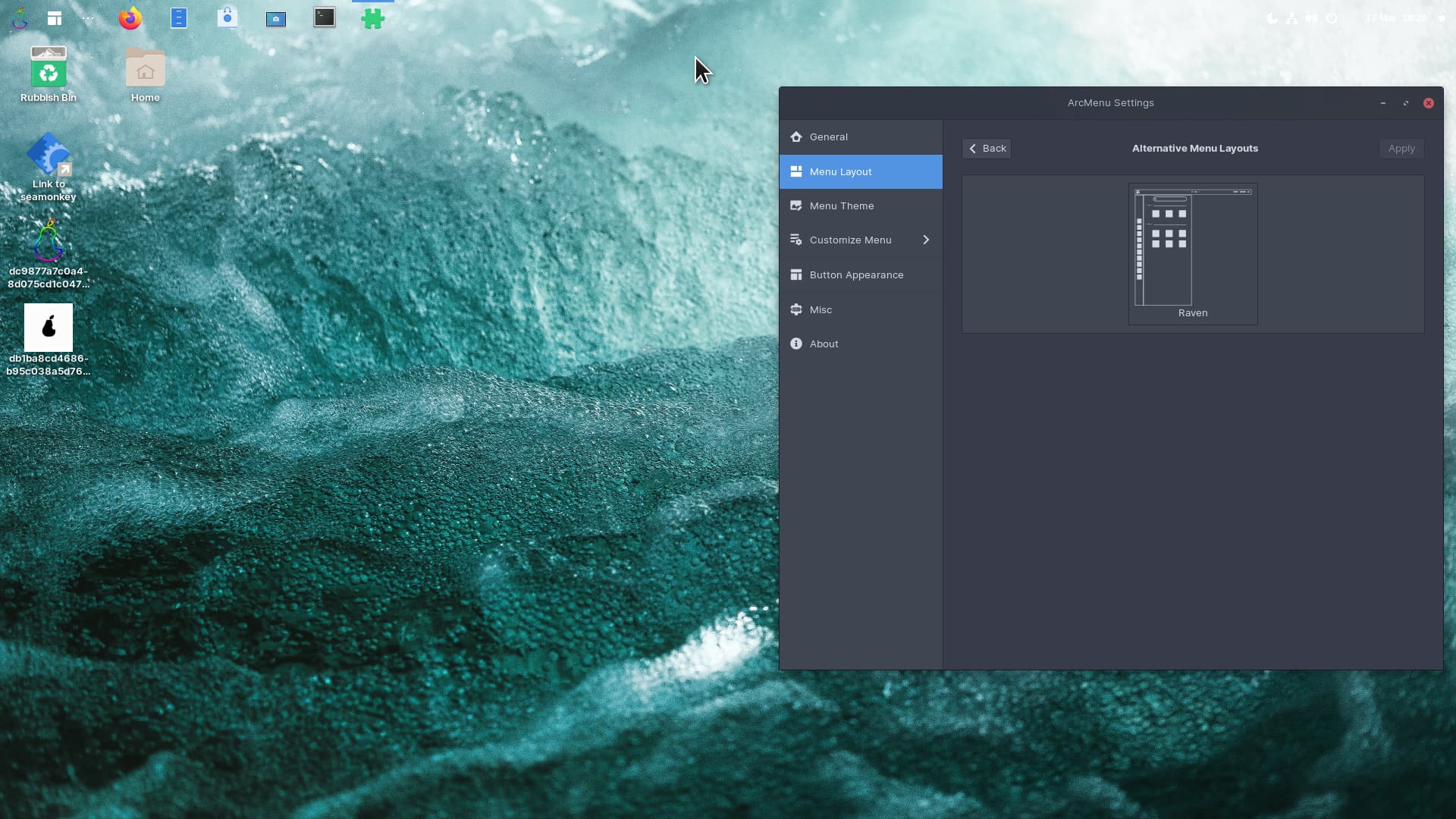
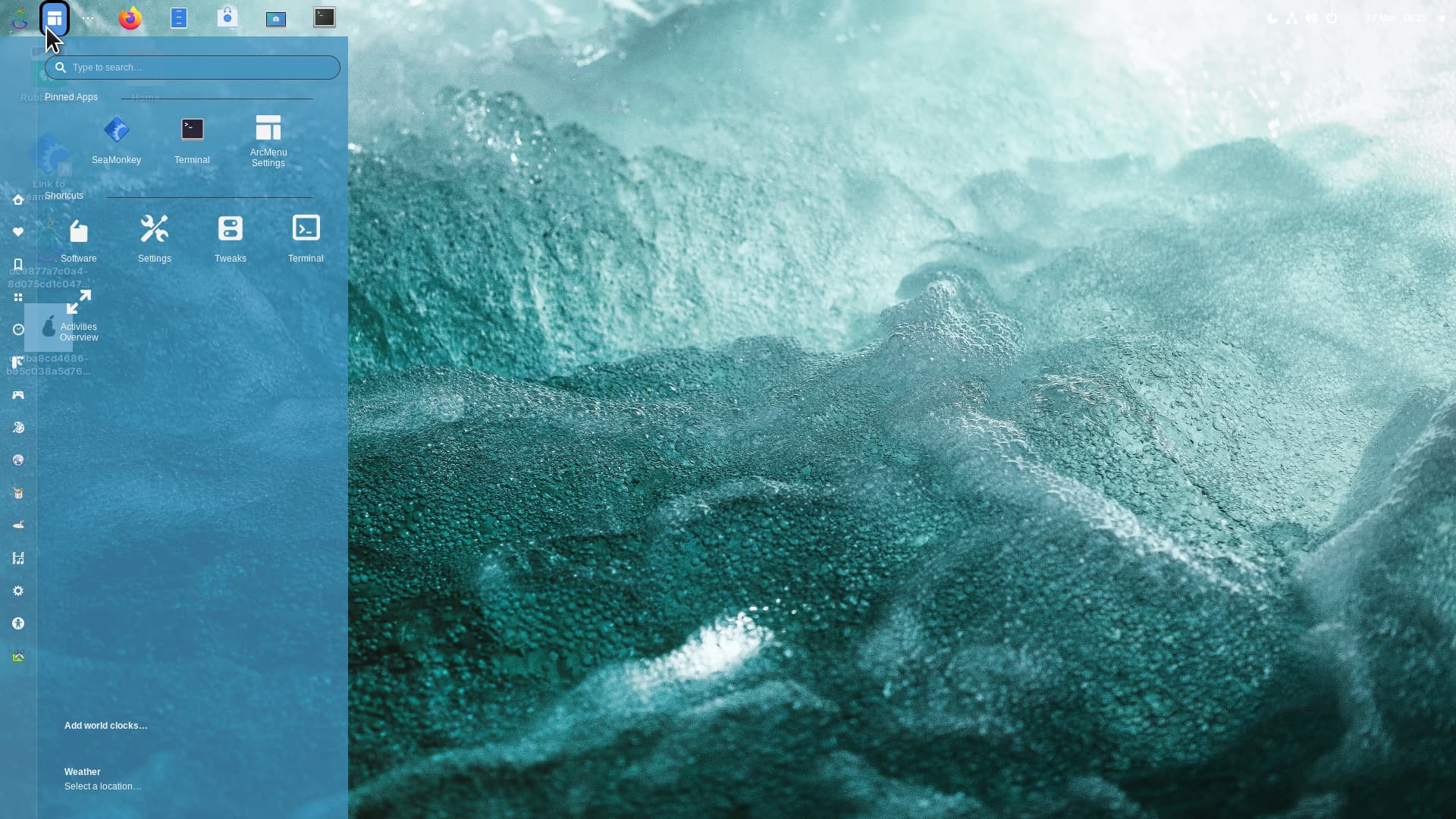
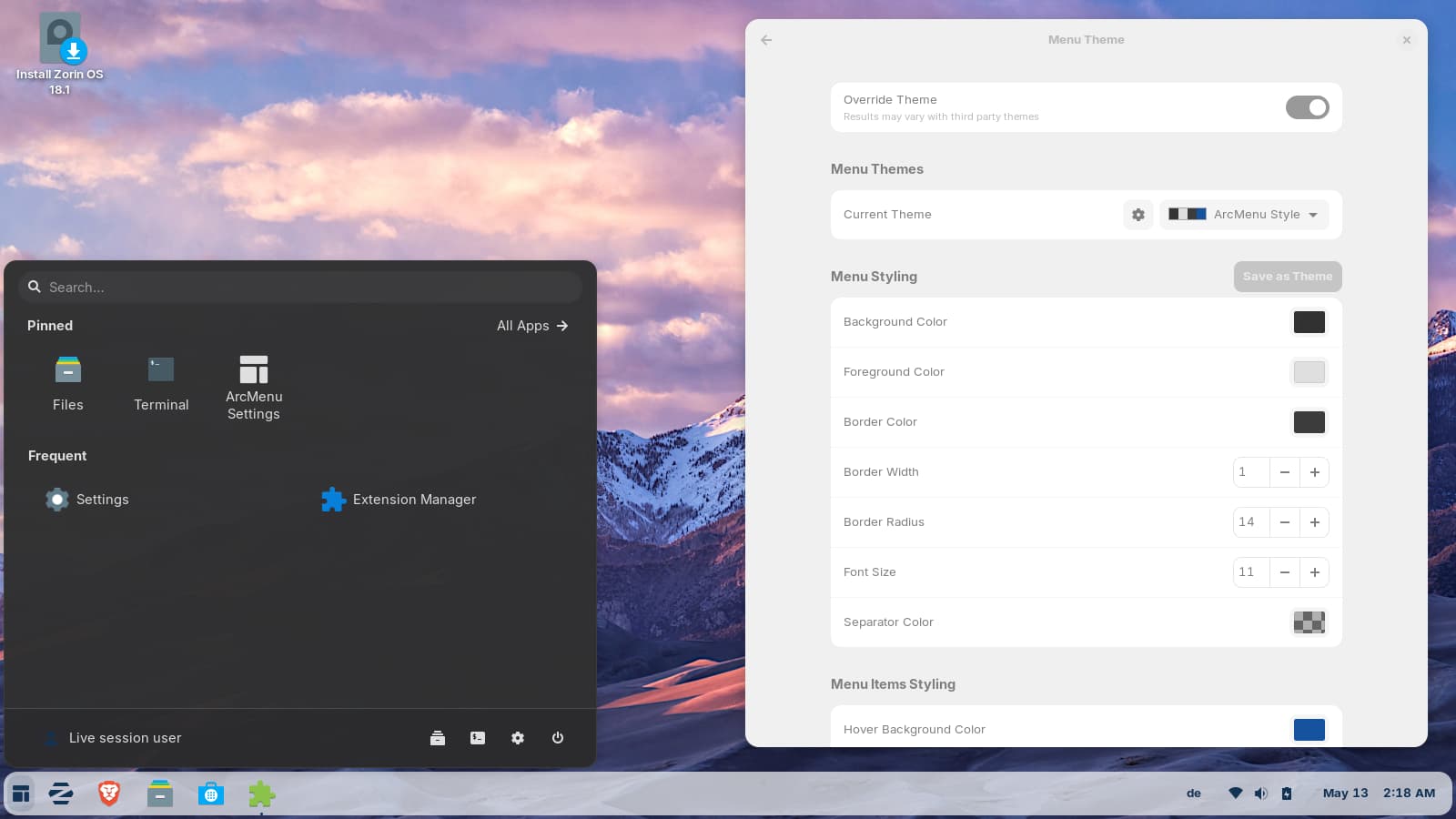
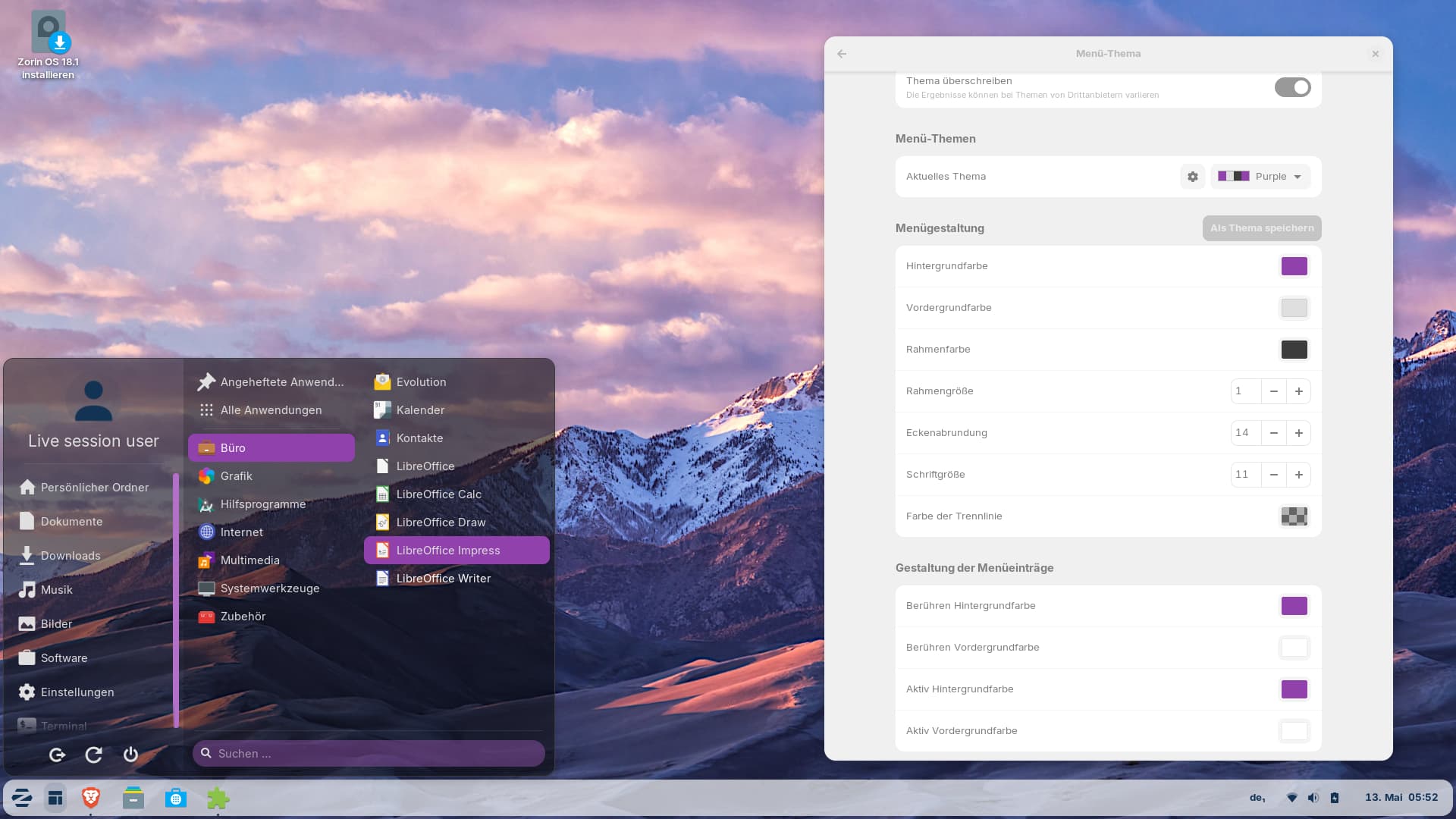
At tab "Menu" > "Menu Theme" you can enable "Override theme". When you then select "ArcMenu Style" or "Simply Dark" as current themes, you get a little bit of transparency.
Perhaps the theme Swarfendor used is no longer available. I only see four available themes, and none of them have the same level of transparency as the screenshot Swarfendor posted. Maybe these themes are no longer offered in the current version of the ArcMenu extension. I haven't figured out yet how to get all these themes.
Edit: I edited a file in the extension to set a background color with transparency. If you want to try that, please save the original file
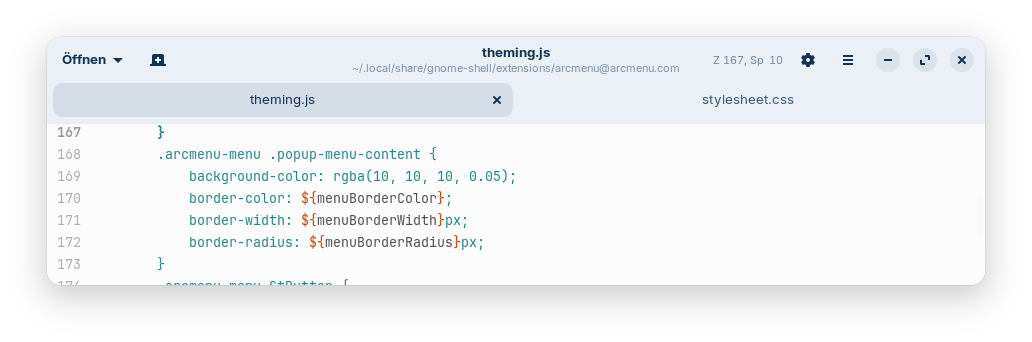
~/.local/share/gnome-shell/extensions/arcmenu@arcmenu.com/theming.js
before at another place, e.g. on desktop, so that you can restore it.
This is what I did:
I set the Menu theme to override the theme and selected ArcMenu Style.
I changed line 169 there as shwon on the screenshot. You can choose any rgba color you like, the last value 0.05 is the opacity, you can change it to a value you like between 0 (fully transparent) and 1 (fully opaque).
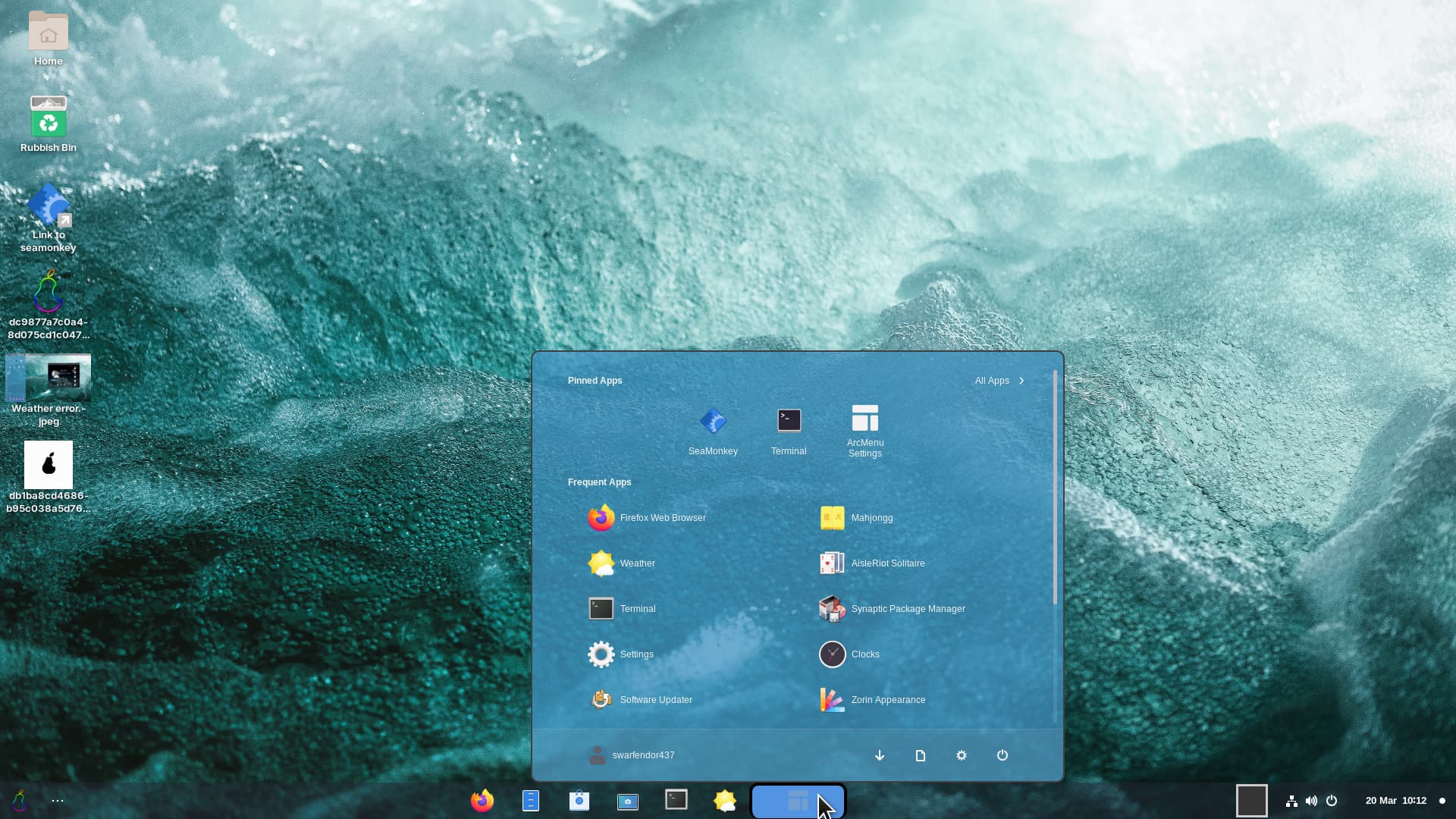
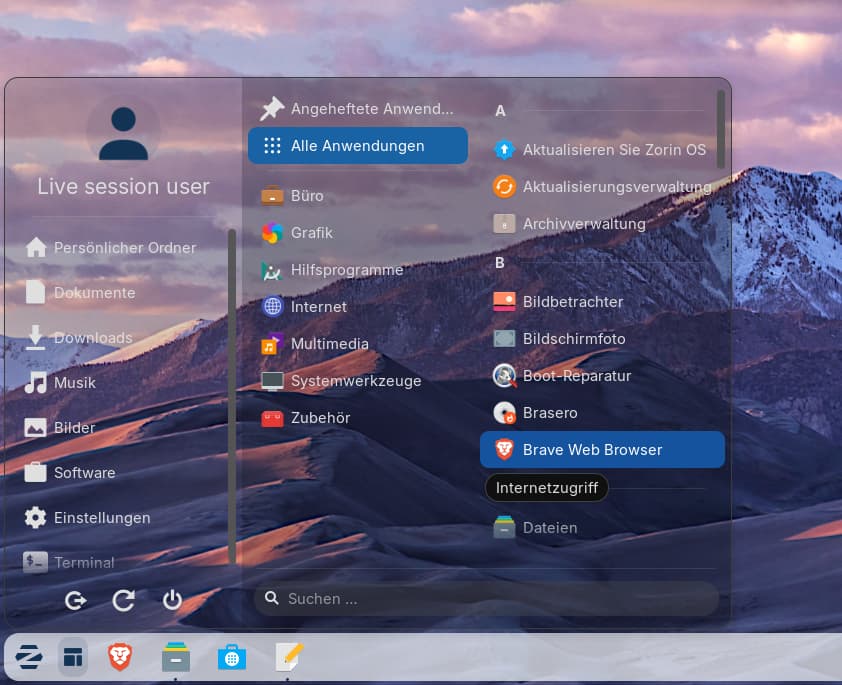
So it looks with an opacity value of 0.4 and background color, hover background menu items and active background menu items set to purple (just played a bit around):
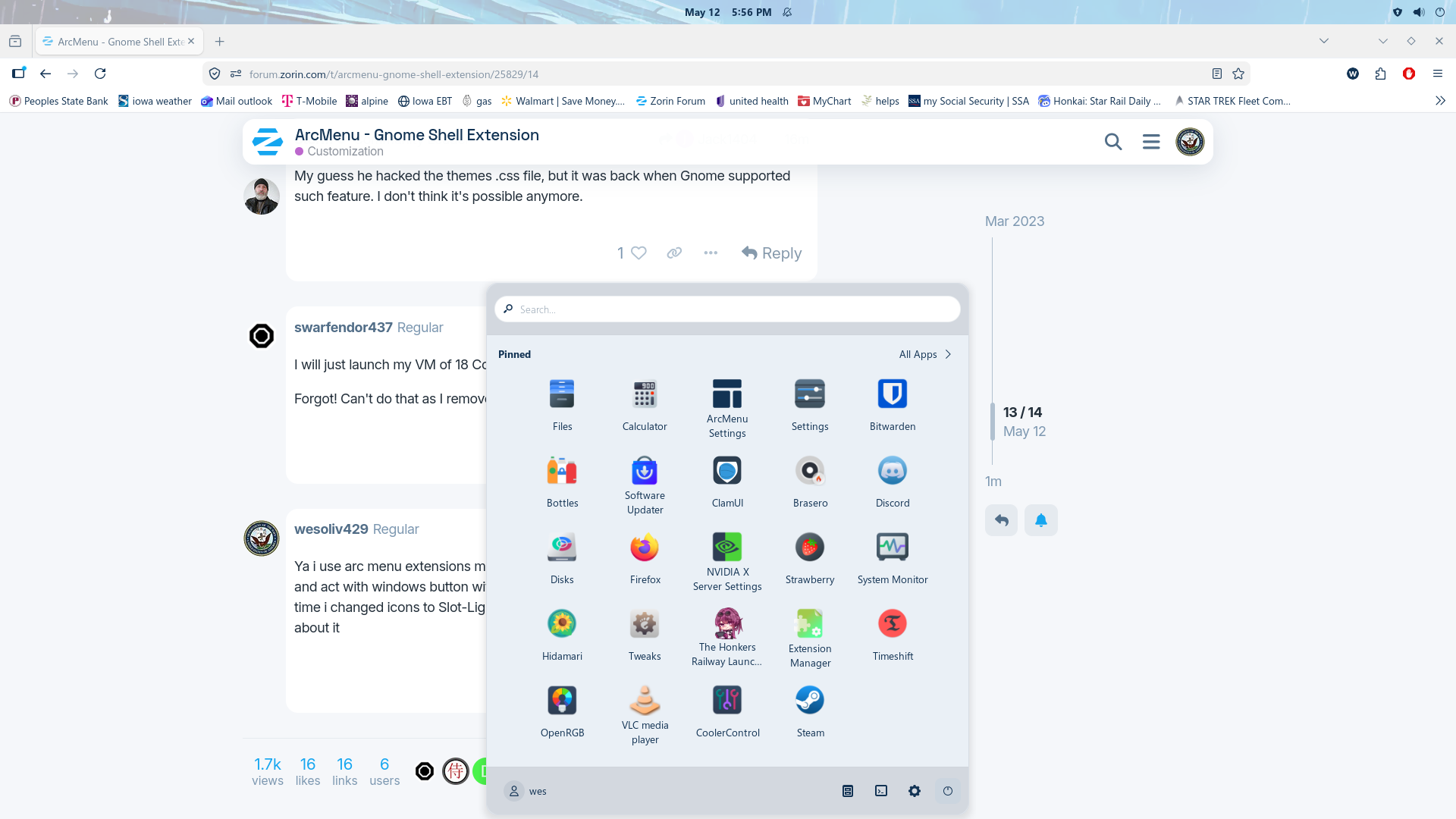
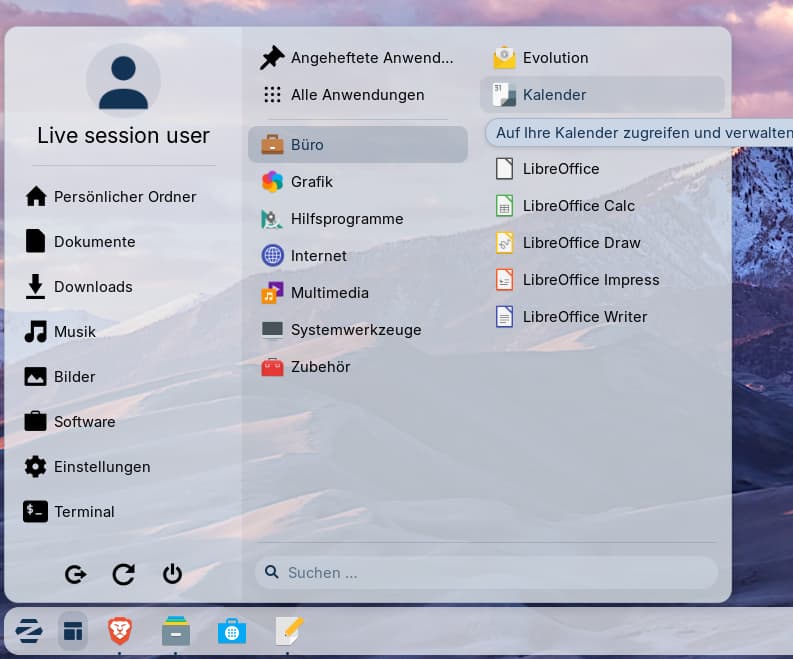
If you like a light start menu, you need to adapt some more lines to change the font color. I set the font to black color #000000 in my test.
Some ideas here:
line 166 (which is .arcmenu-menu):
color: #000000;
line 169:
.arcmenu-menu .popup-menu-content { background-color: rgba(234, 240, 246, 0.8);
line 190 (which is .arcmenu-menu .popup-menu-item)
color: #000000;
I also changed the transparency of the right box in the Zest theme at .zest.js from 0.2 to 0.05.
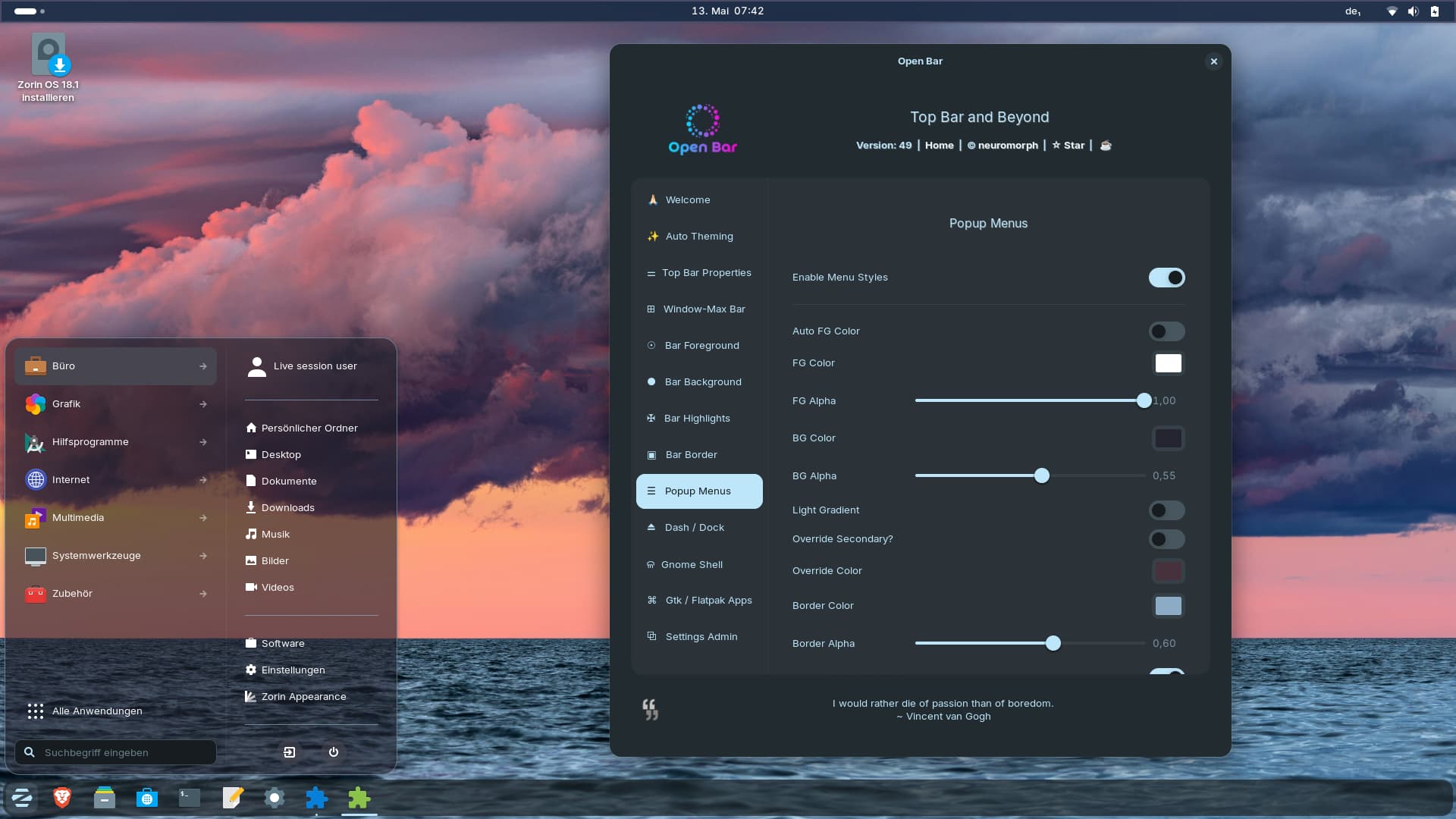
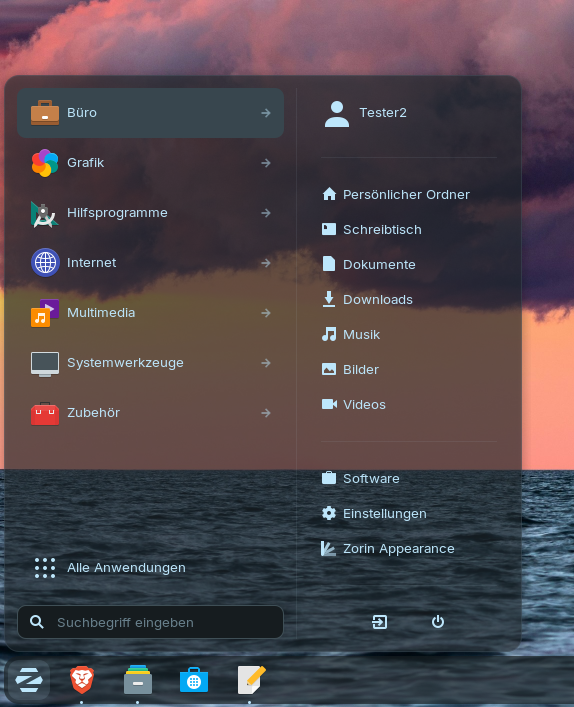
If you are interested in a transparency Zorin start menu and don´t like to edit .css files (it is very hard to take effects at all on Zorin start menu), you can take a look at the gnome extension Open Bar. Enable in Zorin taskbar the option to keep the original gnome top bar and at tab "Popup Menus" set a custom value for BG Alpha. You need to play a bit with the many settings. I have not used that extension for longer personally (unfortunately you can mess up things very easy).
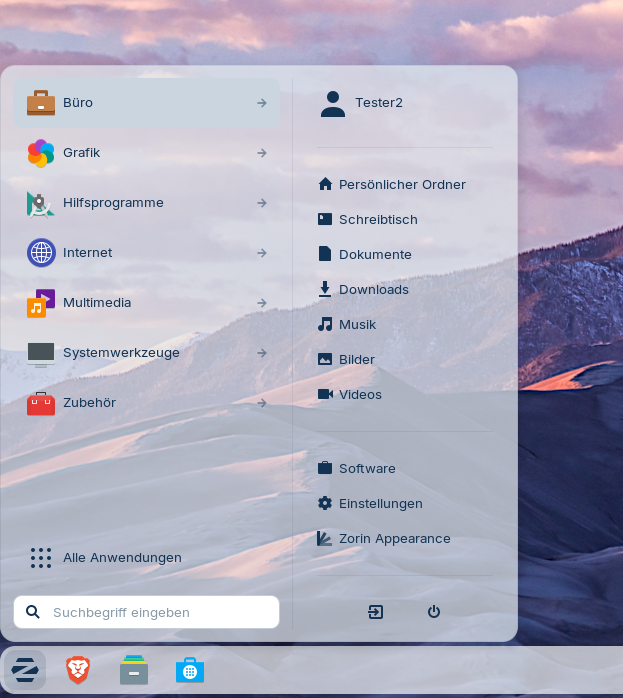
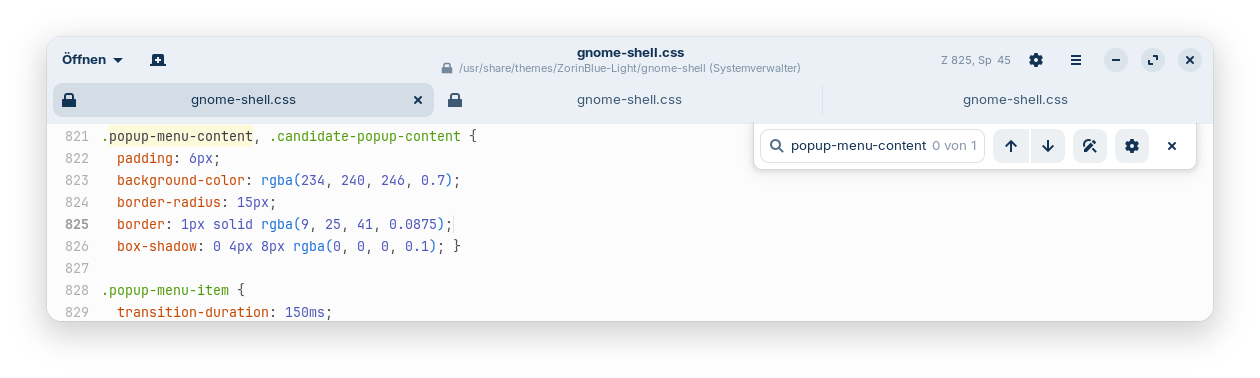
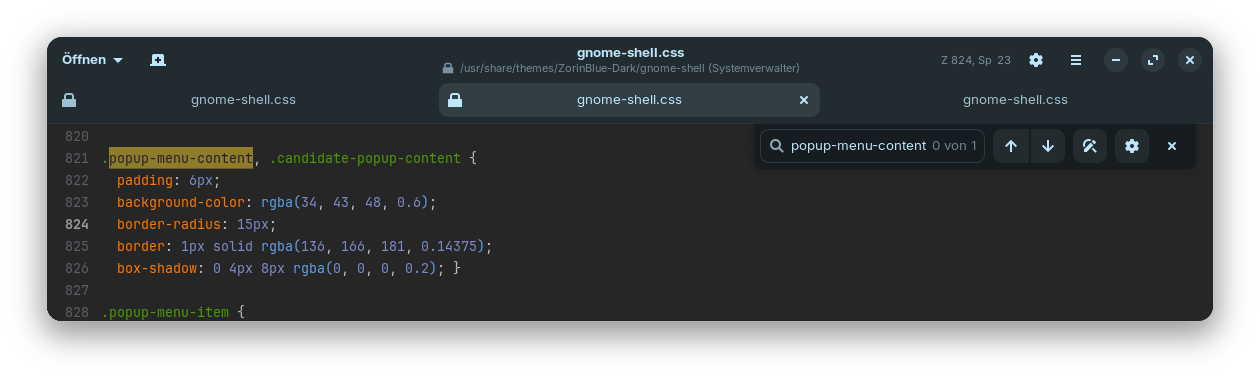
Now I found another way to give Zorin start menu transparency. You can edit the gnome-shell.css file of the Zorin gtk theme (note: it can be overwritten by updates and you need root rights to do this). Convert the hexcode for the background color at .popup-menu-content into rgb and then add a custom value for the transparency.
For example:
Zorin Blue light theme:
Zorin Blue dark theme:

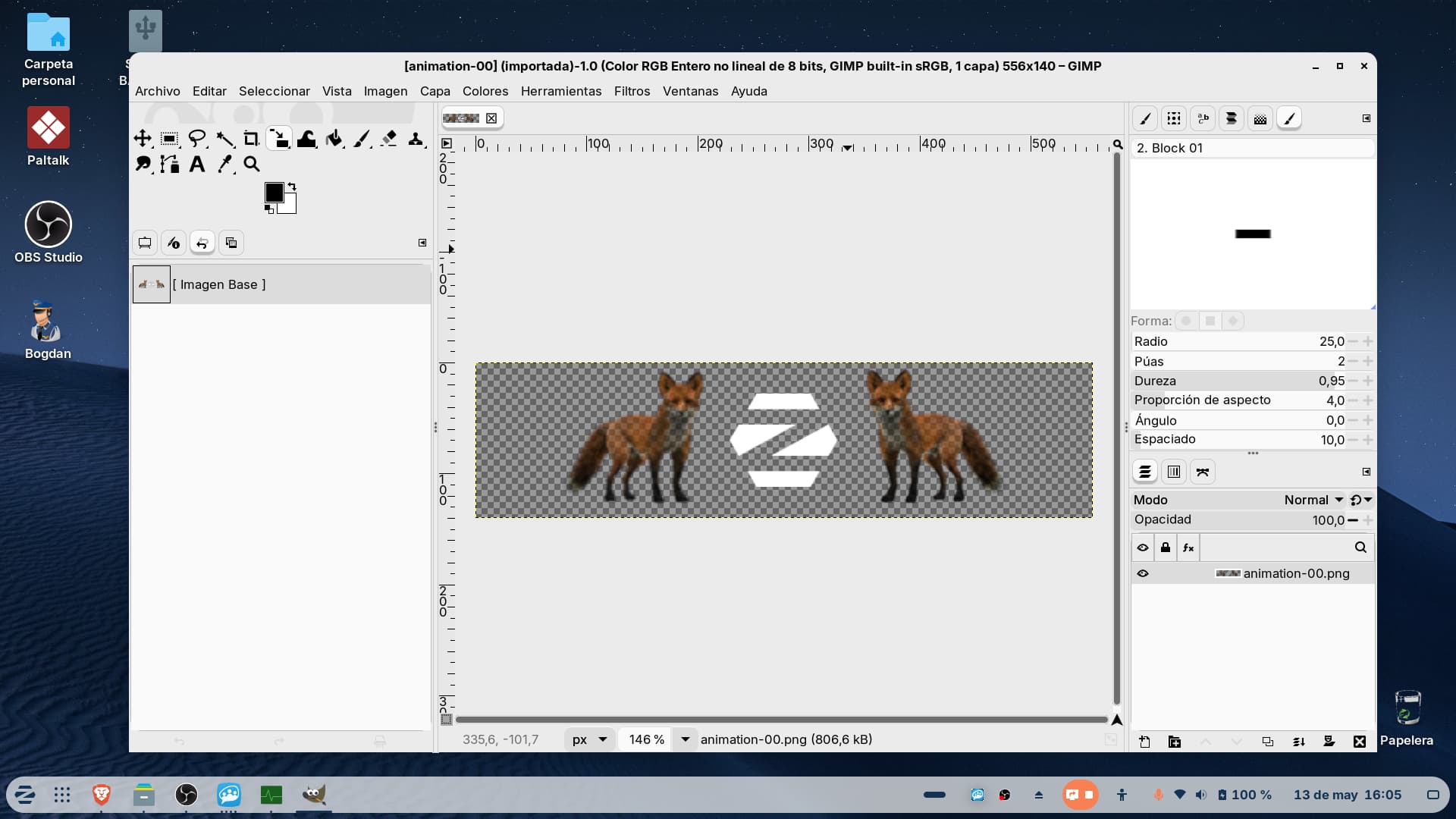
 y una vez terminado pasare rapido un vistazo y si esta todo bien me la cargo en mi sistema despues lo publicare aqui peor otro Hilo esten atento quiza sea con otro modelo en vez de zorros cambiare la forma o algo ya vere yo