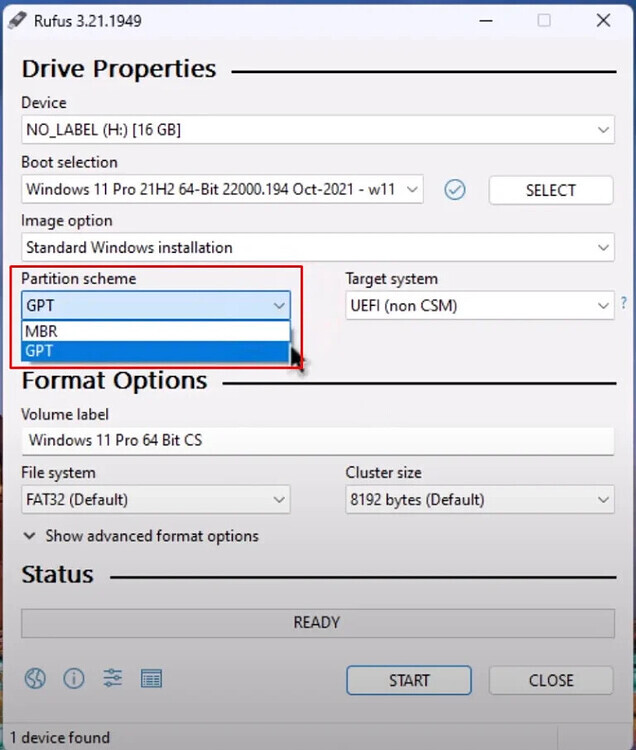
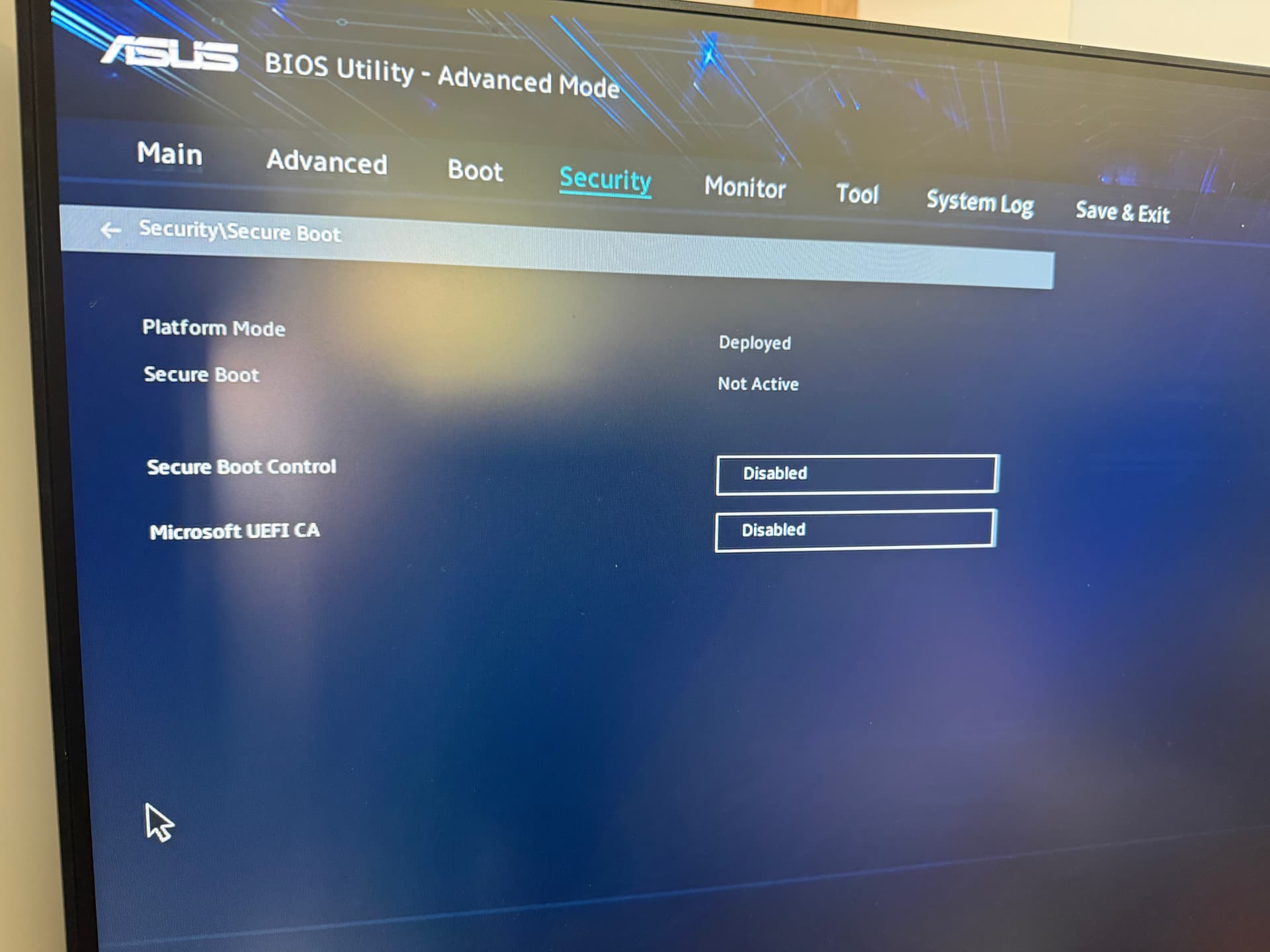
I have tried installing the latest version of Zorin OS, but failing. BalenaEtcher has made 2 USB sticks unreadable, so I used Rufus, which sort of worked, but it ends up booting into Grub command prompt. I cannot see a setting in UEFI for secure boot, but I have disabled Fast Boot. I have an ASUS V500 desktop.
I have managed to find Secure Boot, it was located under Security tab. I have disabled and used the settings you said in Rufus, but it still boots into Grub.
Perhaps it helps to run boot repair from the Zorin live session. Boot with the Zorin USB stick, choose "try Zorin" and in the start menu search for boot repair and launch it.
If you have a Dualboot with Windows, please disable fast startup at power options of Windows.
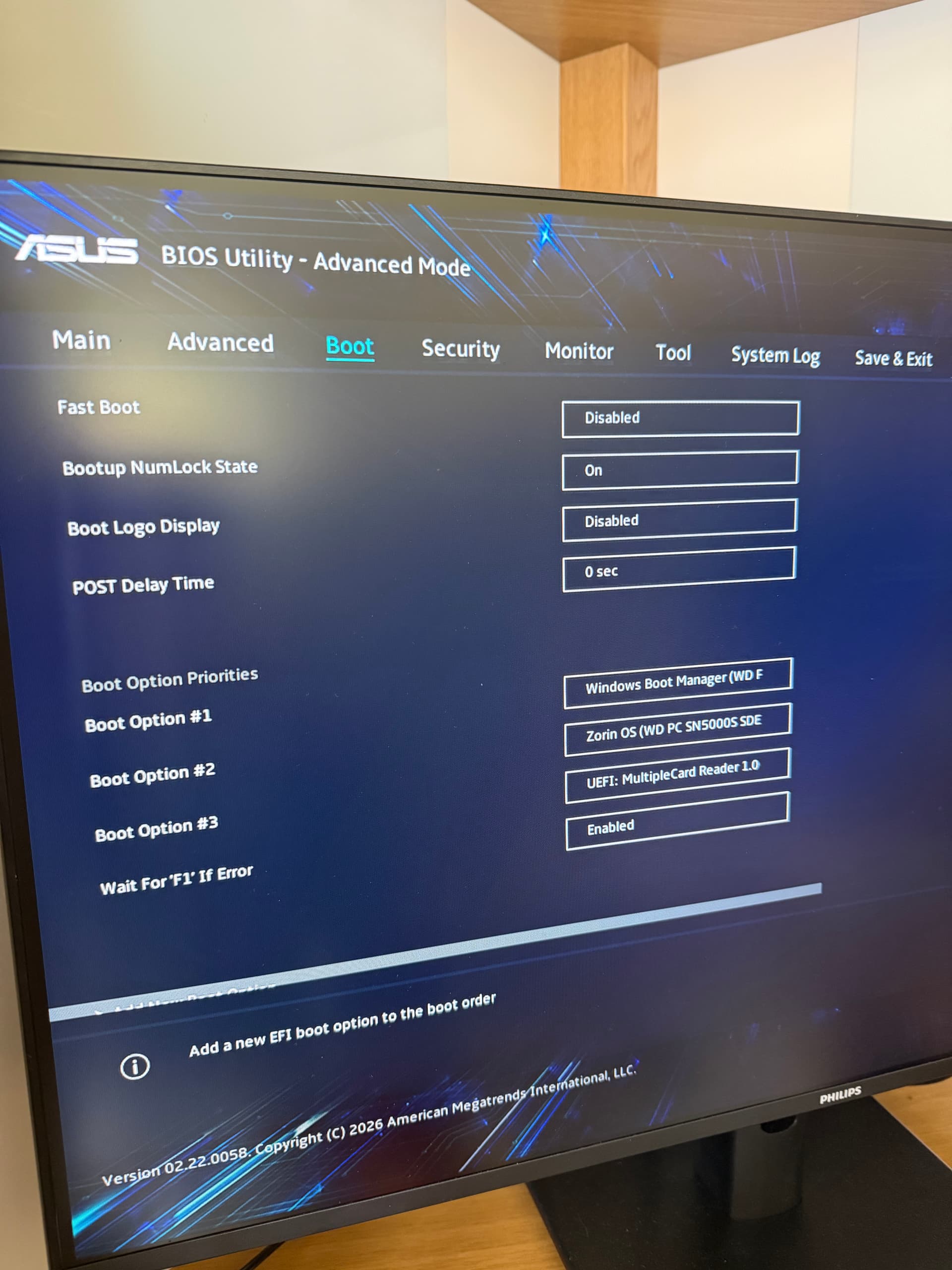
I took the photo before I'd changed boot order. I have figured it out now. I was choosing the wrong option. I was choosing Zorin OS, but I changed it to UEFI Multi Card Reader, just out of curiosity and it booted to the Zorin menu. I have managed to successfully install Zorin now.