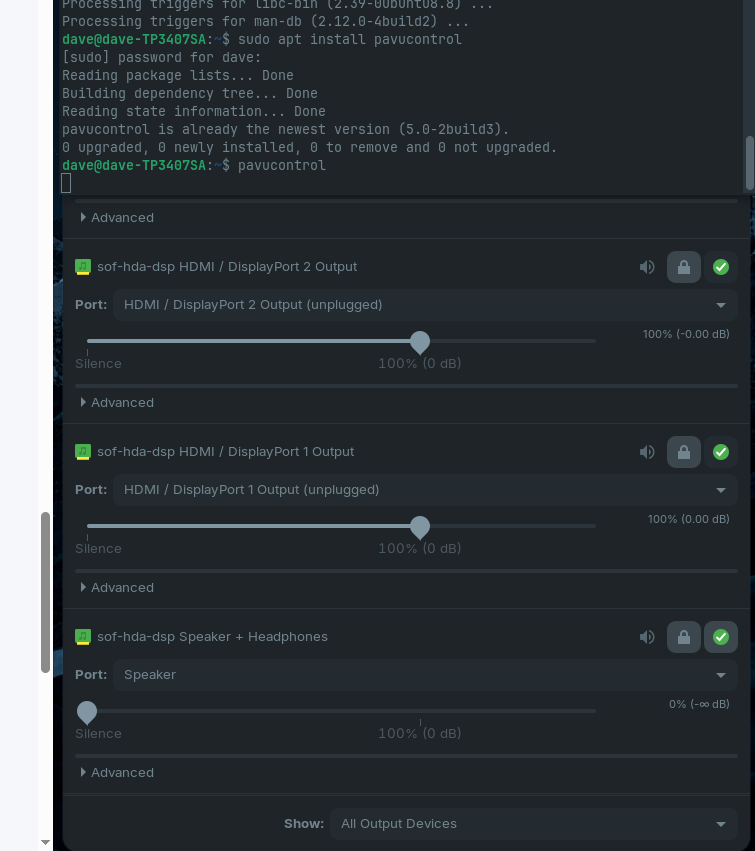
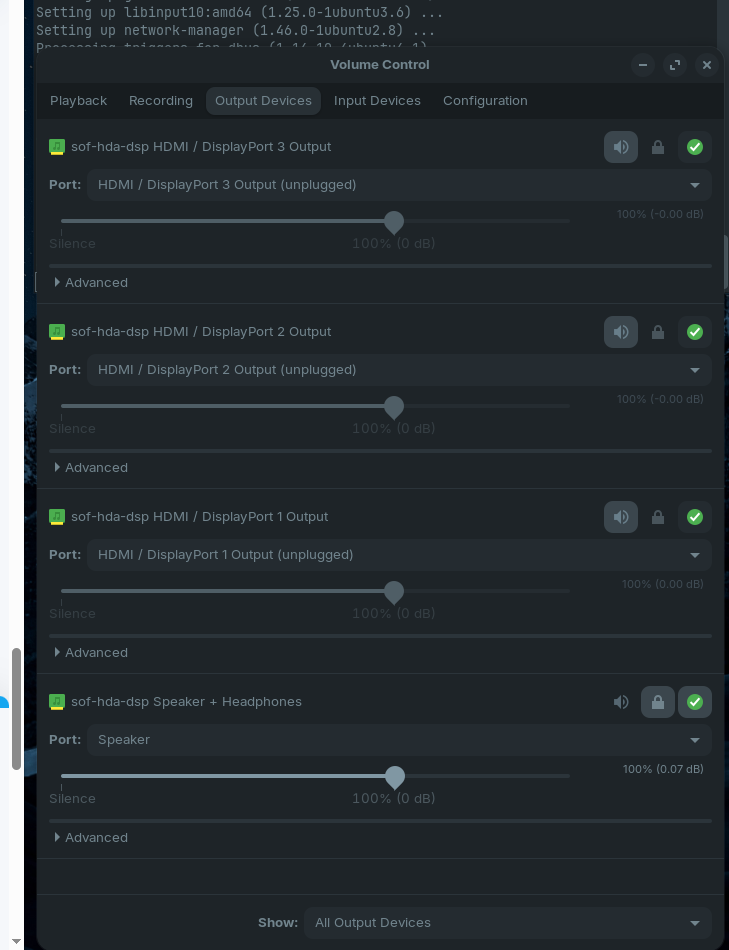
Hi, as Zorin 18 is based on Ubuntu 24.04 I used it as the criteria in my Brave A.I. result using Brave search engine via Mojeek which gives the following:
" The sound issue on the ASUS Vivobook 14" Flip (TP3407SA) running Ubuntu 24.04 (Linux Mint 22.1) is typically caused by the SOF (Sound Open Firmware) driver failing to initialize correctly with the Intel Lunar Lake audio controller, or by incorrect pin configuration for the internal speakers.
Diagnostic and Fix Steps:
- Check Audio Device Recognition : Verify the system detects the audio hardware using:
lspci | grep -i audio
The output should show an Intel Lunar Lake-M HD Audio device. If missing, check BIOS settings.
2. Force Reload ALSA : The most common immediate fix is to restart the audio subsystem:
sudo alsa force-reload
If sound returns, the issue may persist across reboots, requiring a more permanent fix.
3. Configure HDA Jack Retasking : If speakers are muted or silent while headphones work, the internal speaker pins may be misconfigured:
- Install tools:
sudo apt install alsa-tools-gui
- Run:
sudo hdajackretask
- Select Realtek ALC256 (or the specific codec listed).
- Check Show unconnected pins .
- Locate the Headphone Jack pin that appears permanently "plugged" and set it to Not connected (or adjust to the correct type).
- Click Apply now and Install boot override , then reboot.
- Verify PipeWire/PulseAudio : Ubuntu 24.04 uses PipeWire. Ensure the service is active:
systemctl --user restart pipewire pipewire-pulse
Use pavucontrol to check if the correct output device (e.g., "Built-in Audio") is selected and unmuted.
5. Kernel Firmware : Since the Intel Lunar Lake platform is very new, ensure your system is fully updated to receive the latest SOF firmware:
sudo apt update && sudo apt upgrade
If the issue persists, consider booting a newer kernel from the Ubuntu HWE (Hardware Enablement) stack or testing a Live USB of a newer Ubuntu version to confirm driver support.
AI-generated answer. Please verify critical facts."
.exe files for hardware will never work in GNU/Linux as they are specifically for Windows.
WINE is purely used for applications, not for hardware drivers which are stored in the Linux kernel.