The audio is rather quiet even when overamplified, and also dips in volume, when nothing is playing, then when I start something it's much louder, then drops quickly and stays quiet, even fully 150% amplified it still isn't as loud as that first wave of sound.
I've tried installing easyeffects with several presets, the Dolby Atmos sounded better but not louder.
I tested several newer versions of Linux like fedora, popOS, debian, nothing made the sound better so newer kernel probably isn't the issue.
I'm fully updated, there is an option for "pro audio" or "play hifi" in the other distros and in PulseAudio volume control app, but it also doesn't seem to change anything.
" Audio fluctuations and silence on Ubuntu 24.04 with an ASUS Zenbook and NVIDIA GPU are often resolved by addressing graphics driver conflicts or kernel compatibility issues.
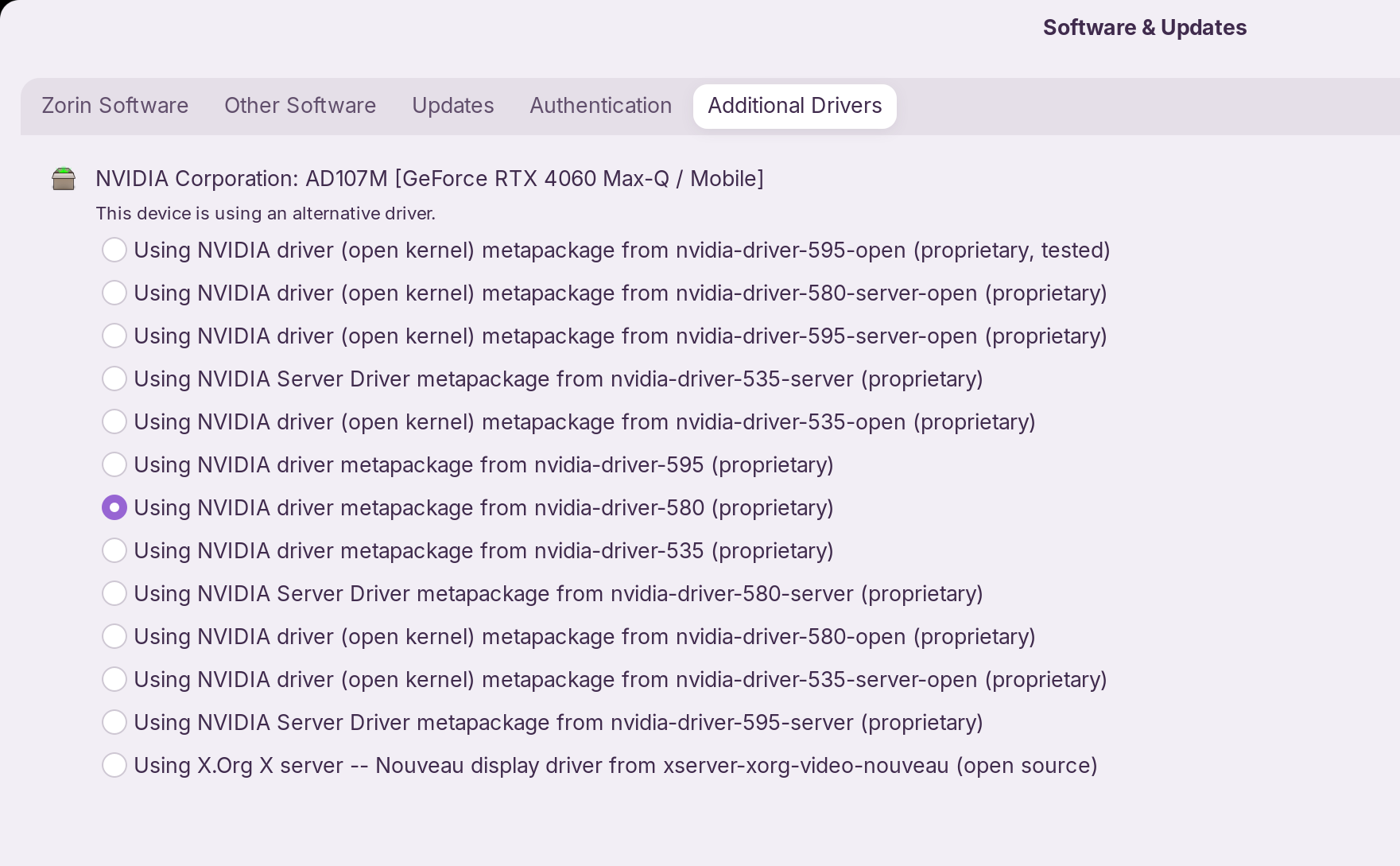
Graphics Driver Conflict : Users report that audio fading or cutting out is linked to NVIDIA Optimus switching. Switching the graphics preset to Always NVIDIA (performance) in the system applet, or ensuring the proprietary NVIDIA driver is selected in "Additional Drivers" rather than the default X.Org driver, has fixed this issue for several Zenbook users.
Kernel and Module Issues : For ASUS hardware, audio problems are frequently tied to the snd_soc_avs module or insufficient kernel support for newer chips. Adding blacklist snd_soc_avs to /etc/modprobe.d/blacklist.conf and reinstalling PipeWire has resolved similar sound problems on Ubuntu 24.04.
Kernel Version : If the above steps fail, the issue may stem from hardware support gaps in older kernels. Upgrading to a newer kernel (e.g., 6.9+ or 6.10+ ) or switching to a distribution like
*Fedora that provides more recent drivers for 2023 ASUS laptops can restore stable audio.
ok interesting, I tried adding the blacklist using "systemctl --user restart wireplumber pipewire pipewire-pulse" i think that clears it and should apply the changes, but it doesn't make any audio difference.
the kernal version I don't think is an issue as i tested newer kernals already.
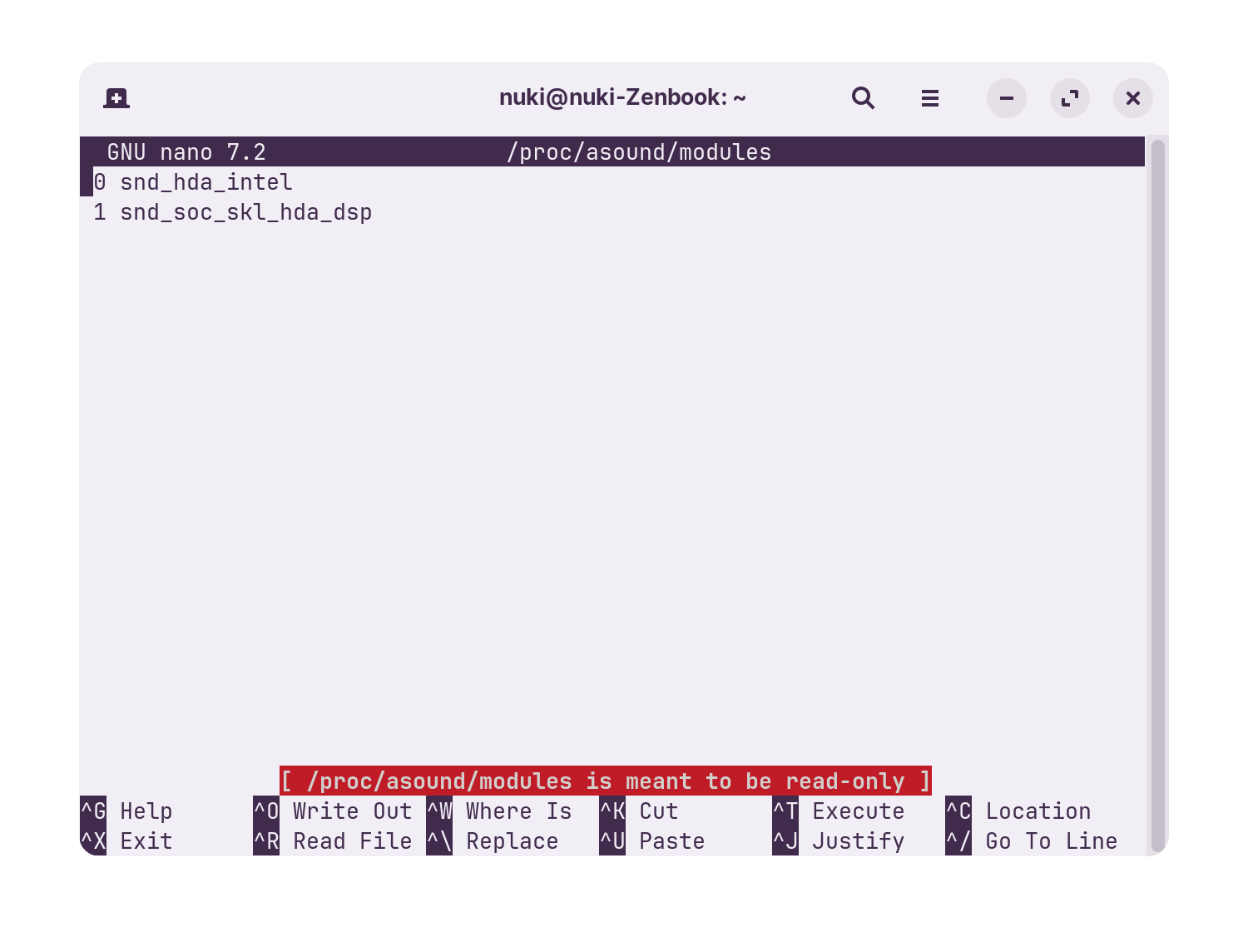
OK. Now you need to create a blacklist.conf file to blacklist the snd_hda_intel source (the Linux kernel always picks this audio source first and is linked to HDMI source, that is how the Linux kernel sees it).
So open a terminal and enter:
sudo nano /etc/modprobe.d/sound.blacklist.conf
Add the following entry to the file and then save and close it:
blacklist snd_hda_intel
This makes your soc device the default sound source. You need to reboot the machine for this to take effect.
What happens with the 580 open driver? Having done a search the 580 series is the best option for graphics.
My other advice would be to install Synaptic Package Manager and install all ALSA packages except for JACK and OSS. Additionally install Qas config, Qas Hctrl and Qas Mixer.
Then I would stick with your current driver. My search said that 581.29 was the best driver for your graphics but suspect that is only available for Windows users.
Have you tried the ALSA packages? The other item is to install Audacious. This allows you to select ALSA: