Hi guys,
How can I setup automatic connection to VPN in Zorin? IO use openvpn config file. Can find any option always on VPN or similar. I have to connect manually.
thx for help.
Hi guys,
How can I setup automatic connection to VPN in Zorin? IO use openvpn config file. Can find any option always on VPN or similar. I have to connect manually.
thx for help.
(1) Click  icon bottom of screen.
(2) Click on Settings 
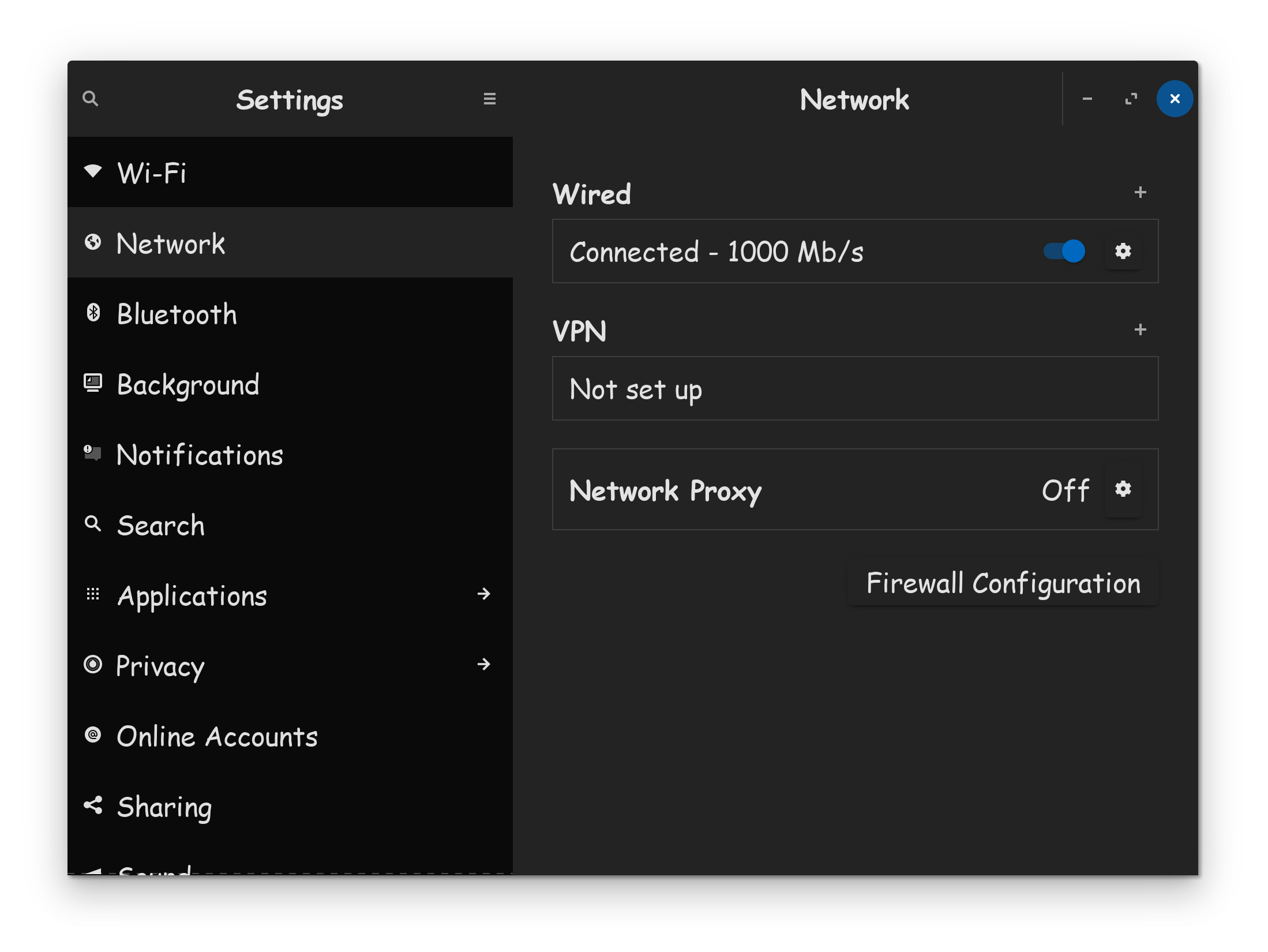
(3) Scroll down list, click on Network
This is where you setup your VPN, on the system.
Well I did that, but still there isn't any option to set always on VPN or similar
(1) Hold "ALT" and press "F2" keys
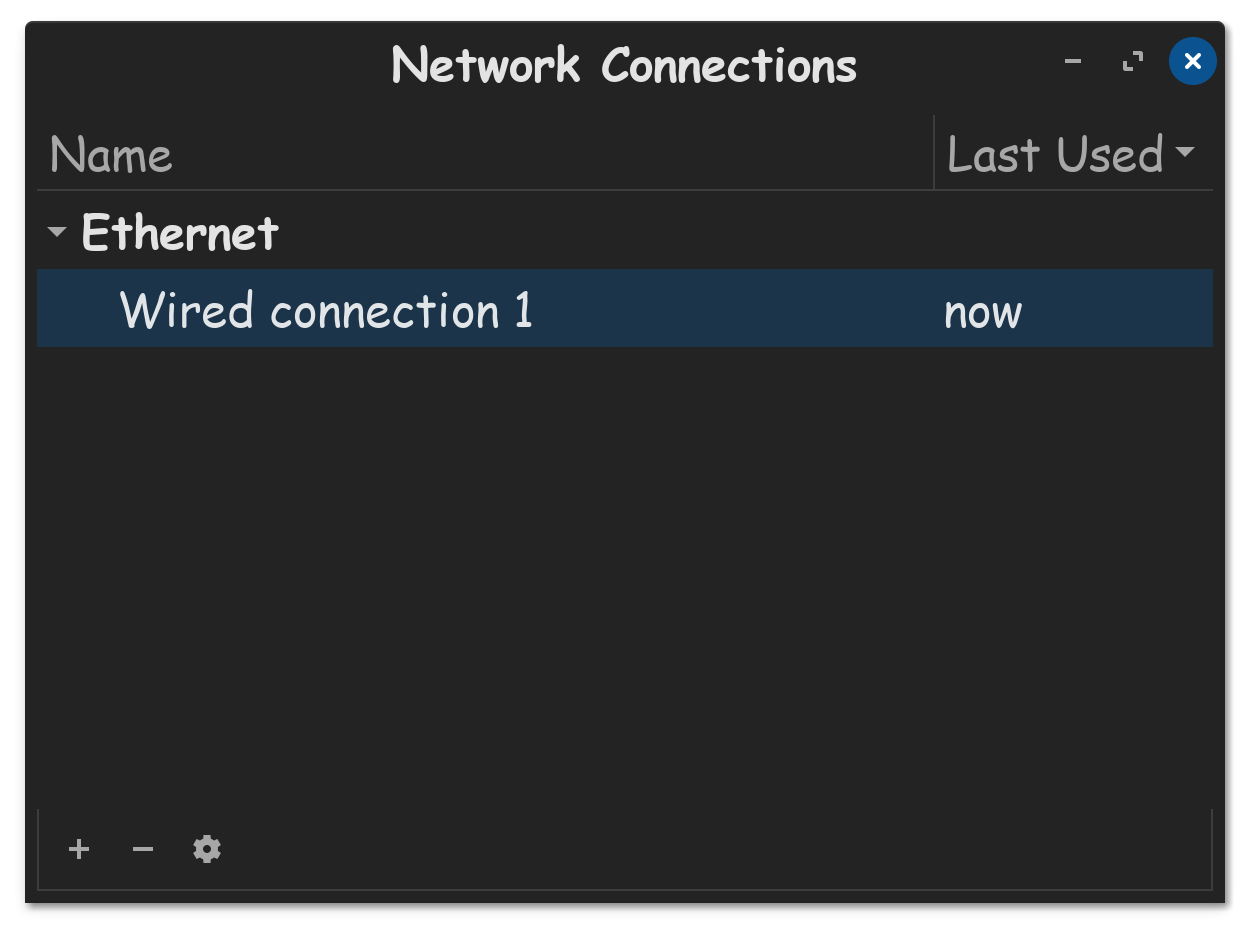
(2) Type in this command, nm-connection-editor
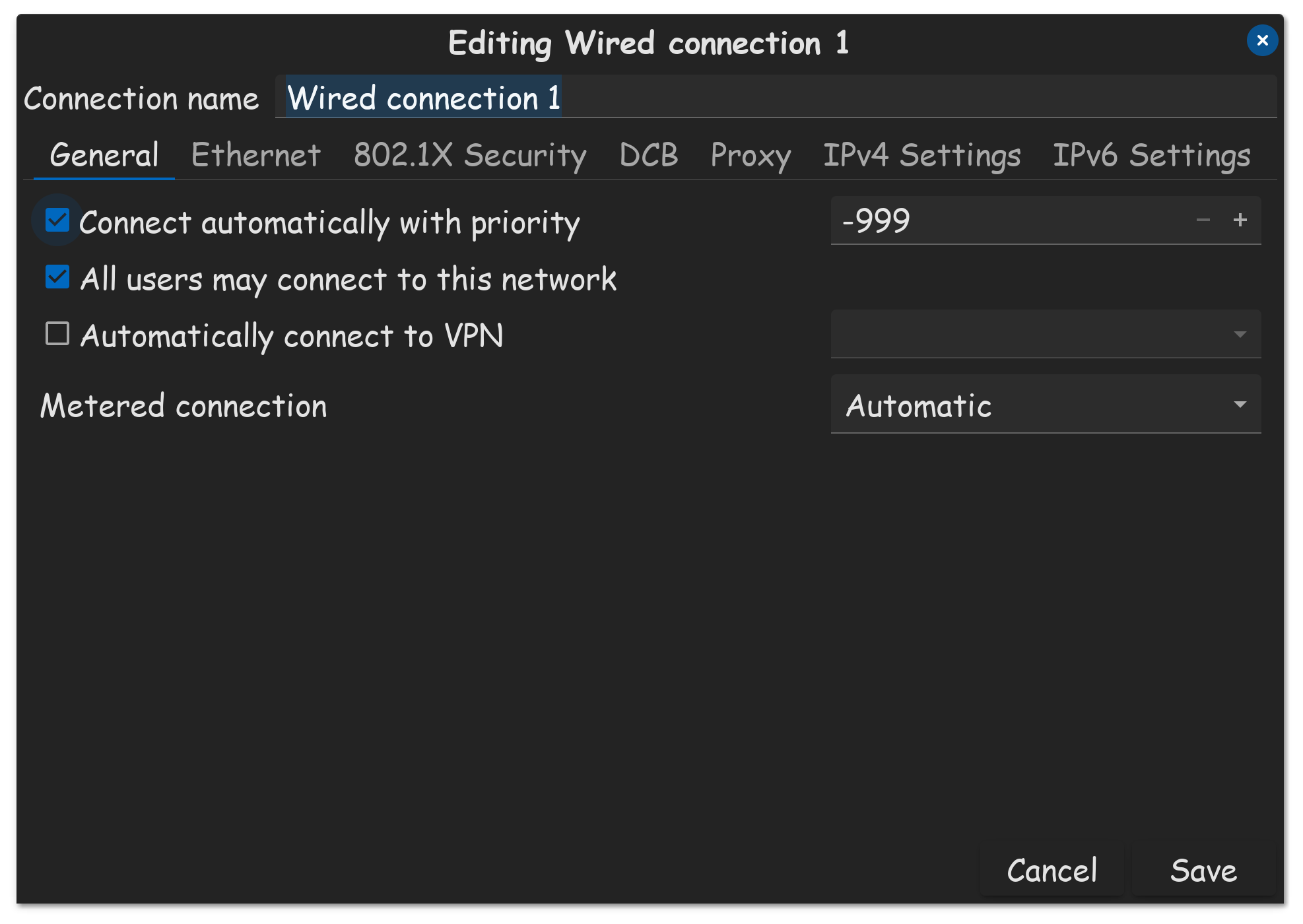
(3) Double click your wired connection
(4) Now, all you should need to do, is put a checkmark in "Automatically Connect To VPN"
Hope this helps!
Solved. THX.