I just saw a friend running Ubuntu, and he had some notifications that said some system updates had been applied in the background.
I didn't know that was a thing?
With Zorin being Ubuntu based, how come we don't get that?
I get a notification, and then I have to sit there and watch it actually download the updates, wait for them to install, and then usually I'm prompted to reboot as well.
I assumed we inherited this from Ubuntu, but I guess not?
It's not a good experience - even in Windows, at least it will download and install in the background, and then pester you to reboot, but at least you're not watching it download and install things.
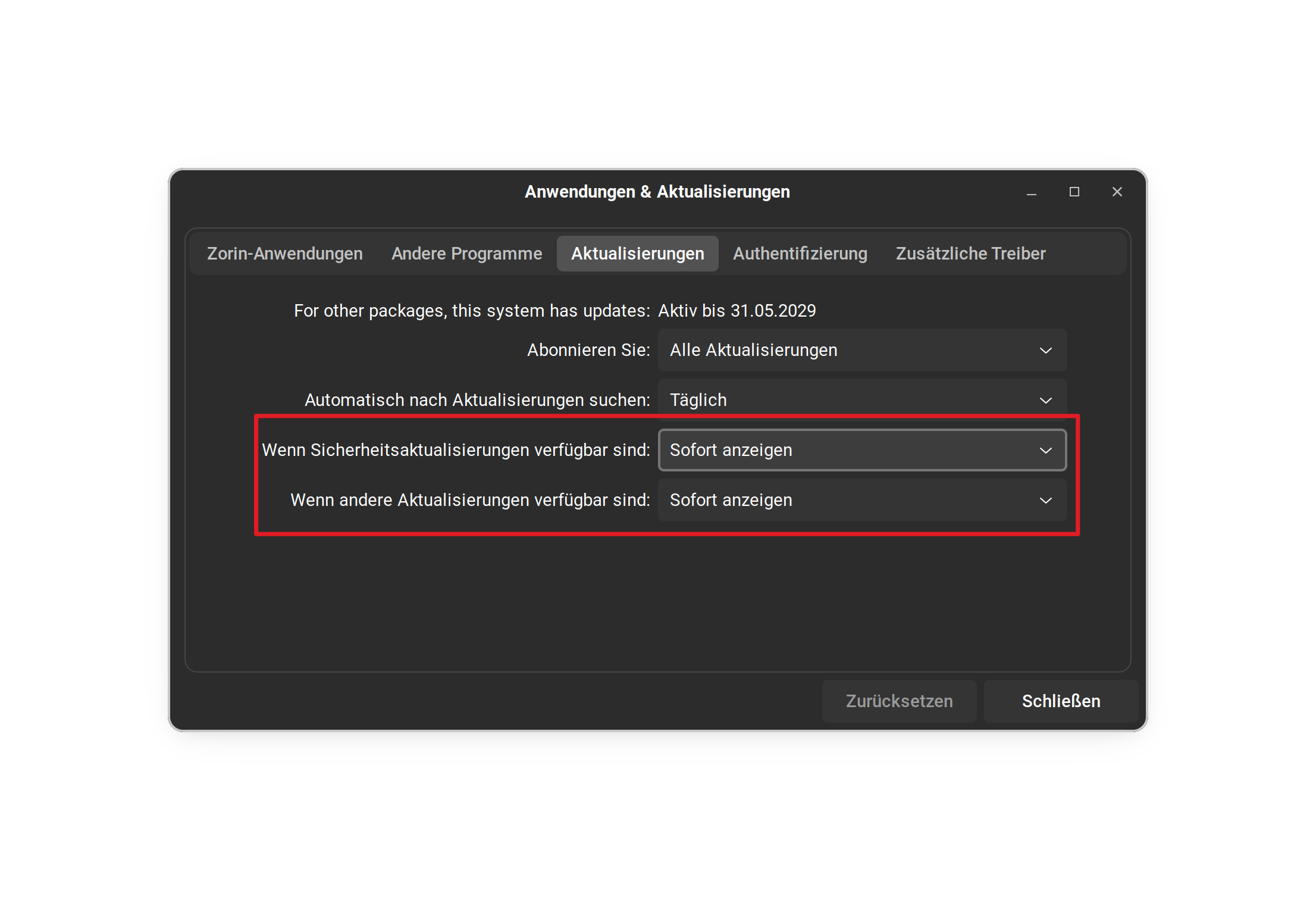
For the security updates of the system you can set unattended upgrades to download and install updates automatically. Go to Software & Updates > Updates there you can set it.
You can have that on Zorin, too. I think, this should be enabled by default if I remember correctly. But for the Case, it shouldn't be, You can activate it.
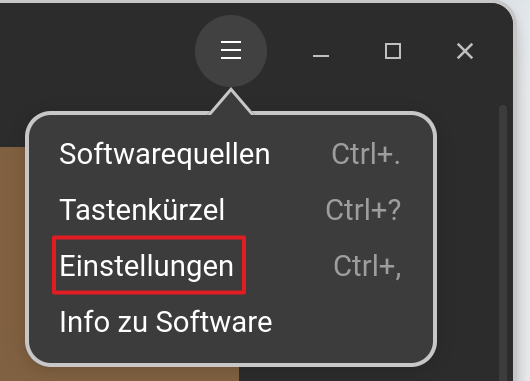
In Gnome Software click on the Hamburger Menu beneath the min/max/close Buttons and choose Settings:
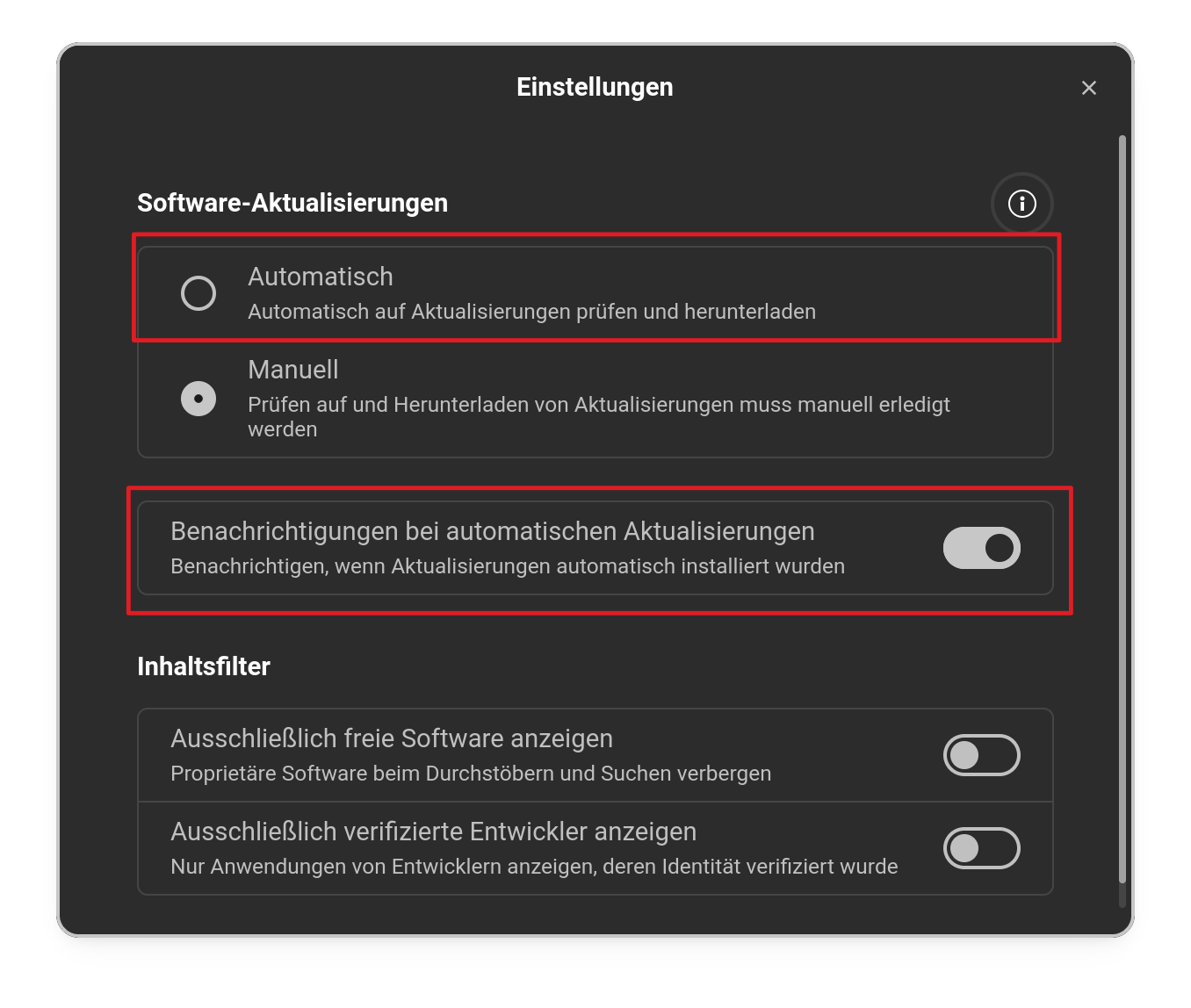
In the opening Window, You have directly the Option to enabled automatic Updates and a Toggle to activate Norifications when an automatic Update is made:
Then, You can go to Software & Updates and there on the Updates Tab, You can enabled on the last 2 Entries automatic Download and Installation of Updates in the Dropdown Menus:
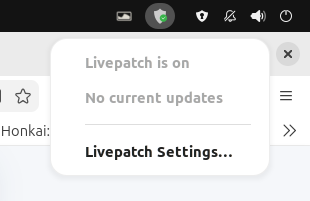
Hmm yes you can something like that in zorin as posted.....In ubuntu 24.04 and 26.04 (what im on currently) if pro version is on you will see this in upper right