Hey guys...I just upgraded to zorin os 18 and there are alot of things gone wrong
First this first the applications option in gnome tweaks apearance is gone even tho user themes extention is enabled....
Secondly, uppon desktop login, the desktop gitches from topbar to taskbar then it goes to normal and its sluggish
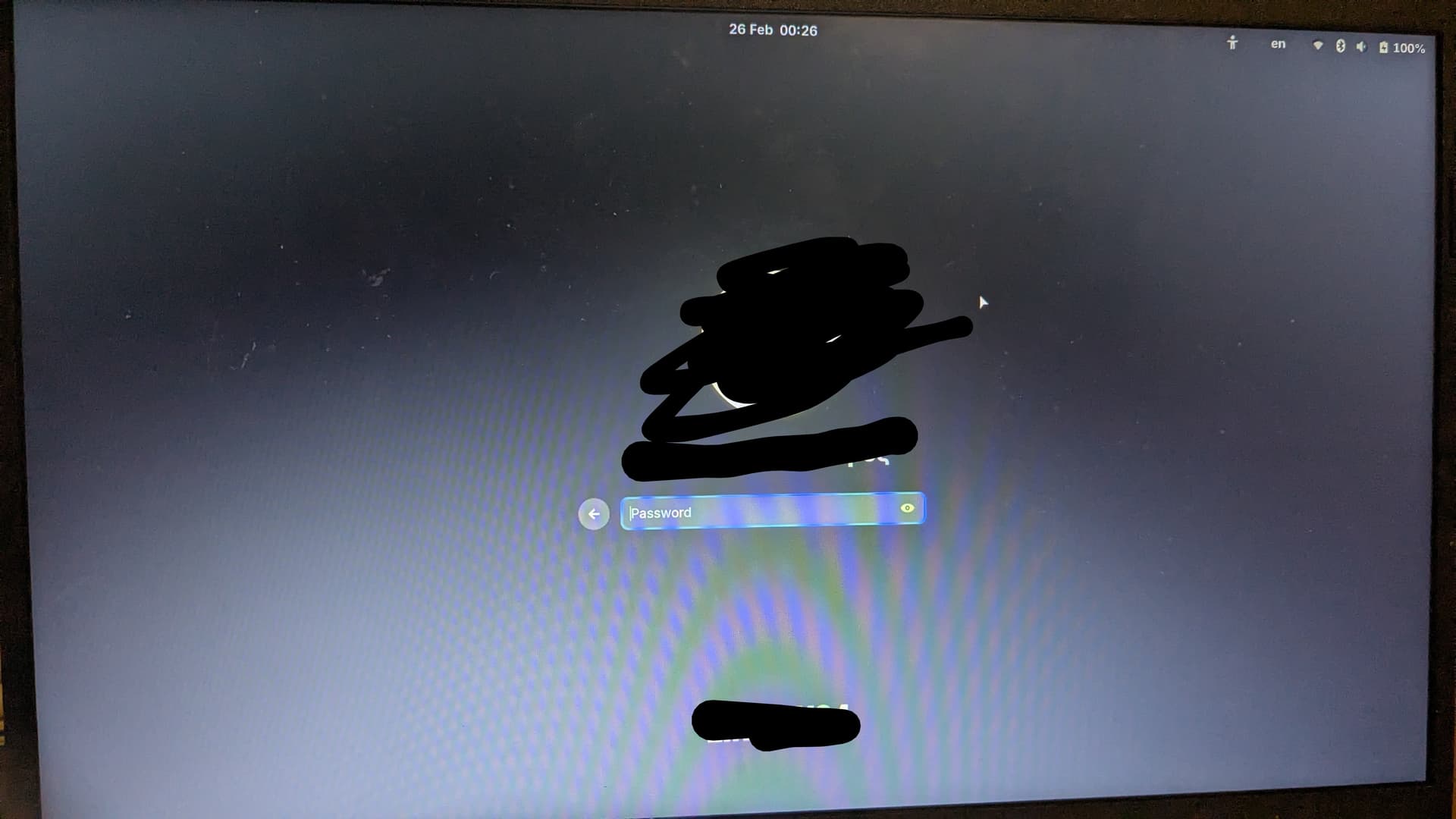
Thirdly there is an x cursor when i login and when booting to gdm before lodaing the cursor
Lastly the gnome files is crashing and i cant do anything rather than clicking quit
Also bonus, the ui in gdm is f...ed up fr...In zorin os 17 the gdm was cool in 125% fractional scaling, now the ui looks huge...while in desktop wghere i also have 125 fractional scaling, its ok
Also how can i disable plymouth showing while i log off?
In any other distro gnome would work perfectly...
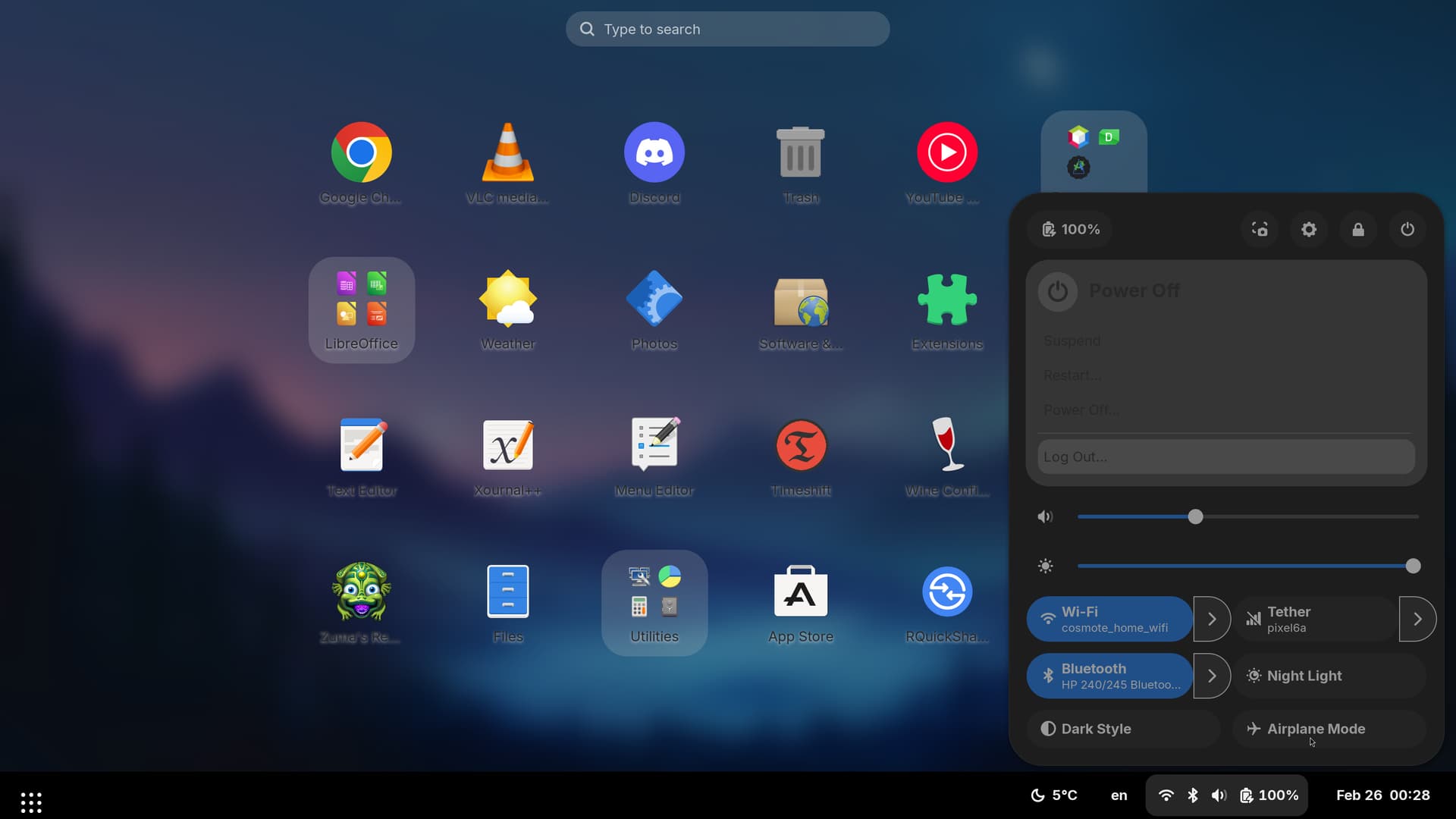
I wanna also adress that the "Gnome" shell theme is messed up on my desktop
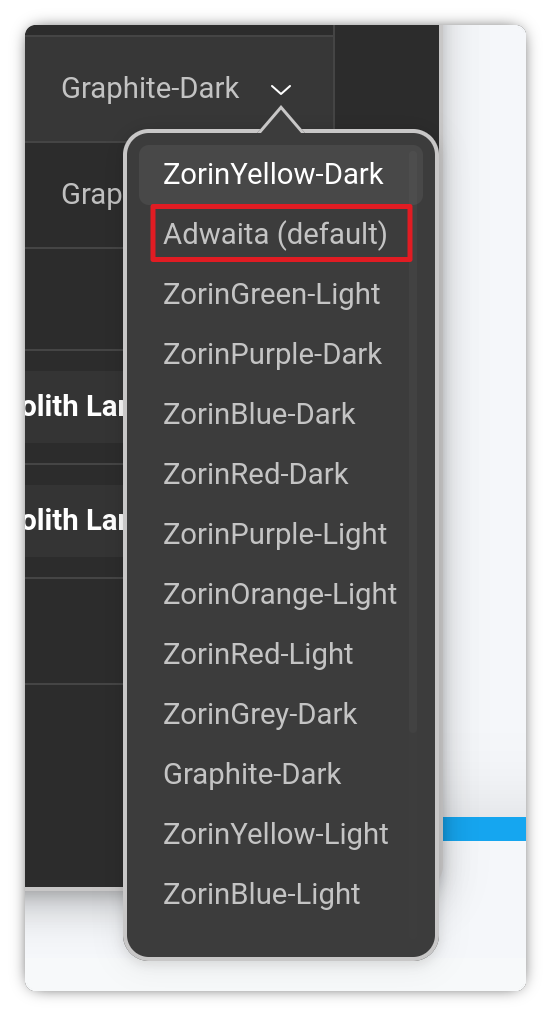
guys fr what is happening, i thought it was gonna be fine...now i regret upgrading... even the adwaita theme is modified
I hoped to get clean adwaita, now i got problems... How disapointing
If there was a way to get the clean adwaita stock shell theme and icons that i see on other distributors i wouldn't have upgraded.... Im restoring back to 17 with timeshift
Zorin OS 18 uses a higher Gnome version than Zorin OS 17 did.
In the later Gnome, the “Applications” appearance selector was removed by Gnome in order to enforce adherence on GTK4/LibAdwaiata.
Your topbar and panel glitch on Login: Are you using Wayland?
I am not sure on the cursor, but it sounds like GDM is initializing before the cursor theme is loaded.
Nautilus crashing: This... is a common complaint.
I suspect that the enforcement of GTK4 is the likliest culprit since GTK4, unlike GTK3 is very intolerant of theme overrides.
It is more strict and if a LibAdwaita injection fails, Nautilus will crash.
I am not sure about GDM's handling of fractional scaling.
If by "Gnome shell theme is messed up", you are referring to the Panel being a dark black rectangle, this suggests the shell theme is not being loaded. Is it the Zorin Theme?
I believe that removing the "splash" from your grub file will inhibit the Plymouth theme on login and log out.
In the above guide, you would merely be removing the splash parameter, not adding any new ones.
I mean that the ui of gdm is bigger that it was on old zorin 17 gdm even if i use both 125% fractional scaling and i can even see a slow lag from transition from gdm to xorg cause of my high dpi screen... Thanks but i reverted back... I want to know for how long will zorin 17 be supported... And if there will be any way to download the stock icon theme and shell theme
@Aravisian Im refering to the stock gnome icons and shell theme
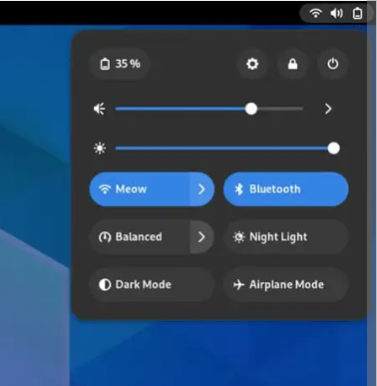
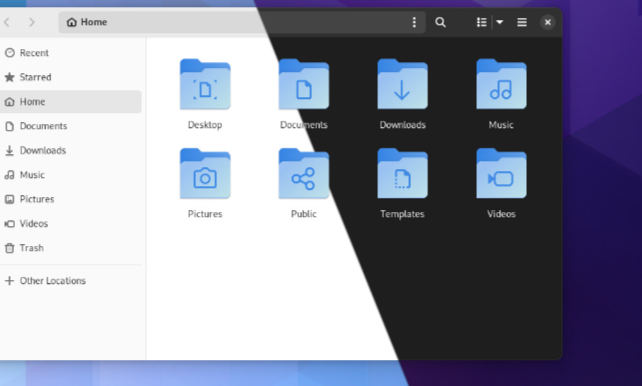
The fancy ones ones stock gnome 43 shows... Now i only have an adwaita icon pack and its ancient
Also a "default-pure" shell theme existed that was actually the stock one, but it was verry buggy from quick acess to taskbar to gnome menu, it had theming mistakes... I need to get the original adwaita shell theme for my gnome version as it is not included
For Gnome Tweaks: Did You tried it with uninstall it and then install it again? With the higher Gnome Version Gnome Tweaks has a different Version, too. Type:
@Ponce-De-Leon The default adwaita shell theme is not available... There is only a "default pure" theme that is broken... Also the adwaita icons are ancient both seem to be from a old gnome 40 build and look nothing like the fresh gnome shell theme and icons in gnome 43
Basically I want to get the fresh stock apearance of gnome 43 like the images above from debian 12
Any way for @anglaro to re-install the entire OS while retaining data? I think that might fix these issues, as a broken upgrade might affect stuff too (maybe that's why the default Adwaita theme is also not visible)
@swarfendor437 switching to another DE (Desktop Environment) might work than any other heavy-lifting. Good suggestion!
In my experience, MATE Desktop environment was very slow and unresponsive at times. I think if you wanna switch to another desktop environment, i'd genuinely suggest cinnamon. It's really thought out and all the settings are organized and at your fingertips, along with the easy customization, etc.
You can try all desktop environments if that works, but i'll summarise what you can choose:
KDE Plasma: If you have a high-end/good performance computer and prefer granular customizability+user friendly controls, you should go with this.
Cinnamon: If you prefer the Zorin/Windows style looks, on a low-end/high-end computer but also with user friendly/well thought out interface, this should be your choice
Budgie: I never had a good experience with the Budgie distro (even after a two-time re-installation, especially on a HDD based laptop) by their founders, Solus, but the interface was decent and looks like Cinnamon in a modern wrap
LXDE, XFCE and MATE are for low-end computers, go with none if you currently have a smooth experience with Zorin.
I've had to delete my VM of Zorin 18 after playing with Cinnamon. Could not get gdm3 to work again. I have a second VM to look at for few more bits for the Unofficial Manual.
My preference is for systemd-free OS and PCLOS Debian does a Cinnamon spin (as well as Plasma, budgie, MATE and xfce). The only systemd OS I would use these days is Q4OS Plasma and lowend machine, Q4OS Trinity DE.
Thats what I was wondering too @Aravisian... Is it possible to switch to sddm and kde plasma? If so how should i update my system then? From discover? Cause I heard packages may break if i use zorin updater
It is perfectly possible. On Zorin OS, you can install any other D.E.
However... if you decide to remove Plasma - it will be like pulling teeth. So be warned about that... It will need also searching for and removing Breeze and other remnant KDE packages.
No, they won't break using updater. The only way that can happen is if your source Plasma from a repository other than the Main Universe to supply system packages.
And you don't need to since SDDM and Plasma are both in the Universe repo.