Wanting to install Z on a USB.
USB plugged in.
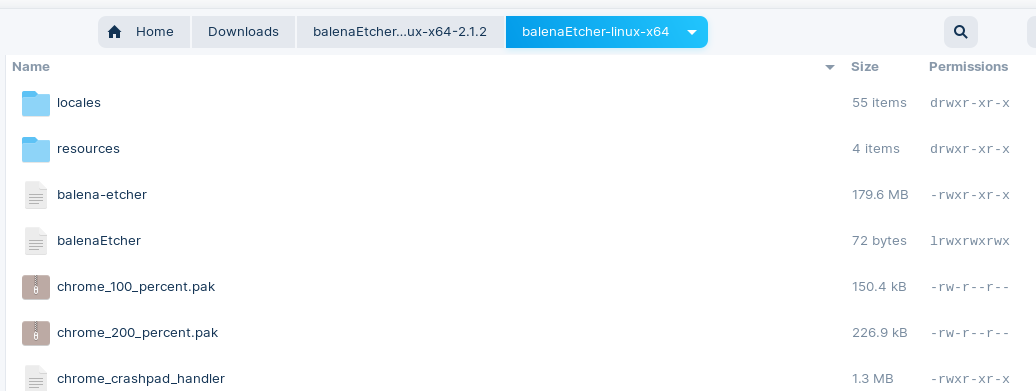
Downloaded bE and on click get the panel
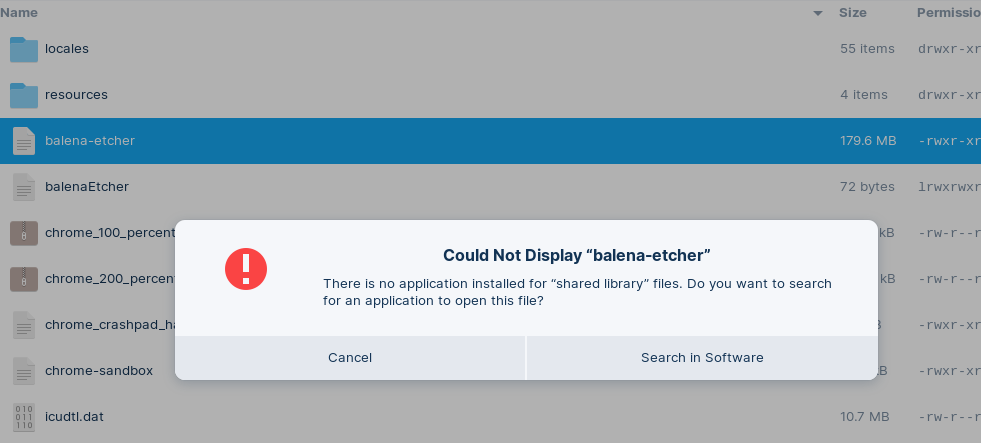
Could not display "balenaEtcher"
There is no application installed for "shared library" files. Do you want to search.
Not sure where to go.
Wanting to install Z on a USB.
USB plugged in.
Downloaded bE and on click get the panel
Could not display "balenaEtcher"
There is no application installed for "shared library" files. Do you want to search.
Not sure where to go.
What Operating System are you installing Balena Etcher on?
Hi,
BE is in Dloads on Z16Pro.
Want to load the USB with ZLite, boot to it then format my backup drive to backup current system, so I can upgrade to 17 ! Whew !!
Have you followed this guide:
- On Linux. If you downloaded a .zip file for balenaEtcher, you need to right-click on this file in the Files app and select “Extract Here”. Afterwards, navigate into the newly extracted folder and double-click on the first file named “balena-etcher” to launch the app.
Yes I did but when I clicked on the name as suggested, I got that error above.
'Could not display BE'
No application installed for 'shared library'.
Obviously I'm missing something.
Recently, many problems have been reported with balena etcher.
You could also try using a different tool to create the bootstick instead. If you use Windows, Rufus is recommended, under Linux you can try it with ventoy or popsicle.
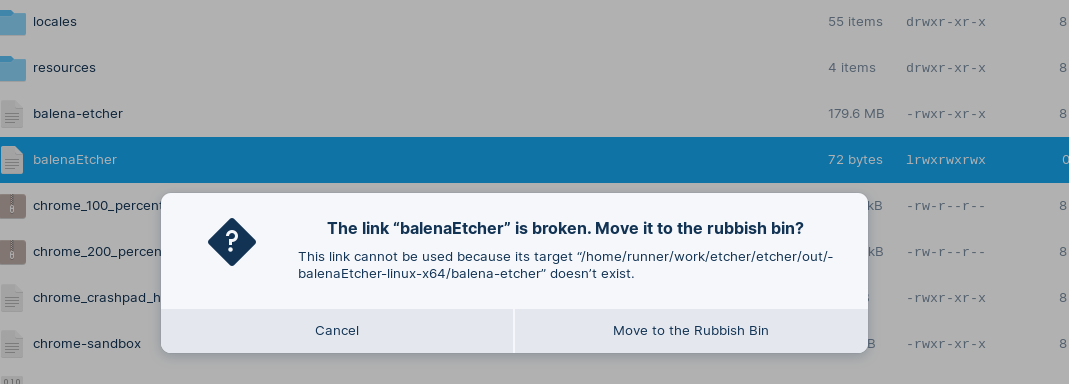
Did you click on balena_etcher or on BalenaEtcher?
The one with the Underscore will work. The one without it will throw an error.
Perhaps this helps:
Often is described that libfuse2 is needed to get appimages on ubuntu 22.04 to work because they use libfuse2 and ubuntu 22.04 uses libfuse3.
When you download Balena Etcher make sure that you choose the right version for your computer. There is a 64bit version and a 32bit version.
Edit: Sorry, you are on Zorin 16 that is based on ubuntu 20.04. There libfuse2 should already be installed. But you could check if the 64bit/32bit is chosen correctly at download or follow the steps in the link for ubuntu versions <21.10.
But if I were you I'd only check the right version, the permissions and if it is executable and if it doesn't work then I'd switch to another creating bootstick tool.
Did you right click the balena_etcher and select Properties - Permissions - give it Executable permissions?
You can get the .tar.gz ones for Linux
https://github.com/ventoy/Ventoy/releases/download/v1.1.05/ventoy-1.1.05-linux.tar.gz
As an Alternative to Ventoy, You could use Impression, too. You can find that in the Software Store.
Thank you.
Finally got Ventoy installed and see an external 640GB drive is formatted
NTFS/exFAT/HPFS (Bootable) exFAT (vers 1) Mounted.
I have Zorin-OS-17.3-Lite-64-bit-r2.iso the above 640GB. Only file there.
I have a USB stick formatted WD95 FAT 32 /dev/sde1 8G - 6.3GB free.
Also..
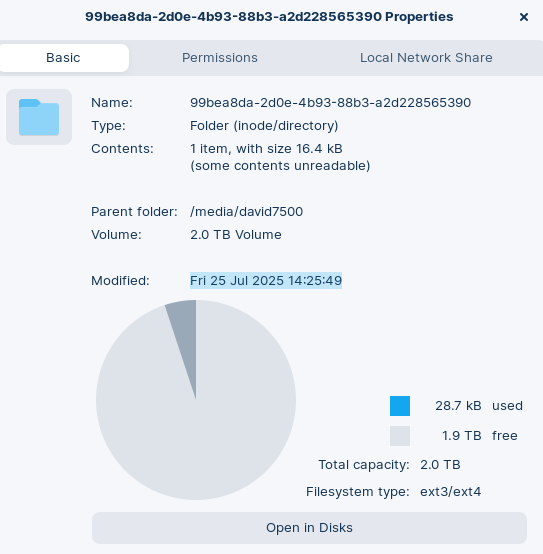
I was also able to format the 2TB BackUp drive that I have not been able to backup.
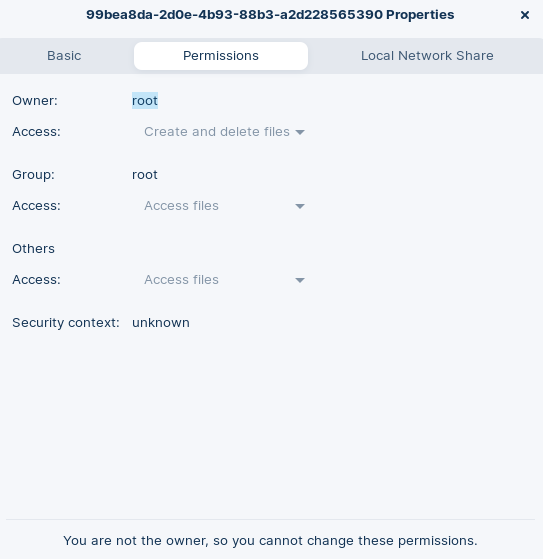
After I formatted it, I tried to do a fresh Backup but it too failed due to permissions.
I tried to change them but don't know enough.
I attach screen shots of the error.
If the 2 TB disk is only a data disk and no os on it, you can take ownership in disks when you select this drive and click on the cog icon. Then choose "Take ownership". You can give your user read and write permissions there.
This topic was automatically closed 90 days after the last reply. New replies are no longer allowed.