Hi there!
I see there are some apps for battery management, but I cannot figure out under which conditions it would make sens to install and/or run them? I find opinions from "yeah absolutely" to "hell no" or "its just not necessary".
Why is that, and whats your opinion on this. Or what are the conditions that make using one/some of them reasonable?
The question is what you want to do with ?
I generally suggest installing TLP if a user complains of seeing reduced battery life. If you are not seeing that symptom, then you do not need to install it.
You can if you want to - I would not categorize it as risky.
The only reason I can see someone would recommend against TLP is that in rare occasions, due to it being a power saving software, it can interfere with USB or WiFi performance.
Optimizing battery usage for maximizing the laptops runtime.
Any other things that it could be useful for?
Can it be good or bad for getting hibernation to work or something? 
so as said @Aravisian you can try TLP or stay with the Zorin battery management and drive it with some bash or extensions.
Speaking of hibernation in some case you will encounter problems with wifi or/end bluetooth, depends of your config
If you are interested in setting a charge limit to your laptop battery, I am using the Gnome Extension "Battery Health Charging" Battery Health Charging - GNOME Shell Extensions
Hello,
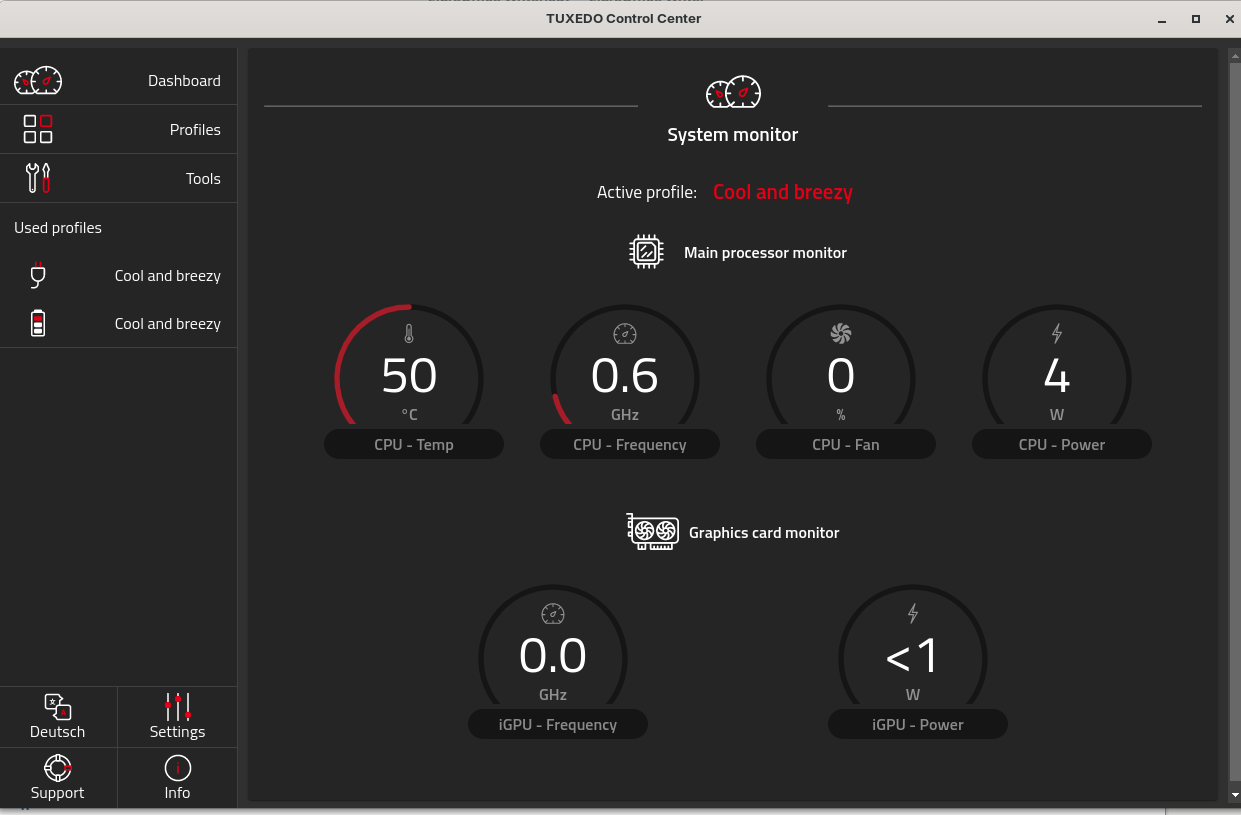
I use on my Why! NS51AU which runs with Z18Pro the ‘Tuxedo Control Center’ developed by Tuxedo Computers for their Tuxedo OS, which is a Linux distribution based on Ubuntu. It allows to control functions such as CPU temperature management, fan control, backlit keyboard brightness, battery management, performance profiles (such as ‘Powersave extreme,’ ‘Quiet’ or ‘Office & Multimedia’), and even the management of the integrated cameras.
Installation:
sudo apt install -y wget coreutils apt-transport-https
sudo wget -P /etc/apt/keyrings/ https://deb.commown.coop/deb.commown.coop.asc
echo 'deb [signed-by=/etc/apt/keyrings/deb.commown.coop.asc] https://deb.commown.coop/ noble main' \ | sudo tee /etc/apt/sources.list.d/commown.list
sudo apt update -y
sudo apt install -y tuxedo-control-center
This topic was automatically closed 90 days after the last reply. New replies are no longer allowed.