if the pointer was working yes I could go to settings
or go in terminal and run this command
sudo lshw -numeric -C display
I am aware of that, if you can tell me how to operate Zorin without a mose I might be able to get some where, and I don't mean to sound ungrateful but shall I restate my problem and start again?
fine thank you. Try to reboot and we will see
back at the ZORIN desktop with a flickering pointer, which will not select anything
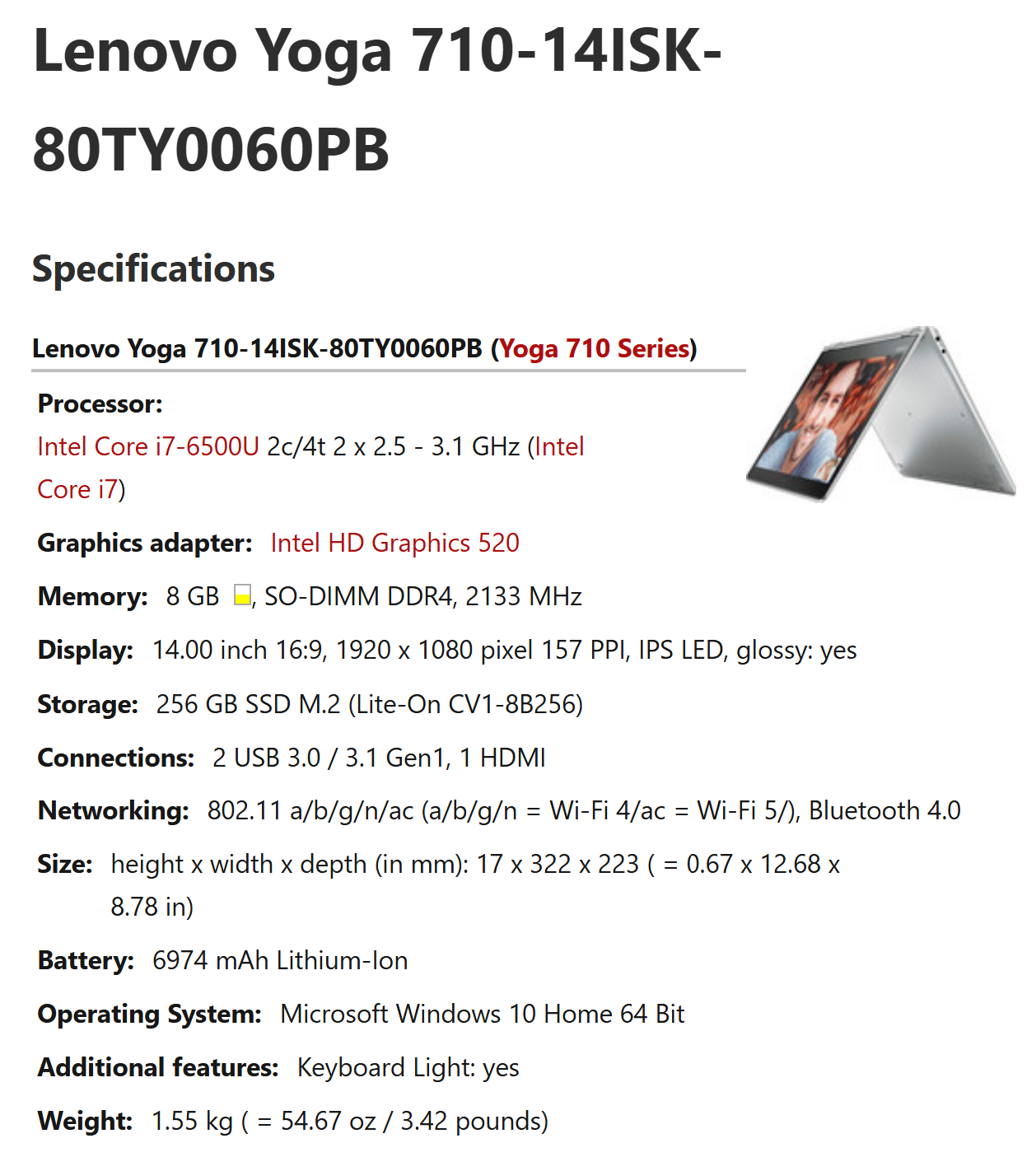
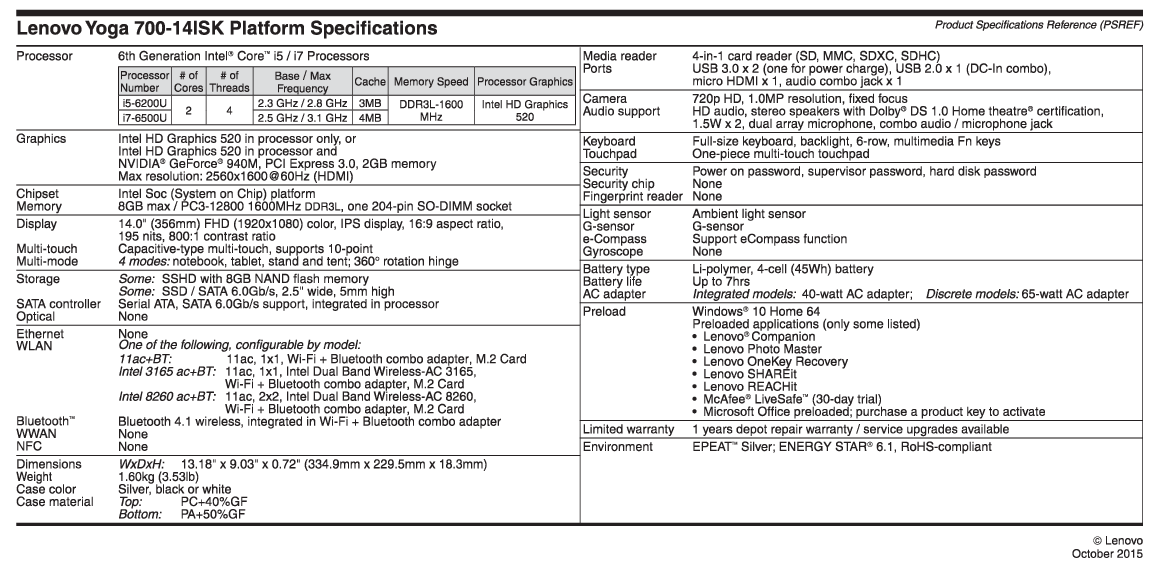
It took me time to get to this specification. @Profff beat me to it. But here is anyhow:
just for info I am communicating via a windows 11 descktop with 256 ram a high end nvidia graphics card and a ryzen 9 processor
I am 80 years old and have been repairing/updating etc, Windows machines since the early 80s, there is a little clue in the name
go in terminal with ctrl + Alt+ t and show me the result of
sudo lshw -numeric -C display
a daft question, what is the character in front of the shw?
Lower case "L"
It's best to cut and past the whole command line that is given, to avoid typo's.

show me the output of
uname -r
6.17.0-35-generic
and you say you can'y use your mouse, it's usb or bluetooth ?
its a built in touchpad
tried a usb mouse with the same results
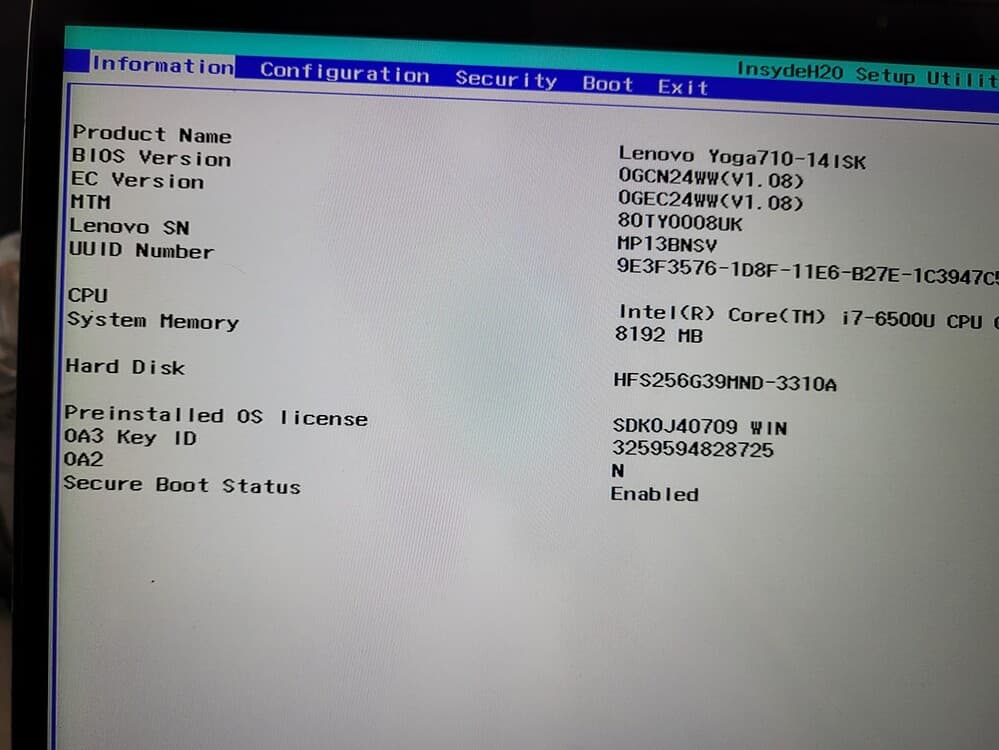
could you go to your bios and disable secure boot please