I searched here, but the newest comments I could find about images was for Zorin 17 and 16 from two or more years ago.
I'm totally new to Linux. Been using PCDOS/MSDOS and Windows since the 1980's. I still use Win XP and Win 7 daily. (I hate Win 10 and 11, so I'm trying Linux)
Late March of 2016 I installed Zorin 18 core, and it did a few updates over the next 2 weeks. On 4/14 or 4/15 I was prompted to install another update which I did. Then last night 4/16 I started my laptop (Dell Latitude 5400 i5) and something got hosed with tons of lines of text scrolling. It also changed my BIOS date/time setting to another date and time. After a while trying to fiddle with it I gave up and reinstalled Zorin 18 Core ISO image from late March.
What is the best/easiest method to copy the entire SSD with all settings and applications etc to usb hard drive (or flash drive) so I can use the image to replace whatever might get corrupted in the future?
An Update shouldn't be able to do something like this ... Did You tried to switch to an older Kernel for the Case You got a Kernel Update? Can You remember what Update/s You got?
After the initial problem I shut down by holding the on/off button for about 20 seconds. I rebooted and was presented with three options (which I photographed for myself)
Zorin OS
Advanced options for Zorin OS
UEFI Firmware Settings.
I tried the UEFI (they used to call that BIOS, but things change). The first thing I noticed was the date had advanced one day and the time was about 20 hours off. I reset the date/time, shut down and restarted with F12 and set it back to something that said "best previous working setting" or something like that.
Rebooted and then tried "Advanced options for Zorin OS". Which listed 4 options which I did not write down or photograph.
The top two ended with .20
The bottom two ended with .19
I tried all of them, and then gave up and reinstalled Zorin 18 that I originally download in late March. It is currently showing "6.14.0-37-generic" and is working fine, but I lost a number of settings, printer settings, etc.
It is working great now. I want to reinstall printers and a few other things, then create a bootable image before trying any more updates.
Rescuezilla is Cross Platform to. It is the best method to backup the entire drive. Timeshift is good for keeping snapshots of '/' your root file system. I always manually partition GNU/Linux at point of Install so '/home' is always separate, that way if the system goes west you only need to reinstall to '/'.
Ventoy. There have been numerous problems caused by Balena Etcher. The beauty of Ventoy is that it creates two partitions on your USB. The first one contains the launch program which holds the boot menu and boot options, together with a MOK utility to allow you to enroll your chosen .iso into EFI, especially useful if you are dual-booting or you have a notebook with tetchy EFI settings. The second largest partition holds all your .isos and or other assets. So for example you can hold multiple .isos and other programs (Balena Etcher concentrates on creating a single bootable media).
On a 64 Gb Thumb drive I have Antix, MX-Linux, PCLOS Debian isos, Q4OS, LMDE 7, Hiren's Boot CD 15, Rescuezilla, Comodo Rescue Disk, Ultimate Boot CD.
Unlike Balena, you just create the USB, then simply drag and drop your downloaded .isos into it. When you mount and open the Ventoy media in Files you don't see the boot partition, just the partition where the .isos are stored.
I would say Etcher. The Process is simple. You start it, choose the USB Stick, the ISO and that's it. The Interface is simple, too. But when using Etcher sometimes the USB Sticks can be a bit problematic.
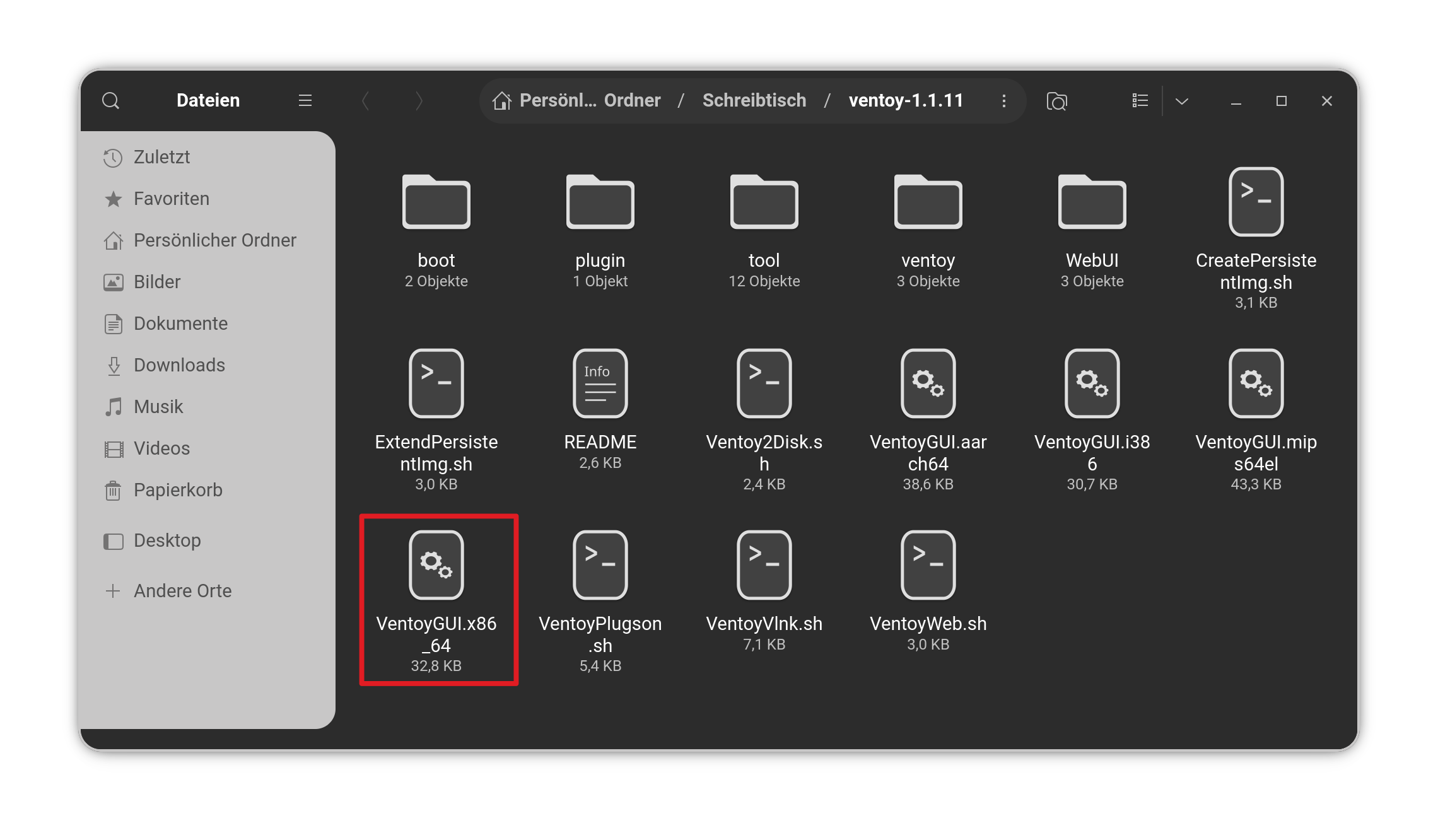
Ventoy is a fine Tool, too. But I wouldn't see it as ''newbie friendly'' in the Way of Installation - except You use the GUI Tool what comes with it. When we reduce it to that, it is fine, too. The Thing is: When You download Ventoy, there are a bunch of Files in it and the GUI Tool isn't directly outstanding.
But when You know for what You look for, Ventoy let Etcher behind it. Especailly becuase You can set it up for Legacy BIOS with MBR and UEFI BIOS with GPT Sheme. That is a good Point. It also can add Secure Boot Support.
So, because of that, I would recommend Ventoy over Etcher - even when it might in the first Usage not so comfortable.
Timeshift sounds pretty good. I installed it using all the defaults, so hopefully that works.
I sure miss Norton GoBack. I used it for many years, and it never failed me. I could turn back individual files, or my entire hard drives from a few minutes back to days or weeks back.
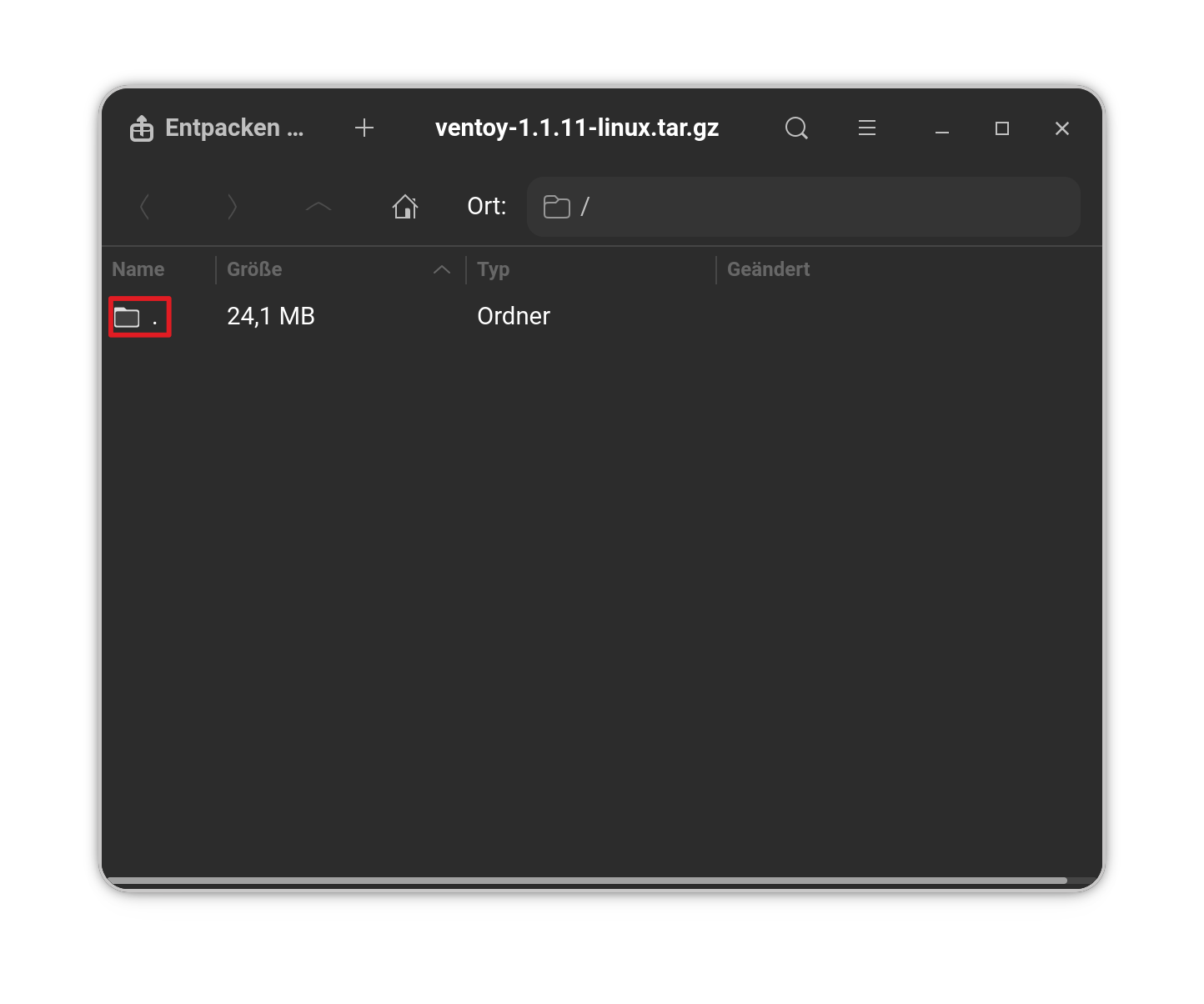
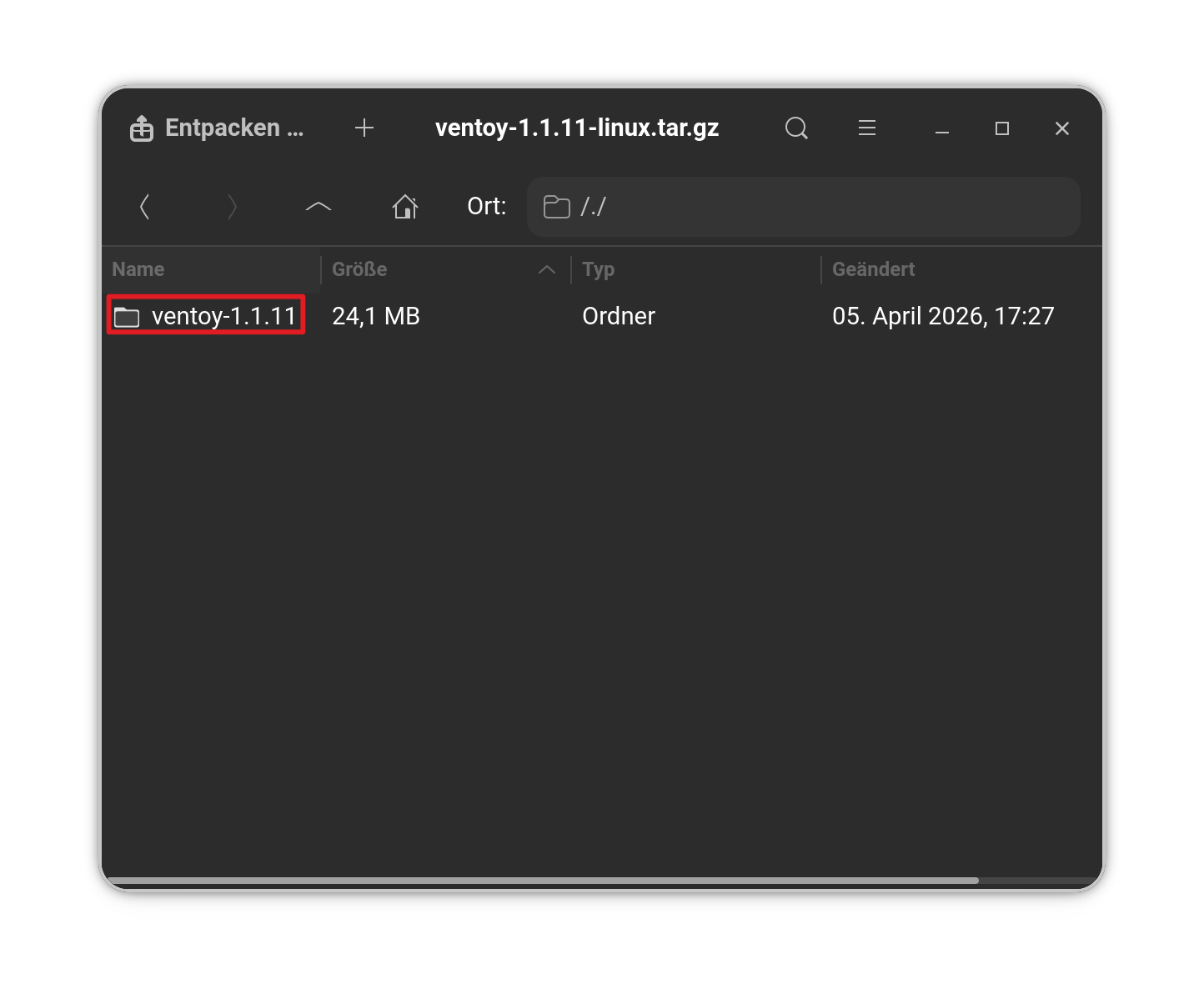
Extract the Ventoy Folder. When extracted, open the Folder and You will see a couple of Files and folders. To use the GUI Interface for setting up Ventoy, double-click on the File VentoyGUI.x86_64
Just to add my daily driver has Ventoy included in the OS. Awhile back I put one of my Ventoy USB drives in, launched the program and it updated my Ventoy on the stick without upsetting the .isos.
Just a quick question on this topic. I have several Samsung Bar 256GB USB drives at £30/$40 each, so I'm not keen on risking them. So far my experiences with Balena have been fine, but while researching problems with it I came across recommendations for Startup Disk Creator. There are two versions which appear to offer identical performance; I've kept the black interface one just for the aesthetics.
Has anyone any experience of these apps, and any comments on them? They are both sourced from Zorin.
 I can't remember the last time I ever made a backup of my system, probably some 200yrs ago.