BIOS, drivers, and SD card readers

So, this is a loaded one. Open challenge to anyone savvy enough to help; I am here today asking on the forums because I don't see any feasible alternative. Straight into the meat, meet my daily workhorse.
HP Pavilion P7-1020
AMD Phenom 2/x4 960T Quad
24GB DDR3 2x8 2x4
GPU irrelevant, its slated for replacement.
For those curious, I already did some digging on the MOBO- AMD 785G chipset. Obviously, AM3 socket.

Having a slew of sudden issues with it on Zorin. About that quickly; Been using Zorin for over a year on an old Toshiba laptop. When I got ahold of this PC, it needed drives. I didn't like it booting from a HDD, so I pulled the SSD out of the Toshiba. No reinstall, just a quick driver update it seemed good to go.

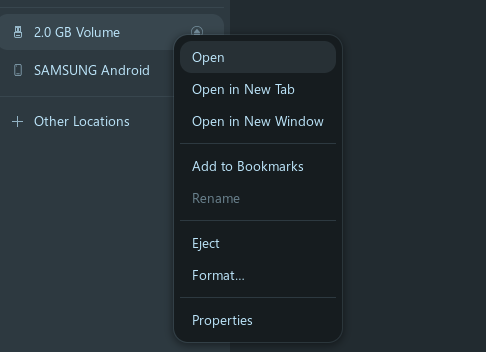
Suddenly, its not. The first issue I'm having right now looks like a part replacement. The SD card reader can detect SD cards, but can't access them, and attempts to format error out- usually a quark error, but the SD cards work perfectly fine in the camera I used them in; and that same Toshiba laptop now with an entirely different Linux distro can as well. The strange parts are the MemoryStick reader fully functions, event successfully formatted 3 times in a row without error. Stranger, the SD cards work just fine connected to the PC via USB dock. Ugreen's, and this random Sunpak one I've had for a long time. Only keep the thing because its ported USB 2.0. Am I looking at a part replacement, or this going to be a case of driver/OS incompatibility?

Next up in line, on subject of drivers: The process seems clear enough for another distro like Mint. The issue is, HP only officially supports Windows. Have to be creative with installs under Linux, as Linux by nature can't do .exe. So I first need the drivers, wherever I can find those because this PC seems only exist on my desk, and then I need a way to install them.

Wrapping this up with the BIOS/MOBO firmware. I eventually do want to step-up this PC, there is a more powerful Phenom in the line-up I'd like to use in it coupled with ensuring maximum GPU compatibility. The one its got is failing, my spare GPU is a less powerful card, and my good GPU is already in use by my DIY Steam Machine. So again; I first need the BIOS to flash, and then a way to flash it because HP only officially supports Winblowme.
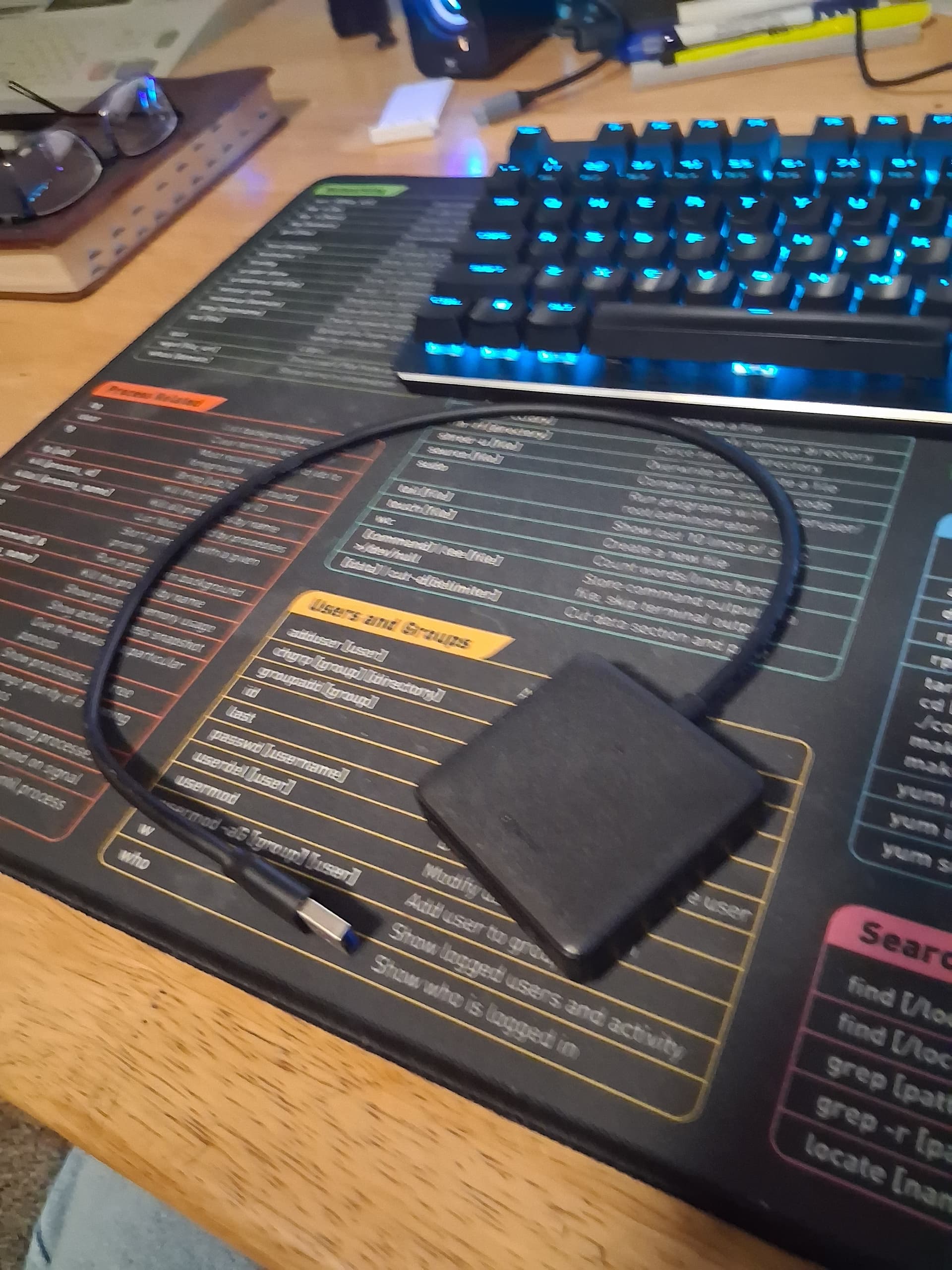
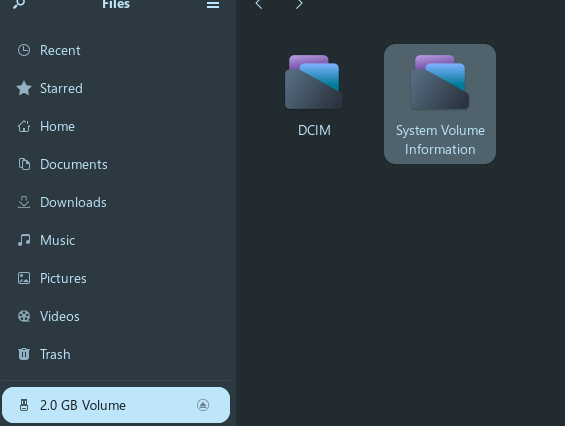
as for sd cards i use this


made by benfei i just plug it into a usb slot.....plug in a micro sd card or bigger then it lets me read/write/format and so on

2 Likes

1 Like

Hi and welcome.

Drivers are not separate like Windows. If there is a hardware driver available it is within the Linux kernel.

The exception to this is where individuals have written hardware fixes for particular hardware, such as wifi code fixes as a example.

In terms of BIOS update, the fix I recommended to another forum member that worked is to download a copy of Hiren's Boot CD, copy the .iso to a Ventoy created thumbdrive and boot that. Hiren's boot cd runs a cutdown version of Windows 11.

1 Like

Mmm. Yeah, been trying to avoid having to use Windows here, but if there is no alternative that can't be helped. This machine doesn't support USB flashing, so an OS is the only option. Problem with these retired deskhogs and old high-end home PCs. Thanks for the other info, saying I've been using Linux doesn't always translate to knowing how things work behind the scenes.

Hello and welcome,
You can try to boot to Older kernel

  • Restart the PC and press Escape during boot to access the GRUB menu (may also be accessed with Shift)
  • Select "Advanced options for Zorin OS"
  • Here, you can see the available kernels to boot into. Choose an older one (without recovery option), if you see a 6.* version it could be better for your hardware

Checking the specs of your HP Desktop it has an Optical Drive. You could burn Hiren's Boot CD to a Disc and boot off that to install your BIOS update.

Welcome to the Forum!

Do You need an extra Program to flash Your BIOS? Aren't You able to do it directly in the BIOS with a BIOS Update File?

I don't know what Drivers You mean in specific but on Zorin, You have the Kernel, linux-firmware and Mesa (and Nouveau) as Driver Fundaments. Normally, that should be enough. There are some Exceptions like some Wifi Modules where You have to install Drivers from the Repos seperately or Nvidia Drivers but external Drivers is not directly a common Thing.

Because of Your Hardware Specs, I would think, that an older Kernel might be neccessary. On Zorin 18 is 6.8 the oldes supported Kernel. When that still shouldnt be old enough, You might have to take a Look at Zorin 17.

3 Likes