Hello everyone
I have an old Lenovo B51 laptop that I want to switch to a more lightweight OS as its age has gotten the better of it and Win10 is a heavy load for it these days.
Firstly, I have absolutely zero experience with Linux or the terminal, not a power user. I do understand how to do something if explicitly explained step-by-step, and I have searched around for a solution to this.
I've configured a Hyper-V VM for this. 2GB RAM, 50GB virtual hard disk, Generation 1 virtual machine.
My original PC specs are:
Summary
Intel(R) Core(TM) i5-4590 CPU @ 3.30GHz (4 CPUs), ~3.3GHz;
8192MB RAM;
Page File: 12676MB used;
DirectX Version: DirectX 12;
Operating System: Windows 10 Pro 64-bit (10.0, Build 19045) (19041.vb_release.191206-1406);
GPU:
Card name: Radeon RX 580 Series
Display Memory: 12213 MB
Dedicated Memory: 8170 MB
Shared Memory: 4042 MB
Current Mode: 2560 x 1440 (32 bit) (60Hz)
Monitor Name: AOC Q3279WG5B
I have downloaded the original ISO for Lite (I also downloaded for Core, to check the difference in real life use to decide what to install on my laptop at last)
After a nominally successful installation of Zorin OS 18.1 Lite on my VM, I start the machine up and I can see the Zorin logo flashing, writing Zorin, and then this black screen appears with the white underline blinking, but it doesn't respond to me typing anything.
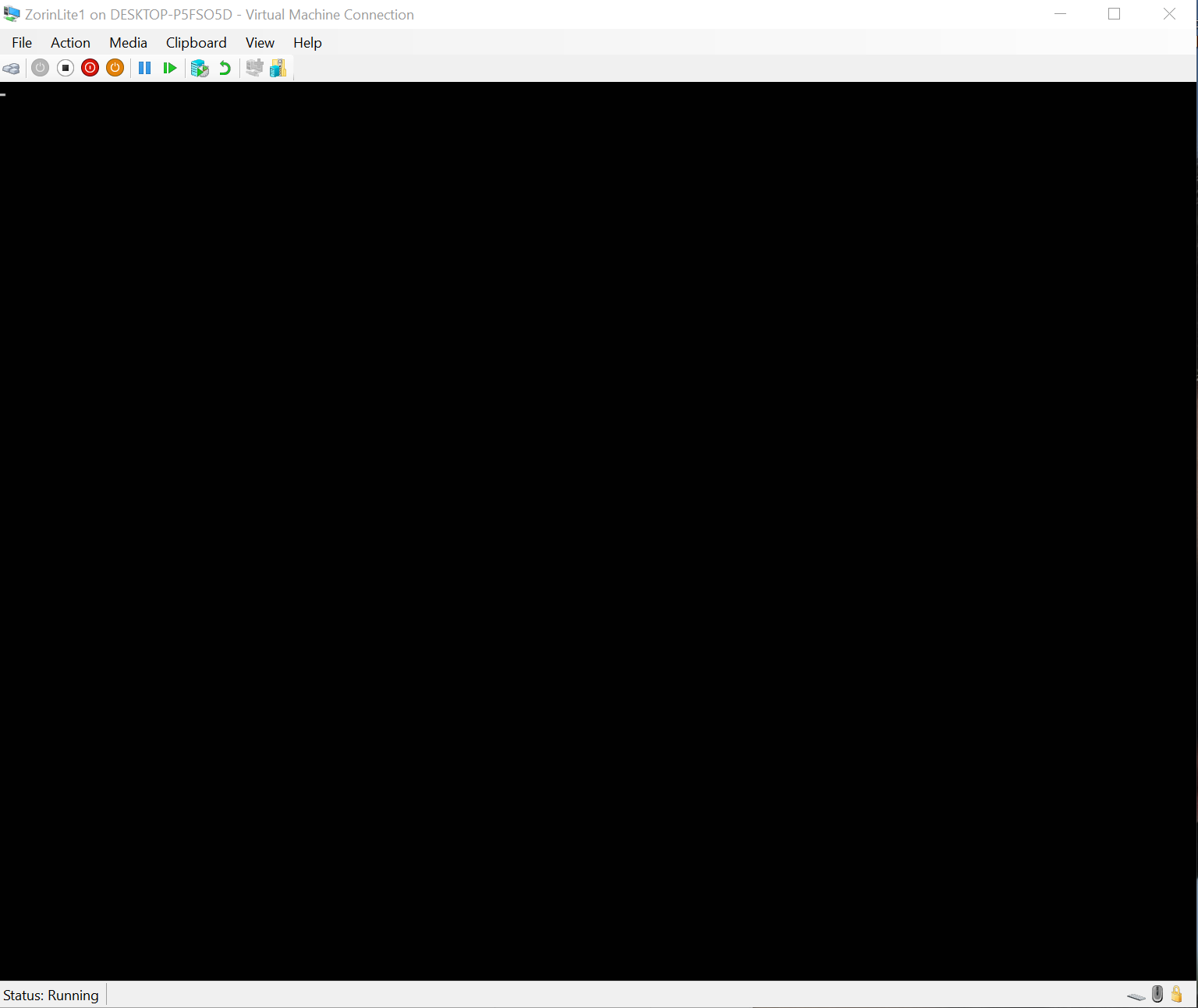
I have asked Deepseek AI about it (it sometimes helps me with PowerShell scripts for faster work being done on some stuff on my Win PCs), and it suggested the following approach
- enter terminal (Ctrl + Alt + F2)
//this worked - sudo apt update
sudo apt install linux-azure
// this worked, required login into account, finished ok - sudo nano /etc/default/grub
// this initially didn't work or I typed it in wrong, the file that the text editor opened was empty. copy-paste doesn't work. - sudo update-grub
// this worked and there was a new proper file for editing - Back to step 3 but now it works
- edit GRUB_CMDLINE_LINUX_DEFAULT="quiet splash" into GRUB_CMDLINE_LINUX_DEFAULT="quiet splash video=hyperv_fb"
- sudo update-grub
- Restarted the virtual machine
Same problem persists
Then I restart it with the virtual CD of the ISO (to install again) and I click the one-time-use option (to run ZorinOS from the virtual CD ISO) and the same thing happens, black screen and the blinking underscore. Accessing the terminal through CTRL+Shift+F2 again works but now asks for password for zorin.
I have read that this happens due to some graphical issues, but I can not find any instruction on what strictly to do when it happens on a brand new Hyper-V VM.
Please send help 