Black screen with cursor after login – works only after pressing Win+L (different login screen appearance)

CPU: Intel i5-8250U (8) @ 3.400GHz
GPU: Intel UHD Graphics 620
GPU: NVIDIA GeForce 940MX
NVIDIA driver version: 535.288.01 (the same problem on 570 and 580)
kernel: 6.17.0-14-generic
X11 session

I have a problem after starting my computer. The login screen appears normally, but after logging in I only see a black screen with a cursor.

I have to press WIN + L and log in again — then everything loads normally.

I also noticed that the login screen at system startup looks different from the one shown after pressing WIN + L.

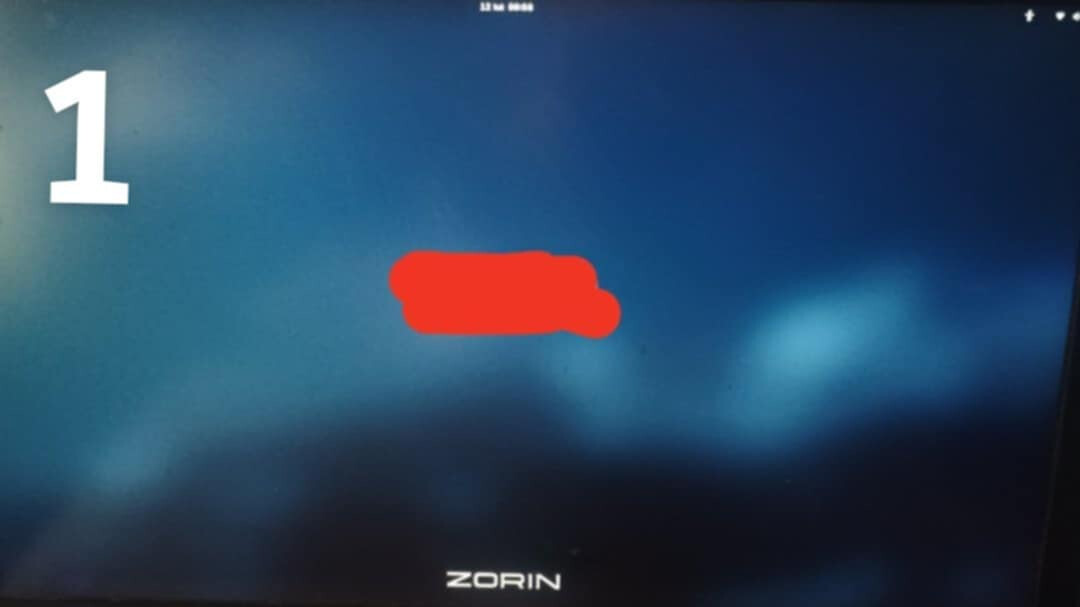
At startup, the background is the default blurred Zorin OS wallpaper.

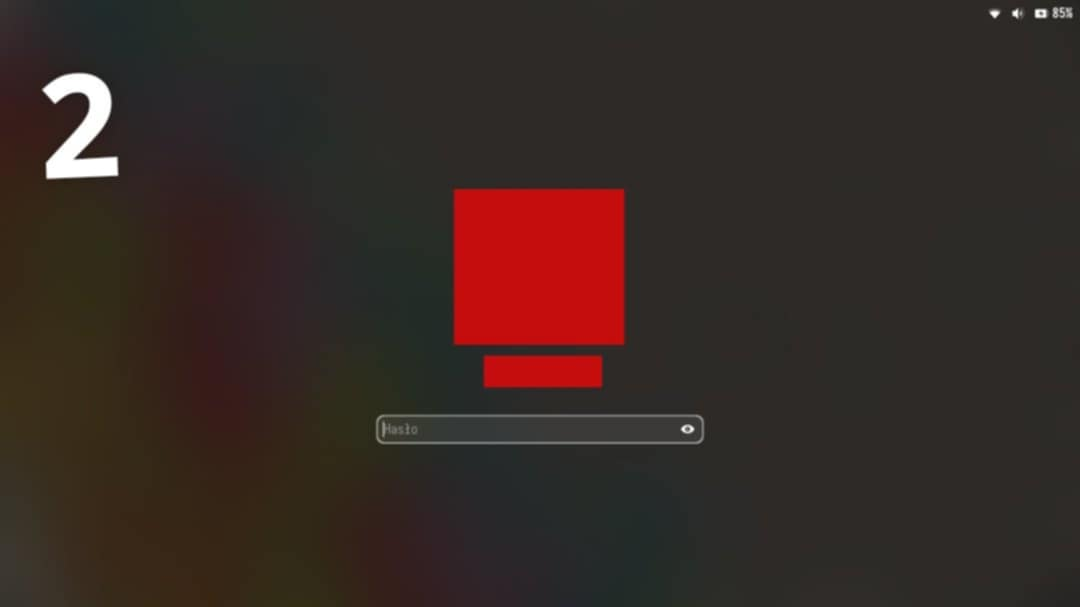
After locking the screen (WIN + L), the login screen shows a blurred version of my current desktop wallpaper and has a slightly different appearance.

Does anyone know what might be causing this issue and how to fix it?

Could be the Lock Screen ... can You make a Picture of it?

Can you try the steps outlined here:

Except instead of using nomodeset, use nvidia-drm.modeset=1 to set the modesetting on DRM.

Please remember to run

sudo update-grub

after saving the file.

My hypothesis is that the hybrid graphics are stalling at init on DRM.

I added:
GRUB_CMDLINE_LINUX_DEFAULT="quiet splash nvidia-drm.modeset=1"
And in /etc/gdm3/custom.conf I uncommented WaylandEnable=false
but I still have the same problem.

Image 1:
The login screen after starting the computer. After logging in, the problem occurs — I only get a black screen with a cursor.

Image 2:
The login screen after pressing Win + L. After logging in from this screen, everything starts normally.


I would suggest to try it with starting in the older 6.14 Kernel to see if this works.

That second image looks like a stock Ubuntu GDM screen. It's blurry... but...

What is the install history on this; has the Release Upgrade command ever been used?

Could you please clarify what you mean by asking whether the Release Upgrade command has ever been used?
I performed a clean installation from a USB drive, and I'm currently running Zorin OS 18 Core. If you're referring to the "do-release-upgrade" command, then no - I have never used it.
Regarding the comment that "it's blurry" - that is simply how it appears on my system.

If I remember correctly, the system was running kernel version 6.14 right after installation, and the issue was exactly the same.
Currently, I'm using kernel version 6.17.0-14-generic.

I think there is the Ubuntu Logo at the Bottom missing to be that.

@bazoook: Okay, let's try the Following: Type in the Terminal sudo apt reinstall gdm3 zorin-os-desktop

After running the command "sudo apt reinstall gdm3 zorin-os-desktop" the desktop still looks like in the first screenshot right after boot. However, after pressing Win + L, the screen looks like in the second screenshot, and the desktop loads normally.

So it seems that the issue has most likely been resolved.

Thank you very much for your help.

So, You can now log in normally without Black Screen?

I started the computer after a few hours, and the problem still persists. The screen remains black with only the cursor visible.

Hmm ... only to be sure, could You switch to the 6.14 Kernel and try it with this?

I previously had kernel 6.14.0-37-generic. The issue was already present before updating to 6.17.

If GDM is loading on the Intel, then it hands off to the Nvidia quickly, it might repeat the login screen at the Nvidia hand off.
And that would explain the wallpaper being your desktop wallpaper...

Can you try using the nvidia-drm.modeset=1 parameter?

sudo nano /etc/default/grub

It will look just like:
GRUB_CMDLINE_LINUX_DEFAULT="quiet splash nvidia-drm.modeset=1"
when you change it.
Tap ctl+o to overwrite, then enter to save current config...
Tap ctl+x to eXit the editor
In terminal, you must now run

sudo update-grub

for the changes to take effect.
You may need to perform a full cycle reboot to test.
I have already set this parameter in GRUB, but the problem persists: “GRUB_CMDLINE_LINUX_DEFAULT=”quiet splash nvidia-drm.modeset=1"

Can you test:

sudo prime-select intel

Then reboot and see if you no longer get that kickback to login?

Nothing changed.

Well, grasping at straws at this point...
Have you tried

sudo prime-select nvidia

Why is it so many problems lately refuse all the normal solutions?